
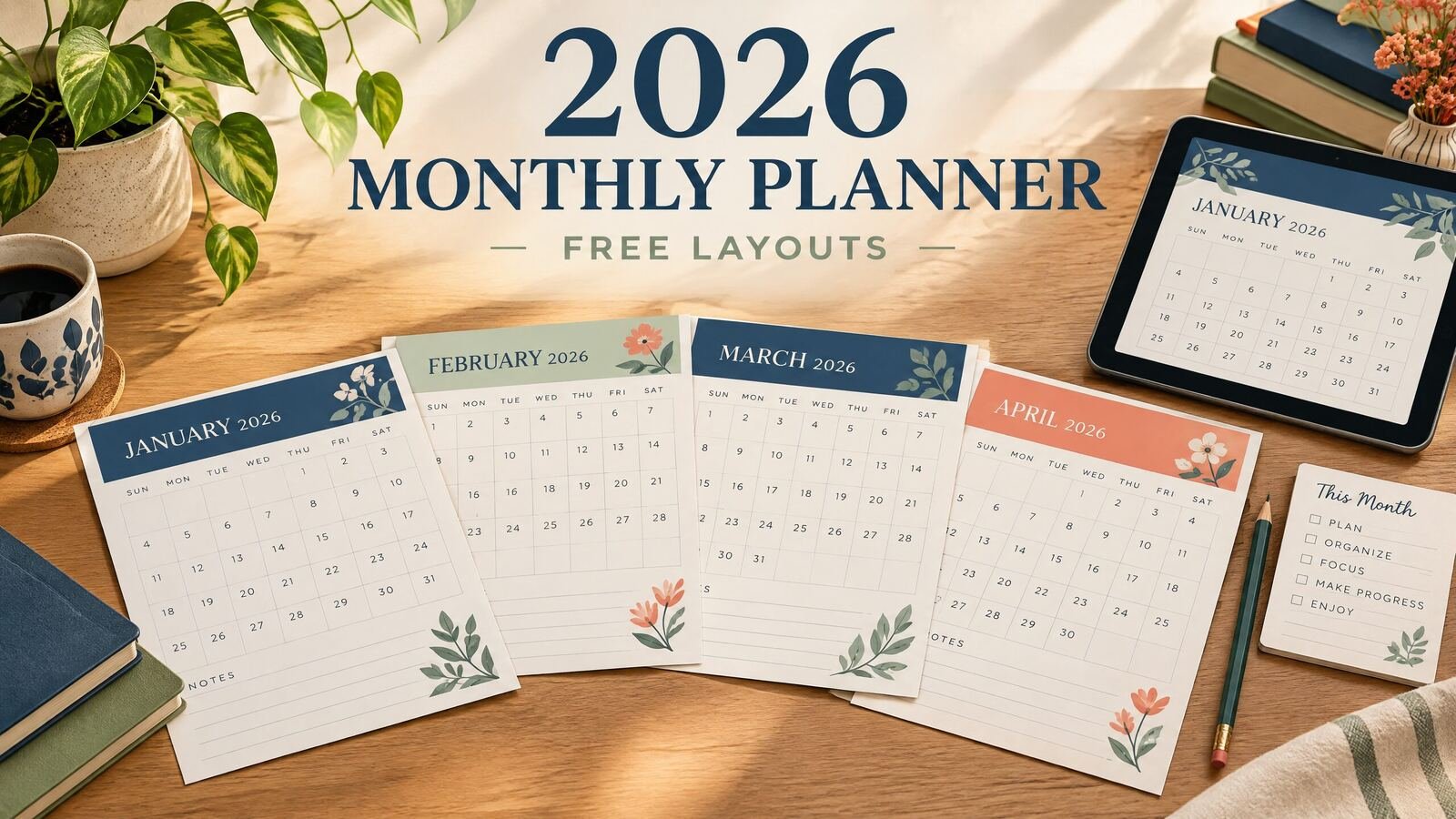
If you need a 2026 monthly planner, choose a layout that shows every date clearly, leaves room for commitments and priorities, and is easy to revisit. A free layout can be a printable calendar, a blank spreadsheet, or a digital page you set up yourself. A paid planner may be a better fit when you want linked pages, extra planning sections, or a ready-made system. The best choice depends on whether you plan at a desk, on paper, or on a device.
Download the free dated 2026 monthly planner
Download all 12 monthly pages for 2026 (PDF)
This free PDF contains January through December 2026, one US Letter page per month, with a Sunday-first dated grid, priorities and notes. It is a static worksheet for printing or annotation, not a reminder app or a linked annual planner. Check school dates, holidays and appointments against their actual source before adding them.
No purchase or email signup is required for this file. Keep a blank original and work on a copy. NexalyPlanner's paid apps are separate products.
Quick answer: Start with a one-page monthly calendar, then add a short space for goals, deadlines, errands, and notes. For 2026, check that the layout includes all 12 months and that dates match the calendar year. Use a free blank layout for simple scheduling; choose a ready-made digital planner when you want a repeatable planning system rather than a calendar alone.
What a 2026 monthly planner should include
A monthly planner is useful when you need to see the shape of a month before deciding what to do on a particular day. The calendar grid handles dates. The surrounding sections handle decisions that do not belong in one small square.
A practical layout usually includes a dated grid, a short priority list, a place for important dates, and notes for items without a fixed date. Add habit, budget, meal, project, or household sections only when they help you plan.
More sections are not automatically better. A busy household may need a wide grid and shared notes, while a freelancer may prefer a compact calendar plus a project list. An undated planner suits changing schedules, while a dated 2026 planner removes the work of adding dates yourself.
If you are comparing formats, the existing guide to how to set up a monthly planner with free templates covers the planning process in more detail. This article focuses on choosing a useful 2026 layout and deciding where to get one.
Free monthly planner layouts: what “free” can mean
“Free monthly planner” can mean a blank calendar image, spreadsheet, printable PDF, or in-app template. Check whether it is editable, fixed in size, or tied to a particular app before using it.
For a simple household calendar, a free layout can be enough. For a project, you may need room for milestones and dependencies, since a bare calendar can become a list of reminders with no clear next action.
Before using a free layout, check five details:
- Year and date accuracy: Confirm that it is actually for 2026. A recurring monthly grid is not the same as a dated annual planner.
- Paper size: USA readers commonly print on US Letter paper, which is 8.5 by 11 inches. An A5 design may look different when printed on Letter paper.
- Editing: Decide whether you need to type into the file or write by hand. A fixed PDF is not the same as an editable document.
- License: Read the usage terms, especially if you plan to share copies with a team, class, or clients.
- Storage: Know where completed pages will live. A paper page, local file, cloud document, and browser-based tool have different backup routines.
A layout that takes 20 minutes to repair each month may cost more time than a ready-made planner that matches your routine.
Which monthly planner format fits your routine?
Use the comparison below as a starting point. It compares formats, not particular products or ratings.
| Format | Best for | Main advantage | Limitation to check |
|---|---|---|---|
| Printable PDF | People who think on paper or want a fixed record | Easy to print and annotate | Usually less flexible after printing |
| Spreadsheet | People who want editable dates, colors, or lists | Cells can be changed and copied | Formatting and print setup take time |
| Paper planner | People who prefer a pen and visible desk reference | Fast to open and independent of a device | Changes can become messy; pages take physical space |
| Digital planner | People who want a reusable system on a tablet or computer | Can combine monthly, weekly, daily, and notes pages | Requires a compatible app or file workflow |
| Browser-based planner | People who want access through a web browser | No paper and simple access from a supported device | Availability and storage depend on the service or setup |
A free printable layout is a sensible first test. Use it for one month and note what you run out of: writing space, task space, project detail, or a place for notes.
If you want to compare a simpler style with a more structured page, see the guide to minimalist planner layouts. If page dimensions matter because you print or use a tablet, the A5 planner size and layout guide explains the practical tradeoffs.
A realistic worked example for April 2026
Imagine Maya, a freelance web designer in Colorado, planning April 2026. She has client deadlines, a school break, a dentist appointment, and quarterly bookkeeping to finish. She needs to see conflicts before they become emergencies.
On the April page, she enters fixed commitments first: April 3 homepage draft, April 8 dentist appointment, April 10 feedback call, April 15 staging link, April 17 school break, and April 24 revisions.
Her three priorities are to complete the Client B revision, reconcile March transactions, and prepare a May proposal. She adds “schedule two bookkeeping blocks” and moves smaller actions to weekly or daily pages.
A “waiting for” list holds Client A logo files and Client B product descriptions. When the school break begins, she moves proposal work to April 20 and 21, when she expects longer work blocks.
At month-end, Maya sees that the fixed deadlines were manageable but the proposal was squeezed between client work and family commitments. For May, she schedules the proposal before optional administrative tasks. The page made that tradeoff visible early enough to change it.
For the next-action step, read The complete guide to planning a day.
How to set up your 2026 monthly planner
Start with the calendar, not decoration. Add holidays, school dates, appointments, travel, billing dates, and existing deadlines. Use colors only when they make the page faster to scan.
Choose two or three monthly priorities. Describe an outcome, such as “prepare the guest room,” rather than a vague category such as “home.” Break it into weekly tasks later.
Add flexible items around fixed commitments and leave open space. A full calendar is rarely a realistic calendar.
Each week, check the next seven to ten days. Move unfinished work to a specific date or clearly named list, and update the monthly page when a deadline changes.
At month-end, review what was completed, what remains relevant, and what should be removed.
If you prefer planning one day at a time, the daily digital planner setup guide explains how to connect a daily layout to fixed commitments and next actions. You can use the same principle with paper, a PDF, or another digital format. For detailed time blocks, compare the hourly planner layouts with the monthly view.
Where to get a 2026 monthly planner
For a side-by-side look at calendar grids and monthly dashboards, see our monthly planner 2026 layout comparison. If a month view leaves too little room for tasks, pair it with a weekly planner template.
Make a free layout in a calendar program, spreadsheet, word processor, or blank printable page when you want a basic dated grid.
You can also use a free template with a clear license and file format. Save a copy, verify dates, and test one printed page before relying on it.
Third, choose a ready-made planner when you want more than a calendar grid. NexalyPlanner’s digital planner collection includes different planning products for students, families, daily focus, content marketing, caregiving, and small business use. The collection describes these as one-time-purchase digital planners with instant download. It does not make the products free, so review the relevant product page before buying and choose based on the sections you will actually use.
Start with the least complicated format that can hold your real commitments. Choose more structure only when you can name the problem it solves, such as needing monthly-to-daily navigation or a project view.
Monthly planner FAQs
Is a monthly planner better than a weekly planner?
Neither is always better. A monthly page shows deadlines and conflicts across weeks; a weekly page gives more room for next actions. Many people use both.
Can I get a free 2026 monthly planner?
Yes. Free layouts include blank calendars, spreadsheets, and printable pages, but check the year, format, paper size, and license. An article about free layouts does not make a paid digital planner free.
What should I put in a monthly planner first?
Enter appointments, deadlines, travel, school dates, and events first. Add two or three outcomes, then place flexible tasks around them.
Is a printable PDF the same as a digital planner?
No. A printable PDF is a fixed document for printing or annotation. A digital planner may include extra pages or navigation, depending on its format and description.
Should I use a dated or undated monthly planner?
Choose dated when you want the 2026 calendar prepared. Choose undated when your schedule is irregular or you want reusable pages. Verify that a dated product covers all of 2026.
What should I do with unfinished monthly tasks?
Decide whether each item is still relevant, needs a new date, belongs on a project list, or should be deleted. Do not carry everything forward automatically.
Key takeaways
- A useful 2026 monthly planner combines a dated grid with space for priorities, important dates, and notes.
- Free layouts can work well for simple scheduling, but inspect the year, format, license, and paper size.
- Enter fixed commitments before flexible tasks so conflicts are visible.
- Use monthly pages for direction and weekly or daily pages for detailed next actions.
- Leave open space for interruptions and changes instead of filling every date in advance.
- Choose a ready-made digital planner when you need a repeatable planning system, not merely a calendar.
- Review the page at the end of each month and remove tasks that no longer matter.
If you want to browse related planning guidance, visit the NexalyPlanner Journal for monthly, daily, minimalist, and digital-planner articles. If a ready-made format fits your routine better than a blank page, compare the options in the digital planners collection before choosing.