
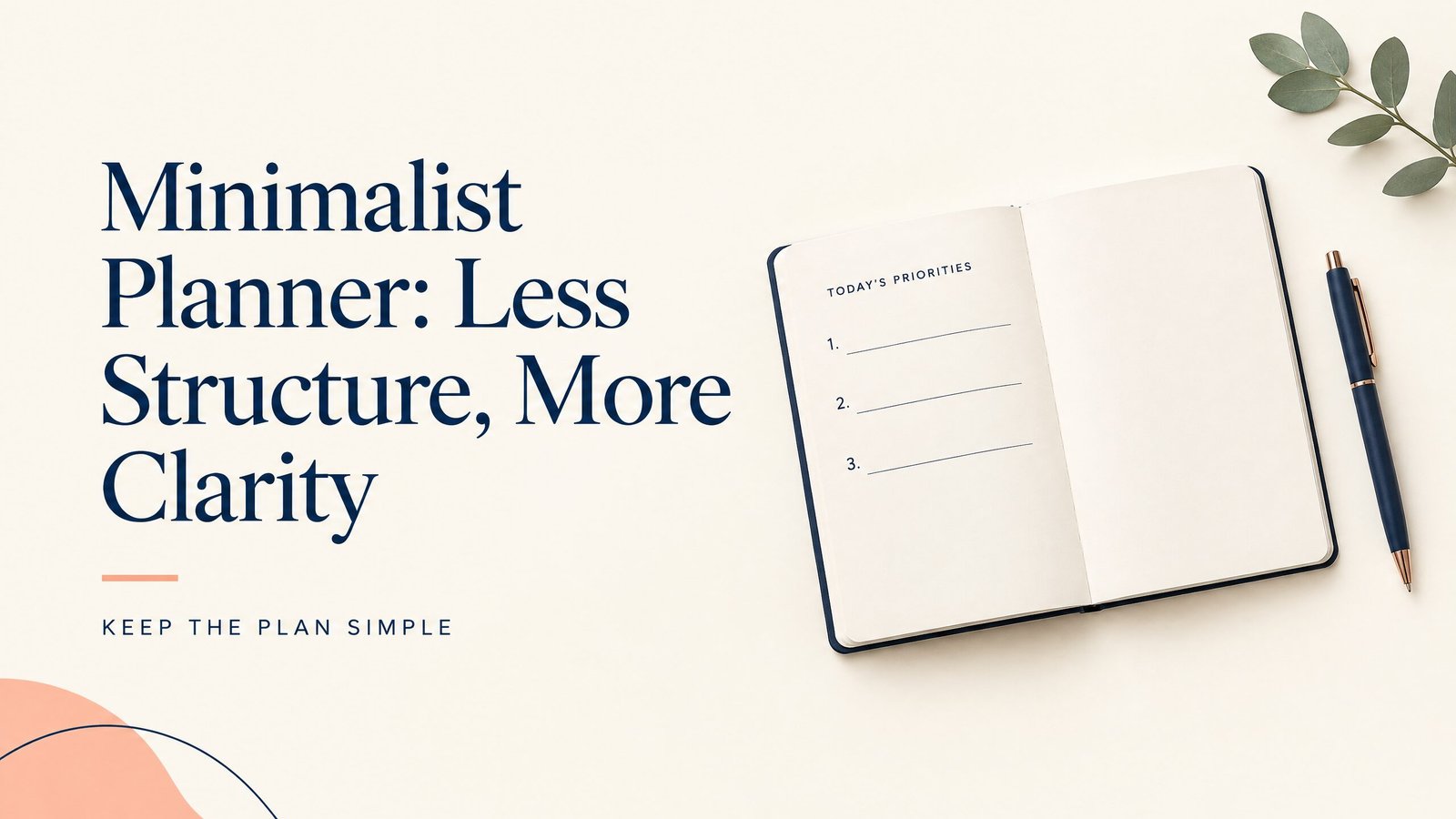
A minimalist planner works by keeping only the information needed to decide what happens next. Less structure often works better because a page with fewer fields is quicker to scan, easier to update, and less demanding to maintain.
Remove sections that do not help you schedule, choose, remember, or review. A useful planner gives the day a clear starting point without requiring every space to be filled.
How minimalist planning works
Minimalist planning starts with three questions:
- What must happen at a particular time?
- What matters most today?
- What information needs to stay visible?
The answers become the page. A dated page might have a short schedule, three priority lines, and notes. A weekly spread might show date blocks plus a space for tasks that can move between days.
This layout separates fixed commitments from flexible work. A dentist appointment belongs on a schedule because its time is fixed. “Draft the proposal” belongs on a task list because you choose when to do it. “Call the landlord” may need a due date but not a time grid.
Here is a concrete daily setup:
- 9:00 team meeting
- Priority 1: finish the first draft
- Priority 2: send two follow-up emails
- Priority 3: buy printer paper
- Notes: questions for tomorrow’s meeting
That page can guide the day without a mood scale, water tracker, decorative quote, or separate box for every task. If a field does not help you choose, remember, or review, remove it.
You can use this method on paper, in a printable PDF, in a browser-based offline HTML planner, or in a cloud app. Paper needs no device or account. A PDF can be printed or marked up in a compatible app, and GoodNotes is commonly used for handwritten annotation on supported devices. An offline HTML planner can run locally when saved and built for local use. A cloud app such as Notion depends on its app, account, and connection setup.
Sparse versus detailed planner layouts
To try a short daily page, see the free daily planner layouts for 2026. If you need one view for deadlines without extra prompts, compare the monthly planner 2026 layouts.
Neither layout is always better. Choose based on how much guidance you need.
| Feature | Sparse minimalist layout | Detailed planner layout |
|---|---|---|
| Daily space | Priorities, schedule lines, and notes | Separate areas for tasks, habits, meals, reflection, and more |
| Best for | Flexible days and low-friction planning | Routines that benefit from repeated prompts |
| Main advantage | Fast to scan and easy to adjust | More guidance and places to record details |
| Common drawback | May feel too open at first | Can feel crowded or become maintenance work |
| Review style | Short end-of-day check | More structured tracking and reflection |
A sparse layout helps when your schedule changes often. You can write an item where it makes sense and leave room for interruptions or new requests. It is also easier to skip for a day without returning to unfinished fields.
A detailed layout helps when repeated prompts are the point. Someone managing a routine may want the same questions each day. A student may need space for classes, assignments, and exam dates. The problem starts when records do not change a decision.
You can combine both approaches. Use a sparse daily page and a more detailed weekly or project review. Daily planning stays light, while recurring work gets room for deadlines and steps.
Who benefits from a minimalist planner?
People who stop using complex planners
If a planner becomes an unfinished project after a few days, fewer sections can lower setup effort. You can begin with the next decision instead of completing a routine first.
People with changing schedules
Freelancers, caregivers, service workers, and people managing several types of work may not have the same day twice. A flexible page handles appointments, tasks, and notes without assuming a fixed routine.
Students who need a clear next step
Students often have several deadlines but only a few immediate priorities. A weekly page can list due dates, while a daily page shows the next reading, problem set, or study block. A student planner guide can help when coursework needs more dedicated space.
People who want fewer digital distractions
A paper planner or a browser-based offline planner guide can keep planning separate from notifications and feeds. Check how an offline file is saved and whether your browser supports its interactions.
Minimalism is a design choice, not a treatment for attention, memory, or health concerns. Some people need more prompts, reminders, or visual cues. Choose the structure that supports your needs.
What to include and what to omit
Include information that helps you decide, schedule, capture, or review. For most people, that means a date, short schedule, priorities, and notes.
A weekly page may need deadlines, commitments, and carry-forward space. A project page may need the outcome, next action, and reference notes. These additions remain minimalist when they serve a purpose.
Omit fields that create work without changing your decisions. Common examples include trackers you rarely check, long lists of categories, decorative sections that reduce writing room, and task lists so large that priorities disappear.
Keep an optional section if you use it consistently. After a week or two, ask whether it helped you act, remember, or review. If not, remove it or move it to a less frequent page.
How to set up and use a minimalist planner
Start with one page format. Choose a daily page if your days are busy or unpredictable. Choose a weekly page if you mainly need an overview. Add a project page only when recurring work needs more room.
Set up four areas:
- Schedule: Appointments and tasks that must happen at a specific time.
- Top priorities: No more than three outcomes for the day.
- Notes: Open space for details, ideas, and new requests.
- Carry forward: A place to move unfinished items deliberately.
At the start of the day, enter fixed events first. Then choose tasks that deserve attention if the day becomes shorter than expected. Keep wording concrete. “Work on website” is broad; “write the home-page introduction” gives you a visible next action.
During the day, add notes where you will find them again. Cross out finished tasks, move changed items, and mark new deadlines. Do not rewrite the page to make it look clean. A working page can be uneven and still be useful.
At the end of the day, mark what is done and move only relevant unfinished items. If an item moves several times, reduce it, schedule it, delegate it, or remove it.
Match the format to how you plan to use it. A printable PDF suits handwriting or a physical copy. GoodNotes may suit PDF annotation. Notion can suit typed notes, but a simple page is often enough. A local HTML file can provide browser access without a cloud service. Review its save behavior before trusting it.
If you want a ready-made starting point, browse the digital planner collection and choose one page style to try for a week. Do not add extra sections until you know what the first version is missing.
Common mistakes
Confusing empty space with a complete system. Keep enough labels to make appointments, priorities, and next actions obvious.
Making every task a priority. Separate must-do items from tasks that can wait.
Copying unfinished work forever. Reword the task, give it a time, move it to a project list, or remove it.
Switching tools too quickly. Keep the format steady while evaluating the layout.
Designing for an ideal day. Leave room for interruptions and notes.
Tracking instead of planning. A tracker is useful only when it informs a decision you regularly make.
Minimalist planner FAQs
Is a minimalist planner the same as a blank notebook?
No. A blank notebook offers open space. A minimalist planner supplies repeated structure such as dates, priorities, or schedule lines.
Can I use a minimalist planner for work and personal tasks?
Yes. Use one page when the tasks share the same day, or separate work and personal sections if mixing them makes priorities unclear.
Is paper better than a digital minimalist planner?
Neither is universally better. Paper needs no file or app. Digital formats can be easier to duplicate, search, or mark up. Choose the medium you will maintain consistently.
Can a printable PDF be used in GoodNotes?
A printable PDF can often be imported into GoodNotes or another PDF annotation app. Import steps and features can change, so check current app instructions.
Is Notion suitable for minimalist planning?
Notion can support a simple page with a short task list and notes. Its advanced page and database options are optional. Add them only when they improve your planning decisions.
What makes an offline HTML planner different from a cloud app?
An offline HTML planner is a local browser-based file designed to work without a cloud account or active connection. A cloud app stores or syncs information through its service. Offline files need careful saving and backup, while cloud apps depend on account access and service availability.
How many priorities should I write?
Start with one to three. The limit keeps the page readable. Add another only when important.
What should I do when a minimalist page feels too empty?
Add one section that answers a real need, such as deadlines, a meal plan, or project next actions. Test it for a week. If it does not change how you plan, remove it.
Can a minimalist planner work for ADHD adults?
Some adults prefer fewer visual demands, while others need more prompts or color cues. There is no single best layout. A planner guide for adults with ADHD offers another way to choose structure.
Key takeaways
- A minimalist planner keeps only the structure that helps you decide, schedule, remember, or review.
- Use fixed events, a short priority list, notes, and deliberate carry-forward space as a starting point.
- Choose sparse layouts for flexibility and detailed layouts when repeated prompts support a real routine.
- Paper, printable PDFs, offline HTML, GoodNotes, and Notion differ in storage and editing, not in the basic planning logic.
- Add one section at a time, and remove any field that creates work without helping you act.
When appointments need precise placement, pair this approach with an hourly planning layout. Adults who want a reusable focus system can also read the ADHD planner guide and preview the ADHD Digital Planner. For more topics, visit the Nexaly Planner journal.