
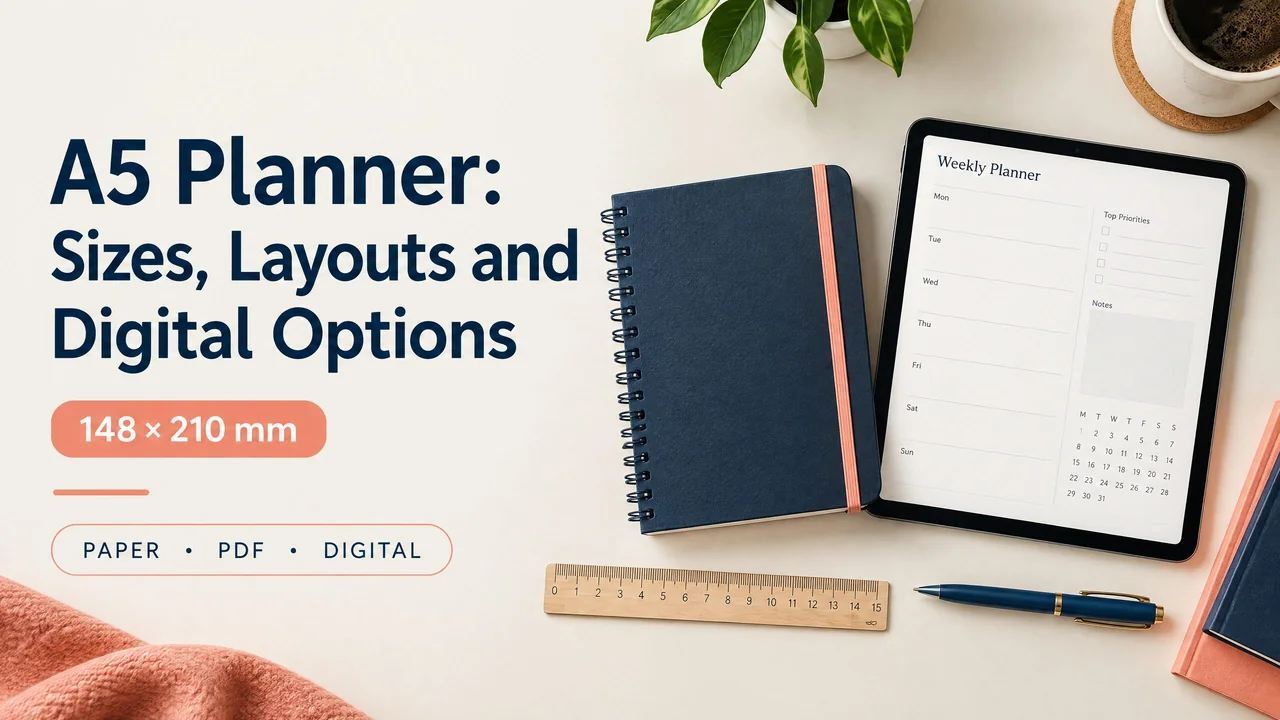
An A5 planner measures 148 × 210 millimeters, or about 5.83 × 8.27 inches. It is a practical middle size: larger than a pocket planner, but easier to carry than a full-size notebook. Choose paper for quick handwriting, a printable PDF for custom pages, GoodNotes for tablet handwriting, or Notion for flexible digital organization.
What is an A5 planner?
A5 is a standardized paper size in the A series. An A5 sheet is half the area of an A4 sheet when folded across its shorter side. In the United States, its closest familiar comparison is half-letter paper, but half-letter measures 5.5 × 8.5 inches, so the two sizes are not identical.
That difference matters when buying inserts or printing pages. A product labeled A5 should be made for 148 × 210 mm pages. A personal-size ring insert, a classic-size ring insert, and a half-letter page may look similar online, but their dimensions and punch positions can differ.
A5 describes the page, not one binding system. You can use it as a bound notebook, ring or disc insert, printable file, linked PDF, or browser-based page. The best choice depends on how you write, carry, review, and store information.
A concrete example
Suppose you need to record a 9:00 meeting, three work tasks, a grocery reminder, and a note about tomorrow. An A5 daily page can hold those items without a second notebook. A vertical timeline can handle the meeting, a short task list can sit beside it, and a notes box can hold the grocery reminder. If you regularly write long project notes, the same page may feel cramped.
A5 planner size and the main tradeoffs
A5 is portable, but it is not the smallest practical format. It fits many bags and can be held in one hand, while offering more room than A6 or pocket pages. The compromise is straightforward: less bulk than a large planner, but less space for long notes, wide tables, or large handwriting.
A5 is the page size, not necessarily the finished cover size. Covers extend beyond the page, ring holes reduce the inner margin, and an A5 PDF can appear at any on-screen zoom. Decide whether portability, writing space, or a binding system matters most, and check accessory measurements rather than relying on the A5 label alone.
Paper, printable, and digital A5 planners compared
The best format is the one that makes your next action easy to see and record. Use this table to compare the practical differences.
| Format | What it does well | Main tradeoff | Best for |
|---|---|---|---|
| Bound paper planner | Fast writing, no setup, easy visual scanning | Pages cannot be rearranged; corrections take space | People who prefer pen and paper |
| A5 printable PDF | Lets you print only the layouts you need | Printing, trimming, hole-punching, and ink add work | Custom inserts and repeatable home systems |
| Linked digital PDF | Supports handwriting, typing, and page-to-page navigation in a compatible app | Needs a suitable device and annotation app | Tablet users who want a paper-like planner |
| Browser-based offline HTML | Can open locally without relying on a cloud account, when saved for offline use | Storage and browser behavior vary; it is not automatically synced | People who want a lightweight local planner |
| Cloud app such as Notion | Flexible pages, databases, search, and signed-in device access | It is not a fixed A5 page; offline behavior varies | Digital organization that changes over time |
Three practical A5 planner use cases
Everyday appointments and tasks
Use a one-page daily layout when you have several fixed commitments and a moderate task list. Put timed events on one side and tasks on the other. Add a small notes area, but avoid filling the page with sections that compete for attention.
A weekly spread works better when you mainly need an overview. Give each day a compact column and reserve one area for tasks without a fixed date.
Study and project planning
A5 works as a portable project dashboard. Use one page for the outcome, next actions, deadlines, and questions, while keeping long reference material elsewhere. A student can pair it with a larger lecture-notes notebook. The student planner guide offers another approach.
Low-friction personal planning
A simple A5 page can combine priorities, appointments, errands, and a short reflection. Keep sections few enough for a busy day. The guide to planners for adults with ADHD discusses reducing friction without an oversized checklist.
How to choose a usable A5 layout
Start with the decision you make most often. If it is “What happens today?”, use a daily timeline. If it is “What must happen this week?”, use a weekly spread. If it is “What is the next action on each project?”, use project rows with a next-action field.
Give the layout one clear place for appointments, tasks, and notes. Avoid adding trackers, meal plans, budgets, or reflections unless you will use them. Each extra section takes space and attention.
Check the writing area, not only the outside dimensions. Large headers and margins can make A5 feel smaller. Choose fewer, larger fields for broad pens or large handwriting. A denser layout may suit typing or a stylus, but you should not need to zoom for every entry.
Consider binding before buying inserts. A bound book is simple. Rings let you move pages but reduce the inner margin, while discs require a matching punch. Print one test page and check readability, orientation, and fit before a full set.
Getting started with an A5 planner
Choose one format and one time horizon for your first week. A daily page is a sensible starting point when you need appointments and next actions together. Add fixed commitments and only the few tasks you genuinely expect to handle. Leave some blank space on purpose.
At day’s end, move unfinished tasks forward selectively rather than copying everything. At week’s end, remove unused sections and enlarge useful ones. A short review is better than replacing the system repeatedly.
If you want a ready-made digital starting point, browse NexalyPlanner’s digital planners and choose a file that matches your device and annotation app. Confirm the file type, orientation, and intended app before downloading. This is the one recommended next step; you do not need several planner systems at once.
An offline HTML planner can be useful when saved on the device and built to retain entries locally. Test it in your browser. Do not assume it will sync or recover data after browser storage is cleared. For cloud apps, confirm offline access and synchronization.
Common A5 planner mistakes
Confusing A5 with half-letter. The sizes are close, but not identical. Check measurements before ordering accessories or printing.
Choosing appearance over use. Estimate your busiest day and choose fields that can hold those entries.
Printing at the wrong scale. “Fit” and “shrink oversized pages” can change dimensions. Use a test page and actual-size printing when the page must match a cover, punch, or insert.
Treating digital formats as interchangeable. Linked PDFs, browser files, GoodNotes, and Notion store and navigate information differently.
Overloading one page. Keep A5 for decisions, commitments, and next actions; store long notes elsewhere.
A5 planner FAQs
Is A5 the same as half-letter?
No. A5 is 148 × 210 mm; half-letter is 5.5 × 8.5 inches. Covers, inserts, and margins may not line up.
Is A5 a good planner size?
It is a useful middle size for daily writing without carrying a full-size planner. It may feel small for extensive notes and large for pocket use.
Can I print an A5 planner on US letter paper?
Yes. Print it on letter paper, then trim it or place it in a suitable cover. Select A5 or actual size and check the scale before printing multiple pages per sheet.
What size should an A5 digital planner be?
It should use a 148 × 210 mm page or equivalent aspect ratio. Screen size is not fixed; the device and app set the display scale.
Can I use an A5 PDF in GoodNotes?
A PDF can be imported into GoodNotes and annotated with supported tools. Hyperlinks may work when the PDF and app support them, but import does not make it a native template with every app feature.
Is Notion an A5 planner?
Not by default. Notion can hold pages, tasks, calendars, and databases, but is not limited to an A5 canvas. Choose it for flexible organization.
Does an offline HTML planner sync across devices?
Not automatically. An offline file may keep entries in local browser storage belonging to the device and browser profile. Test backup and transfer first.
Should I choose a daily or weekly A5 layout?
Choose daily for changing appointments and task details. Choose weekly for an overview with few entries per day.
Are A5 ring planners universal?
No. Ring count, spacing, hole position, and cover clearance can differ. Check binder and insert measurements before purchasing or punching pages.
Key takeaways
- A5 is 148 × 210 mm, a portable middle ground between pocket and full-size formats.
- Paper is simplest for handwriting; printable PDFs support custom inserts; linked PDFs, offline HTML, GoodNotes, and Notion work differently.
- Choose a daily timeline for appointments, a weekly spread for overview, and a project page for next actions.
- Test a page at actual size before printing a full set, and confirm your binding or app first.
- Keep the layout focused on information you will review and use.
If you are moving from inserts to a screen, compare the daily digital planner formats. Students can apply the compact-layout ideas with the AI Student Planner. For more practical comparisons, visit the NexalyPlanner journal and the offline digital planners guide.