
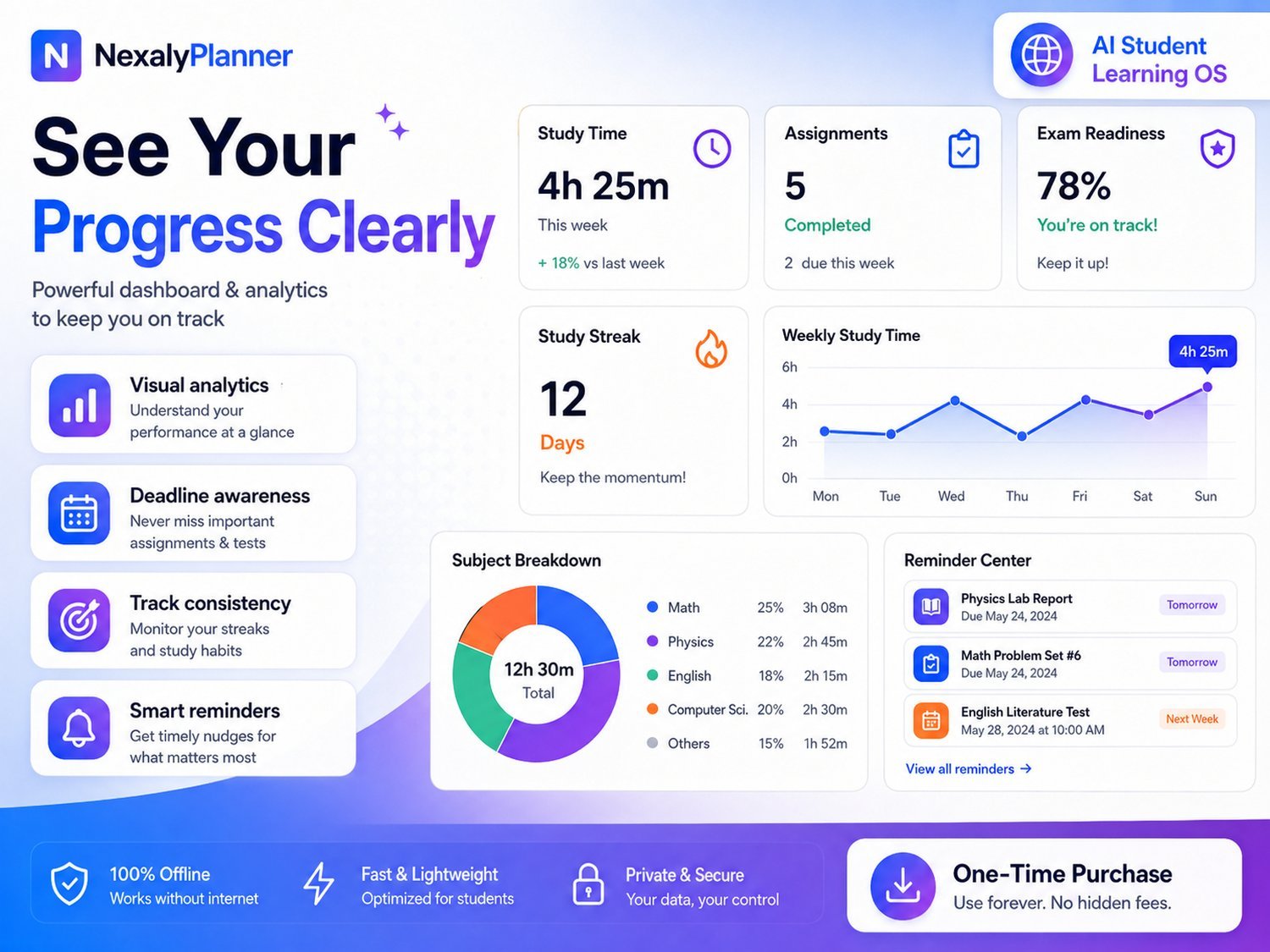
A digital planner keeps your days, tasks and goals in one place on a screen instead of paper. An offline digital planner lets you read and update supported planning records without an active internet connection. It may be a locally saved PDF in a note app, an installed planner or a downloaded HTML app. This guide explains how offline, one-time-purchase planners work, the different types available, and how to choose one that you will actually stick with.
The advice here is general — always check a planner's own preview and compatibility notes against your devices before buying.
What is an offline digital planner?
Offline describes availability, not one file format. A PDF planner can work offline in a compatible annotation app; an installed planner may have offline features; a local HTML planner runs in a browser. NexalyPlanner sells the HTML format, with typed records and product-specific interactive tools. Check each product page rather than assuming every format offers the same features.
You buy it once and keep it. There is no monthly fee and no sign-in, which is why many people prefer this style for private, everyday planning.
Offline vs subscription planners
Both styles can be excellent; they simply optimise for different things.
| Offline, one-time | Subscription / cloud | |
|---|---|---|
| Cost | Pay once | Free, one-time or recurring plans, depending on provider |
| Internet | Not required | Depends on offline support; sync needs a connection |
| Your data | On your device | On a company server |
| Multi-device sync | Manual (export/import) | Available only if the app supports it |
| Best for | Privacy, low cost, solo use | Live sync across many devices |
If you want a private planner with no recurring cost, an offline one-time purchase is usually the better match.
Types of digital planners (and who they suit)
Planners are most useful when they are built for a specific life or goal. Common types include:
| Planner | Made for | Explore |
|---|---|---|
| Student planner | College and exam prep | AI Student Planner |
| Homeschool planner | Parents teaching multiple kids | Digital Homeschool Planner |
| Content planner | Creators and small brands | Content Marketing Planner |
| ADHD planner | Focus-friendly daily planning | ADHD Digital Planner |
| Caregiver planner | Caring for aging parents | Caregiver Planner |
See the full range on the Digital Planners page.
How to choose a digital planner
Pick based on fit, not feature count. Ask yourself:
- Purpose — is it built for your exact goal (study, homeschool, content, focus)?
- Devices — does it work on the browser and screen you actually use?
- Offline & privacy — does your data stay on your device?
- Backup — can you save and restore your data?
- Simplicity — will you keep using it, or is it too complex?
The best planner is the one you open every day, so favour clarity over an overwhelming toolkit.
Test offline access and saved records on your device
- Download the actual planner package and follow its user guide. A website bookmark or a Files preview is not always the same as opening the app in a supported browser.
- Create one fictional task. Close the app, reopen the same file in the same browser and check whether the task remains.
- Turn off the connection and repeat the task check. Confirm which screens and actions still work; links to checkout, online help or other services need internet.
- Export a dated backup if the product supports it. Test restore in a separate workspace before relying on it. Keep the app file and backup together; copying the HTML file alone may not copy browser-stored records.
- Repeat on a second device only if you intend to use one. Manual transfer can create separate versions; choose which version is authoritative before making changes on both.
Read the AI Student Planner user guide or the ADHD planner setup guide for the relevant product. Mobile handling of local HTML files varies, so check your exact browser and device. The live previews are temporary and do not establish how purchased-version storage behaves.
Getting the most from your planner
A planner only works if it fits your routine. Start small: plan the next day each evening, keep one place for tasks, and review weekly. Use light and dark mode to suit the time of day, and back up your data after big updates.
Consistency beats perfection. A simple plan you follow will always outperform an elaborate system you abandon after a week.
Do digital planners really help?
A planner cannot do the work for you, but a clear, always-available plan reduces the mental load of remembering everything and makes it easier to start. Seeing your week, your deadlines and your progress in one place tends to make people feel calmer and act sooner.
If paper works for you, keep it. If you want typed records, checkboxes or charts, compare the actual HTML planner features. Background reminders, handwriting support and calendar integrations should never be assumed from the word offline.
Frequently asked questions
Do I need the internet to use an offline digital planner?
No. Once downloaded, it opens in your browser and works fully offline. Your entries are saved on your device, not in a cloud account.
Can I use a digital planner on my phone and laptop?
Yes, on supported browsers. Because data is stored per device, you move it between devices with the planner's export and import (backup) feature rather than automatic sync.
Is my data private in an offline planner?
For NexalyPlanner local HTML apps, planning records stay in the current browser workspace and do not automatically sync to a cloud account. Protect your device and backups. Other offline-capable planners may synchronize when online; check their privacy settings.