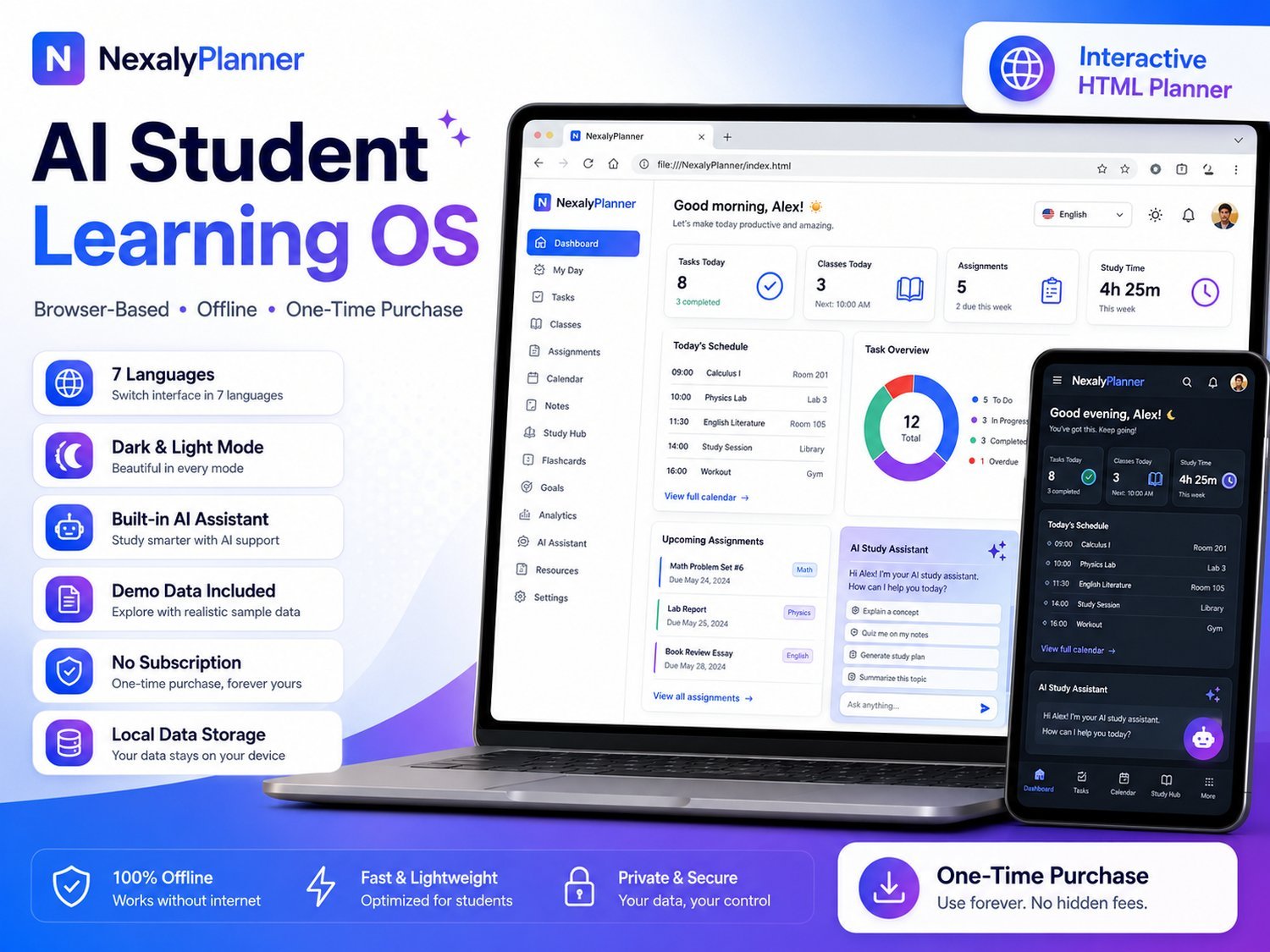
Add a subject, assignment or exam, run a study timer and explore the built-in offline study assistant. All entries are temporary and stay in this browser tab.
Use the real interface with sample information. Export, backup, upload and printing stay reserved for the purchased version.
Submit a review, suggestion, general comment or private problem report. Nothing is published without permission and approval.
Only customer-approved and manually moderated reviews appear here.
One browser app, 16 integrated modules — here's exactly what you get inside.
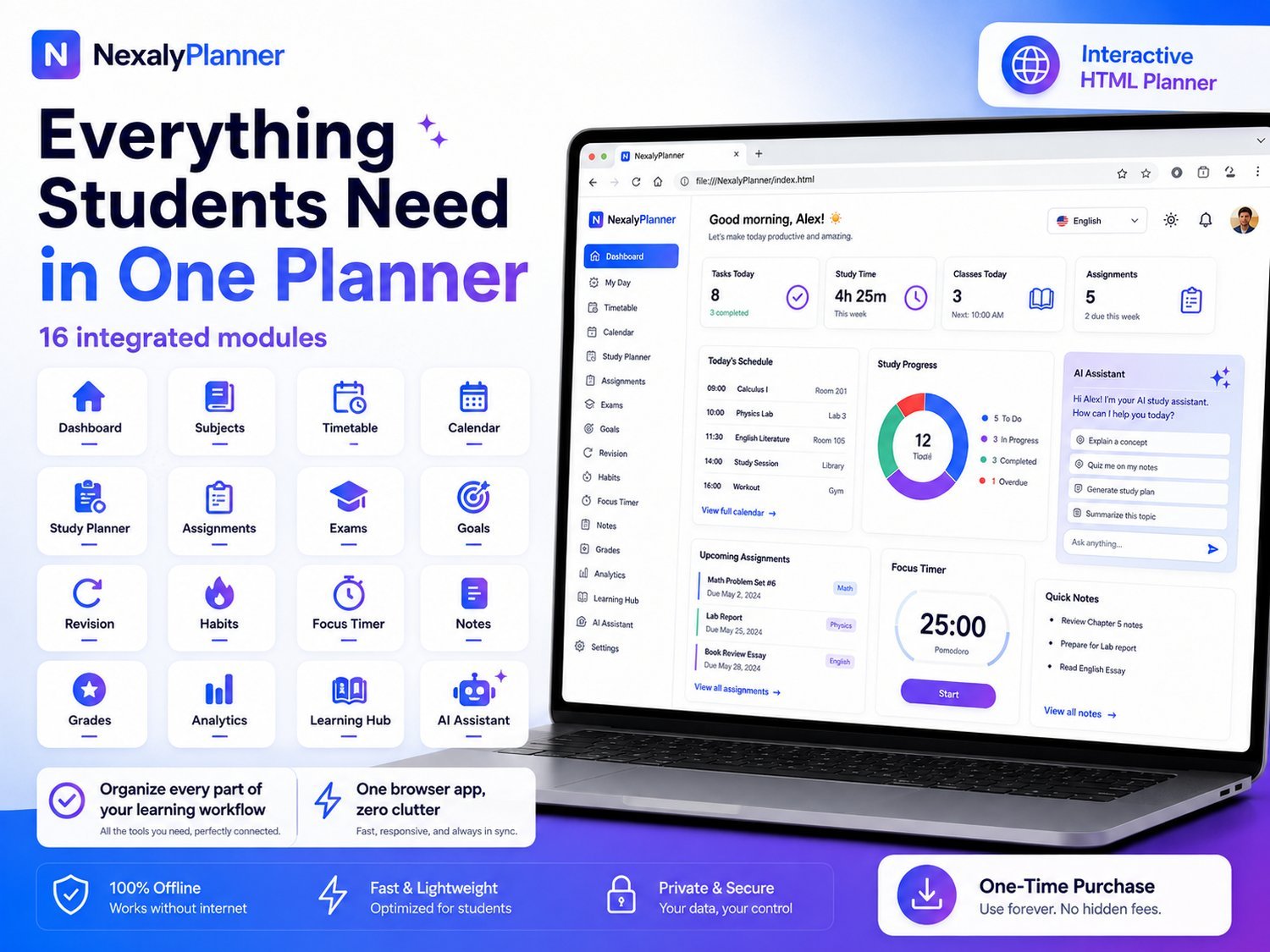
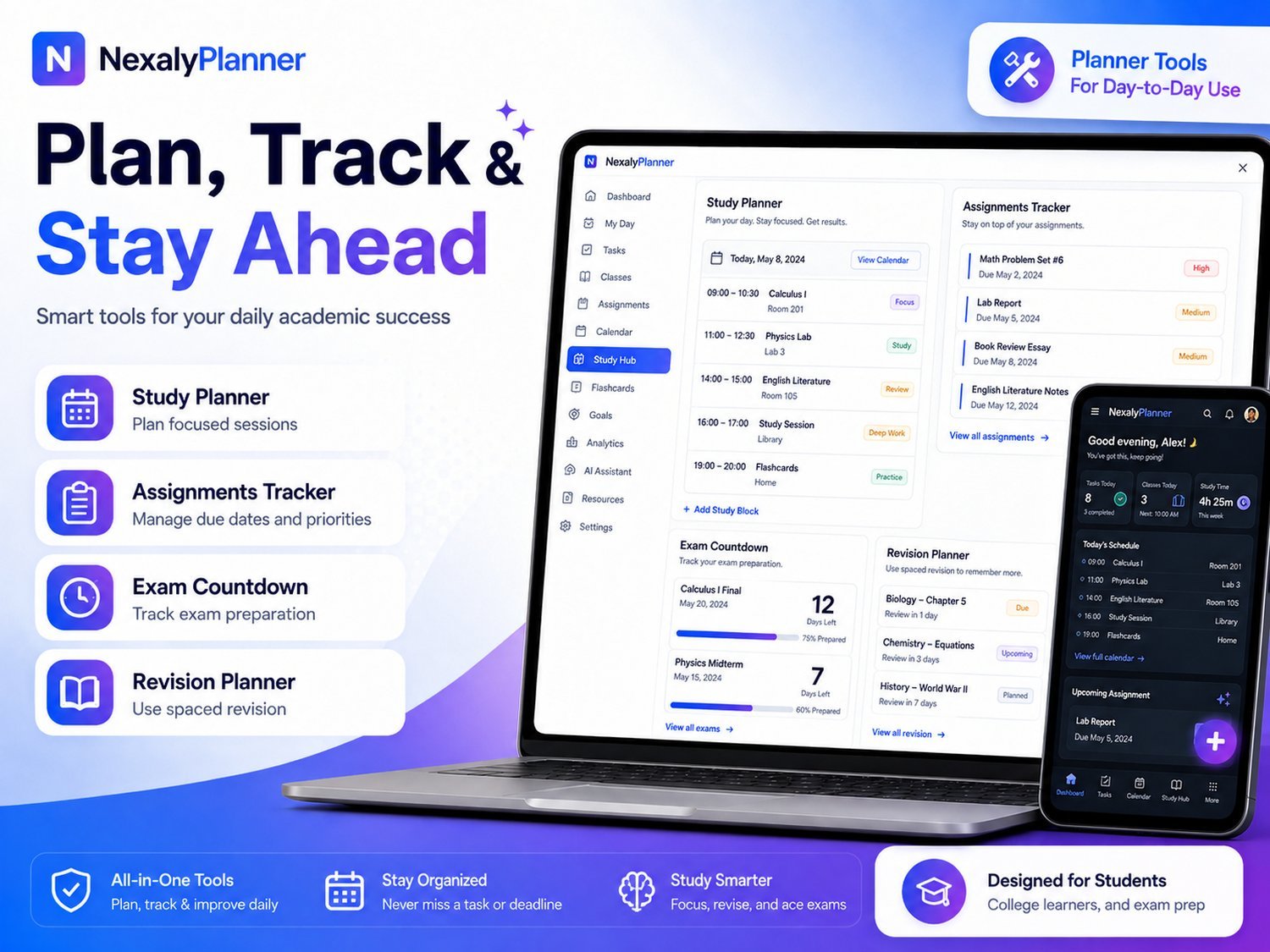
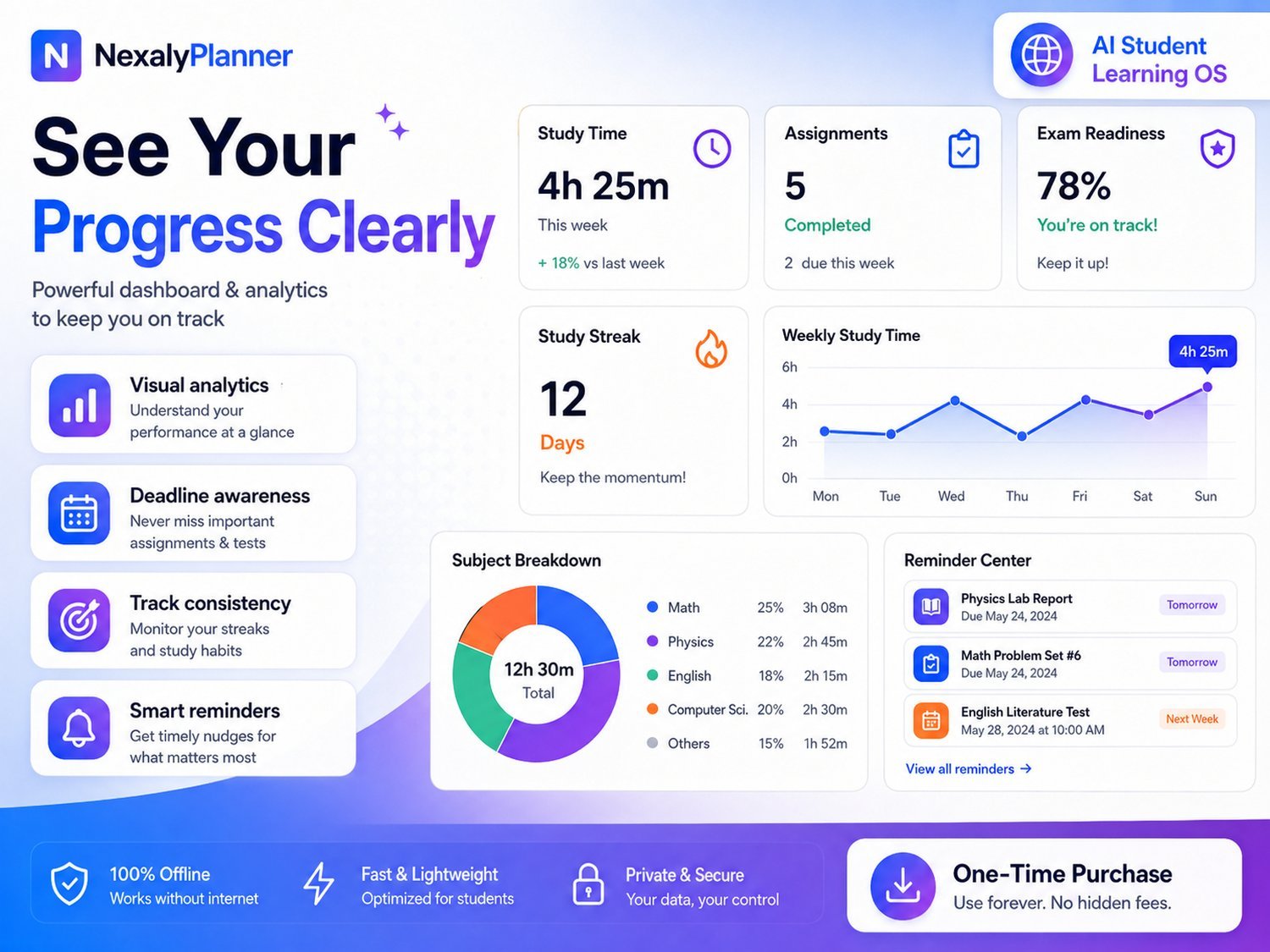
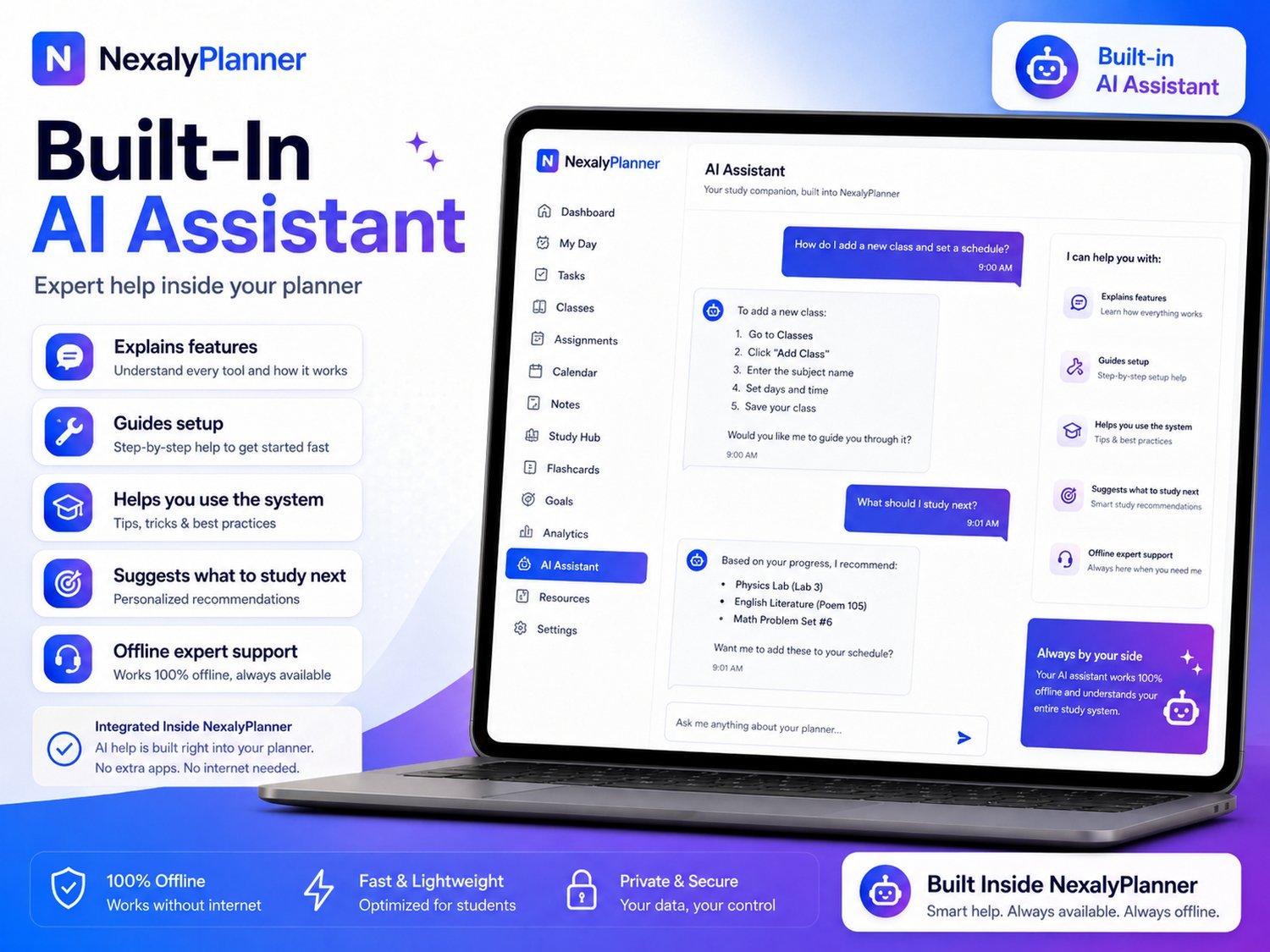
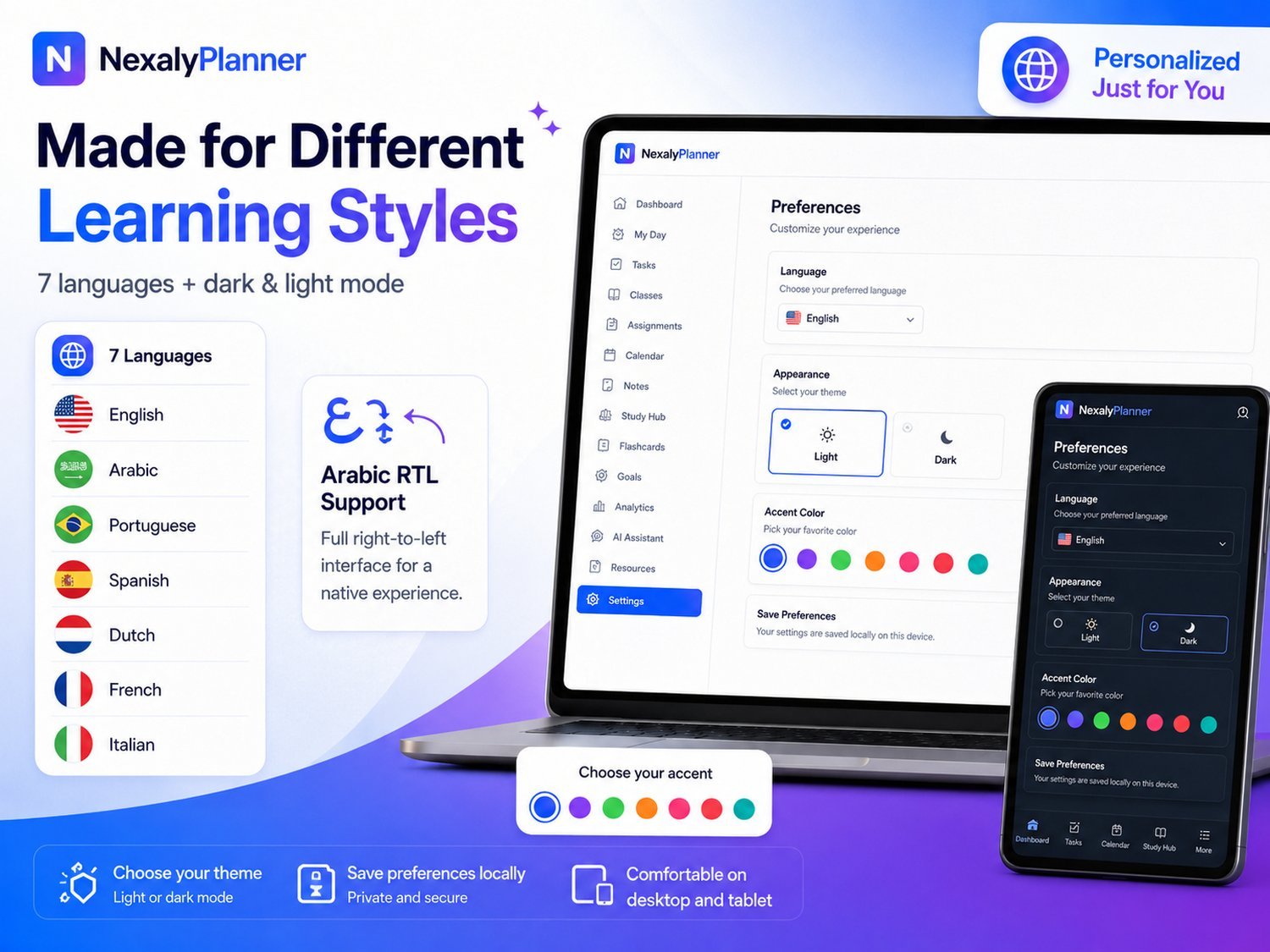
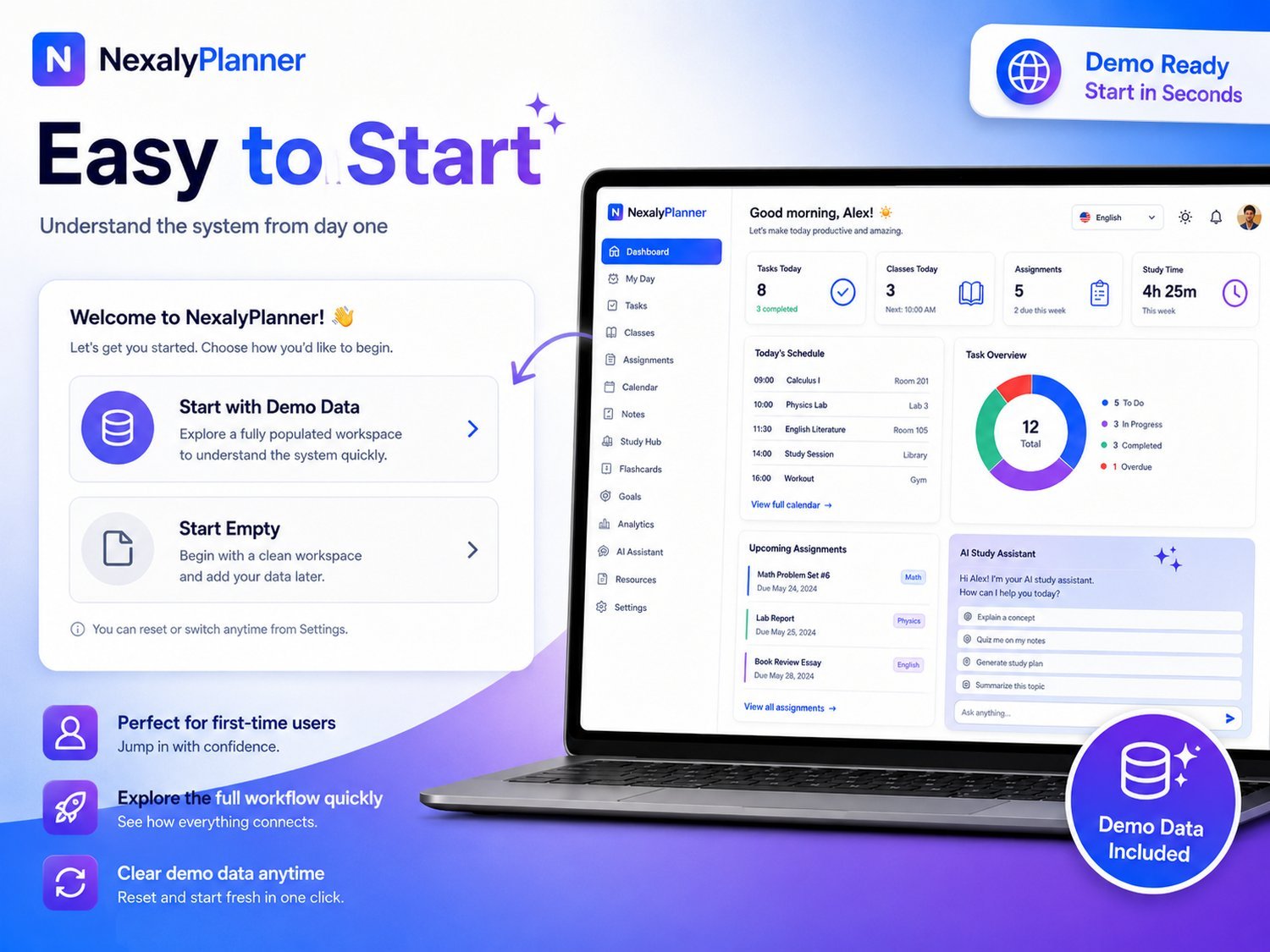
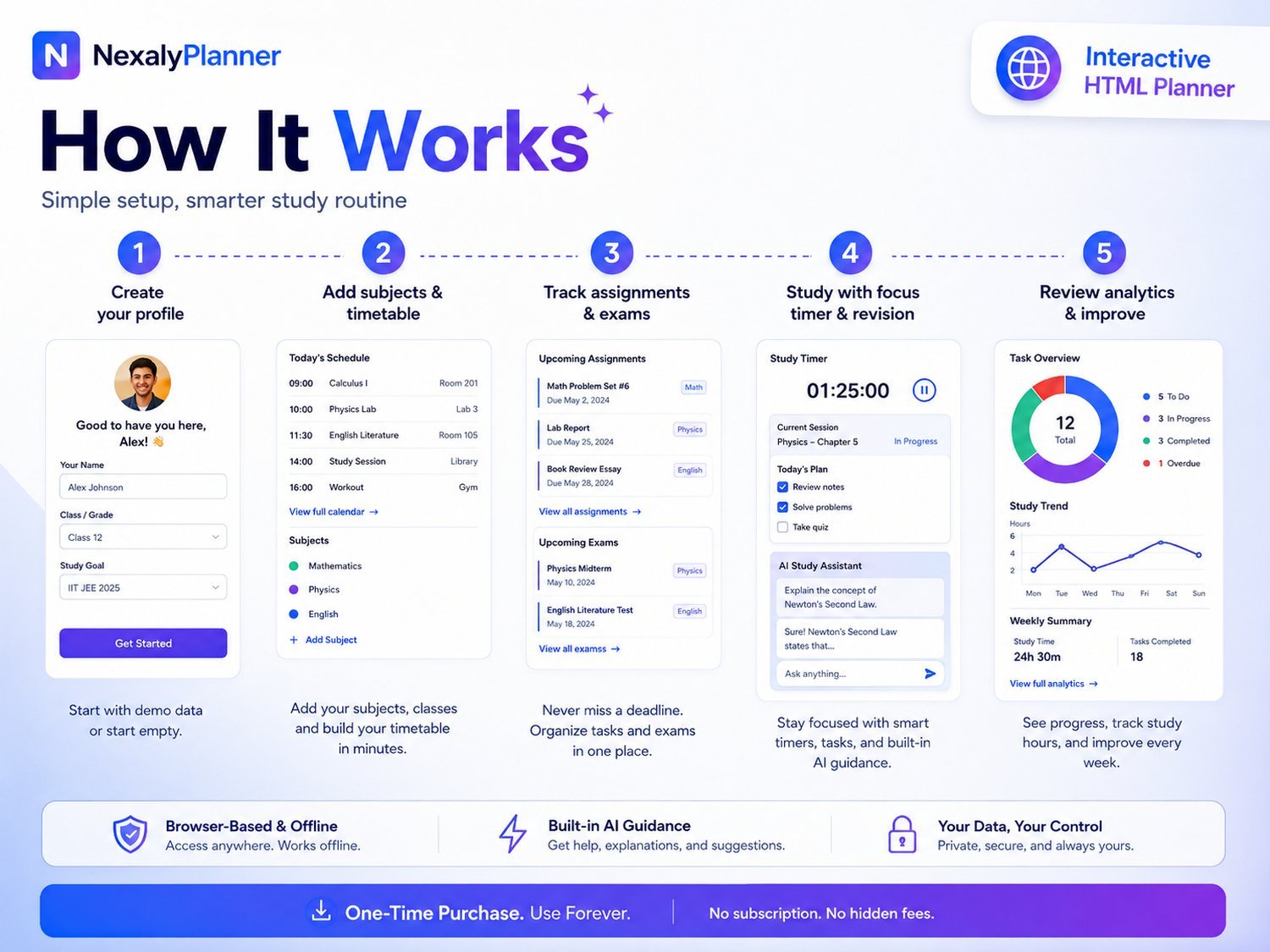
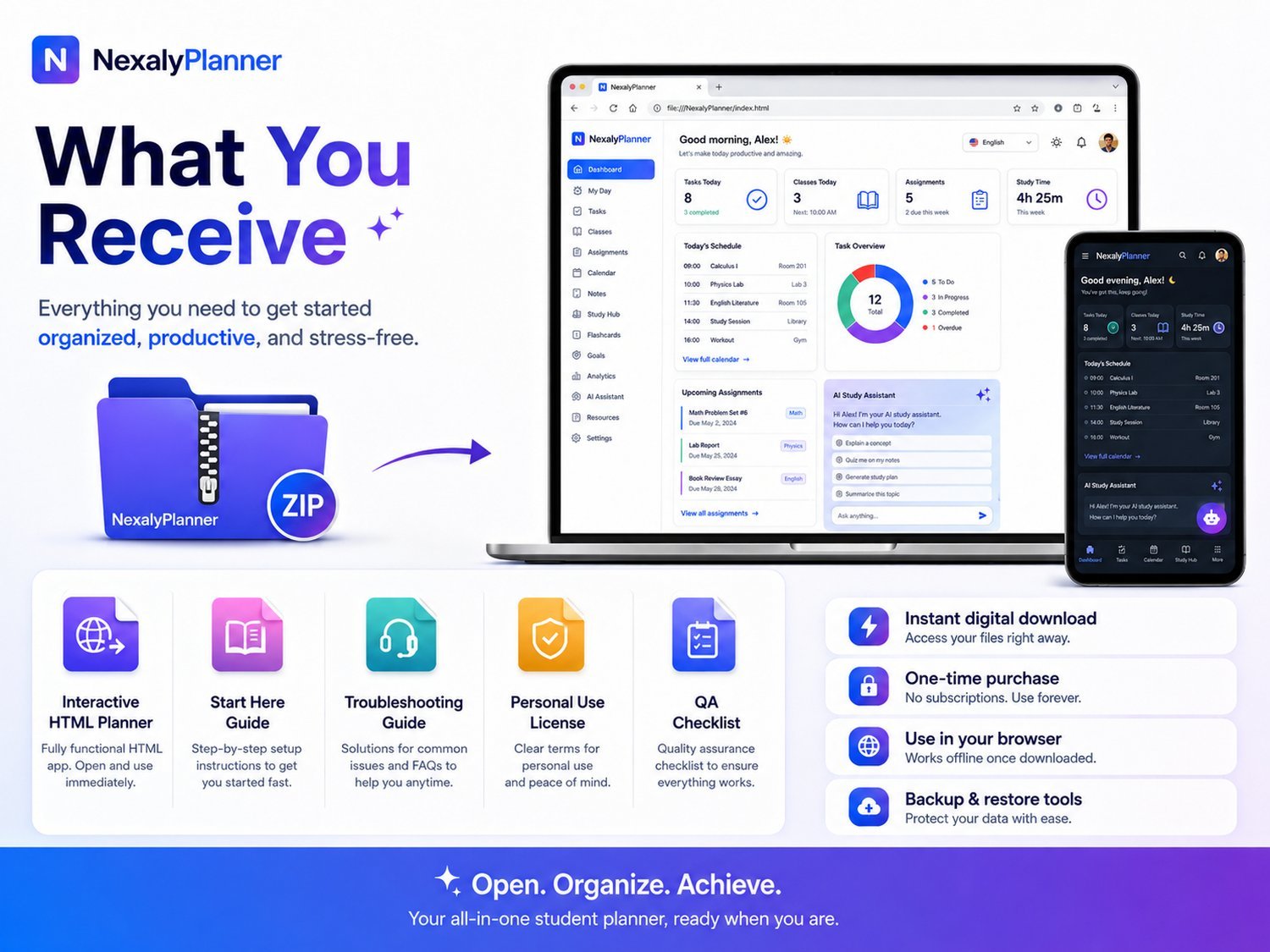
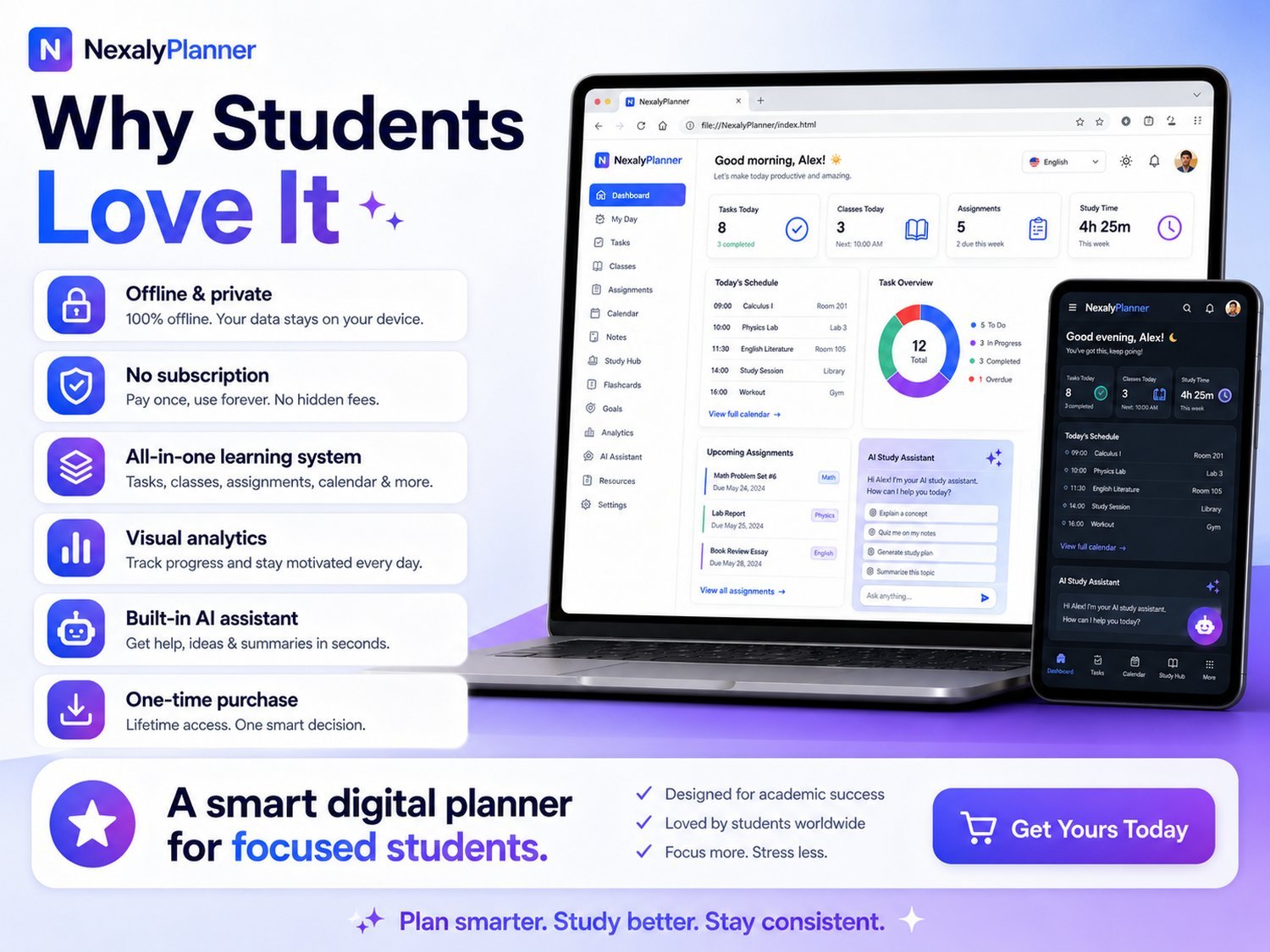
Everything from timetable and study planner to focus timer and analytics — connected in one fast browser app.
Use assignment due dates, exam countdowns and revision entries to decide what to work on next. Check course deadlines and update your records as plans change.
The built-in assistant uses planning rules to summarize local priorities and answer supported questions about the app, offline storage and backups.
Runs in your browser with data saved on your device. 7 languages, dark & light. Pay once, keep forever.
Add the course in Subjects, record the task in Assignments, then create dated work blocks in Study Planner. A deadline describes when the work is due; a study session describes what you intend to do next. For example, an essay can have separate outline, draft and review sessions while remaining one assignment.
The assignment-to-study-session example explains which details belong in each view. Use the exam study schedule for revision work and the academic term planning guide for deadlines across courses.
The downloaded HTML app saves your academic records in the browser you use. It has no automatic cloud synchronization, school-portal connection or assignment-submission service. Export a dated JSON backup in Settings before switching devices or clearing browser data. A CSV export is for reviewing selected records, not restoring the whole workspace.
The assistant uses built-in planning and help rules. Supported prompts can summarize local priorities and explain the app's workflow or backup process. It is not a general-purpose AI tutor and does not verify course answers or generate quizzes from arbitrary notes. Follow the study assistant's supported scope when deciding whether it fits your needs.
Try a fictional subject and assignment in the live preview before buying. Preview data is temporary; export, backup and printing are reserved for the purchased version. For a complete first-week example, use the student setup walkthrough.
Track subjects, class timetables, assignments, exams, revision, study sessions, notes, goals, habits, grades and study analytics in one app.
Yes. You can customize subjects, schedules, assignments and exams for high school, college or another structured course.
Yes. After download, open the planner in a current browser. Your records are stored locally on the device you use.
Secure checkout · 14-day guarantee
