
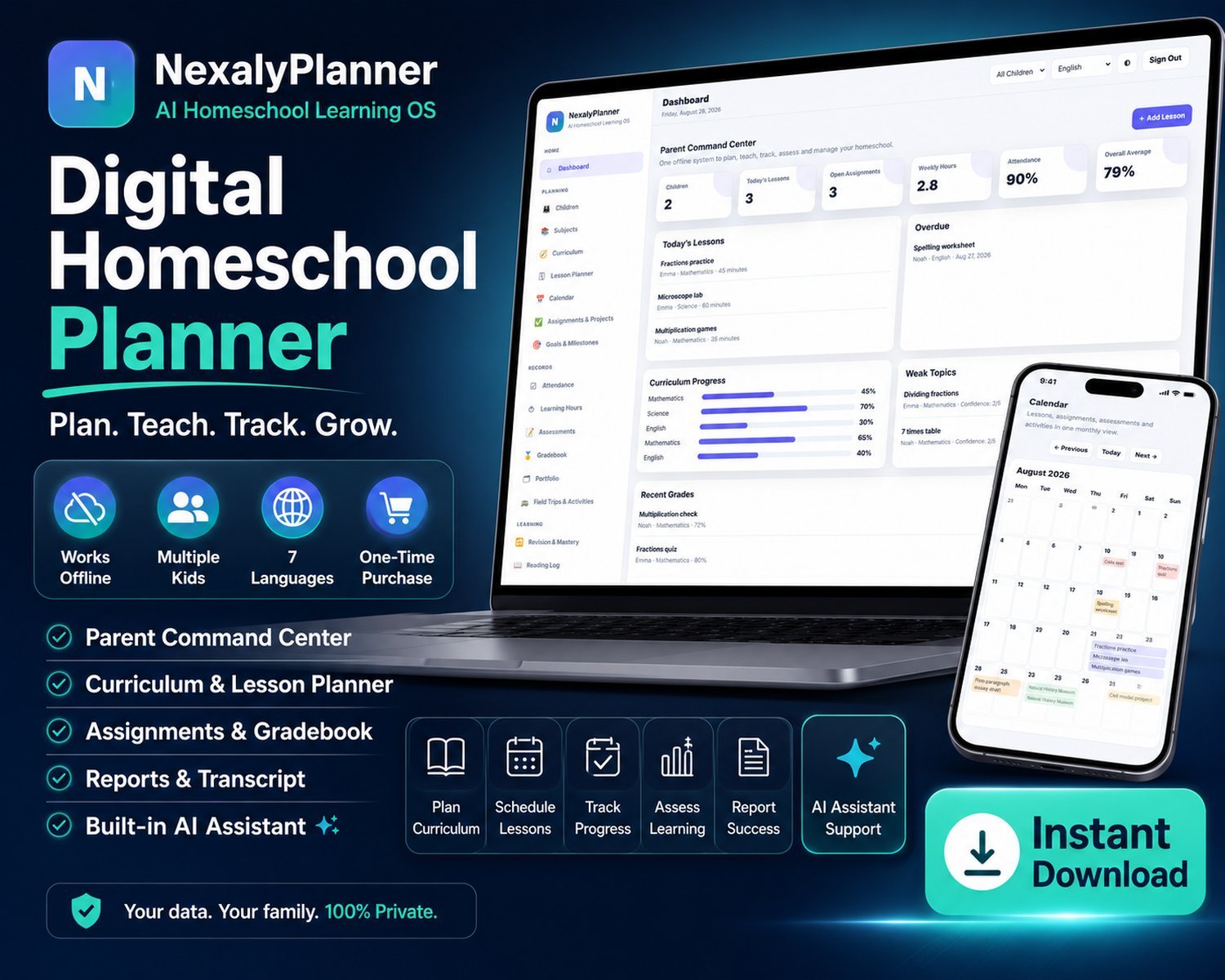
Try the Digital Homeschool Planner
Create a sample learner, plan a lesson and test the homeschool record workspace. Use sample details only; all demo entries disappear with this browser tab.
A working preview, not a video
Use the real interface with sample information. Export, backup, upload and printing stay reserved for the purchased version.
Review or improve this product
Submit a review, suggestion, general comment or private problem report. Nothing is published without permission and approval.
Customer reviews
Only customer-approved and manually moderated reviews appear here.
Every screen, up close
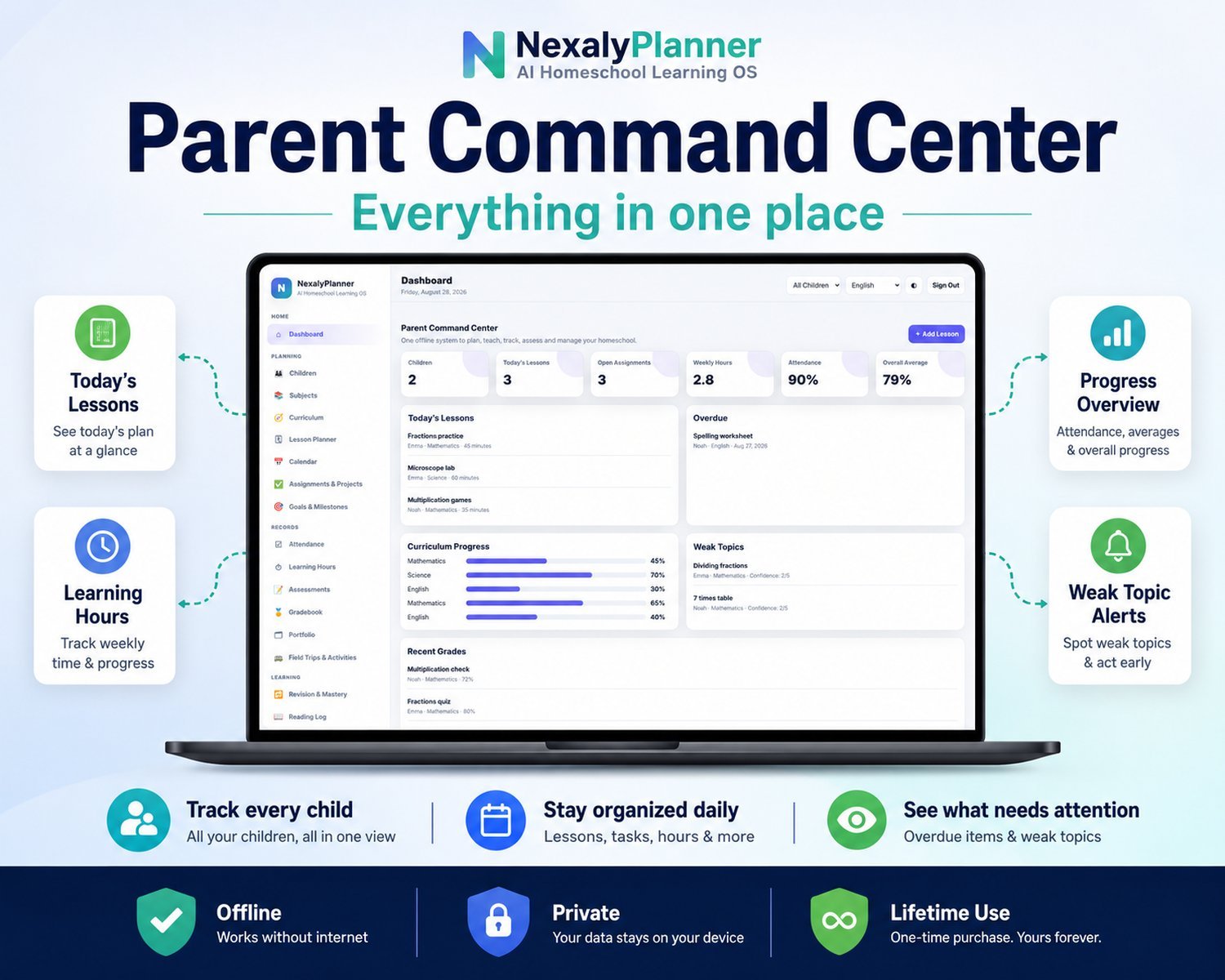
One offline system to plan, teach, track, assess and manage your whole homeschool — here's exactly what you get inside.
Watch it work
Homeschool planning and recordkeeping features
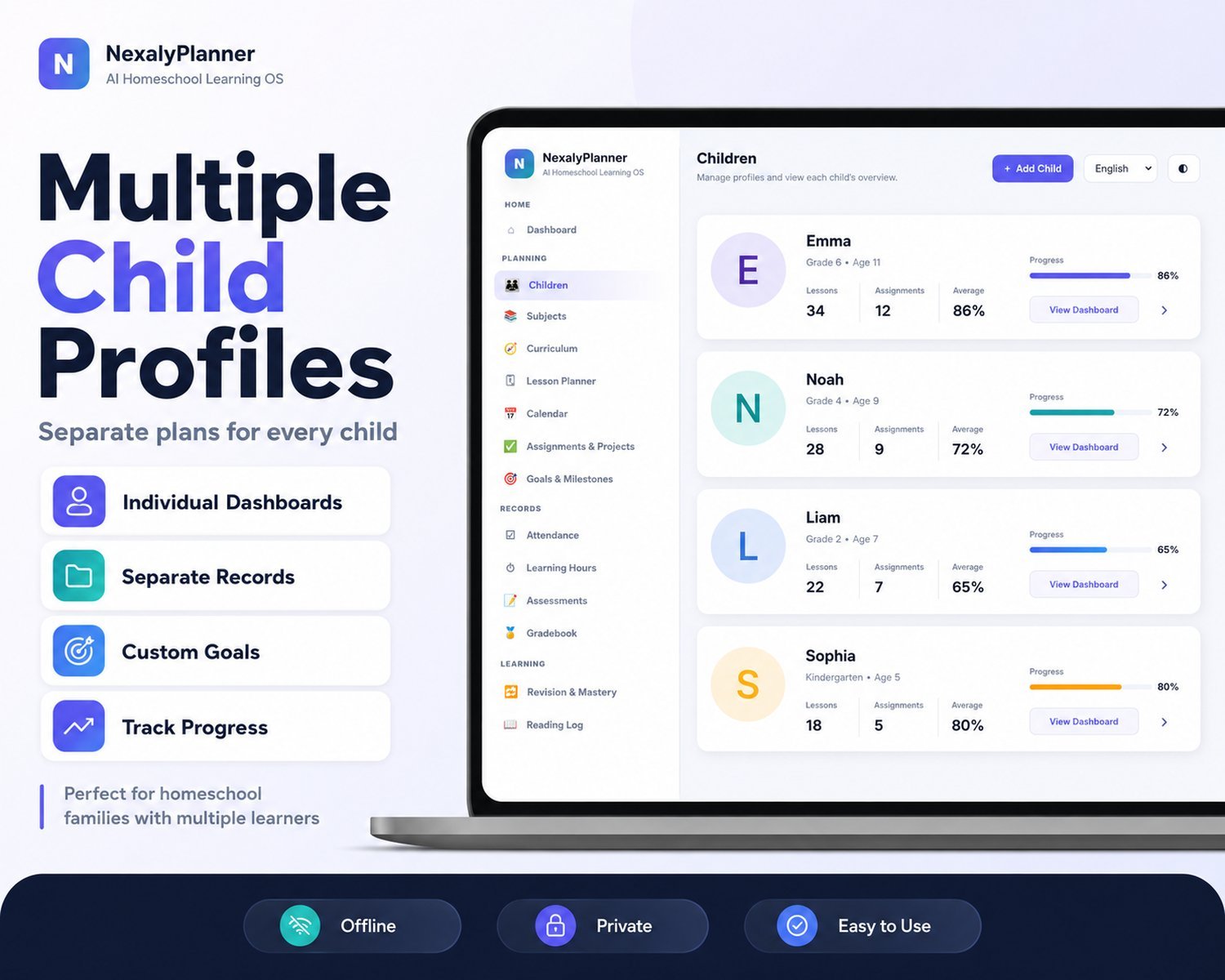
All your kids, one place
Separate profiles, dashboards and goals for every child — see the whole family or one learner at a time.
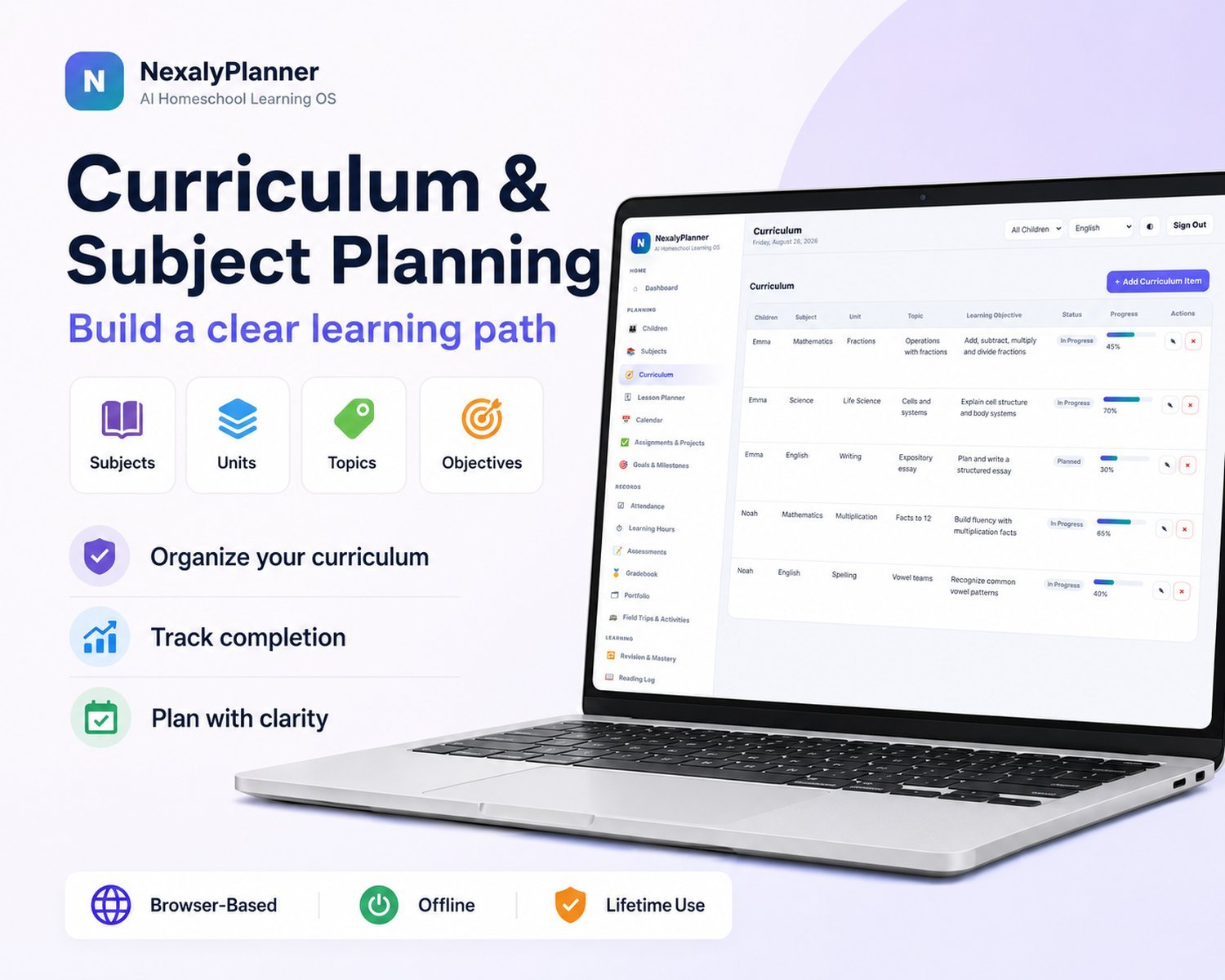
Plan, teach & track
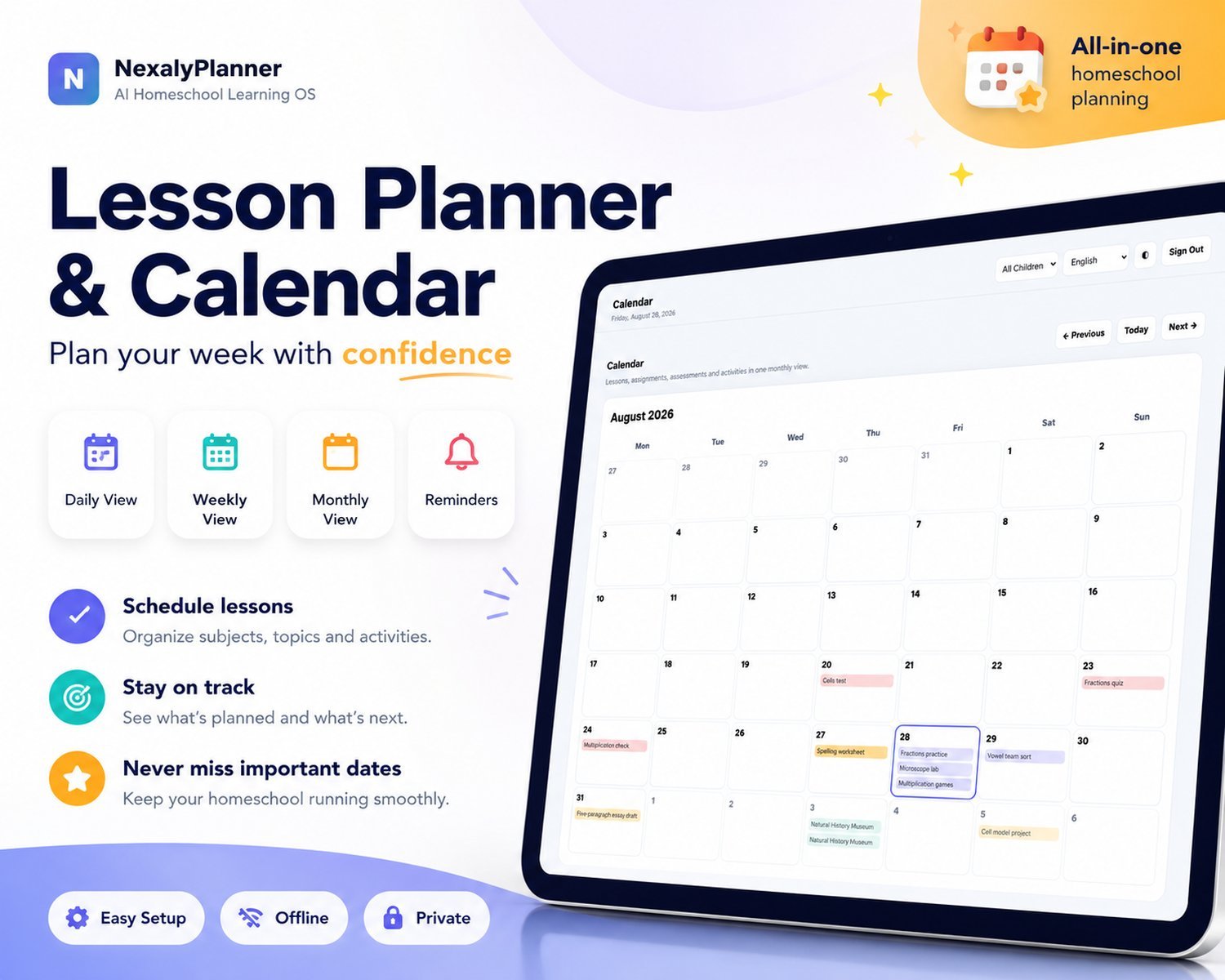
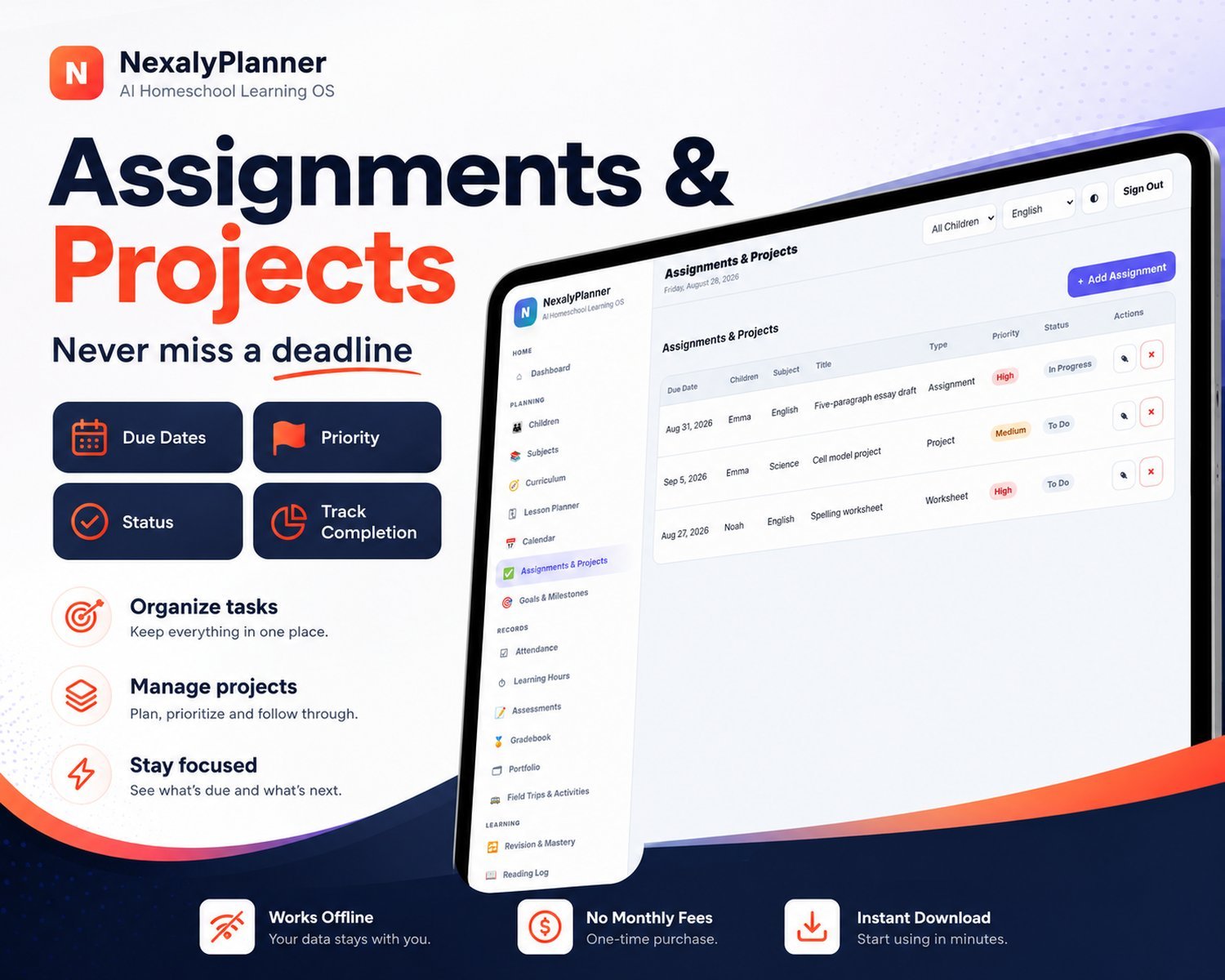
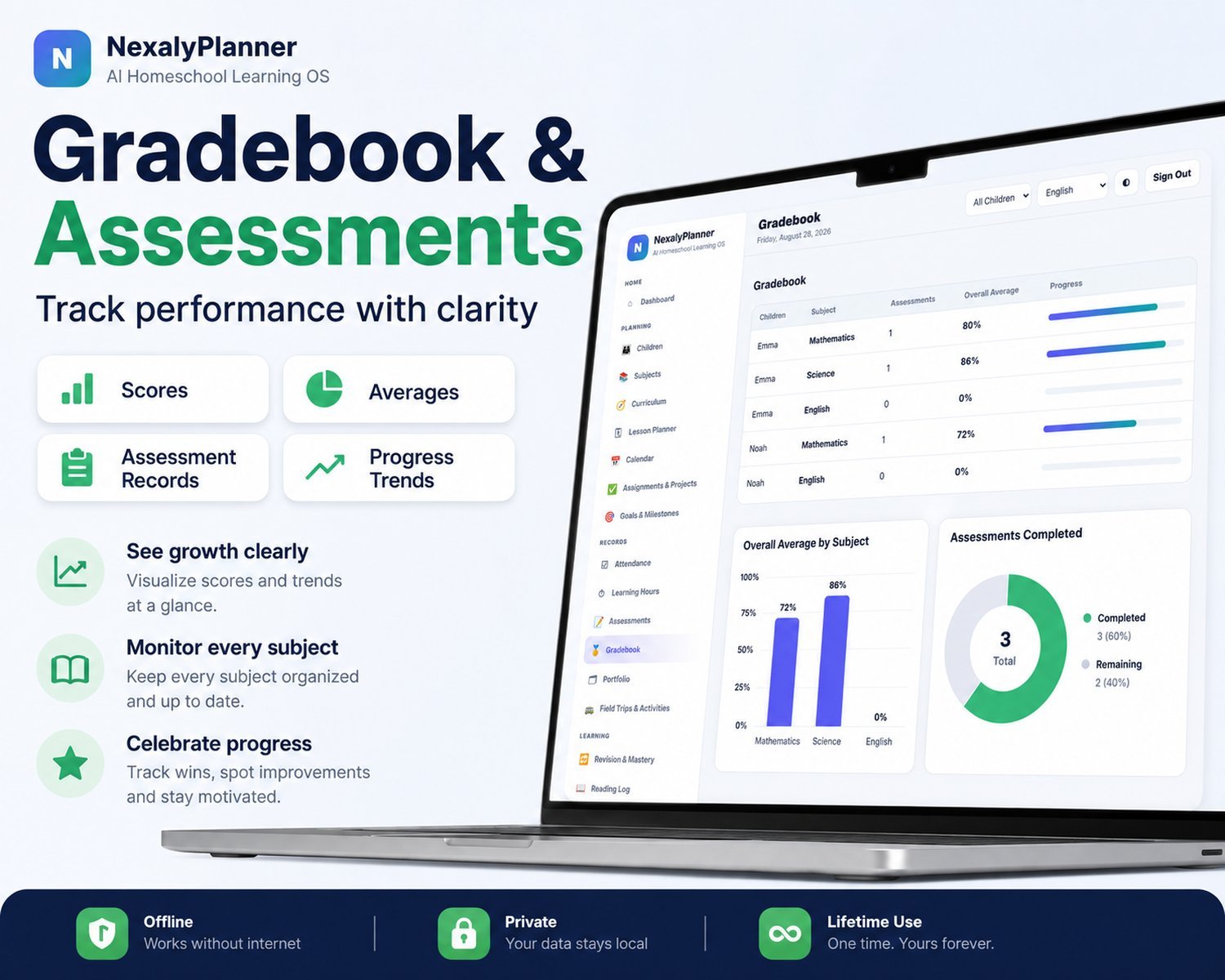
Curriculum, lesson planner, calendar, assignments and a gradebook that keep every subject organised.
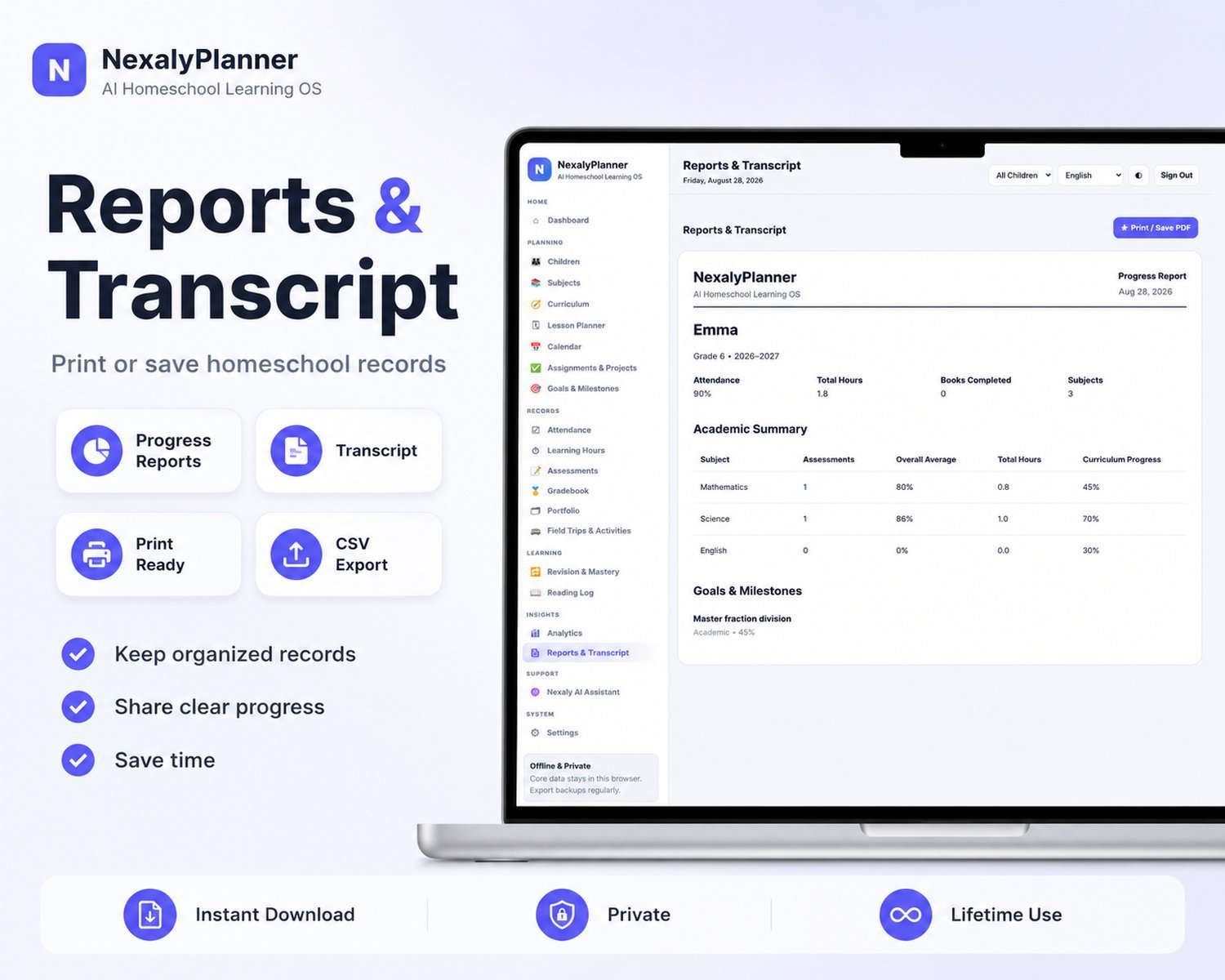
Reports & transcripts
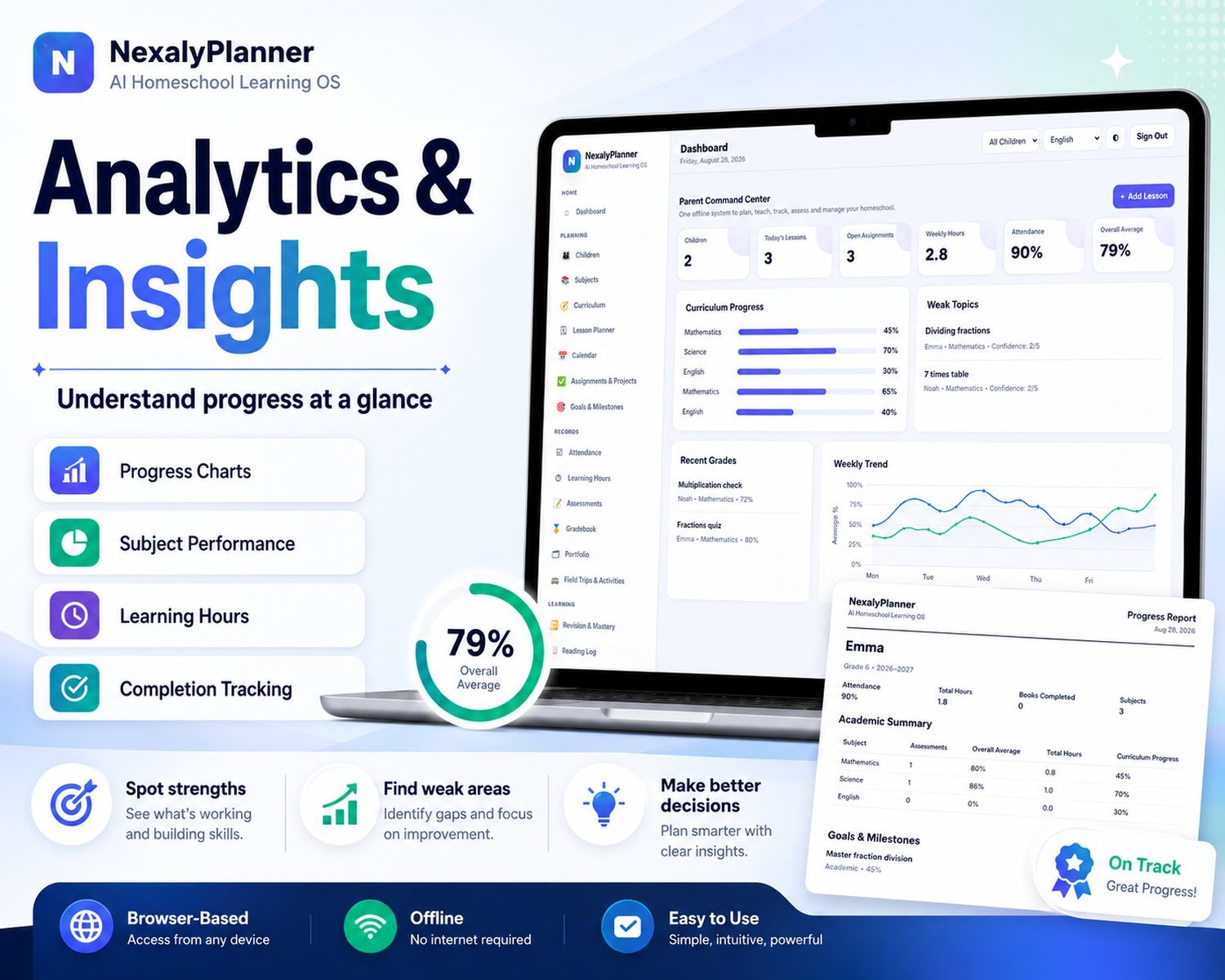
Attendance, learning hours and analytics, plus print-ready progress reports and transcripts with CSV export.
Private, offline & yours
Runs in your browser with no cloud account or subscription. Records stay in this browser profile; protect the device and your exported backups. Pay once for the download.
A digital homeschool planner for your family's actual week
Use one local workspace to keep each child's subjects, lessons and records connected. Begin with child profiles and subjects, enter the next lessons, then record what each learner actually completed. The parent dashboard provides an overview; the child filter helps you review one learner before preparing a report.
For example, a shared reading activity can lead to a drawing response for one child and a written response for another. Enter the appropriate child-specific lesson and record for each learner. Multiple profiles do not mean that a shared lesson automatically creates identical grades, attendance or learning minutes for every child. The first-week family setup example shows the record sequence.
Check the format and recovery process before buying
This purchase is a downloadable HTML browser application. It is not a PDF planner for GoodNotes or an Excel workbook. The full version provides user-controlled JSON backups, CSV exports and printable reports. Browser data stays in the working browser profile; another device does not automatically receive the same records.
Keep dated JSON backups outside browser storage. CSV and printed reports help you review information, but they do not replace the JSON restore file. For a second supporting adult, agree on one current working copy and a handoff routine. Read the homeschool backup and restore instructions before relying on the planner for your only copy.
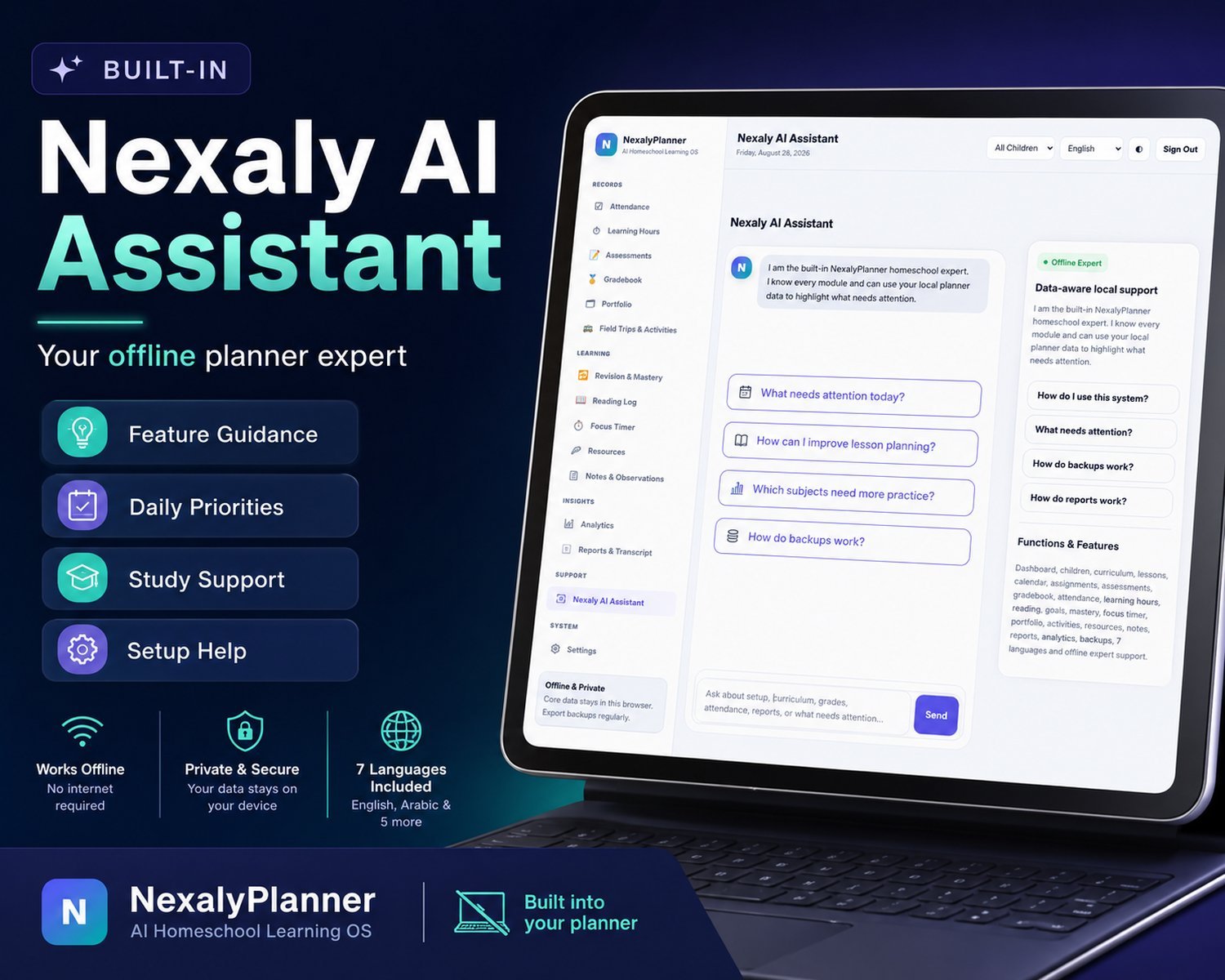
The live preview lets you inspect the interface with temporary sample records; backup, import and printing are reserved for the purchased version. The built-in assistant supplies local workflow help and summaries from your records. It does not generate an accredited curriculum or certify that a report meets your state's requirements.
Try one child and one teaching day in the homeschool planner app
Use sample information in the interactive homeschool planner demo to check whether the workflow fits your family before buying.
- Set up a learner and subject. Add a sample child, then a subject. Child-linked lesson and assessment records need those first.
- Plan and record one lesson. Enter a dated lesson and assignment, then record the completed work and actual learning minutes separately from the planned duration.
- Review the right child. Select that learner before checking attendance, grades or report views. Review the first-week family workflow for the full record sequence.
If you only need one standalone record, start with the free Homeschool Attendance Log or the free Homeschool Subject Hours Log. Each keeps its own records; neither automatically imports data into this paid planner.
Homeschool planner questions
Can I plan for multiple children?
Yes. Create separate child profiles and keep each child’s curriculum, lessons, assignments, attendance and grades linked to the intended learner. The parent dashboard provides a family overview.
Is this a homeschool planner app or a printable PDF?
It is a downloadable HTML browser app, not a GoodNotes PDF or Excel workbook. The full version can print reports or save them as PDF, and export records as CSV.
Does the digital homeschool planner work offline?
The downloaded planner uses local browser storage for its core workflows and does not require a cloud account or subscription. Keep dated JSON backups outside browser storage.
Does it sync between parents or devices?
No automatic cloud sync is provided. Use one current working copy and move a product-generated JSON backup manually when changing devices. CSV exports are for review, not a full application restore.
Does it certify homeschool attendance or transcripts?
No. Attendance and transcript-style reports are based on the records you enter. Review the requirements that apply to your family separately; the planner does not certify compliance or official acceptance.