
Try the ADHD Digital Planner
Add a task, capture a thought, log a check-in and explore focus tools in a working planner. All entries are temporary and stay in this browser tab.
A working preview, not a video
Use the real interface with sample information. Export, backup, upload and printing stay reserved for the purchased version.
Review or improve this product
Submit a review, suggestion, general comment or private problem report. Nothing is published without permission and approval.
Customer reviews
Only customer-approved and manually moderated reviews appear here.
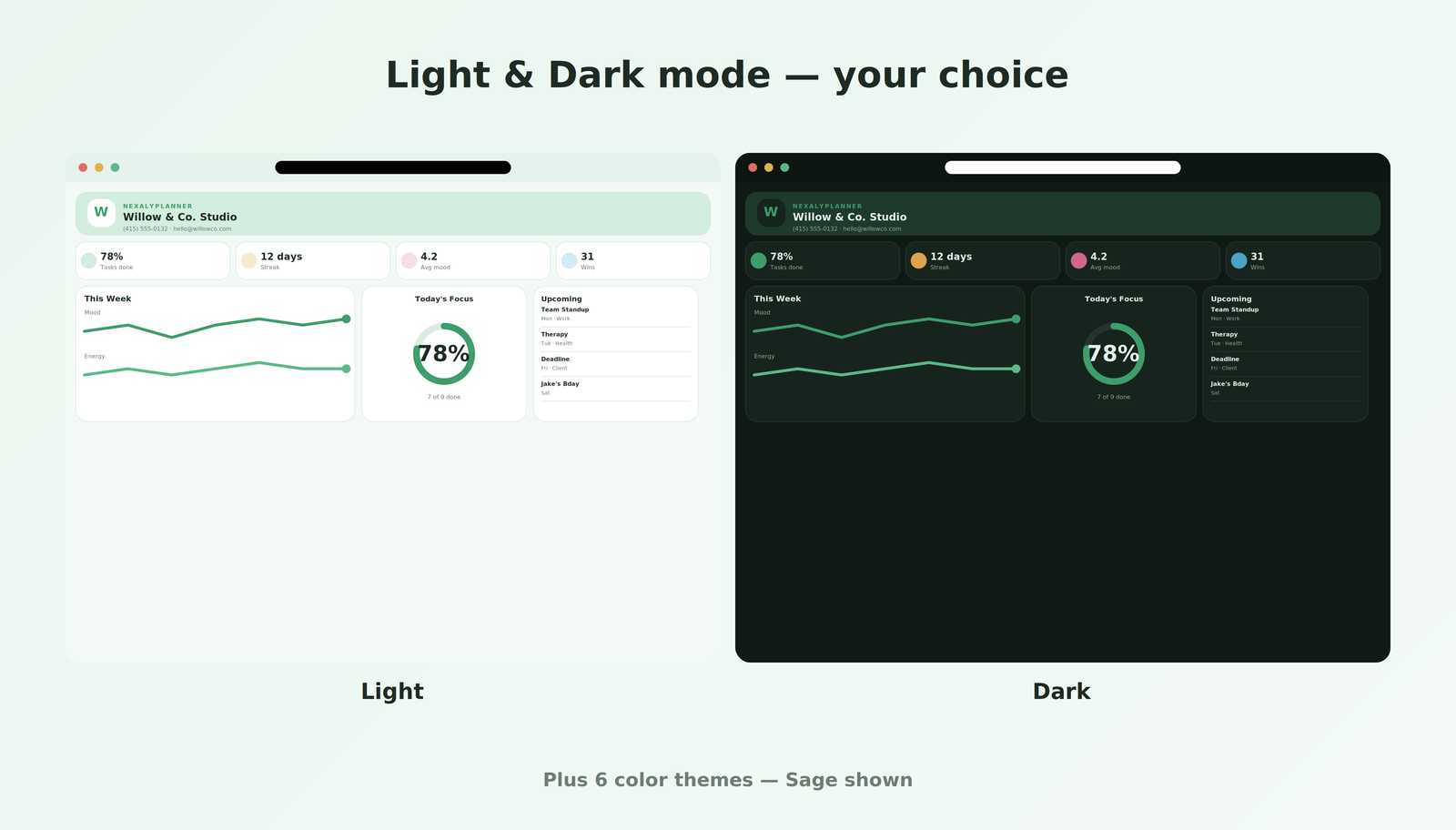
Every screen, up close
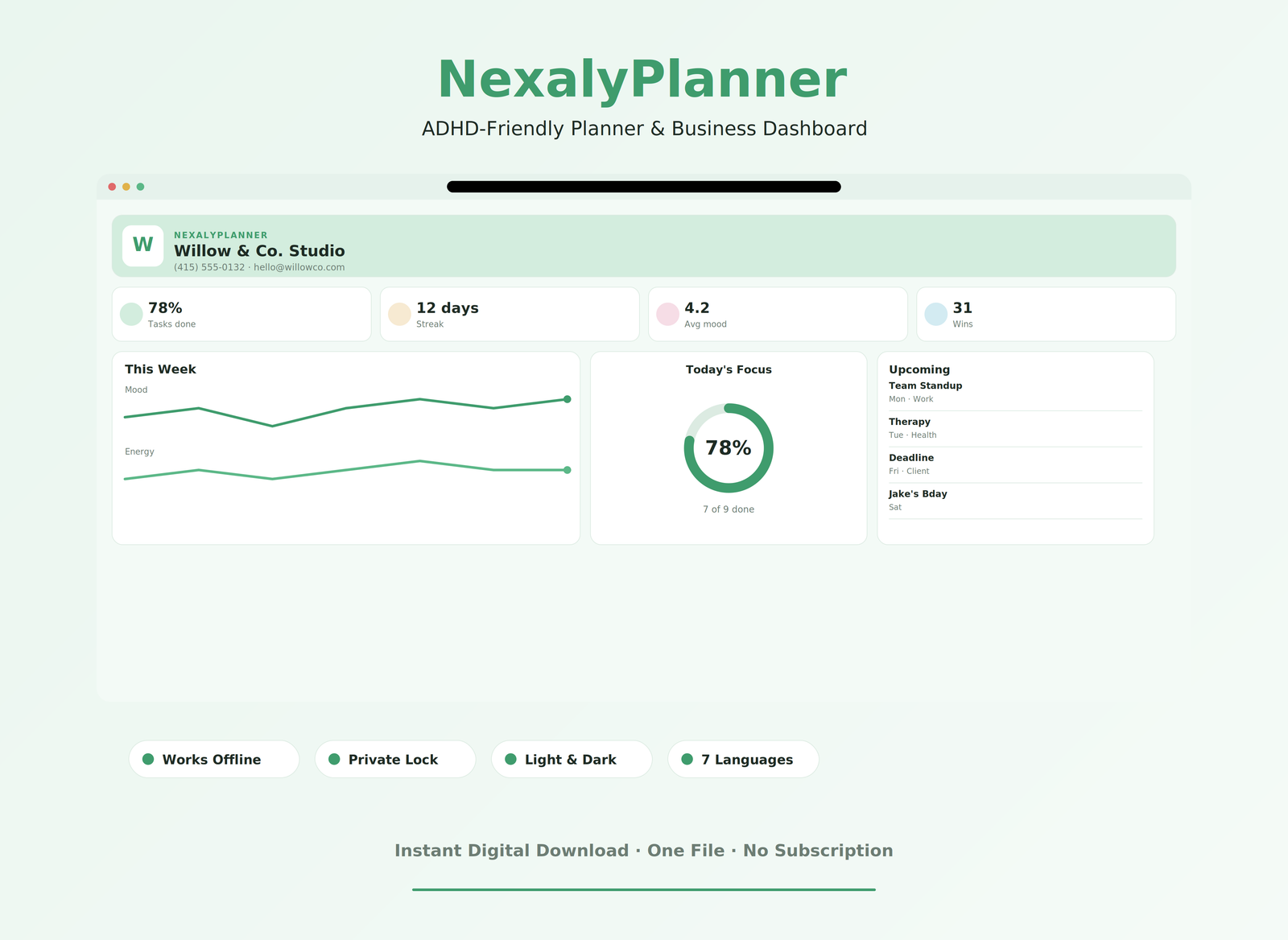
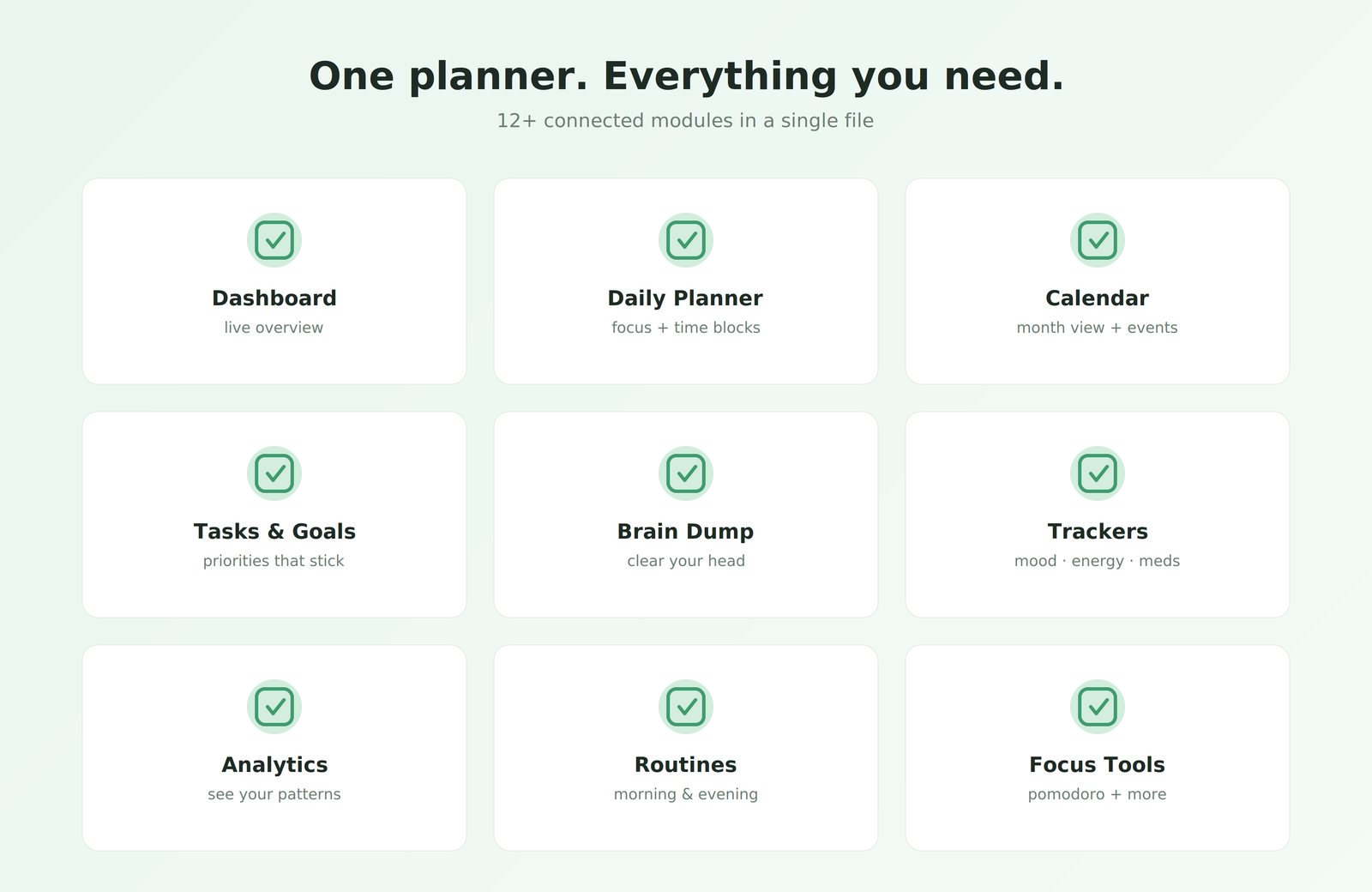
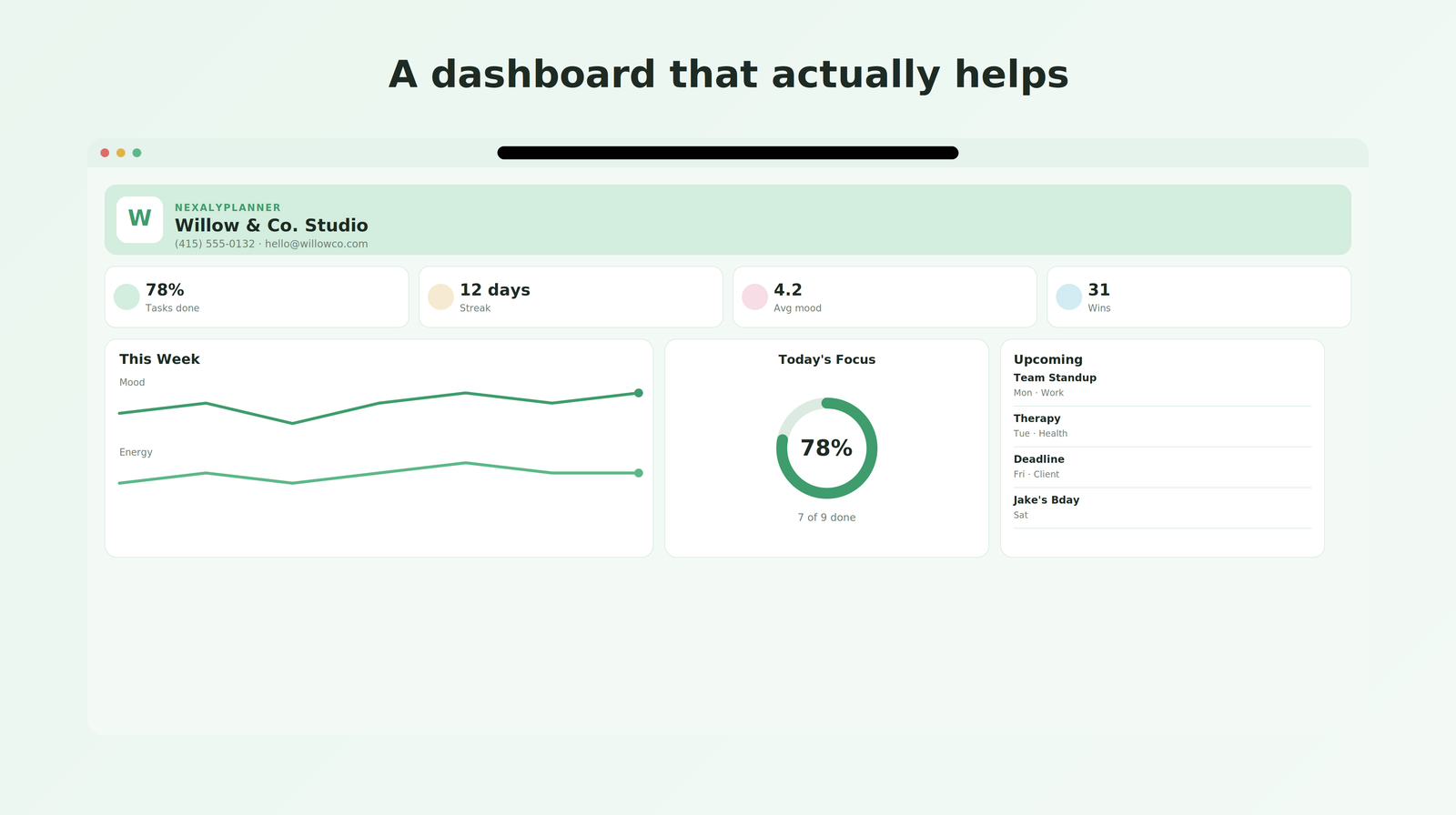
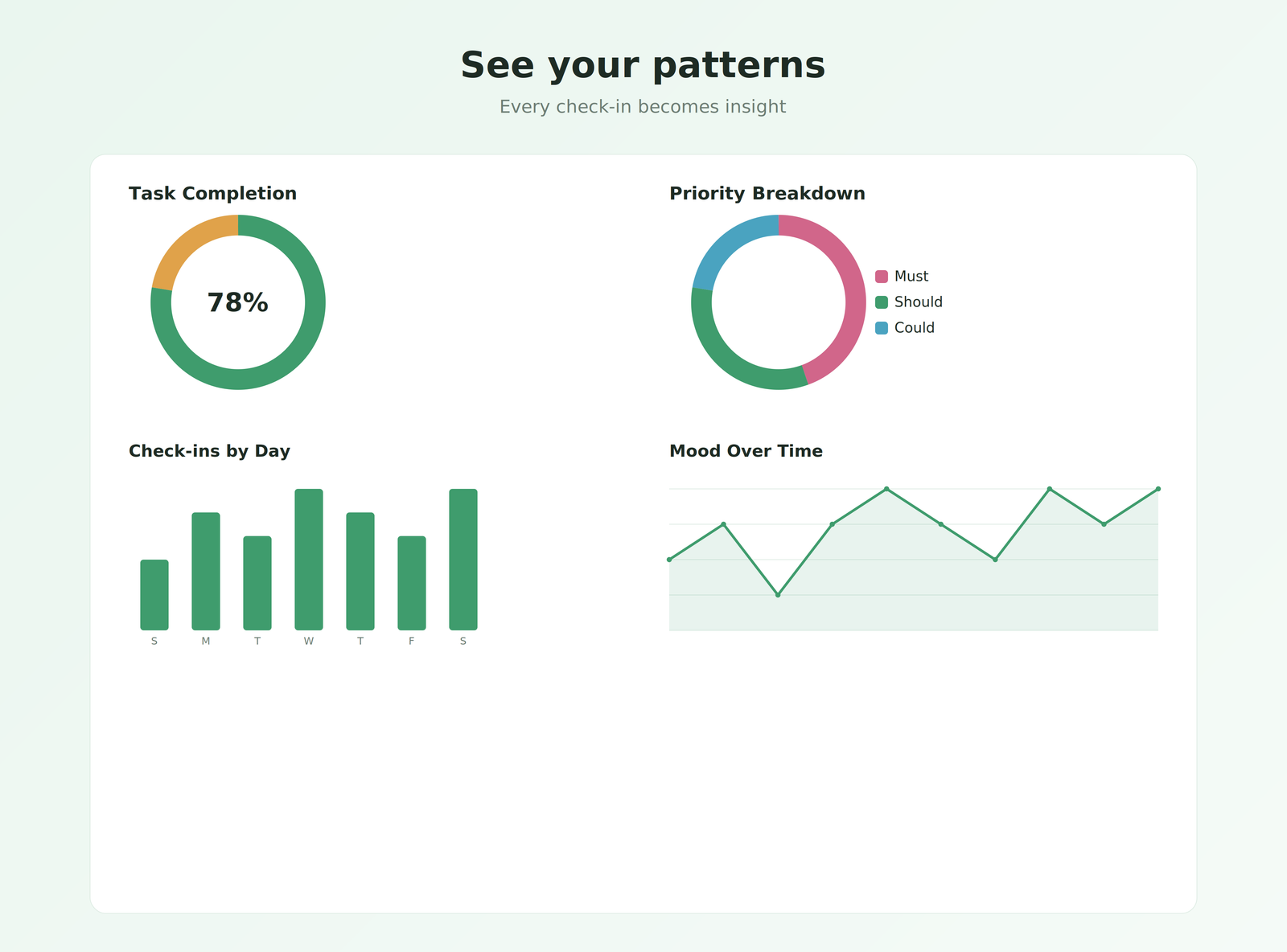
A calm, visual planning workspace built to reduce friction — see the focus tools, trackers and views included.
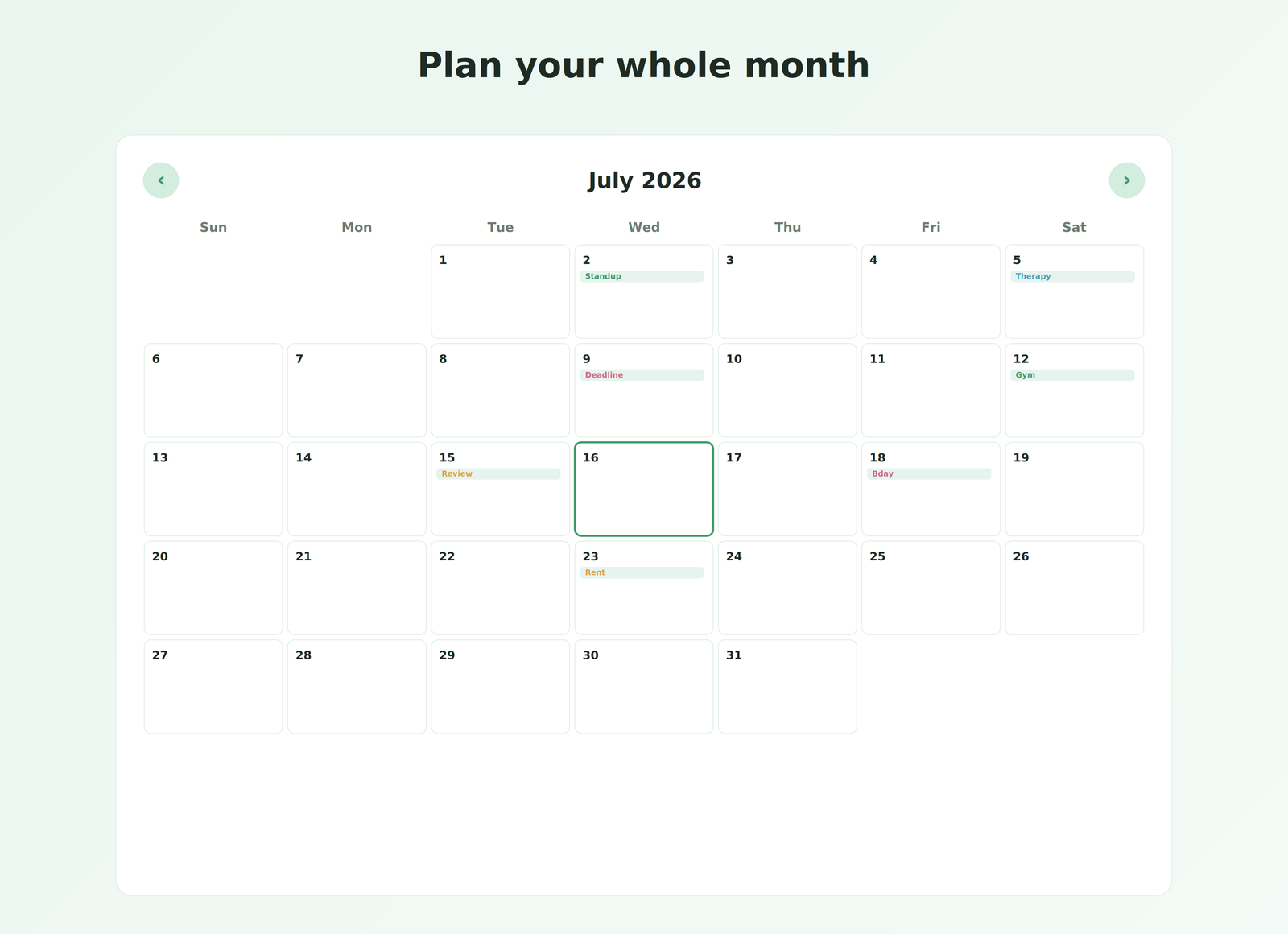
Watch it work
Planning and focus tools in the app
Capture first, organize later
Use the brain dump to clear mental clutter quickly, then turn important items into focused tasks.
One clear daily focus
Top Three Tasks, time blocks and a calm dashboard keep the next useful step visible.
Support routines gently
Morning and evening routines, trackers, achievements and streaks make consistency easier to see.
Private, offline and yours
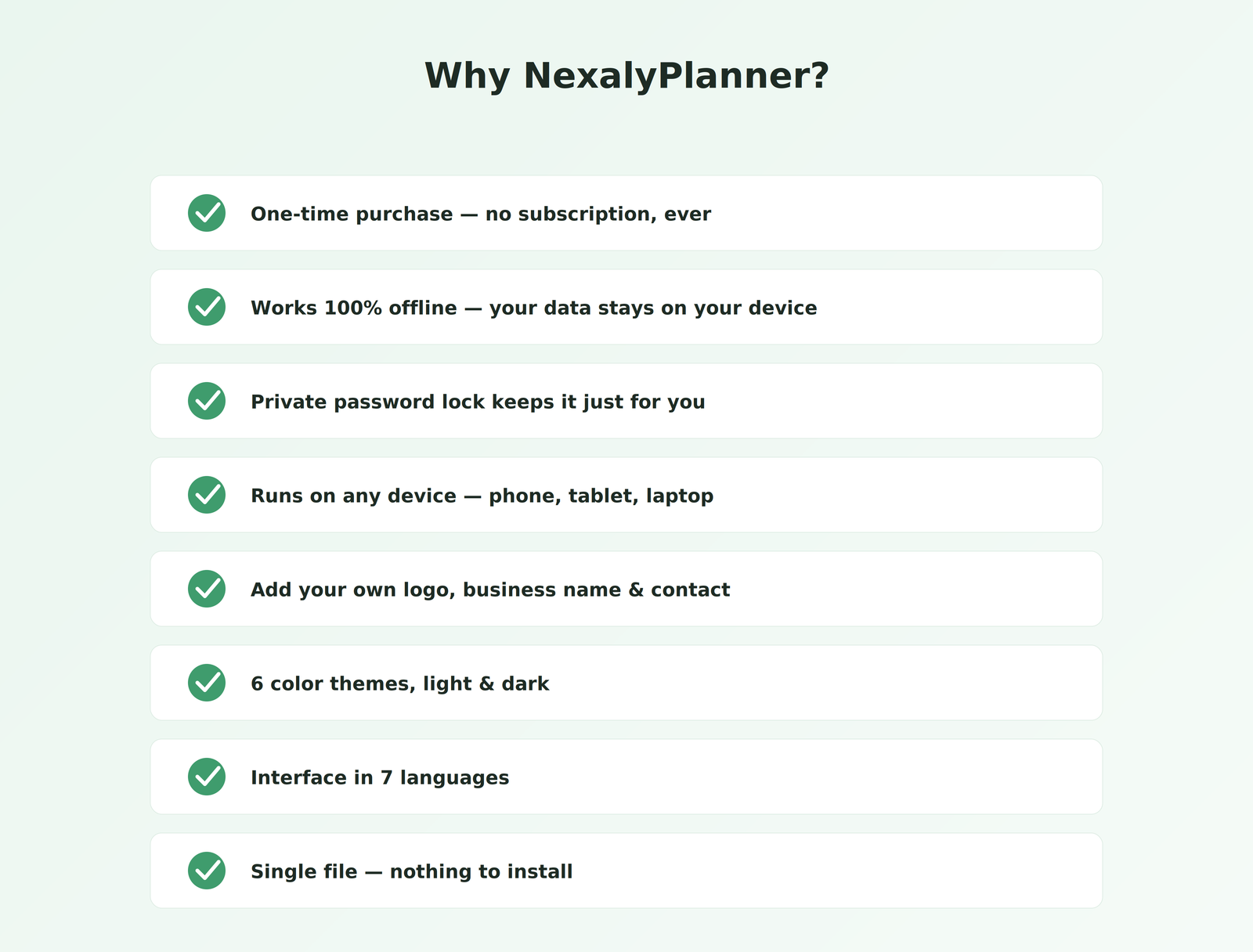
Your data stays on your device. Use seven languages, light or dark mode, backups and PDF printing with no subscription.
What is an ADHD digital planner in everyday use?
This app is a place to capture tasks, choose a daily focus and review a routine. Start with a small planning session in the interactive ADHD planner demo rather than filling every tracker at once.
- Capture one loose thought. Add “send the revised client proposal” to the Brain Dump. Review the entry and create a task separately when it needs action.
- Choose the next useful task. Mark “check proposal numbers” as Must Do. Leave “format the appendix” as Should Do and “research next month’s offer” as Could Do, so optional work does not hide the first step.
- Review the day. Use the daily focus and time-block fields to outline when you intend to work. Mark the task complete when finished. The Pomodoro timer is an in-page countdown, not an alarm that is guaranteed to run after the tab closes.
The ADHD planning routine for adults gives a longer example. For one departure routine, try the free Leave-on-Time Routine Planner. It is a separate planning worksheet and does not sync tasks with this app.
Check the app format and backup workflow
The purchase is a downloadable HTML browser application, not a PDF template for GoodNotes. The full version lets you export and import a product-generated JSON backup; keep a dated copy before changing devices or clearing browser data. Printed sections are useful for review but do not replace a restore file. Read the ADHD planner backup and restore guide for the storage limits.
ADHD planner questions
What is included in the ADHD digital planner for adults?
The download includes the offline HTML planner app with daily focus, tasks, Brain Dump, routines, planning views and focus tools, plus the user guide, quick-start instructions and license and disclaimer files.
Is this an ADHD planner app or a GoodNotes PDF?
It is a downloadable HTML browser app, not a PDF template or a native app-store download. The full version can print supported sections or save them as PDF from the browser.
Does this ADHD digital planner require a subscription?
No. It is a one-time $11.99 digital purchase. The downloaded core planner works in a current browser without a cloud account or monthly subscription.
Does it sync with Google Calendar or between devices?
No automatic external calendar integration or cloud sync is provided. Calendar entries stay in the planner. Export and import a product-generated JSON backup when moving your working copy to another device.
Is this a diagnosis or treatment app?
No. It is a personal organization tool. Trackers summarize the information you enter; they do not diagnose ADHD, prescribe treatment or replace professional care.