
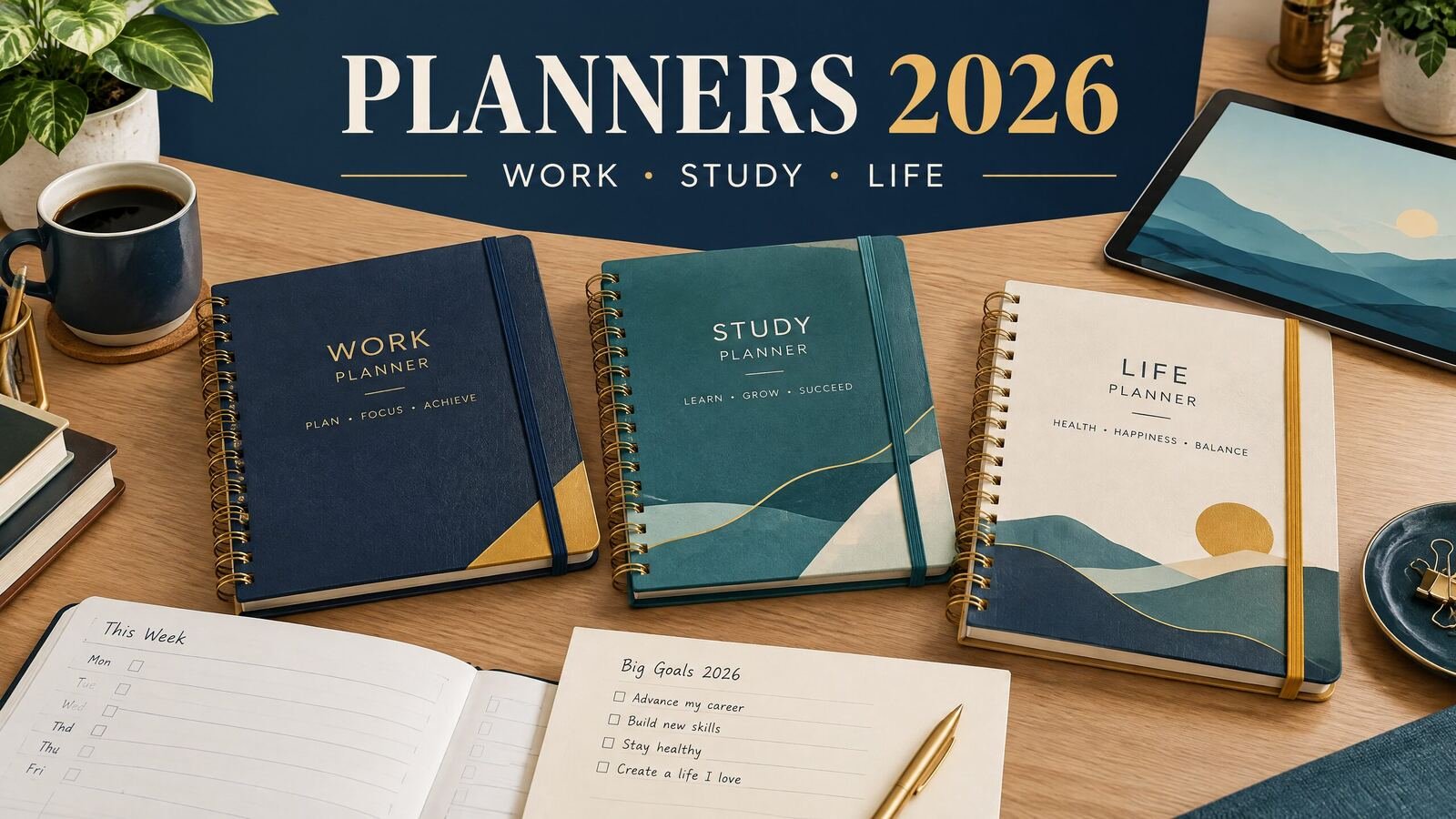
When comparing planners 2026 formats, start with the way you actually plan. Use a daily planner for appointments and focused work, a weekly planner for workload, a monthly planner for deadlines, and a digital planner when you want tablet handwriting or file storage. The right choice depends on your schedule, device, and preferred level of structure.
Quick answer: A daily planner suits detailed workdays, a weekly layout suits classes and shifting workloads, and a monthly layout suits deadlines and big-picture planning. Choose paper or printable pages for pen-and-paper planning, or a digital planner for tablet handwriting and file storage. An undated or multi-year planner can also work if you do not want to replace your system each January.
What to look for in a 2026 planner
A planner is useful when its pages match your decisions. Write down the commitments you must remember, the work you need to schedule, and the information you want to review. A freelancer may need deadlines and follow-ups; a student may need classes, assignments, and study sessions; a parent may need appointments and school events.
Next, decide whether you need a dated 2026 planner or an undated planner. Dated pages make January setup quick and give you a clear place for every day. They can be less forgiving if your routine changes or you start late. Undated pages can be reused and are useful for irregular schedules, but you must write in the dates yourself.
Finally, check the practical details. Can you carry it and open it during a busy day? Does the page leave enough room for your handwriting? If digital, can you back up and find the file when needed?
Planner formats compared
For a practical daily page, compare the free daily planner layouts for 2026. To keep longer deadlines in view, use the monthly planner 2026 layout guide alongside your daily plan.
| Planner type | Best for | Useful layouts | Main advantage | Watch for |
|---|---|---|---|---|
| Daily planner | Meetings, focused work, errands | Priorities, schedule, notes, next actions | Gives one day enough space | Can encourage overplanning |
| Weekly planner | Classes, projects, family routines | Week grid, task list, habit check | Shows workload at a glance | Small writing areas on crowded pages |
| Monthly planner | Deadlines, travel, launches, bills | Calendar grid, goals, notes | Makes the shape of the month visible | Not enough room for detailed tasks |
| Academic or study planner | Students and exam preparation | Timetable, assignments, exam dates | Connects school dates to study work | Less useful after the term ends |
| Hourly planner | Time-blocking and appointments | Hour-by-hour schedule | Helps place work in realistic blocks | Too rigid for unpredictable days |
| Digital planner | Tablet users and searchable files | Linked or repeated daily, weekly, and monthly pages | Easy to duplicate, annotate, and store | Requires a compatible app or PDF workflow |
| Printable or paper planner | Offline planning and handwriting | Printed daily, weekly, or monthly pages | No battery or app setup | Pages can be misplaced or hard to revise |
For a closer look at tablet and offline formats, see the digital planner collection. It includes planners for daily focus, students, homeschool, small-business planning, and other specific workflows. Product details vary, so read the individual description before buying.
Which planner works for work, study, and life?
For work and business
Work planning usually needs two levels. Use a monthly view for deadlines, launches, travel, and recurring meetings, then a weekly view for projects and follow-ups. Add a daily page when work requires time blocks or a short list of priorities.
An hourly planner can help when your day contains appointments or several distinct work sessions. It is less helpful if every day is interrupted by urgent requests. In that case, leave open space instead of assigning every hour. The hourly planner guide explains how to compare fixed time slots with looser digital layouts.
For study
Students often need connected views rather than one long to-do list. Put classes and exams in the term view, break assignments into weekly actions such as “find two sources” and “draft the outline,” then use a daily page for a study block.
For example, a paper due Friday should appear on the calendar, in the week’s task list, and in at least one study session. That repetition is useful because each view answers a different question: when is it due, what must happen this week, and what will I do today?
For personal life
A life planner should show shared commitments without turning every task into a project. Use a monthly page for birthdays, trips, school events, and appointments, then a weekly page for meals, errands, and household tasks.
A minimalist planner may be the better fit when you stop using pages because there are too many prompts. The minimalist planner guide offers a useful test: keep a section only if it helps you schedule, choose, remember, or review something.
How to choose between paper, printable, and digital
Paper is straightforward and tactile, while printable pages let you test a layout or print only the weeks you need. The tradeoff is maintenance: you need paper, a printer or print service, and a way to store completed pages.
A digital planner suits tablet or computer users. A PDF may need a compatible annotation app, while an offline HTML planner uses a browser. Check format, device requirements, navigation, and backup steps before buying.
If you prefer an A5-size notebook or binder, remember that A5 and US half-letter are different sizes. The A5 planner guide explains the measurements and what to consider when moving between physical and digital layouts.
A practical setup for 2026
Use this five-step setup with paper, printable pages, or a digital planner.
- Capture fixed dates. Add holidays you observe, work deadlines, class meetings, exams, appointments, and travel. Keep a separate source calendar if dates change frequently.
- Choose a weekly planning time. A 15-minute review on Sunday evening or Monday morning is enough to check deadlines, open tasks, and available time.
- Limit daily priorities. Pick two or three outcomes for the day. Put routine tasks in a separate list so they do not hide the work that needs attention.
- Leave capacity. If you have six hours of meetings, do not schedule six hours of deep work. Keep open blocks for transitions, messages, meals, and surprises.
- Review and adjust. At the end of the week, move unfinished tasks deliberately. Do not copy every item forward without deciding whether it still matters.
Worked example: a realistic week
Imagine Maya, a project coordinator in Ohio, who works Monday through Friday and takes an evening class. She has a presentation due Thursday, a dentist appointment Tuesday at 3:30 p.m., and two class assignments due Sunday. Her planner should not treat each item as equally urgent.
On the monthly page, Maya records the presentation date, class dates, and appointment. On the weekly page, she breaks the presentation into three tasks: confirm the data on Monday, draft slides on Tuesday, and rehearse on Wednesday. She also places two 45-minute study sessions on Wednesday and Saturday.
Her Tuesday daily page might read:
| Time or section | Entry |
|---|---|
| 8:30–9:15 a.m. | Confirm presentation data and note missing items |
| 9:15–10:00 a.m. | Email follow-ups |
| 10:00–11:00 a.m. | Draft slides 1–4 |
| 12:30–1:15 p.m. | Lunch and short walk |
| 1:15–2:00 p.m. | Draft slides 5–8 |
| 3:30–4:15 p.m. | Dentist appointment |
| 4:30–5:00 p.m. | Record next action and pack up |
| Evening | Class reading, 30 minutes |
The open space lets travel, check-in time, or a delay fit without breaking the plan. On Wednesday, Maya can rehearse instead of creating the presentation from scratch. That is the difference between recording commitments and assigning work.
For more guidance, read the complete daily planner guide. The NexalyPlanner Journal has related planning articles.
To start, browse the NexalyPlanner digital planners and compare each format with the routine you mapped. Choose the smallest system that covers your actual work.
Common mistakes when choosing a 2026 planner
Do not select by appearance alone. Check writing space, fit with your schedule, and which tool is the source of truth if appointments and tasks live elsewhere. Start with the next seven days instead of waiting for January 1.
Key takeaways
- Match the layout to the decision: monthly for dates, weekly for workload, and daily for action.
- Use an hourly page when fixed appointments matter more than flexibility.
- Students benefit from linking class dates, assignment steps, exams, and study sessions.
- Paper, printable, PDF, and offline digital formats each have different setup and backup needs.
- Check file type, device compatibility, navigation, and stated features before buying a digital planner.
- Leave open capacity so an ordinary delay does not undo the day.
- Start with one week and remove sections you do not use.
Planners 2026 FAQ
What is the best planner for 2026?
There is no single best planner for every person. Daily pages suit detailed work; weekly or monthly pages suit classes, family schedules, and deadlines. Choose based on your schedule and format.
Should I buy a dated 2026 planner or an undated planner?
Choose dated pages if you want the calendar already arranged and expect to plan throughout 2026. Choose undated pages if your schedule is seasonal, you are starting midyear, or you want to reuse the planner later. Writing dates in yourself is the main tradeoff.
Is a digital planner better than a paper planner?
Neither is automatically better. Digital planners support tablet handwriting and file storage; paper planners are easy to open and need no device. Choose the one you will keep available.
What planner is best for college students?
A student planner should connect class times, assignments, exams, and study sessions. A weekly academic layout with term dates and occasional daily pages often works well. Avoid crowded pages.
Do digital planners work on an iPad?
It depends on the file format and the app you use. PDF planners generally require a compatible annotation or handwriting app, while offline HTML planners use a browser and may behave differently. Read the product’s stated format and device requirements before purchasing.
Do I need a daily, weekly, and monthly planner?
One layout is enough if it covers your decisions. A monthly view can hold fixed dates, a weekly view workload, and a daily view only demanding days. Use several views only when each has a distinct job.
How do I use a planner without overplanning?
Choose two or three priorities, schedule fixed commitments first, and leave open blocks. Move only tasks that still matter; remove sections that stay blank.
Can I start a 2026 planner after January?
Yes. Start with the current week and add only future dates that matter. An undated planner makes this especially easy, but a dated 2026 planner can also work if you ignore unused pages and begin where you are.
---