
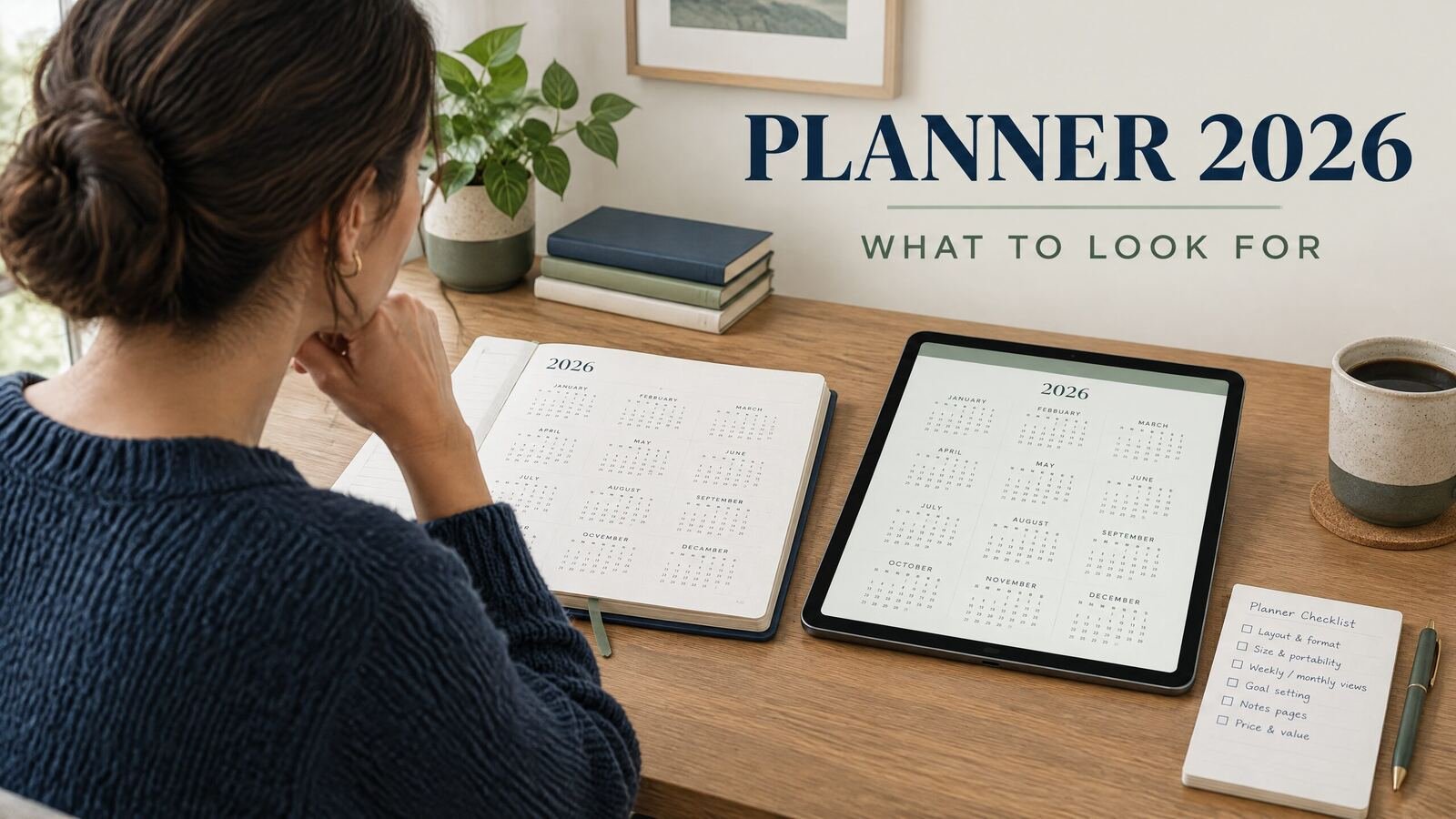
A good planner 2026 purchase should match the way you plan, not just its appearance. Check the date range, layout, format, navigation, writing method, storage, and whether it remains useful. For most US readers, the choice is a dated paper planner, printable PDF, or digital planner that works with the device and app already in use.
Quick answer: Choose a 2026 planner with the right time scale for your week, enough writing space, and a format you will open consistently. Confirm that January 1 through December 31, 2026 is covered, check how appointments and recurring tasks are handled, and avoid paying for features you will not use.
Decide what your planner needs to do
Start with your planning habit rather than the cover or number of pages. A planner may need to hold appointments, deadlines, school dates, errands, or daily priorities. Those needs point to different layouts.
A weekly planner shows several days and gives you room to move tasks around. A daily planner gives one date more room for an agenda, notes, or time blocks. A monthly planner suits deadlines, travel, bills, and other fixed dates.
Many people need two views: a monthly calendar for fixed commitments and a weekly or daily page for work. If you buy one format, choose the view you check before making decisions.
If you are unsure whether an hourly page is necessary, compare your days with the practical test in this hourly planner guide. A time grid helps when appointments and focused work compete for the same hours. It can feel restrictive if your day changes often and you prefer a short priority list.
Check the 2026 date range and update policy
A dated planner should make the year obvious. Look for January, February, and the rest of the calendar through December 2026. If the product includes weekly pages, check whether the first week begins in late December 2025 and whether the final week continues into January 2027.
Check the calendar convention too. In the United States, many people expect Sunday-first calendars, while others prefer Monday-first pages. Pick the one that matches your work, school, or family calendar.
For a digital product, read the description for its date range and file or app format. Find out whether you can duplicate a page, write on top of it, or move between months without scrolling. For a printable planner, check whether pages are designed for US Letter paper or another size. A file that looks fine on screen may need scaling when printed.
Compare planner formats before you buy
To compare specific layouts for your schedule, read the 2026 planners comparison for work, study, and life. If your choice comes down to a printable page or a digital file, see the digital and printable planner options.
Format affects convenience more than most decorative details. Use this table to narrow the field before you compare designs.
| Format | Good fit for | Advantages | Watch for |
|---|---|---|---|
| Paper planner | People who think best by hand and want a physical object | Fast to open, no battery, easy to see on a desk | Fixed pages, added weight, difficult to duplicate or rearrange |
| Printable PDF | People who want handwriting on paper and control over printing | Can print selected pages and choose paper size | Printing takes time, pages can be lost, digital navigation is limited |
| Digital PDF | Tablet users who write with a stylus | Reusable file, search or hyperlinks may be available | App compatibility and backup matter; features vary by file |
| Offline digital app or HTML planner | People who want typed entries and local access | Easy to edit, often quick to open, no cloud account may be required | Confirm browser or device support and how data is saved |
| Cloud-based planner | People who need access across several devices | Sync can be convenient for a phone, tablet, and computer | Requires the service to work and may involve an account or subscription |
A digital planner may suit you if you carry a tablet or need to copy tasks between pages. Paper may suit you if you prefer handwriting and no device.
The daily digital planner setup guide explains how PDF, offline HTML, and cloud options differ. Use it to check saving and backup before choosing a digital format.
Look for a layout you can use on a busy Tuesday
Product screenshots show empty pages. Imagine one with a dentist appointment, two deadlines, a school pickup, and a grocery reminder. Can you still tell what matters?
Look for space for fixed appointments, movable tasks, notes, and daily priorities. If the page includes habits, goals, meal planning, or prompts, make sure those sections earn their space. Extra boxes create work when you feel obliged to fill them in.
For a weekly planner, check whether the seven days have balanced space. A large notes panel should not replace room for the days you use most. For a daily planner, choose hourly blocks, open lines, or a hybrid. Hourly pages suit meeting-heavy days; open lines are easier for variable schedules.
A minimalist planner can be a sensible choice when you want fewer prompts and less visual noise. The minimalist planner guide includes a useful way to decide which sections to keep.
Check the writing and navigation experience
For paper, examine page size, binding, and line spacing. A narrow gutter can make a spread awkward to write in. If you use stickers, highlighters, or a fountain pen, check the paper specifications rather than guessing from photographs.
For a digital planner, confirm what “hyperlinked” or “interactive” means. Ask before checkout:
- Can you move from a month to a week or day in one tap?
- Can you type, draw, or do both?
- Does the planner work in the app you already use?
- Can you make a backup or export your entries?
- Does it require an internet connection every time?
If you prefer an A5 notebook or tablet-sized page, compare actual dimensions instead of relying on the label. The A5 planner sizes and layouts guide covers paper, printable, Goodnotes-style, and other digital options without treating the A5 name as a guarantee of a particular experience.
Work through a realistic buying example
Maya works from home in Colorado. She has client calls, a Tuesday class, a monthly volunteer shift, and household tasks. She wants to plan on an iPad with a stylus and needs a monthly view for travel and appointments.
Her first thought is an hourly planner because her mornings are meeting-heavy. After reviewing a typical week, she finds that only Monday and Wednesday need time blocks. A full hourly page every day would leave too much unused space, so she narrows her search to a dated 2026 planner with monthly, weekly, and flexible daily pages.
Maya tests the week of January 5, 2026 with a 10:00 a.m. call, a 6:30 p.m. class, a Wednesday deadline, and Saturday groceries. The weekly page fits all four; the daily page blocks the call without forcing every task into a time slot. She tests January-to-March navigation and confirms the file opens in her note-taking app.
She checks the last week of December, the US Letter option, and backup instructions. The less decorative layout fits her routine, which is a better reason to buy than a long feature list.
For a paper planner, write down five real commitments from next week. If they do not fit without shrinking your handwriting, the planner is the wrong size or layout.
Make a short pre-purchase checklist
Before you place an order, confirm these details on the product page:
- Coverage: The planner includes all of 2026 and states how partial weeks are handled.
- View: You get the monthly, weekly, daily, or hourly view that matches your routine.
- Format: The file, app, paper size, or binding works with your setup.
- Input: You can write, type, print, or combine methods as promised.
- Storage: You understand where entries are saved and how to make a backup.
- Reuse: You know whether the planner is dated, undated, reusable, or limited to one year.
- Support: Instructions and contact information are easy to find.
The NexalyPlanner digital planner collection lets you compare planner categories and read each product’s details. Review the individual page rather than assuming every planner has the same format or tools.
Key takeaways
- Choose the view you will check most often, then add other views only when they solve a real problem.
- Confirm the dated range covers the complete 2026 calendar.
- Match paper, PDF, offline, or cloud format to the device and writing method you already use.
- Test a layout with real appointments and tasks from a busy week.
- Check navigation, app compatibility, saving, and backup for digital planners.
- Treat extra prompts as optional unless they help you plan or review.
- Read the individual product description for exact features and format.
FAQ about planner 2026 purchases
What should a planner 2026 include?
It should cover the 2026 dates you need and provide room for usual commitments. Monthly and weekly views help many buyers, but the right combination depends on how much detail you record.
Is a dated or undated planner better for 2026?
A dated planner saves setup time. An undated planner is flexible when you skip weeks or reuse pages, but you must add dates. Choose based on convenience or reuse.
Should I buy a daily or weekly planner for 2026?
Choose weekly pages to balance several days. Choose daily pages when one day has enough appointments, notes, or time blocks to fill a page. Both views work if switching is easy.
Is a digital planner better than a paper planner?
Neither format wins for everyone. Digital planning suits some tablet users; paper suits people who prefer handwriting and no device.
What is the best planner size for everyday use?
The best size leaves room for handwriting and fits where you plan to use it. Measure your desk, bag, or tablet and check dimensions. A5 alone does not guarantee enough writing space.
Do digital planners work on an iPad?
Many do, but compatibility depends on the file type and app. Read the instructions for app, stylus, links, and backup support. PDFs and app planners behave differently.
Can I print pages from a digital planner?
Sometimes. A printable page may need a specific paper size or setting. Check the description and test one page before relying on printing.
How do I choose a planner for work and home together?
Start with one calendar for fixed commitments, then decide whether work and home need separate sections. A weekly view with notes suits a light workload. If categories compete, use clear sections instead of one crowded list.
When should I start using a 2026 planner?
Set it up when you know your 2026 commitments. Add fixed dates, routines, and a few January priorities. Adjust after a week or two.
For more practical setups, browse the NexalyPlanner Journal for daily, monthly, hourly, and digital planning guides.