
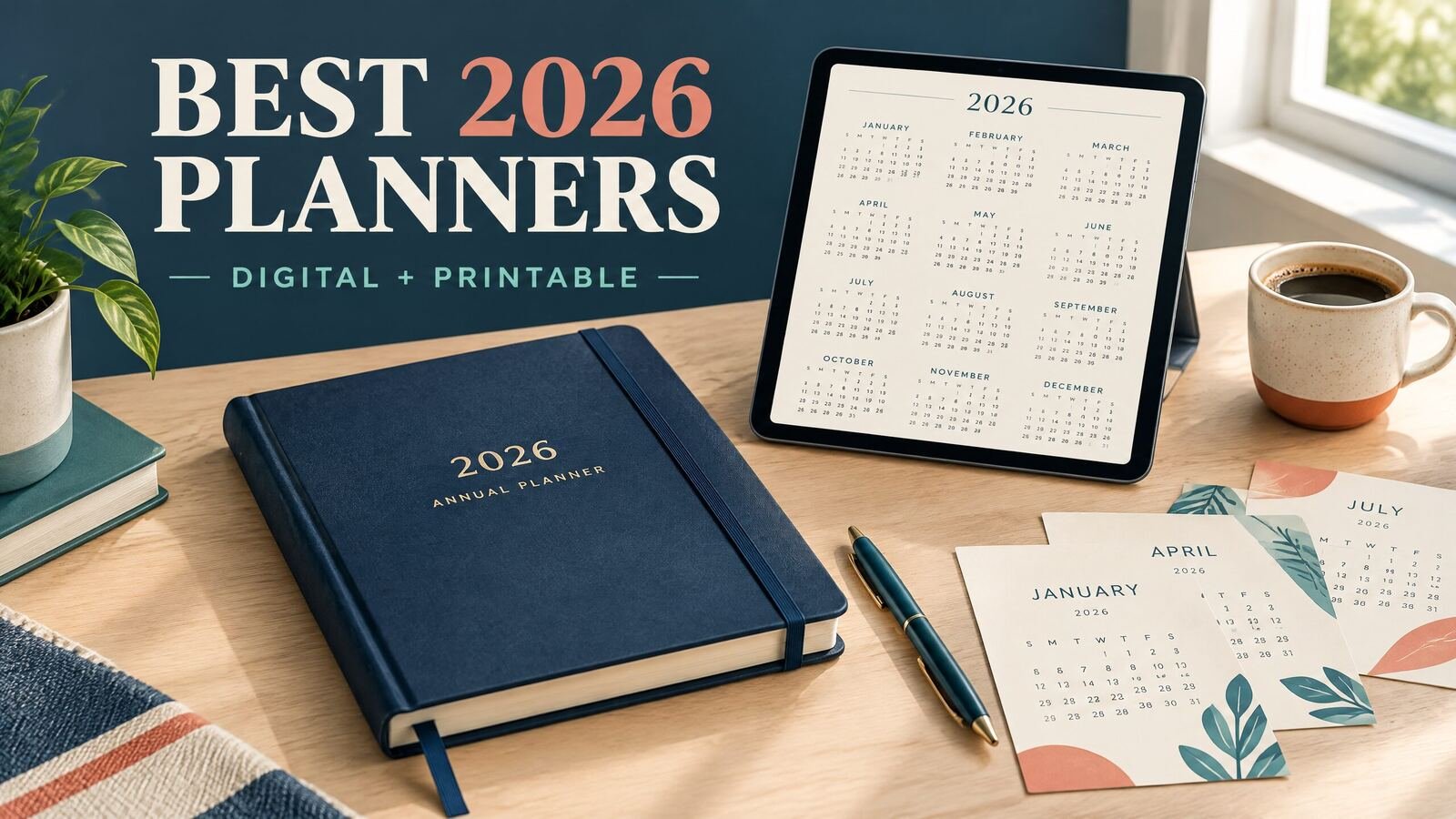
The best 2026 planner is the one that matches how you actually plan. Choose a digital planner if you want searchable pages, repeatable layouts, and access across a tablet or computer. Choose a printable planner if you think better on paper or want a page you can post near your desk. For most people, a monthly overview plus weekly and daily pages is a practical combination. This guide compares the main 2026 planner formats, shows how to choose one, and works through a realistic example.
Quick answer: Pick a digital planner for portability and reusable structure, a printable planner for handwriting and easy visual scanning, or a dated paper planner for a ready-to-use physical book. For 2026, check the calendar dates, page size, navigation, printing setup, and whether the layout gives you enough room for your real commitments.
Which 2026 planner format fits your routine?
Digital planners: best for flexible planning
A digital planner usually uses linked PDF pages, an offline app, or a workspace such as Notion. It suits people who carry a tablet, prefer typing, or want to copy a recurring task instead of rewriting it. A digital planner can also make it easier to keep monthly goals, weekly priorities, and daily notes together.
Look closely at the file type before buying. A PDF planner may work well with a note-taking app, while an offline HTML planner may open in a browser and store records differently. A Notion template requires a Notion account and a different setup process. These are not interchangeable formats.
A useful digital planner should have navigation that you can understand quickly. It should also fit the device you use. An iPad planner with tiny text may be frustrating even if its page design looks attractive in a preview. Test the first page, a weekly spread, and a busy day before committing to a full planning system.
Printable planners: best for handwriting and visibility
A printable planner works well when you want to write by hand, color-code appointments, or keep a page visible without opening an app. A PDF can be printed at home or through a local print shop, depending on the file instructions. Letter size is a natural starting point for many US readers, while A4 or A5 may make more sense for a different binder or notebook setup.
Check whether the document is dated, undated, or designed for a specific year. An undated planner takes a little more setup but can be reused. A dated 2026 planner saves time and reduces the chance of writing the wrong weekday beside a date. Also check margins and printer scaling. A page that prints with clipped edges is not practical, regardless of its design.
Best 2026 planners by use case
If you need help choosing a planning format before comparing products, use our 2026 planner buying checklist. For a closer look at work, study, and home routines, read the full comparison of 2026 planner formats.
| Best for | Recommended format | What to look for | Main limitation |
|---|---|---|---|
| Busy workdays | Digital hourly or daily planner | Time blocks, top priorities, notes, and a clear day view | Detailed pages take longer to maintain |
| Family and household planning | Printable monthly and weekly planner | Shared commitments, appointments, meal or errand space | Updates require reprinting or handwriting |
| Students and academic schedules | Digital or printable academic planner | Classes, assignments, exams, and study sessions | A general planner may not include term-specific sections |
| Goal and project planning | Digital monthly, weekly, and project pages | Milestones, next actions, and review pages | More structure can feel heavy for simple routines |
| Minimal planning | Undated printable or sparse digital planner | Open writing space and only essential prompts | You must supply your own structure |
| Desk-based planning | Letter-size printable planner | Comfortable margins and readable weekly spreads | Less convenient when away from the desk |
| Tablet-based planning | Linked PDF or offline digital planner | Good navigation, legible text, and easy backup | Depends on the app and device you choose |
For a broader starting point, browse NexalyPlanner’s digital planner collection. The collection is organized around specific needs such as student assignments, homeschool records, daily focus, business planning, and family caregiving. Read the product description and file details for the exact planner you are considering rather than assuming every item has the same layout.
A practical way to choose your 2026 planner
Use this five-step check before you download, print, or purchase anything.
1. List your repeating planning tasks
Write down what you need to track in a normal week. For example, you might have work meetings, a child’s school events, two exercise sessions, a grocery trip, and one long-term project. If your list is mostly appointments, a calendar planner may be enough. If it includes actions and deadlines, you need task space as well.
2. Pick your planning horizon
A monthly page helps you see dates and deadlines. A weekly page helps you allocate limited time. A daily page helps you decide what to do next. Most people do not need a detailed page for every horizon, but many routines benefit from using two levels together, such as monthly plus weekly.
3. Match the page to your device or paper
4. Decide how much structure you will maintain
A detailed daily planner can be helpful during a busy season, but it can also create extra maintenance. A minimalist planner may be better when your schedule changes often. Choose prompts you will use. If you never track habits, a page full of habit boxes is wasted space.
5. Run a one-week trial
Before setting up all of 2026, plan one representative week. Include a busy day, a normal day, and a day with an unexpected change. Notice whether you run out of space, skip sections, or spend too much time formatting. Those observations are more useful than choosing from screenshots alone.
Worked example: planning one week in January 2026
Imagine Maya, a remote customer-support specialist in Ohio. During the week of January 12, she has a Monday team meeting, a Wednesday dentist appointment, a Friday report deadline, and a personal goal to walk three times. She also wants two evening blocks for a home organization project.
On the monthly page, Maya records the report deadline and appointment first. She then adds the team meeting and marks Tuesday and Thursday as possible walking days. The monthly view answers, “What is coming up?” It does not need every small task.
On the weekly page, she turns the report into steps: review the prior week’s numbers on Monday, draft the summary on Tuesday, check it on Thursday, and send it Friday morning. She places the dentist appointment on Wednesday and leaves a 30-minute buffer around it. She schedules walks for Tuesday, Thursday, and Saturday, but treats the third walk as flexible rather than a failure point.
On Monday’s daily page, her list is limited to the team meeting, the first report review, two support blocks, lunch, and one household task. She does not copy every item from the weekly page. She chooses the work that fits that day.
For a more detailed daily setup, see the daily digital planner setup guide. It covers daily layouts and the practical difference between a page for tasks and a page for time blocks.
What to check in a 2026 planner before using it
If you prefer planning by time blocks, the hourly planner guide compares paper, printable, and digital hourly layouts. If you prefer a wider view, the monthly planner guide shows how to use a monthly page for commitments, goals, and review.
If you are ready to compare formats and use cases in one place, the NexalyPlanner Journal has additional planning guides. Choose a layout after you understand your routine, not before.
Key takeaways
- The best 2026 planner depends on your planning location, device, writing preference, and schedule.
- Digital planners suit portable, repeatable workflows; printable and paper planners suit handwriting and visible pages.
- Check whether a file is PDF, offline HTML, Notion, or another format before you choose it.
- A monthly overview plus a weekly or daily page is enough for many routines.
- Test one realistic week before setting up an entire year.
- Verify dates, page size, margins, navigation, and backup options.
- Choose the amount of structure you will maintain consistently.
2026 planner FAQs
What is the best planner for 2026?
There is no single best planner for every schedule. A digital planner is a strong fit for tablet users who want reusable pages, while a printable or paper planner is a better fit for people who prefer handwriting and visible reminders.
Should I choose a digital or printable planner?
Choose digital if you plan on a tablet or computer and want easy duplication, search, or portability. Choose printable if writing by hand helps you think, or if you want to place a page on a desk or wall.
Are digital planners better than paper planners?
Neither is automatically better. Digital planners can be easier to carry and revise, while paper planners work without a device and can be faster for quick notes. Your preferred planning location and review habit should decide.
What should a 2026 planner include?
At minimum, look for accurate dated calendar pages and enough room for your main commitments. Depending on your needs, useful sections may include monthly, weekly, daily, project, notes, or review pages.
What is the best planner layout for a busy schedule?
A weekly spread gives you a manageable view of commitments, while a daily or hourly page helps you assign work to specific periods. Try both for a week and keep the more detailed layout only on days that need it.
Can I use an undated planner in 2026?
Yes. An undated planner can be used for 2026 if it has the page structure you need. You will need to add dates and weekdays yourself, so a dated planner may be more convenient if you want a ready-to-use calendar.
What size printable planner should I use in the United States?
US Letter is a practical default for home and office printers. A5 can be easier to carry, but it provides less writing space and may require different printing or binding settings. Check the file dimensions before printing.
How do I avoid abandoning my new planner?
Keep the first setup small. Plan the next week, use only the sections that solve a real problem, and review what you skipped. Removing unused prompts often makes a planner easier to keep using.
Is a 2026 planner useful after the year ends?
A dated planner remains useful as a record of appointments, projects, and routines, but its dated pages are tied to 2026. If reuse matters, consider an undated layout or a digital system that lets you duplicate a blank year.