
FREE · NO ACCOUNT NEEDED
Content Publishing Checklist
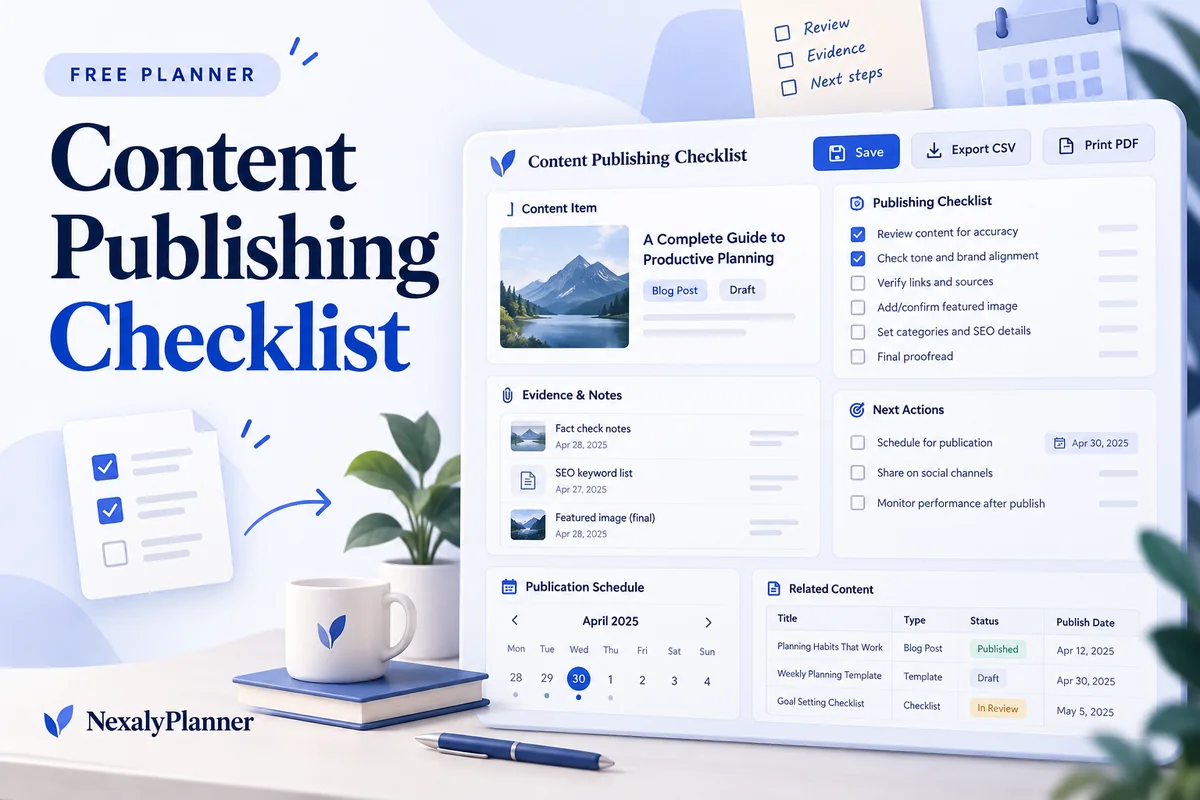
Review one article, email, video or post before publication. Keep checks, evidence and unfinished actions together so the publishing owner can make an informed final review.
1. Enter your details. 2. Add records. 3. Calculate and save a copy.
Set up your worksheet
Your report
Enter your details and records, then calculate to review the results.
Save or download your work
Work stays in this page until you choose Save on this device. Device saves belong to this browser and can be removed by clearing browser data. JSON keeps an editable backup; CSV and PDF keep a report.
Content Publishing Checklist: complete guide
What this free planner does
- One content item, channel and planned publication date per worksheet.
- Passed, Needs work and Not checked remain distinct statuses.
- A checklist is ready for your review only when every entered check has passed.
- Up to 100 editable entries, explicit device saving, JSON backup, CSV and browser PDF printing.
How to use it
- Enter the content title, channel, publishing owner, planned date and review date. Use a separate worksheet or backup for each content item.
- Add checks appropriate to the piece: facts, image relevance, alt text, working links, permissions and the next-step CTA are possible examples.
- Review each item yourself and record Passed, Needs work or Not checked. Add evidence or a concrete next action rather than a vague approval note.
- Calculate and resolve open checks. Use your own publishing system for the final action, then preserve this report as a record of the manual review.
Inputs and units
| Field | Input rule |
|---|---|
| Content item title | Required. Up to 160 characters. |
| Publishing channel | Required. Choose Blog, Email, LinkedIn, Instagram, YouTube, Facebook, Pinterest, Other. |
| Planned publication date | Required. A calendar date; date-only entries do not shift with browser timezone. |
| Review date | Required. A calendar date; date-only entries do not shift with browser timezone. |
| Publishing owner | Required. Up to 160 characters. |
| Check before publication | Required. Up to 160 characters. |
| Check status | Required. Choose Not checked, Needs work, Passed. |
| Evidence / next action | Optional. Up to 400 characters. |
How the calculation works
Passed counts rows marked Passed. Needs work and Not checked count their corresponding rows. Ready for your review appears only if every entered check is Passed; at least one row is required. The date check compares the planned publication date with the entered review date and does not establish whether content has been published.
Worked example with fictional data
A fictional craft market guide has three checks. Fact verification is Passed, relevant images and alt text Needs work, and links and CTA Not checked. The report shows one of each status and Open checks remain. When all three are manually changed to Passed, it shows Ready for your review, without claiming the page has been published or audited automatically.
Before you save your plan
- Keep evidence and unfinished actions beside each check so the publishing owner can review them.
- A completed checklist supports your review; it does not publish the content or guarantee accuracy.
Resolve open checks before reviewing a delayed publication
A fictional craft-market blog post was planned for October 7 and is reviewed on October 8, 2026. Its four entered checks describe things the publishing owner can inspect on the actual draft.
| Check | Status | Evidence / next action |
|---|---|---|
| Verify event date | Passed | Checked against the organizer's current listing |
| Check feature-image relevance | Passed | Preview shows the event stock worksheet discussed |
| Test the planner link | Needs work | Correct the destination and open it again |
| Review image alt text | Not checked | Inspect the image description on the draft page |
The worksheet reports two Passed, one Needs work and one Not checked, with Open checks remain. The date check says Past planned date. It does not infer that the post was published late or that the draft has failed an automated audit.
- Open the actual draft and resolve each recorded action. Keep the evidence note specific enough for another reviewer to understand.
- Change a status to Passed after completing that check yourself. Do not mark a row Passed just to reach a deadline.
- Recalculate when all four checks pass. Ready for your review means the entered checks are complete; it does not prove that every necessary check was included.
- Choose whether to publish using your publishing system. If the plan moves to October 9, update the planned date; against the October 8 review date it becomes Upcoming.
Organize separate channel assets in the content repurposing planner. Keep one checklist per finished asset so a reviewed blog post is not mistaken for a reviewed email or social post. The content calendar workflow helps connect those assets to the broader schedule.
Assumptions and common mistakes
This content publishing checklist records a human review. It does not inspect the source page, validate accessibility, check copyright, research keywords, generate writing, submit a sitemap or publish anything. A short checklist can miss issues you did not include. Choose checks that fit the channel and review the actual content before making the publishing decision.
Use specific checks such as Test the product link on mobile instead of a broad label like SEO done. Record what you checked and where a correction is needed. Keep the planned date current if work is delayed; Past planned date describes the schedule only. For a source piece adapted to several channels, organize the production tasks in the separate Content Repurposing Planner.
Save, restore and export
Add entry creates another record. Edit any field directly or use Remove entry to delete a row. Changing inputs clears the previous report so it cannot be mistaken for current results. Choose Calculate / review results again when your changes are ready.
Save on this device keeps an editable worksheet in this browser only. On a later visit in this browser, your saved worksheet loads automatically. Restore device save can also reload the last save after you confirm replacement. Saving drafts is allowed, but a report requires valid, complete inputs. Download backup creates a versioned JSON file for the same tool. Import backup shows the worksheet label and row count before replacing current work; it does not change the device save until you press Save.
Download CSV exports the settings, summary, row details and calculation notes. CSV is for spreadsheet review; it cannot restore this worksheet. Print / Save PDF recalculates the current entries and opens your browser’s print dialog. Choose Save as PDF where supported. The report excludes navigation, guides and product CTAs. Clear data removes the current worksheet and its device save after confirmation; keep a backup first if needed.
Frequently asked questions
Does Ready for your review mean the content is guaranteed ready?
No. It means every check you entered is marked Passed. You still decide whether the review is complete and the content should be published.
Will this check SEO or Google indexing automatically?
No. It records manual checks. No ranking, indexing or AI search visibility outcome is predicted.
How is this different from the repurposing planner?
Repurposing organizes tasks for adapting one source across channels. This checklist reviews one content item before a manual publishing decision.
Is this tool free, and does it sync between devices?
All worksheet, saving and export features are free without an account. There is no cloud synchronization. Transfer a JSON backup to another device and import it into this same tool.
Related planning resources
- Read the content calendar workflow for a clothing brand.
- Read the Content Marketing Planner user guide for the broader workflow.
- Plan channel adaptations of your source content.
- Browse all available free planners by category.
- 30 Boutique Social Media Post Ideas With Clear Sales CTAs.
- Browse the free content planning planners to compare these workflows.
EXPLORE A BROADER WORKFLOW
Need more than this one worksheet?
Explore Content Marketing Planner and read its guide to see how the full product fits your records. This free planner remains available without a purchase. Its JSON backup is not an import file for the paid product.