Home › Business Operating Systems › RepairBench OS
Try before you buy

Try the RepairBench OS

Create a sample customer, machine and repair job to test the real shop workflow. Demo records are isolated to this visit.

1Add a customer
2Register a machine
3Create a repair job
4Review profit and payments
NexalyPlanner Live Demo Temporary test data

A working preview, not a video

Use the real interface with sample information. Export, backup, upload and printing stay reserved for the purchased version.

Use sample information only—do not enter private customer, vendor, employee or payment data.Share feedback
Ready for the complete planner?One-time purchase · instant download · no subscription
Get the full version — $11.99

Review or improve this product

Submit a review, suggestion, general comment or private problem report. Nothing is published without permission and approval.

Customer reviews

Only customer-approved and manually moderated reviews appear here.

Approved customer reviews will appear here.

Every screen, up close

An offline workspace made for repair shops — here's exactly what you get inside.
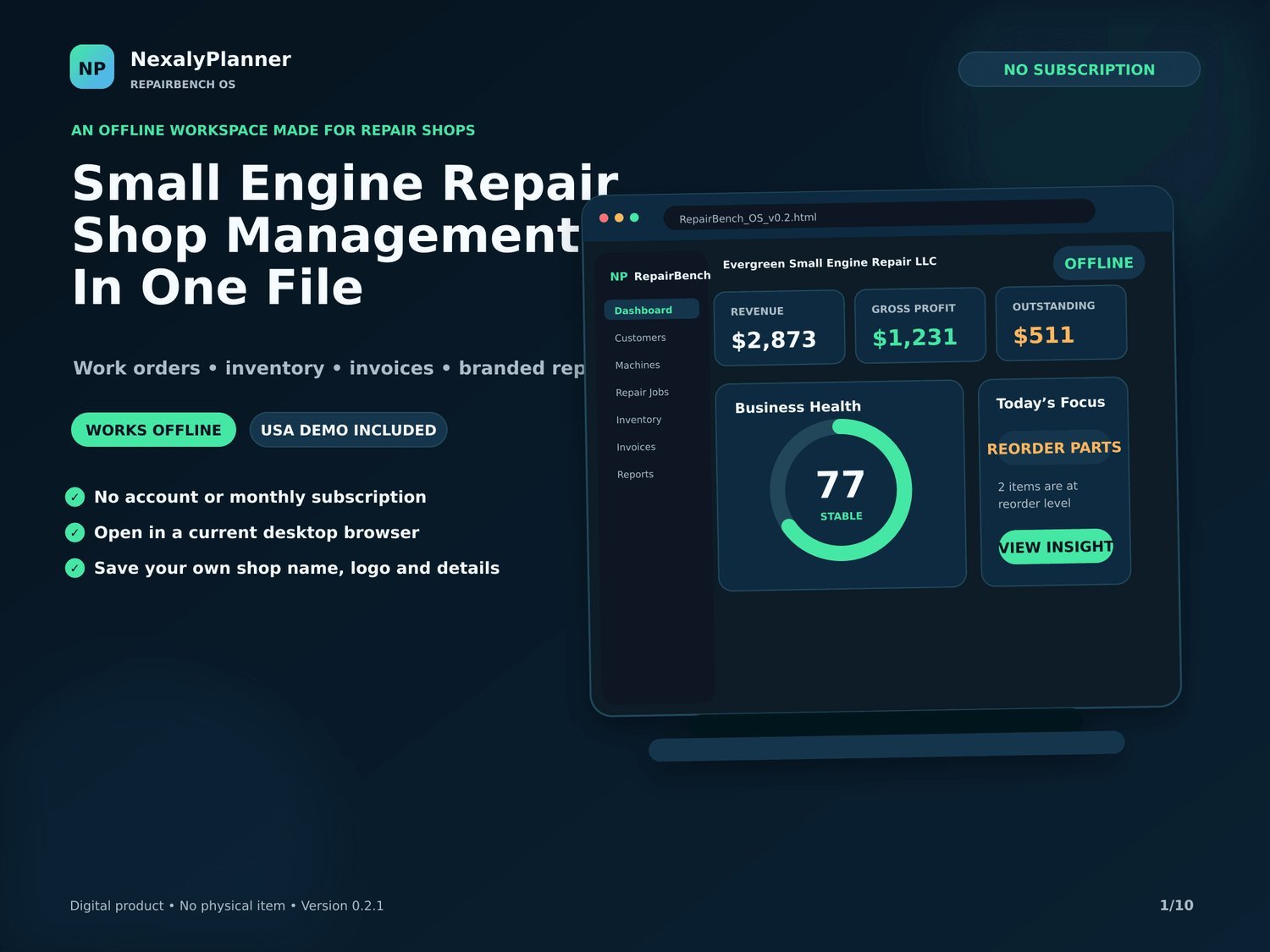
RepairBench OS small engine repair shop manager dashboard in one offline file with revenue, gross profit and business health
Small engine repair shop management in one file
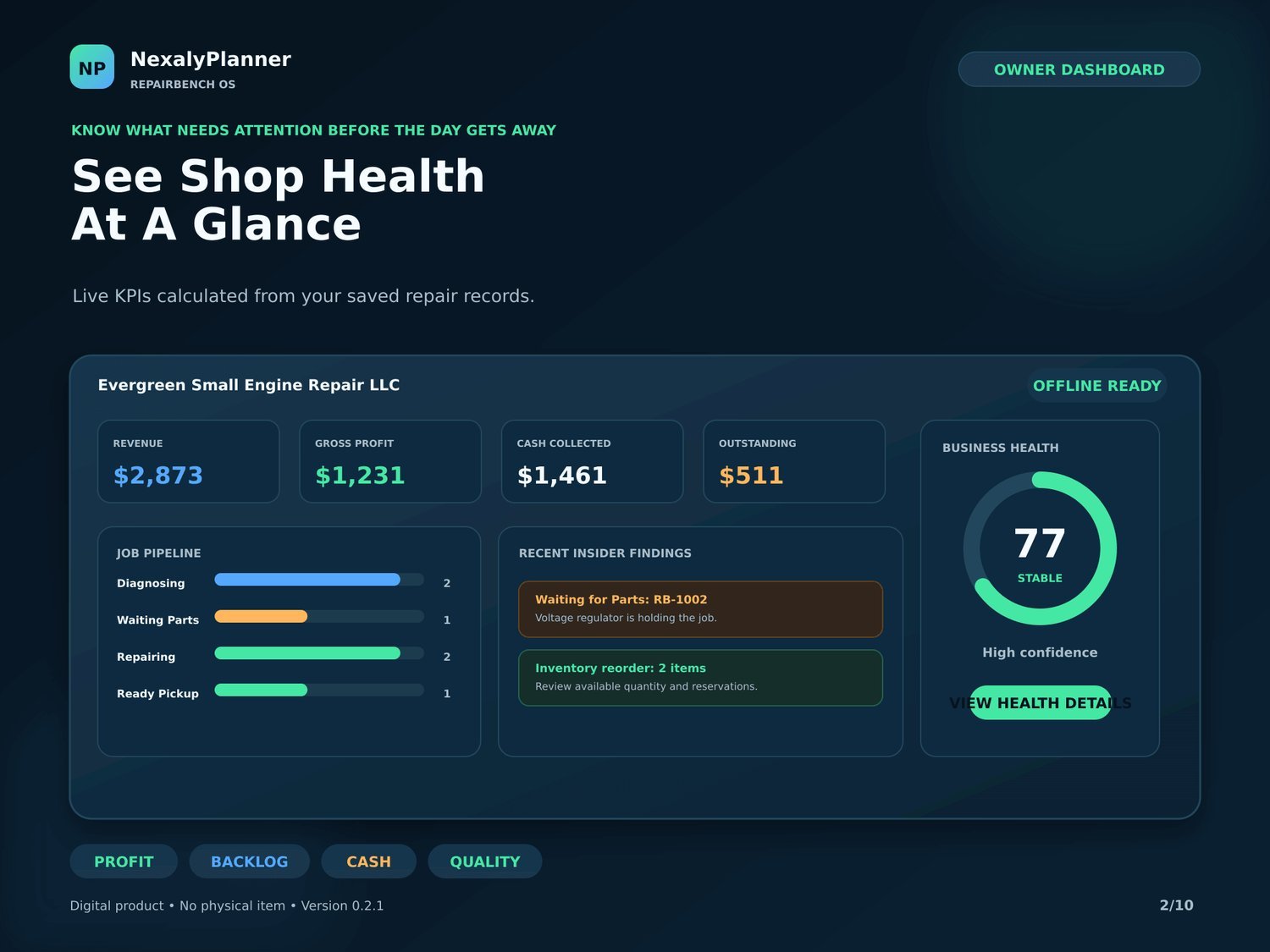
RepairBench OS owner dashboard with revenue, gross profit, cash, outstanding, job pipeline and insider findings
See shop health at a glance
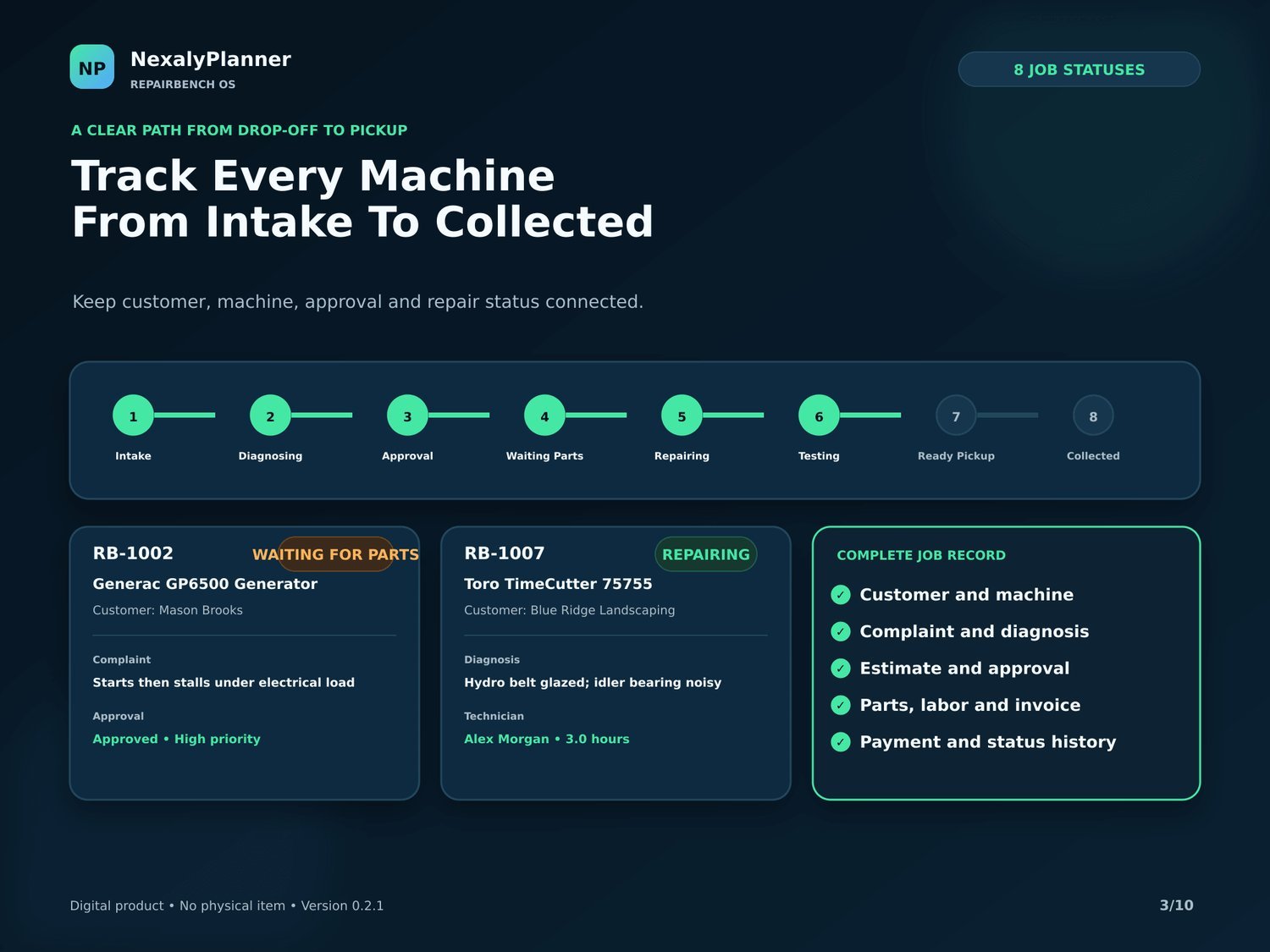
RepairBench OS repair job pipeline across 8 statuses from intake to collected with full job records
Track every machine from intake to collected
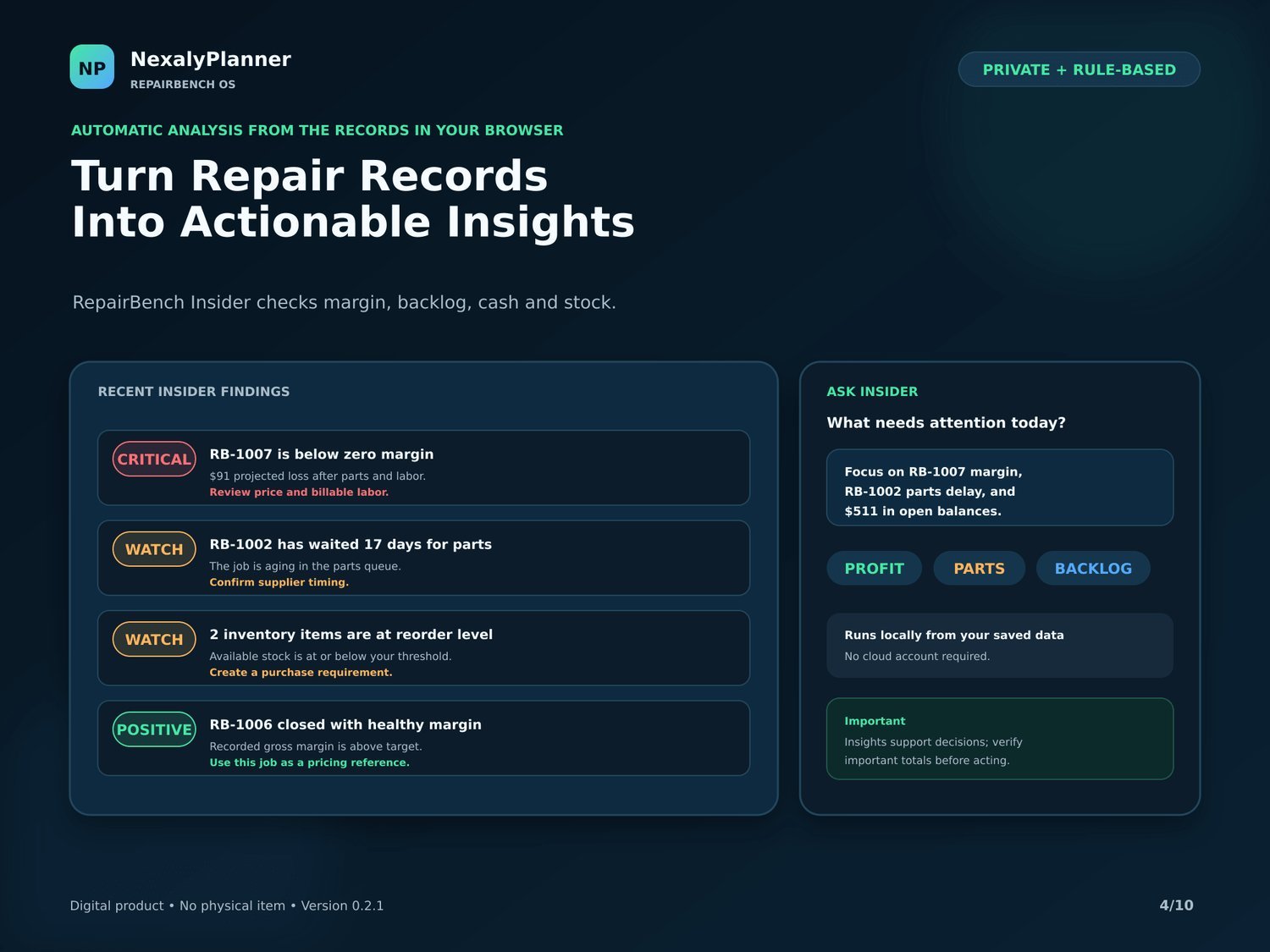
RepairBench OS offline Insider turning repair records into findings on margin, backlog, cash and stock
Turn repair records into actionable insights
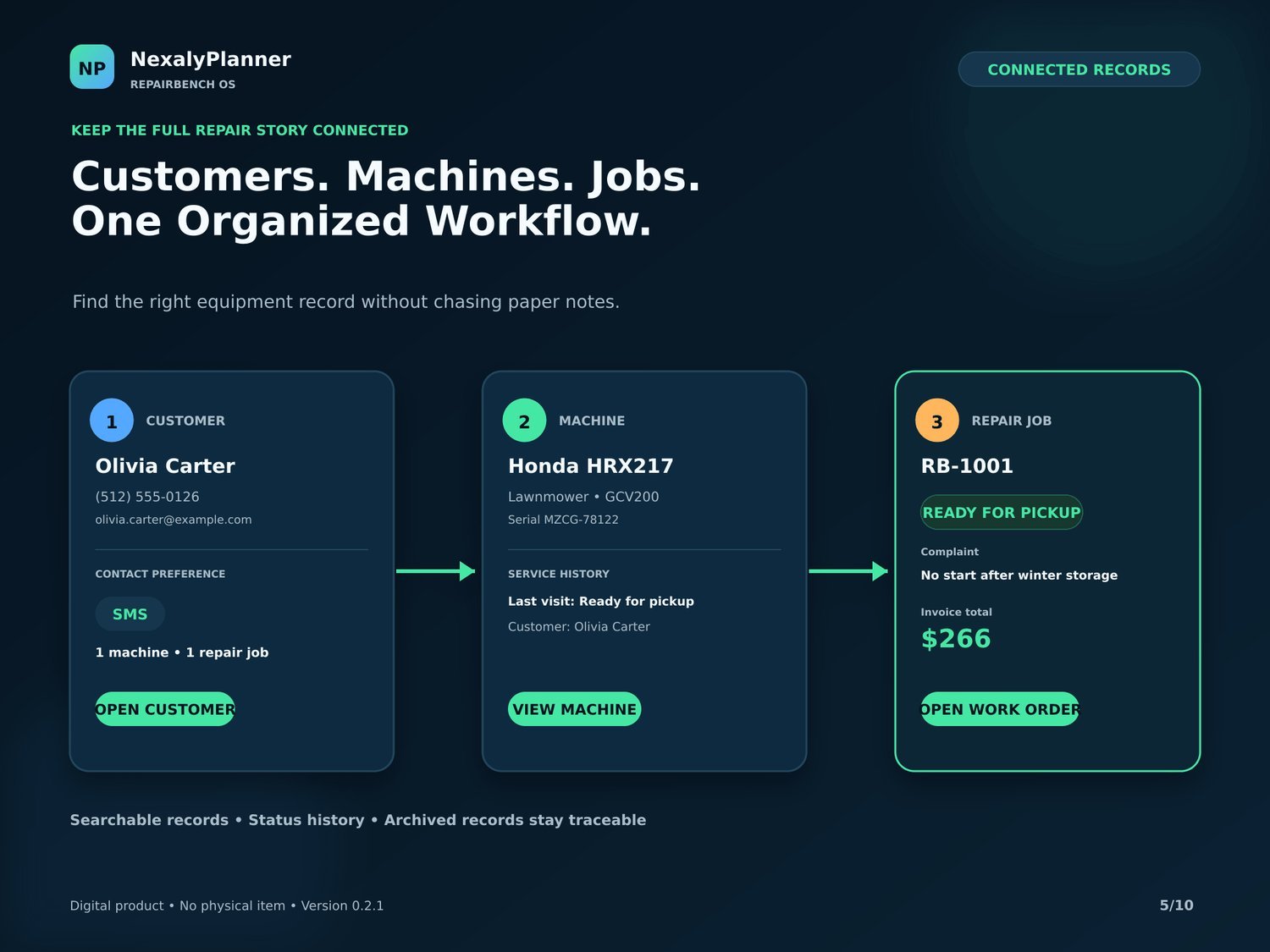
RepairBench OS connected customer, machine and repair job records in one organized workflow
Customers, machines and jobs — one workflow
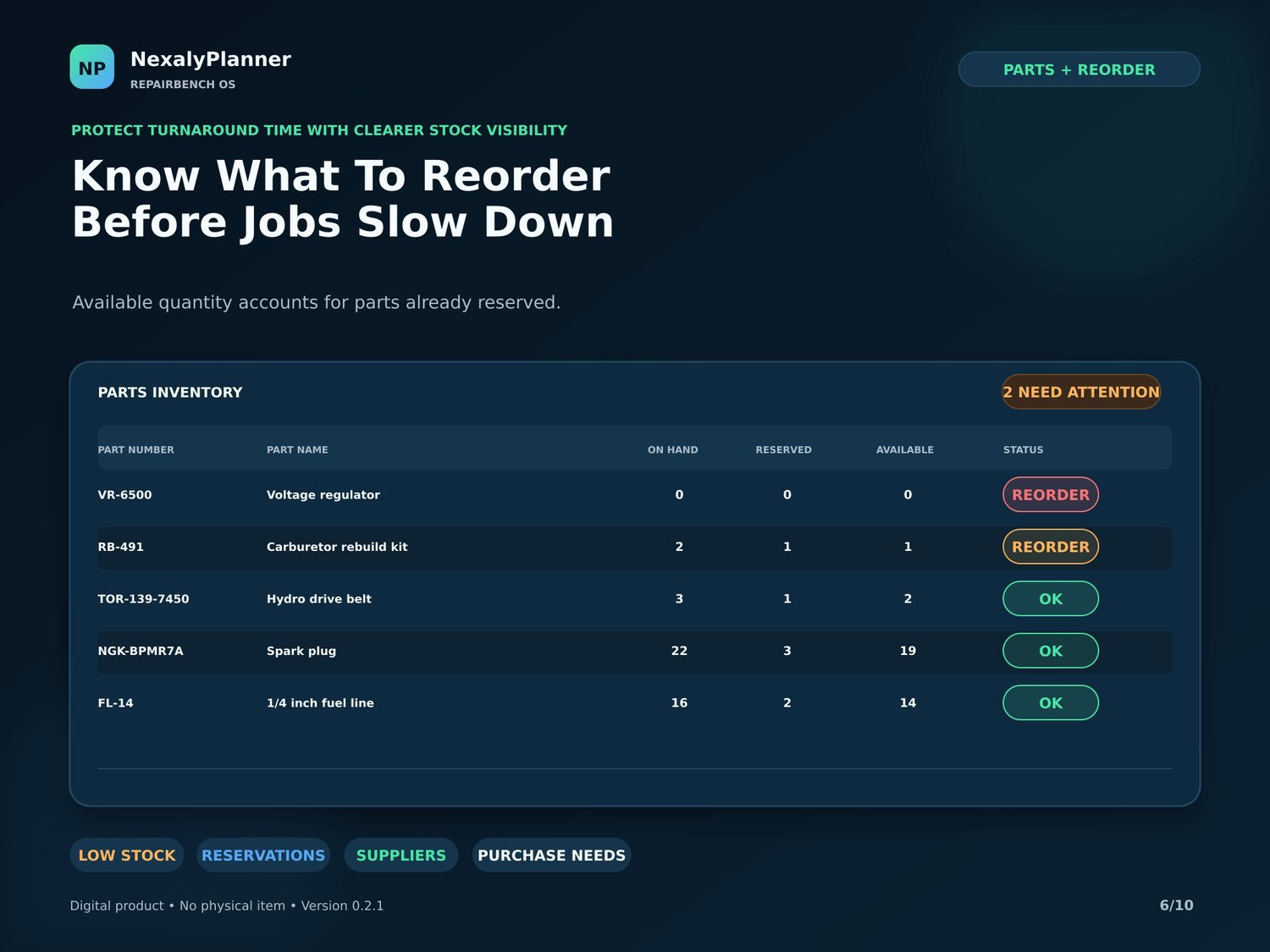
RepairBench OS parts inventory with on-hand, reserved and available quantities and reorder alerts
Know what to reorder before jobs slow down
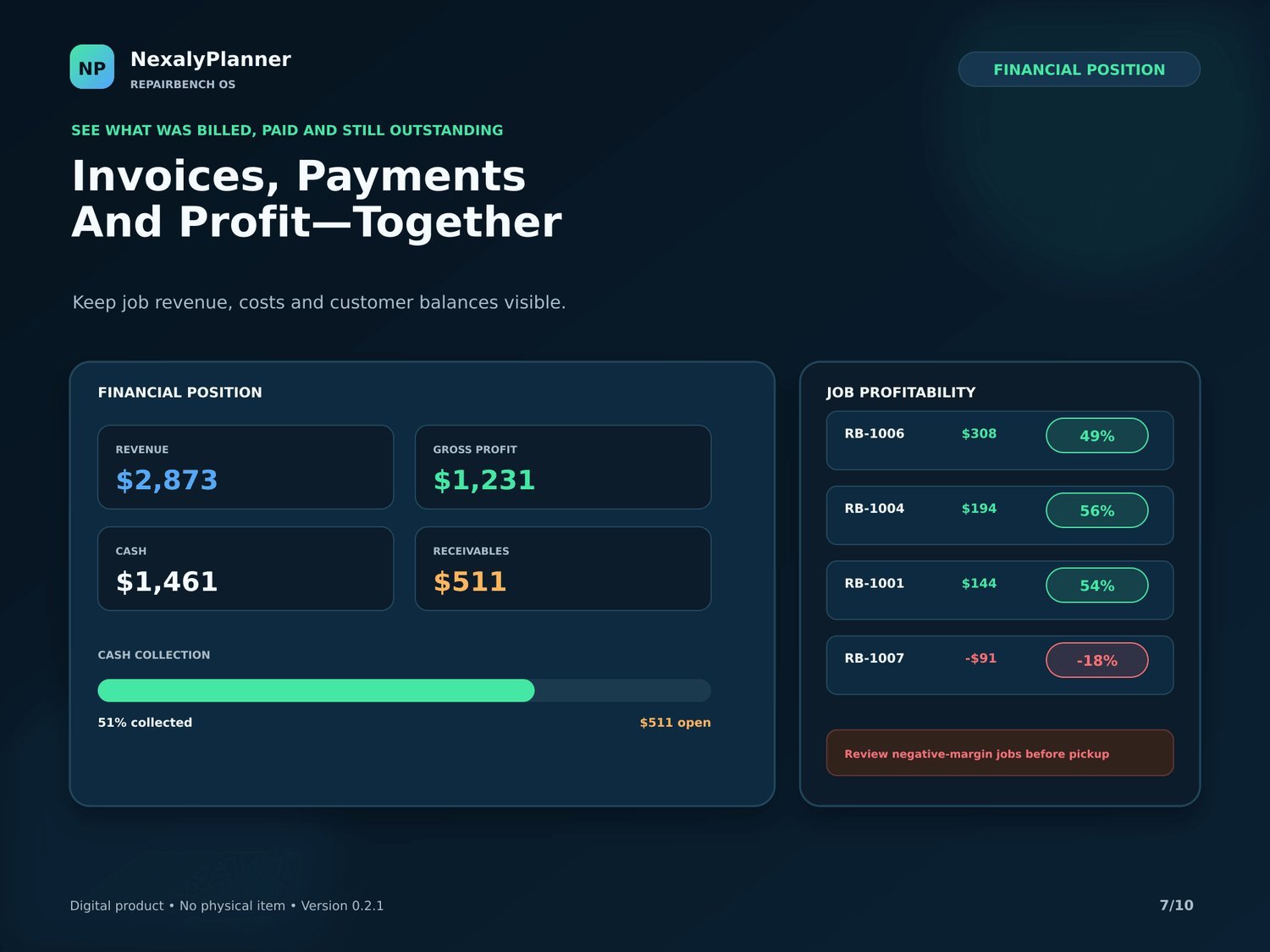
RepairBench OS invoices, payments and profit with per-job profitability and cash collection
Invoices, payments and profit together
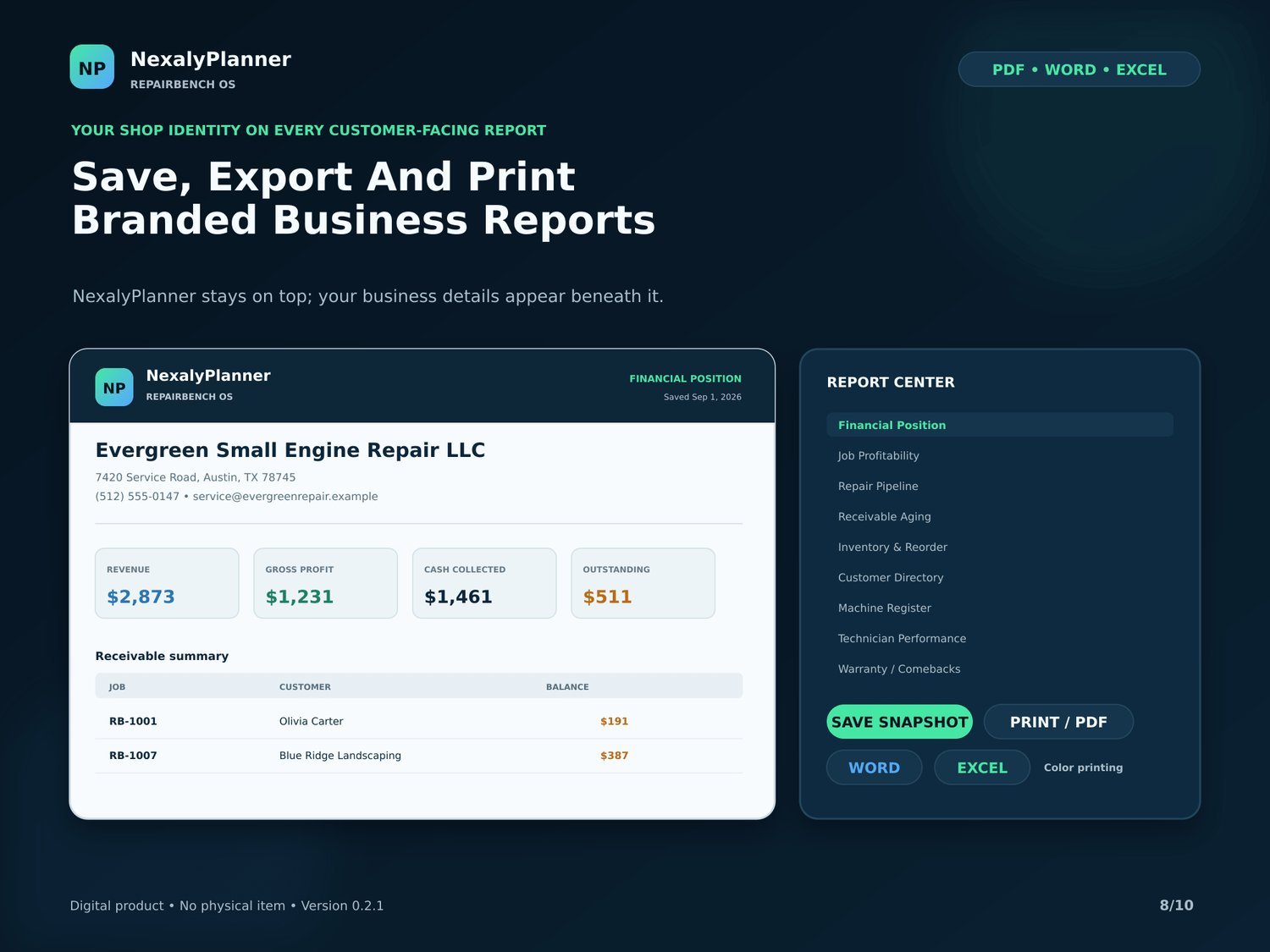
RepairBench OS branded business reports exported to PDF, Word and Excel with your shop details
Save, export and print branded reports
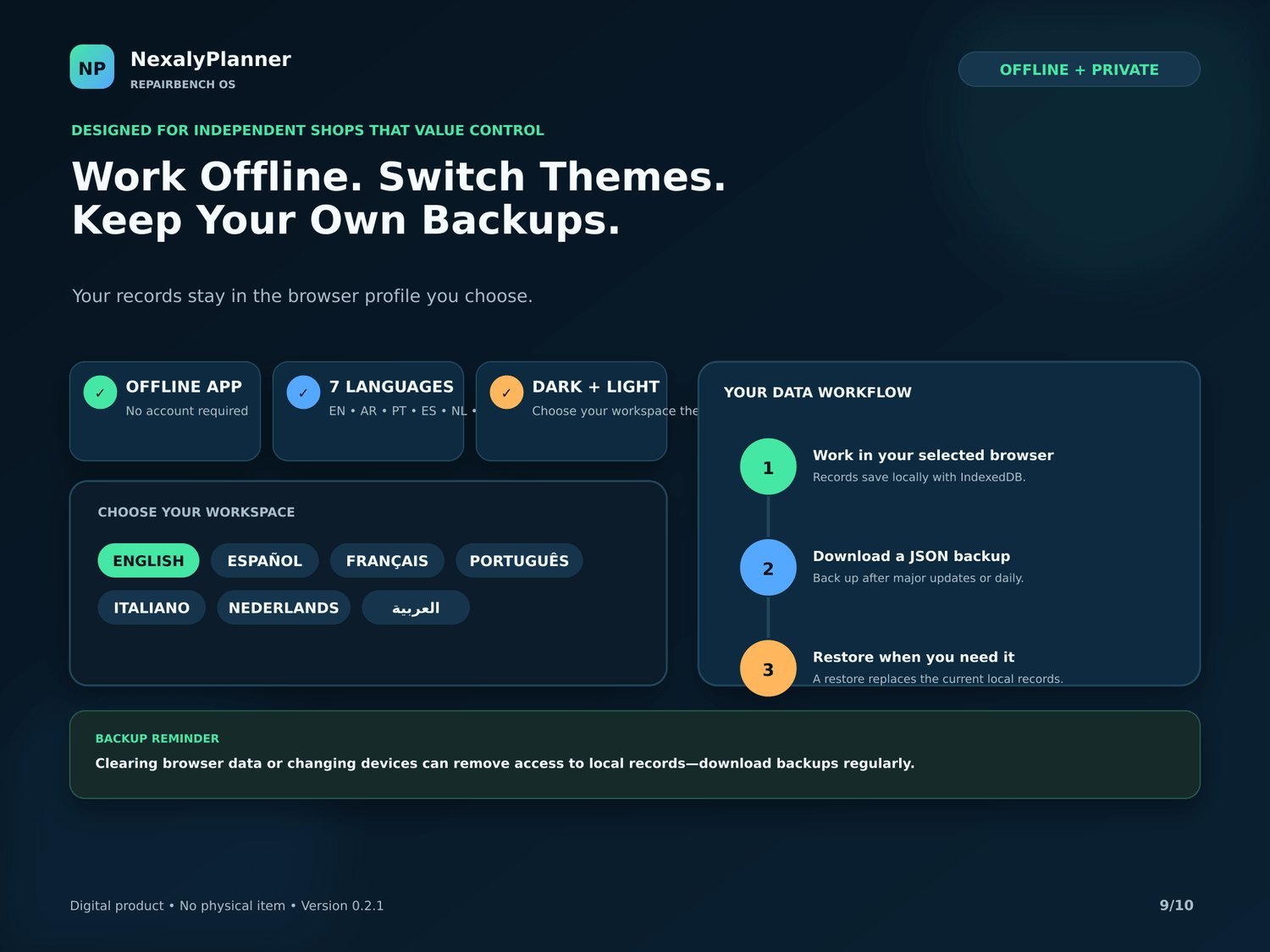
RepairBench OS offline app with 7 languages, dark and light themes and JSON backups
Work offline, switch themes, keep backups
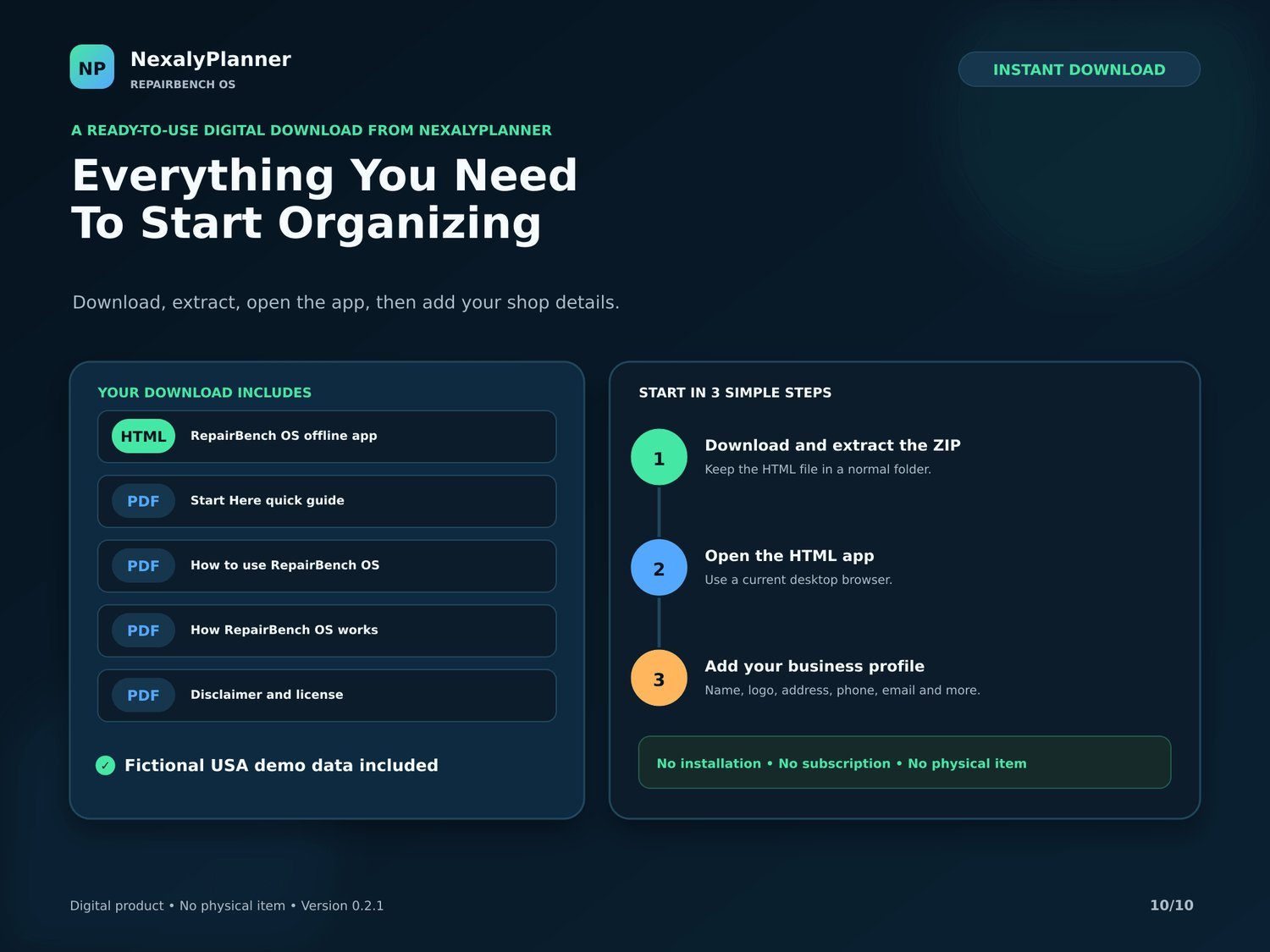
RepairBench OS download contents — offline HTML app, quick guide, how-to, license and USA demo data
Everything you need to start organizing

Watch it work

A feature tour of RepairBench OS.
The workflow and how to download & start.

Why repair shops love it

Your whole shop in one file

Dashboard, repair pipeline, customers, machines, inventory and invoices — connected and fully offline.

Never lose turnaround time

Parts inventory with reorder alerts that account for reserved stock, so you order before jobs slow down.

See profit, not just revenue

Invoices, payments and per-job profitability, plus a rule-based Insider that flags margin, backlog and cash.

Branded, offline & yours

Save and print branded PDF, Word & Excel reports with your shop details. 7 languages, no subscription, pay once.

Small engine repair software questions

What can RepairBench OS track?

Track customers, machines, repair jobs, work orders, parts, invoices, payments and shop profit in one browser app.

Is it made for small engine repair shops?

Yes. The workflow is designed around machines, repair status, parts used and customer handoff rather than a generic task list.

Does it work offline?

Yes. After download, the app runs in a current browser and stores records locally on the device.

Related business software guides