Home › Business Operating Systems › OwnerOS Core
Try before you buy

Try the OwnerOS Core

Test products, orders, expenses and business records inside the real OwnerOS workspace. All entries are temporary and stay in this browser tab.

1Add a product or SKU
2Create a test order
3Record an expense
4Review business insights
NexalyPlanner Live Demo Temporary test data

A working preview, not a video

Use the real interface with sample information. Export, backup, upload and printing stay reserved for the purchased version.

Use sample information only—do not enter private customer, student, tenant or payment data.Share feedback
Ready for the complete planner?One-time purchase · instant download · no subscription
Get the full version — $11.99

Review or improve this product

Submit a review, suggestion, general comment or private problem report. Nothing is published without permission and approval.

Customer reviews

Only customer-approved and manually moderated reviews appear here.

Approved customer reviews will appear here.

Every screen, up close

Explore OwnerOS Core from the command center through orders, inventory, finance, campaigns, the offline expert, settings and customer package.
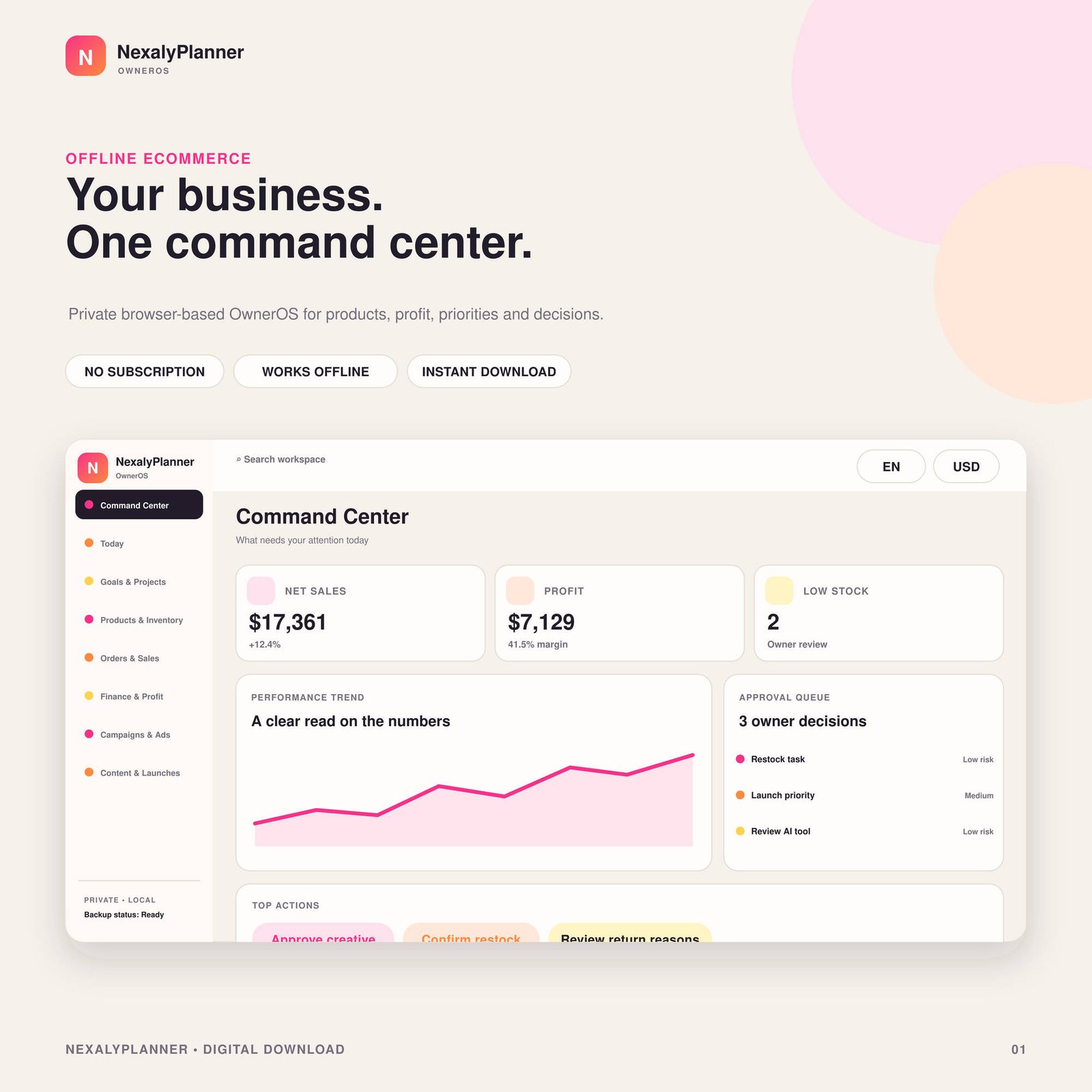
Beige NexalyPlanner OwnerOS Core product cover with ecommerce dashboard, sales, profit, low-stock alerts, performance chart and owner approvals
One offline ecommerce command center
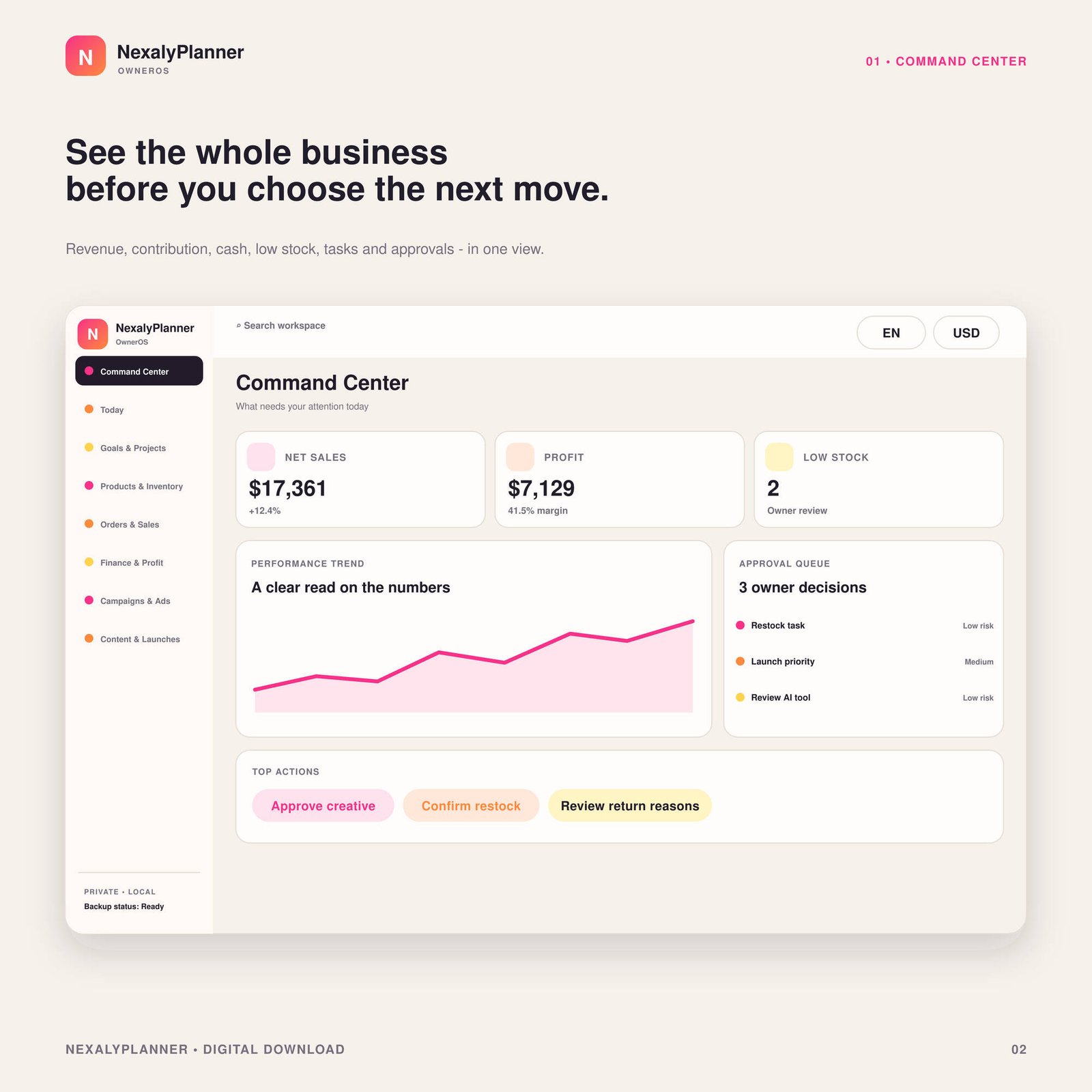
OwnerOS Core command center with navigation, sales and profit metrics, performance trend, approval queue and action buttons
Monitor business performance
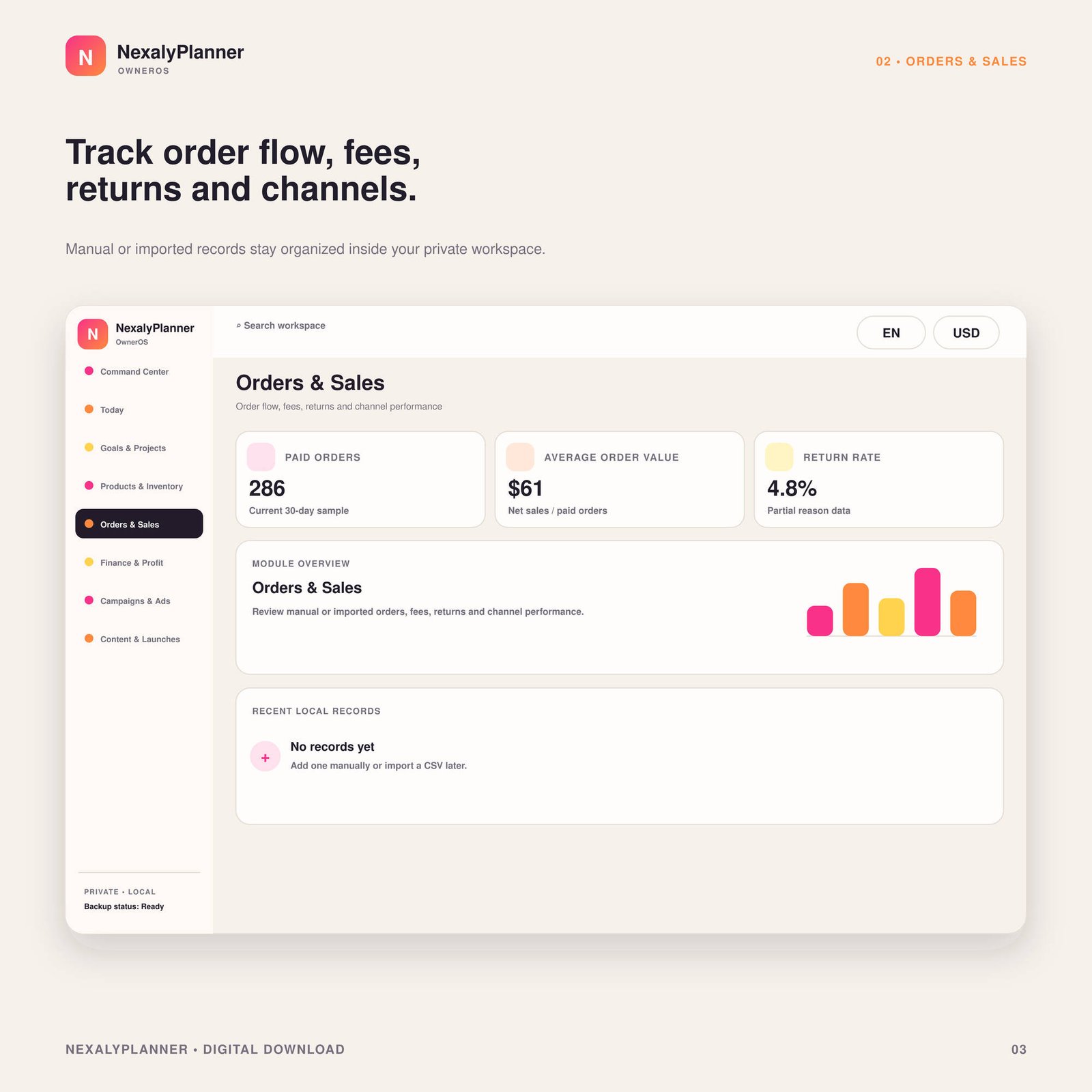
OwnerOS Core orders and sales module showing paid orders, average order value, return rate and local record workspace
Organize orders and sales
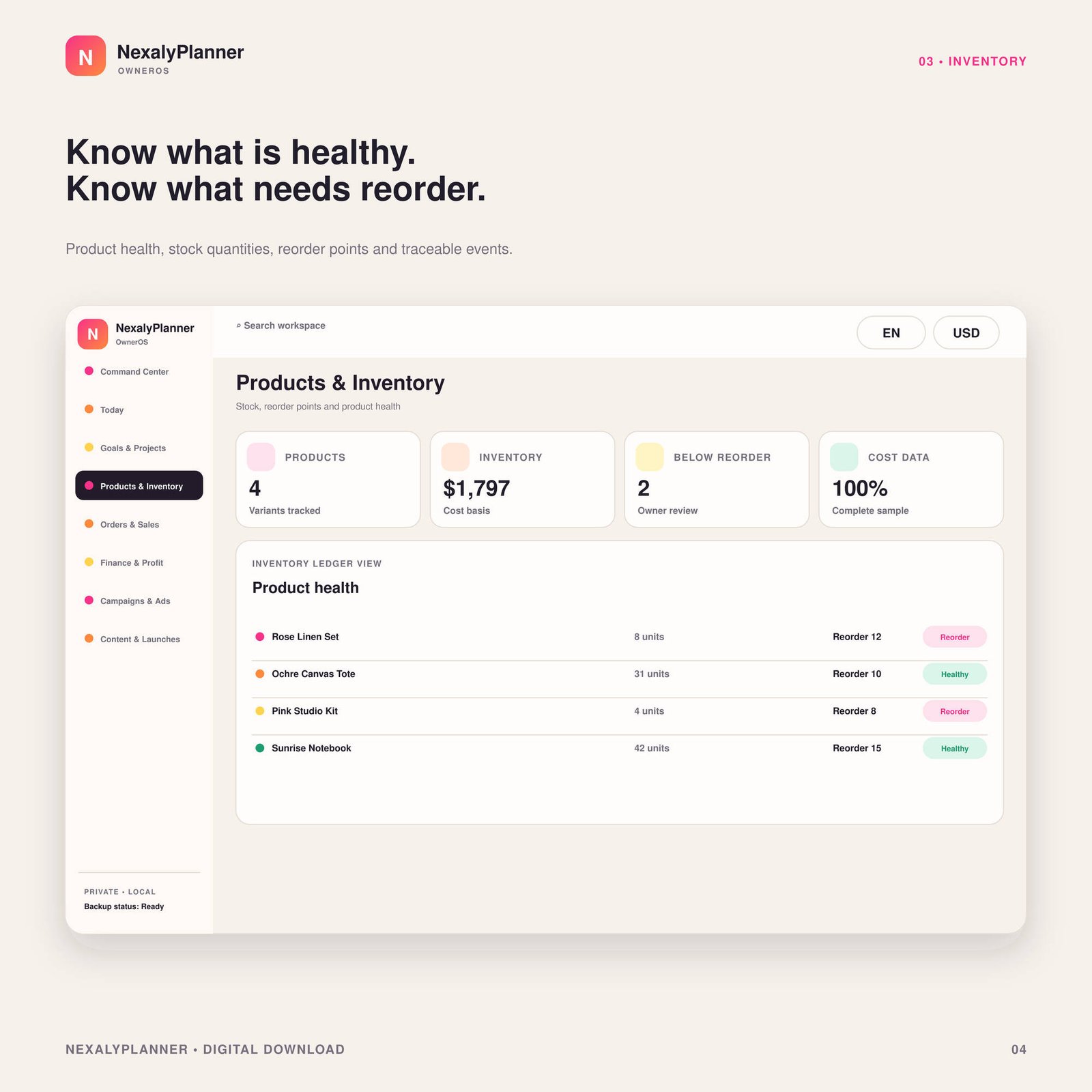
OwnerOS Core products and inventory screen with product count, inventory value, reorder alerts and stock status table
Track products and inventory
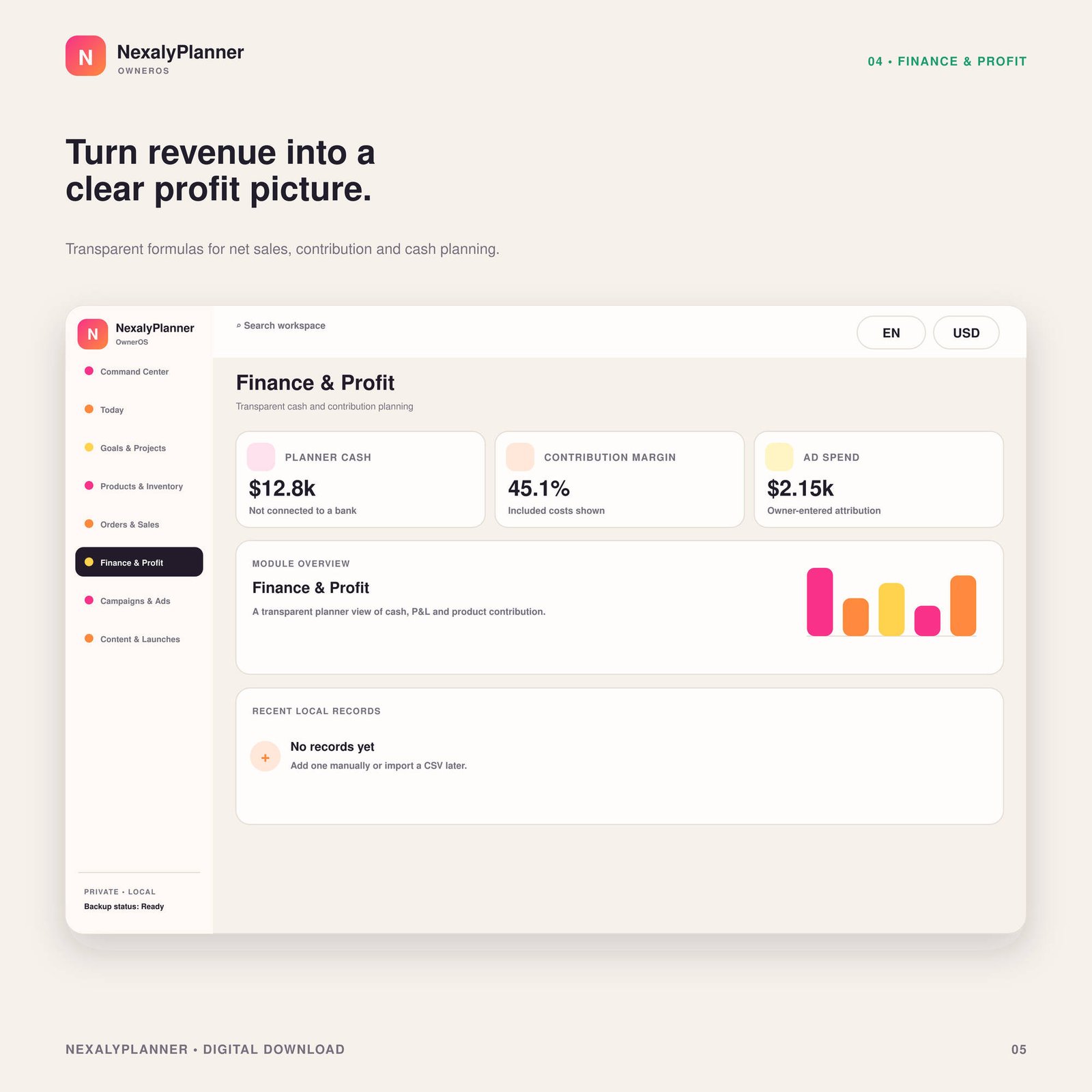
OwnerOS Core finance and profit module with cash, contribution margin, advertising spend and local finance records
Review finance and profit
OwnerOS Core campaigns and ads module showing active campaigns, blended ROAS, review alerts and marketing records
Plan campaigns and ad performance
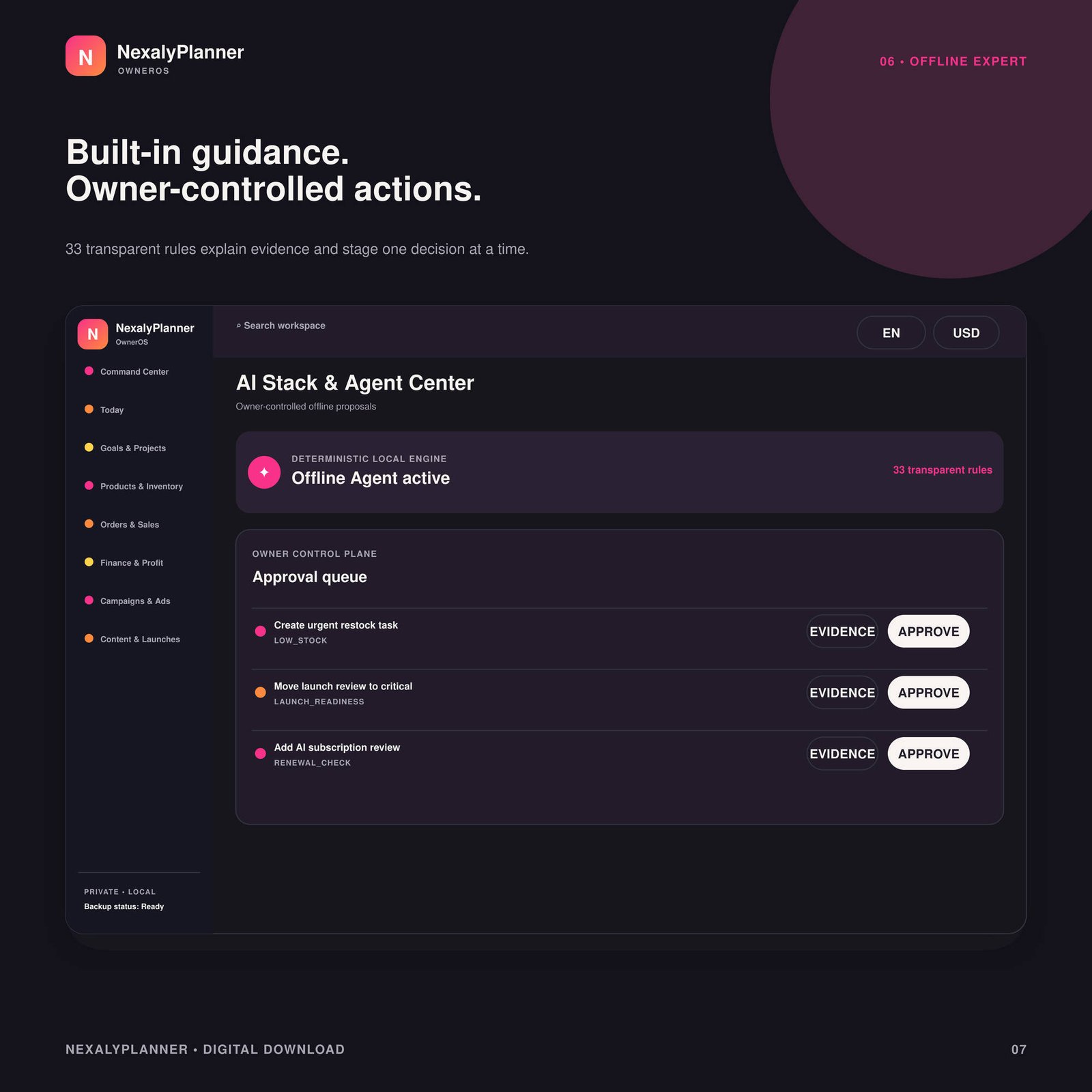
Dark mode OwnerOS Core Agent Center with transparent offline rules, evidence, risk labels and owner approval controls
Use evidence-based offline insights
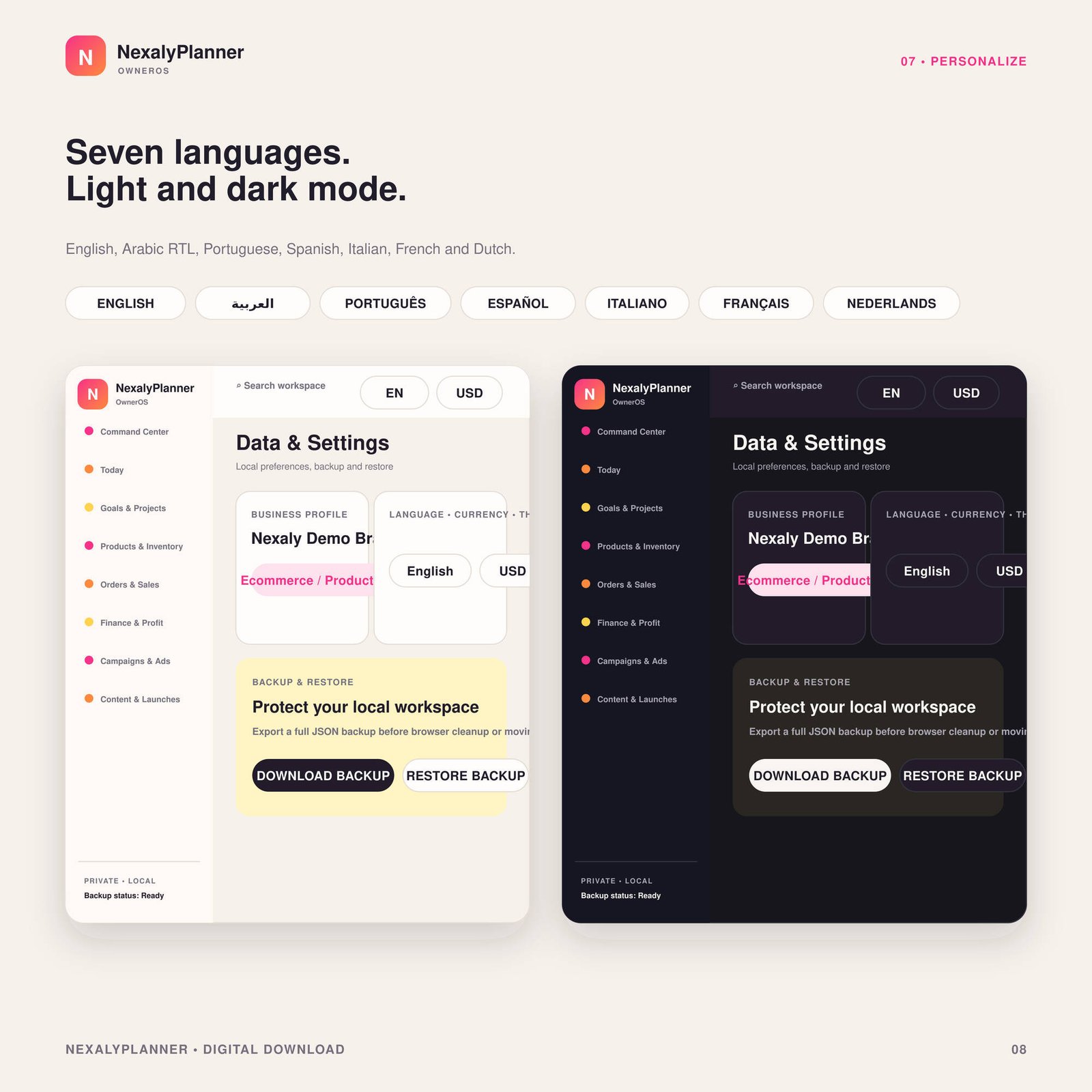
OwnerOS Core light and dark settings screens with seven languages, currency, theme, backup and restore controls
Personalize language, currency and theme
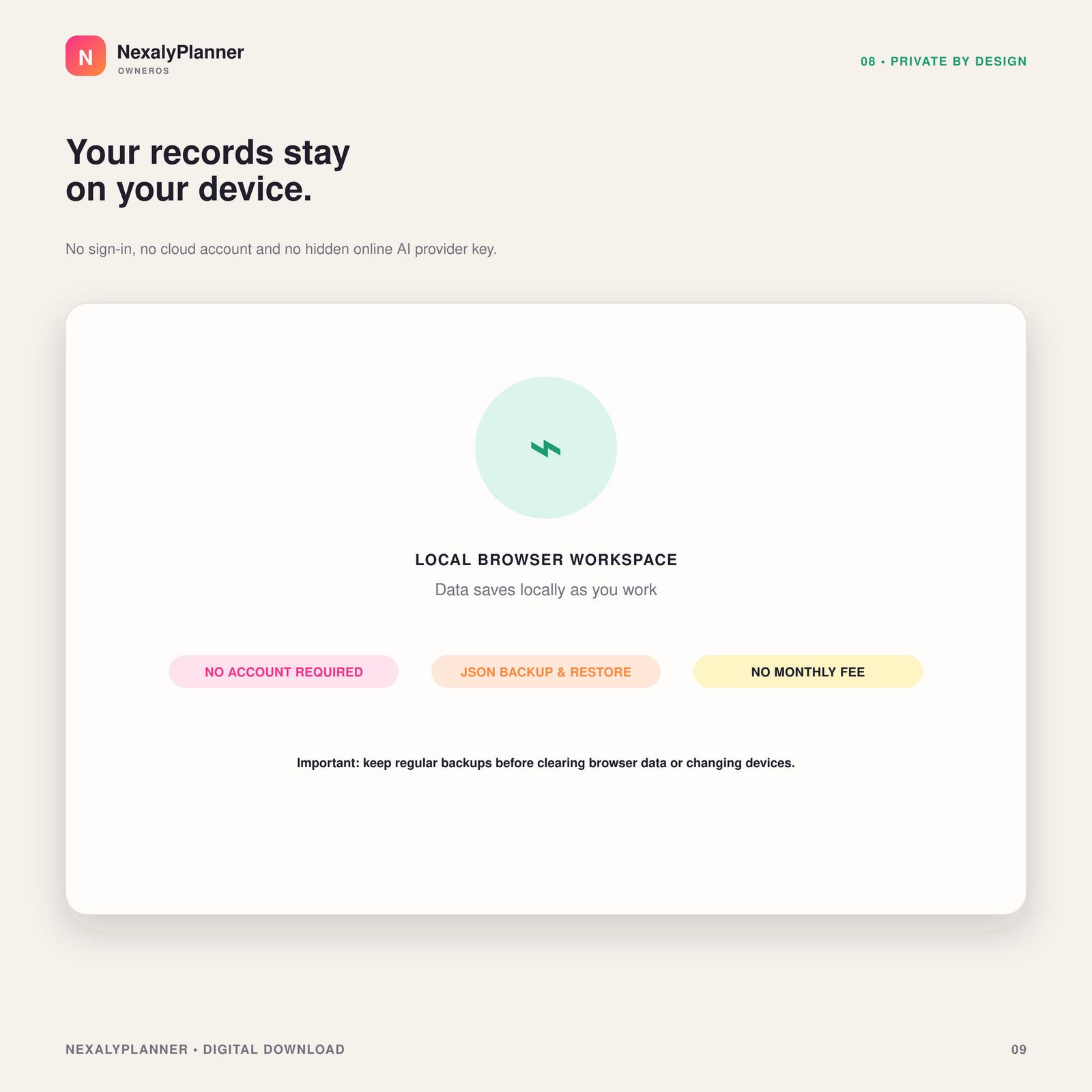
OwnerOS Core privacy graphic showing a local browser workspace, no account, JSON backup and no monthly subscription
Keep your workspace private and local
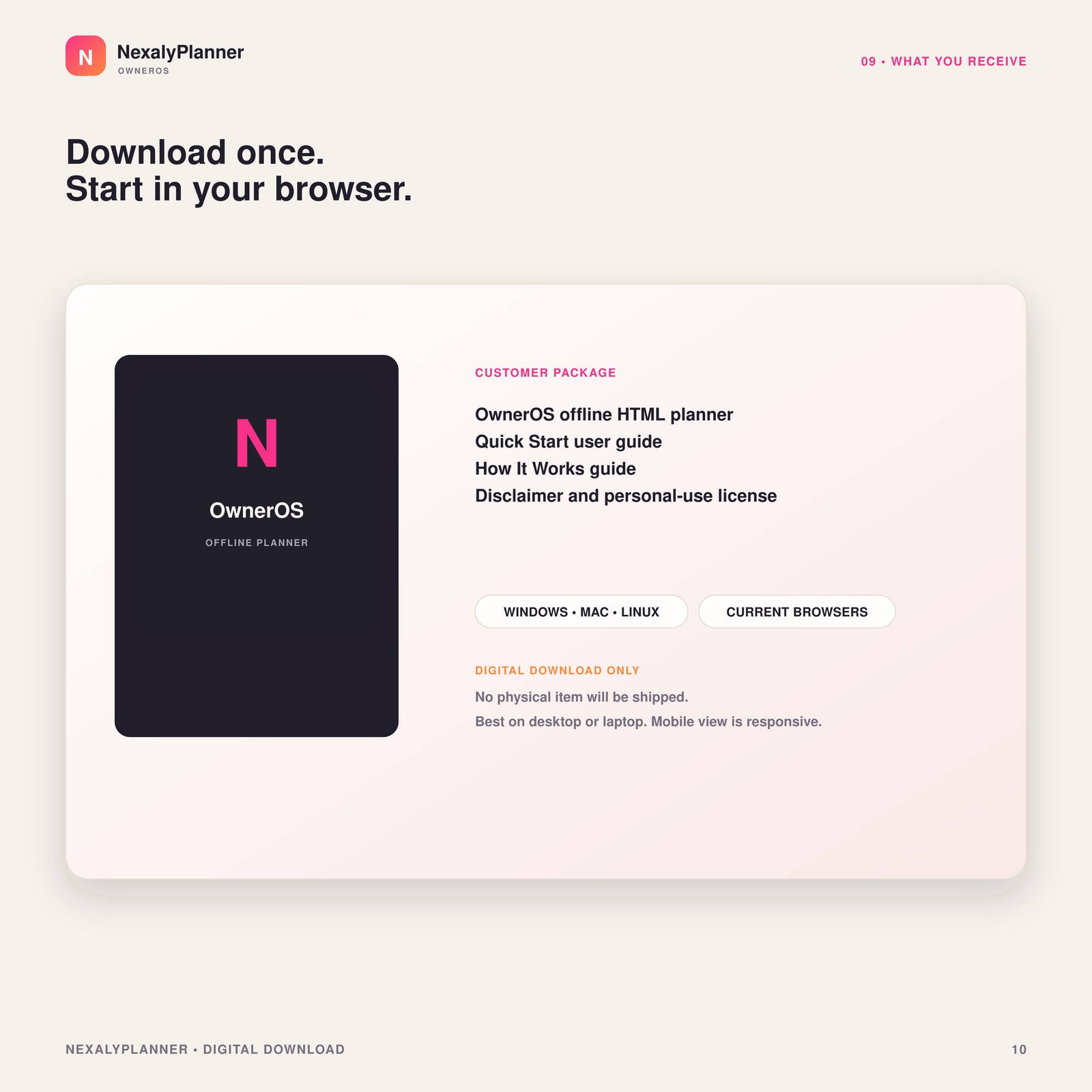
NexalyPlanner OwnerOS Core customer package with offline HTML planner, PDF guides, desktop compatibility and digital download notice
Download the complete customer package

Watch it work

OwnerOS Core product overview.
Connected modules and feature tour.

Why ecommerce owners will value it

One connected owner workspace

Bring products, inventory, orders, finance, ads, customers, suppliers and tasks into one system.

See the numbers that matter

Review sales, contribution, cash, low-stock alerts, task progress and campaign summaries.

Owner-controlled insights

Evaluate evidence-based offline proposals, risk labels and approvals without automatic external actions.

Private, portable and yours

Keep records locally, switch language or currency, export JSON backups and pay once.

Is OwnerOS Core the right operating system for your business?

Choose it for an owner-managed workflow

It suits a small ecommerce or product business that wants products, orders, expenses, suppliers, campaigns and follow-up tasks in one private workspace. You enter or import the source information and remain responsible for reviewing it.

Do not expect live store synchronization

OwnerOS does not connect to a marketplace, bank, shipping carrier or accounting platform. An order record is evidence that you entered an order; it is not proof that stock, cash or fulfillment changed elsewhere.

Use one reference across modules

For a fictional order NP-1042, keep the same order number and SKU in the order, inventory adjustment and follow-up task. Verify the physical quantity and payment source before treating dashboard totals as final.

Plan backup ownership before purchase

Records stay in the browser profile on the current device. Export a dated JSON backup after important updates and before clearing browser data, changing browsers or moving devices; there is no automatic cloud sync.

Business operations dashboard questions

What does OwnerOS Core manage?

It connects products, inventory, orders, customers, suppliers, purchasing, campaigns, tasks, profit and reports in one owner dashboard.

How is OwnerOS different from a business planner?

OwnerOS focuses on day-to-day operating records and business activity. The Small Business Planner focuses on goals, schedules and longer-term planning.

Does OwnerOS work offline?

Yes. It runs in a current browser after download and stores business records locally on the device.

Business operations guides