Home › Business Operating Systems › Sales Management System
Try before you buy

Try the Sales Management System

Enter a sample lead, move it through the sales pipeline and test follow-ups, orders and performance tracking. All entries are temporary.

1Add a sales lead
2Update the pipeline
3Log a follow-up
4Review sales performance
NexalyPlanner Live Demo Temporary test data

A working preview, not a video

Use the real interface with sample information. Export, backup, upload and printing stay reserved for the purchased version.

Use sample information only—do not enter private customer, vendor, employee or payment data.Share feedback
Ready for the complete planner?One-time purchase · instant download · no subscription
Get the full version — $11.99

Review or improve this product

Submit a review, suggestion, general comment or private problem report. Nothing is published without permission and approval.

Customer reviews

Only customer-approved and manually moderated reviews appear here.

Approved customer reviews will appear here.

Every screen, up close

One offline system for sales, inventory, profit, customers and day-to-day operations — here's exactly what you get inside.
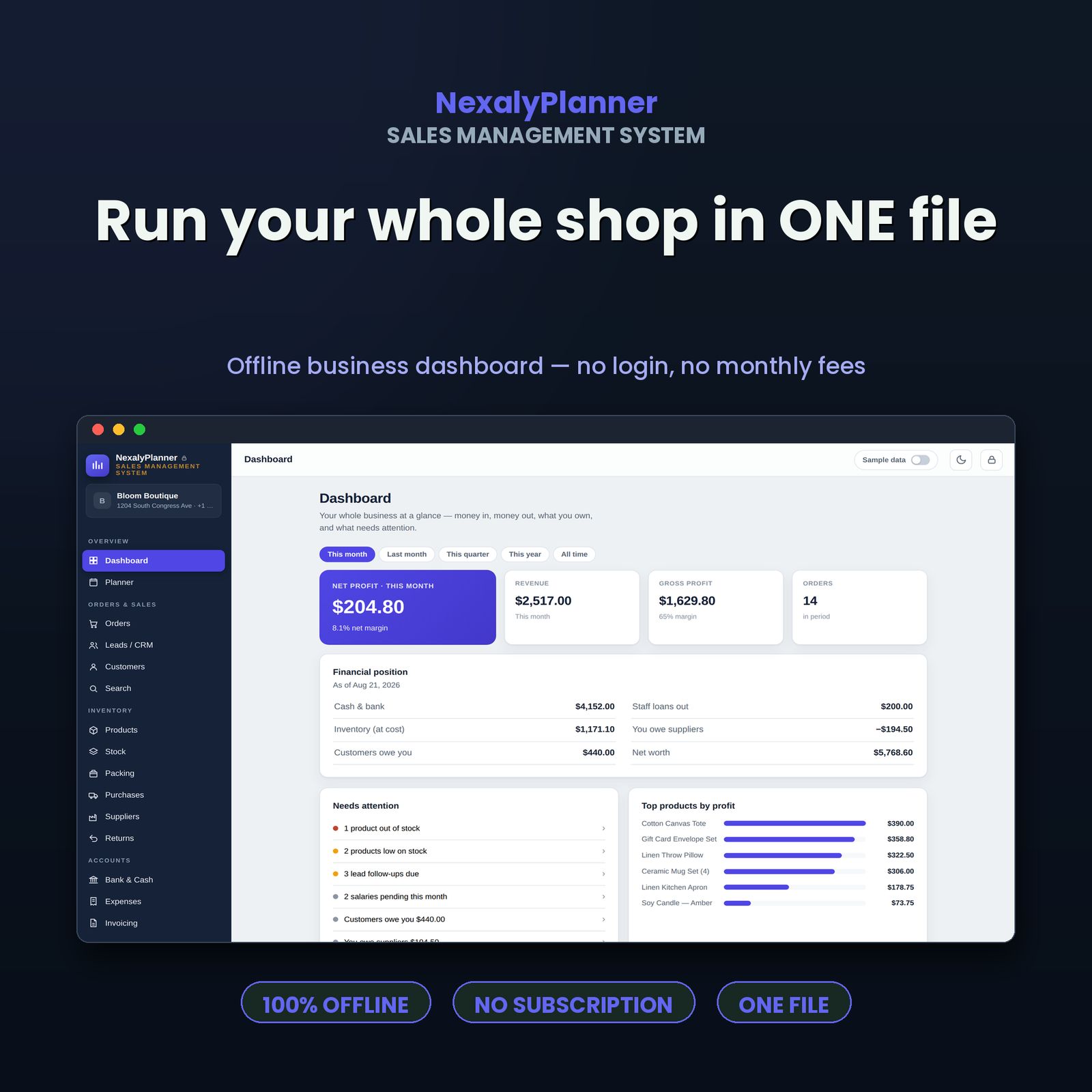
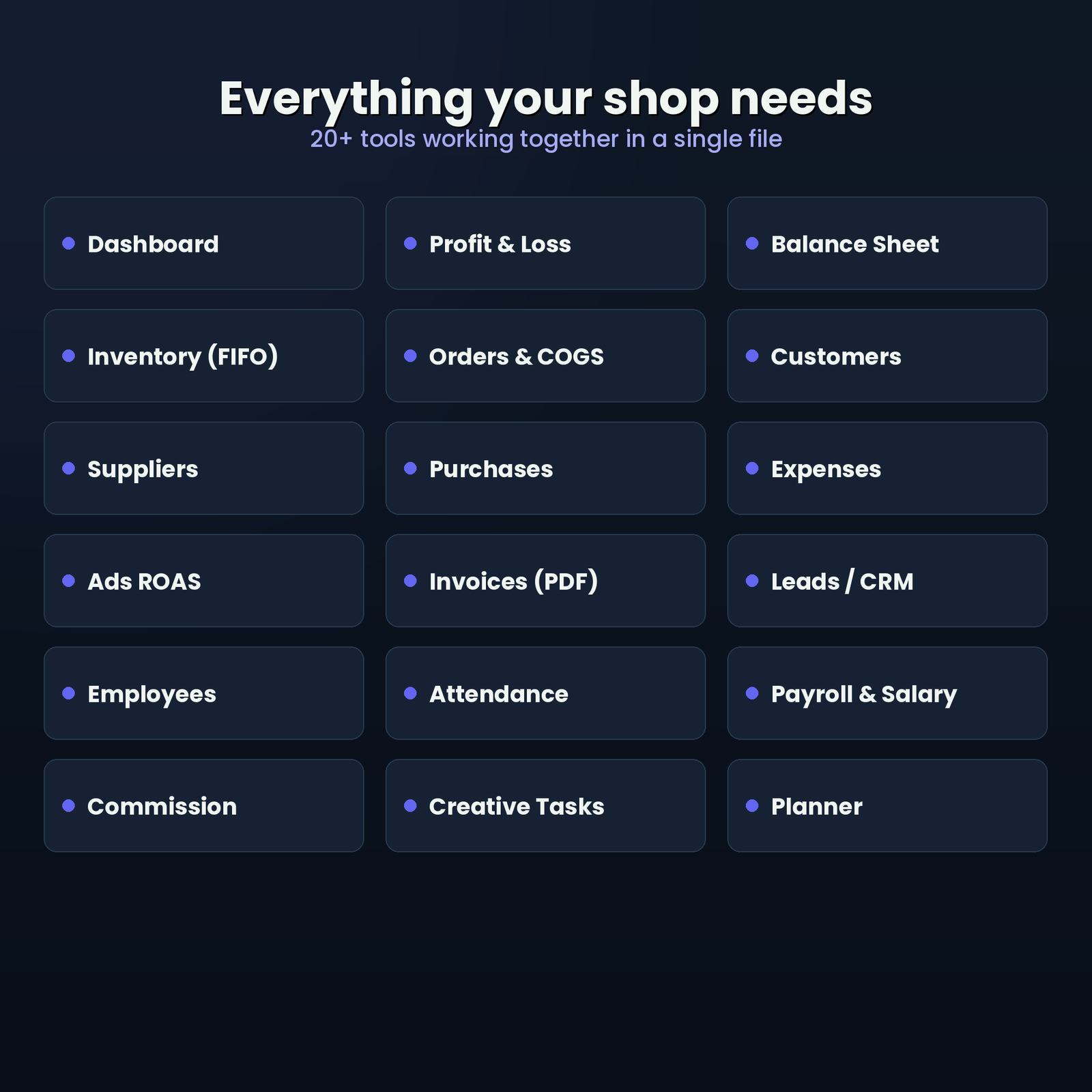
NexalyPlanner offline sales management system dashboard for running sales, inventory, orders and profit in one file
Run your whole shop in one file
Sales management software with 20 plus modules for inventory, orders, customers, suppliers, expenses, CRM, payroll and planning
Everything your shop needs
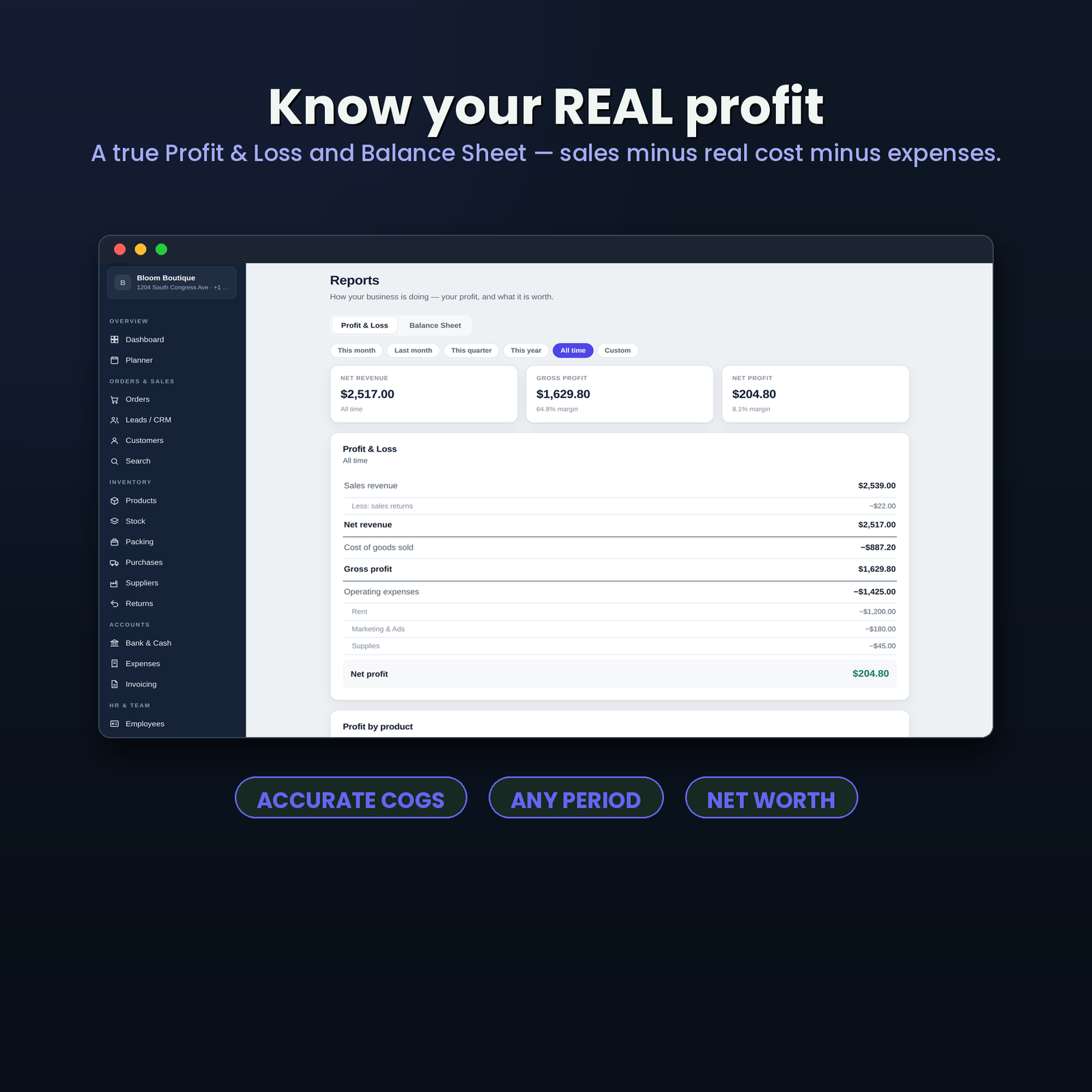
Small business profit tracker showing Profit and Loss, Balance Sheet, accurate costs, expenses and net profit
Know your real profit
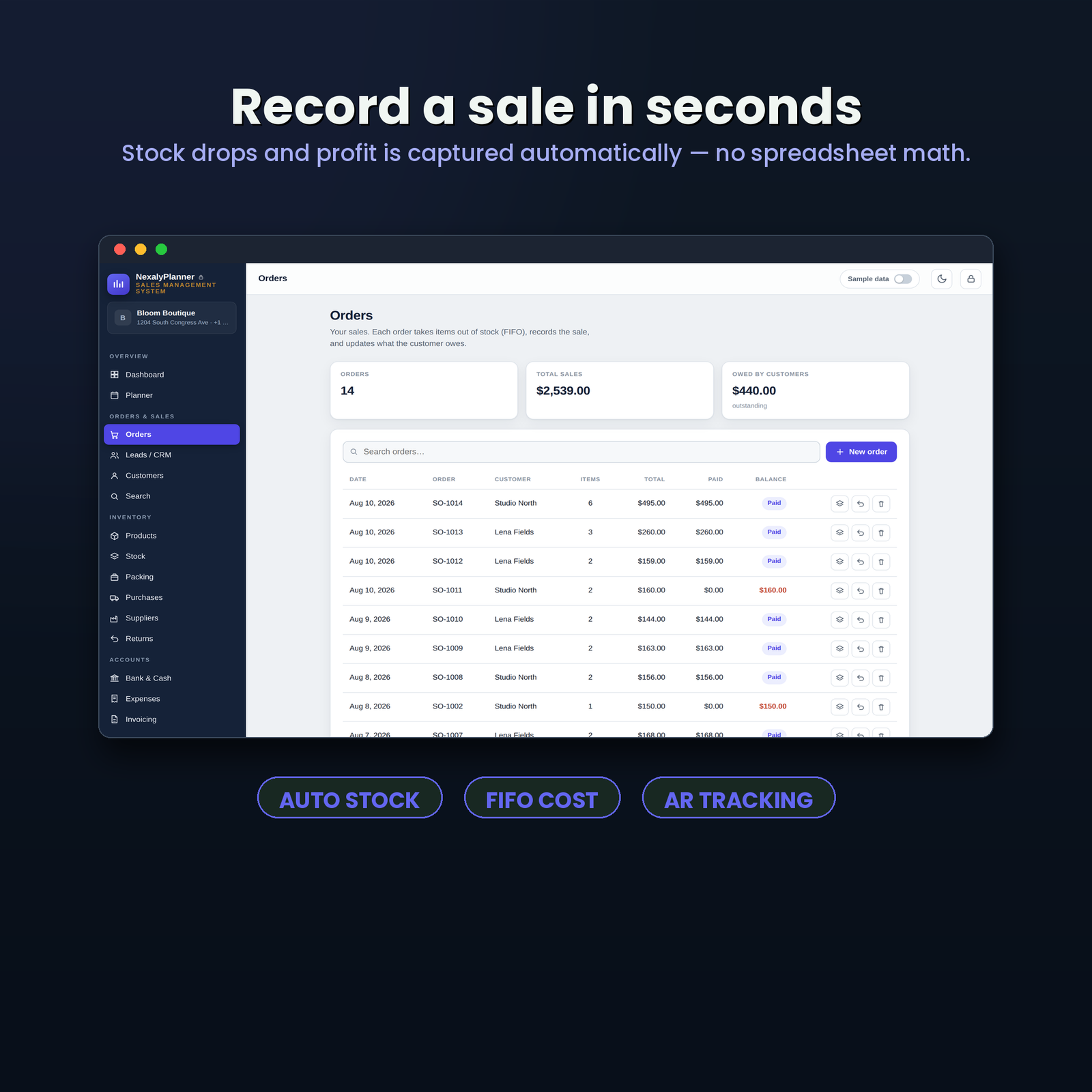
Sales and order management workflow that records orders, deducts FIFO stock and updates profit automatically
Record a sale in seconds
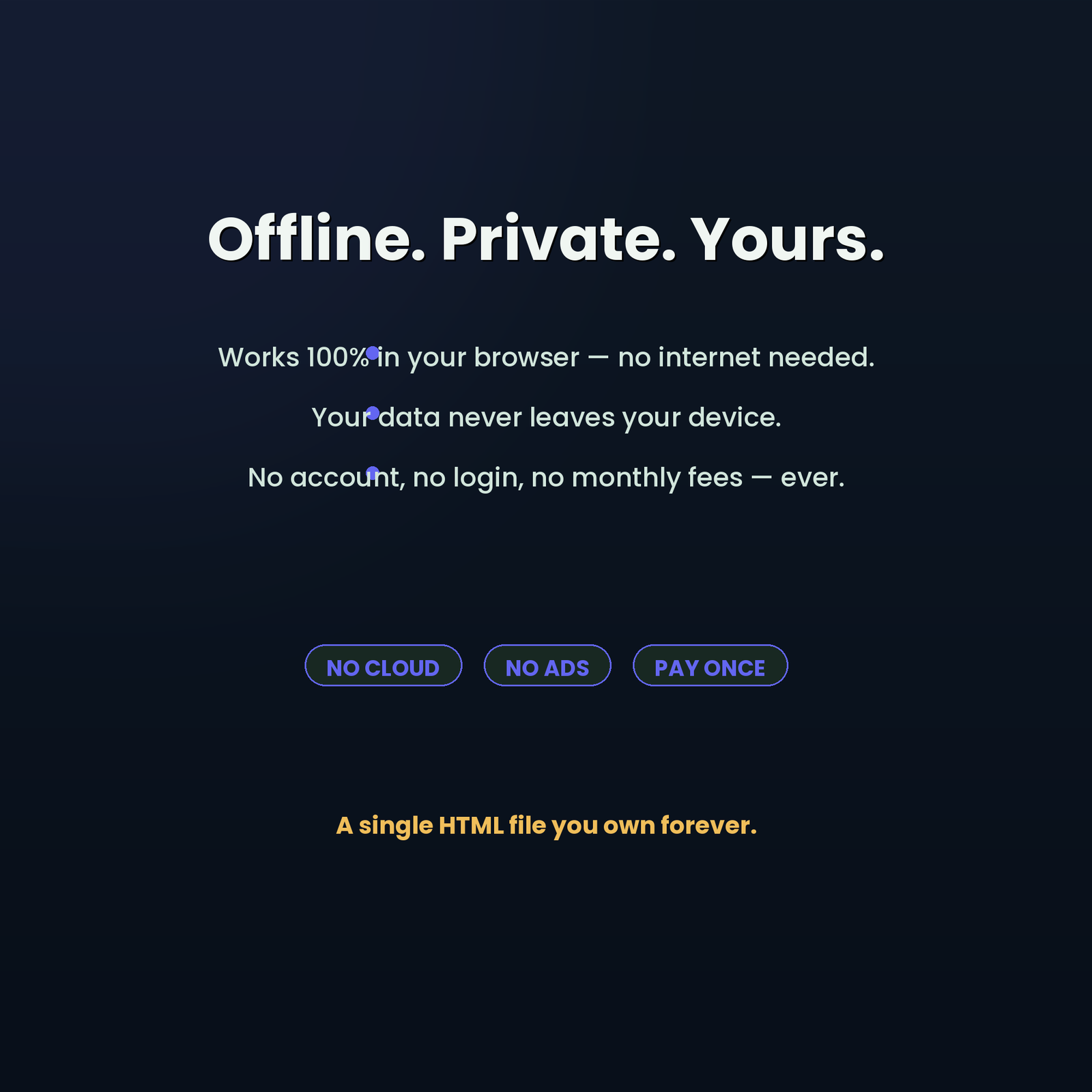
Private offline business management software with no cloud account, no ads and no monthly subscription
Offline, private and yours
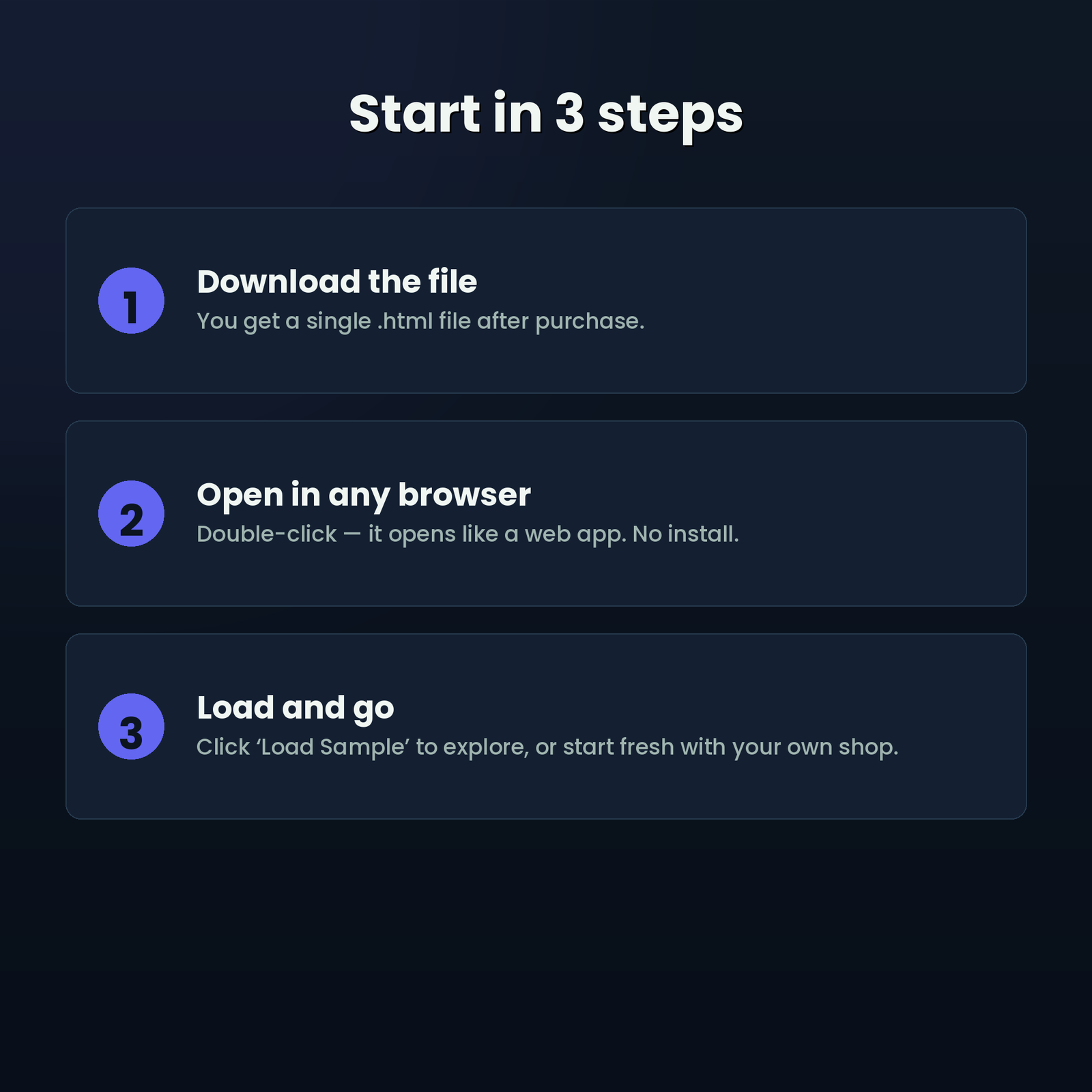
How to use the offline sales management system in three steps: download, open in a browser and load sample data
Start in three simple steps
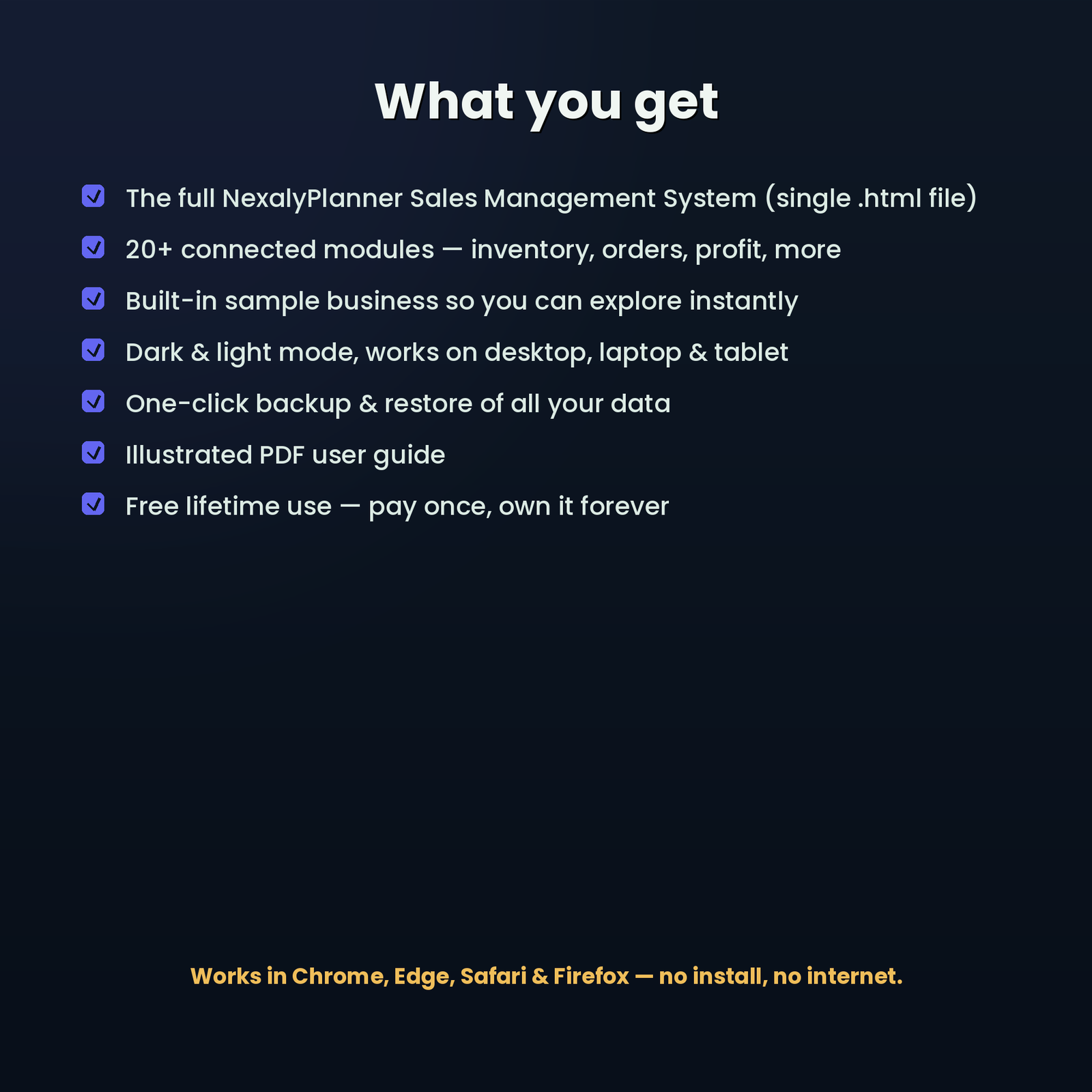
Sales management system digital download contents with HTML business app, sample data, backup, dark mode and PDF user guide
See exactly what you receive
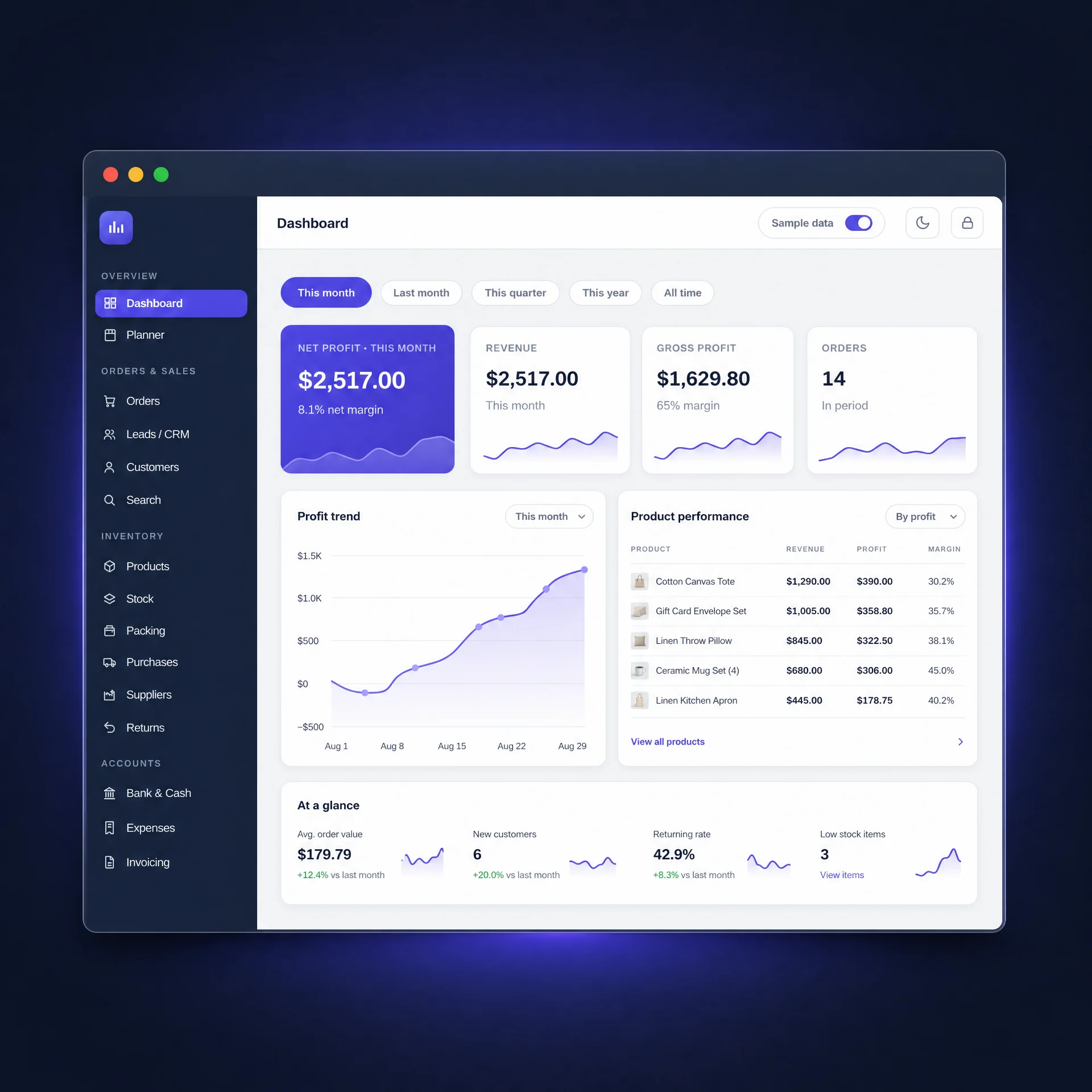
Sales dashboard close-up showing net profit, sales, cost of goods sold, orders, product performance and ad ROAS
Monitor business performance at a glance
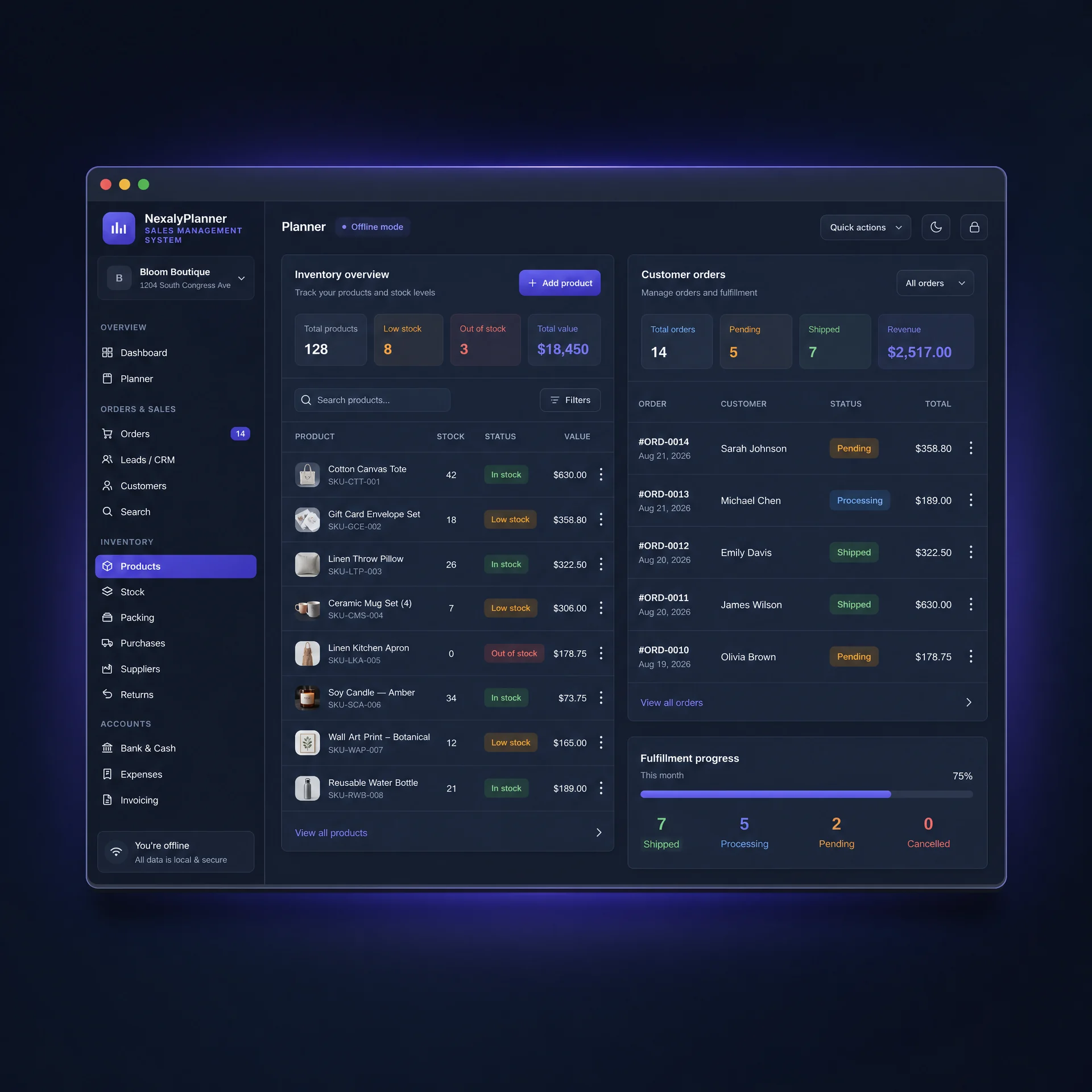
Inventory and order tracker for products, FIFO stock batches, customer orders, returns and order status management
Connect inventory with every order
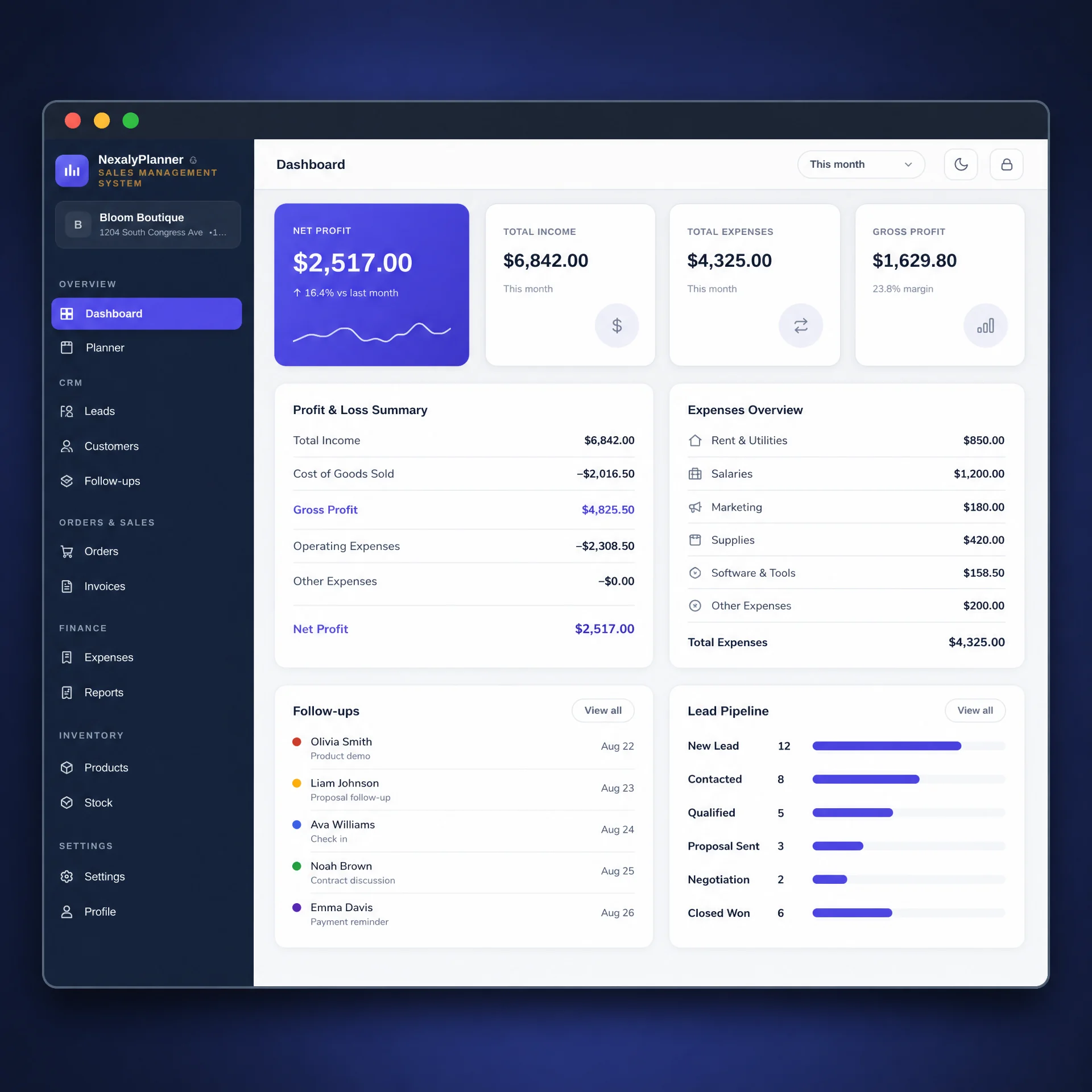
Finance and CRM workspace for leads, customer orders, expenses, invoices, bank accounts and small business planning
Manage finance, customers and CRM

Watch it work

A quick overview of the Sales Management System.
Explore the dashboard and connected business workflow.

Why small businesses choose it

Sales and stock stay connected

Record an order, deduct FIFO inventory, update customer balances and capture revenue and cost in one workflow.

See the numbers that matter

Monitor sales, gross profit, net profit, stock value, expenses, cash, receivables and advertising ROAS.

Run more than bookkeeping

Customers, suppliers, purchases, invoices, CRM, employees, attendance, payroll, commissions, tasks and planning work together.

Private, offline & yours

No cloud account or subscription. Choose your currency, use 7 languages, protect access and create local backups.

Is this a merchandise planning system?

This Sales Management System supports operational sales and inventory records: products, FIFO stock, orders, purchases and profit. Use its interactive sales and stock preview to inspect those workflows. A merchandise planning process also needs decisions about assortment, demand assumptions, buying budgets and seasonal timing; the product is not presented as an automated demand-forecasting or retail allocation platform.

For a small shop, start with the order-tracking worksheet and fulfillment example. Review variant availability separately in the free Boutique Size and Color Stock Matrix, then use the Stock Coverage Planner for a manual demand assumption. These worksheets do not sync with the paid app or create purchase orders automatically.

Sales management software questions

What sales information can I track?

Track orders, FIFO inventory, invoices, expenses, customer records, suppliers, advertising results, team activity and profit.

Does sales activity connect with inventory?

Yes. Sales and order records work with stock and cost information so inventory and profit can be reviewed together.

Is this a subscription service?

No. It is a one-time digital download that works offline in a current browser.

Sales tracking guides