Home › Business Operating Systems › ConsignClear OS
Try before you buy

Try ConsignClear OS

Explore consignor records, inventory, sales, commission splits, payouts and reports in a fictional Austin workspace.

1Review payout liability
2Inspect item ownership
3Record a sale
4Review owner balances
NexalyPlanner Live Demo Sample workspace

A working preview, not a video

Explore the interactive ConsignClear interface with fictional records. Use sample information only.

Do not enter real customer, consignor or payment data in this session-only public demo.Share feedback
Interested in the complete app?One-time download · no subscription
Get ConsignClear OS — $11.99

Review or improve this product

Submit a review, suggestion, general comment or private problem report. Nothing is published without permission and approval.

Customer reviews

Only customer-approved and manually moderated reviews appear here.

Approved customer reviews will appear here.

Every workflow, up close

Listing artwork illustrates the supported workflow; try the interactive demo to inspect the real app interface.
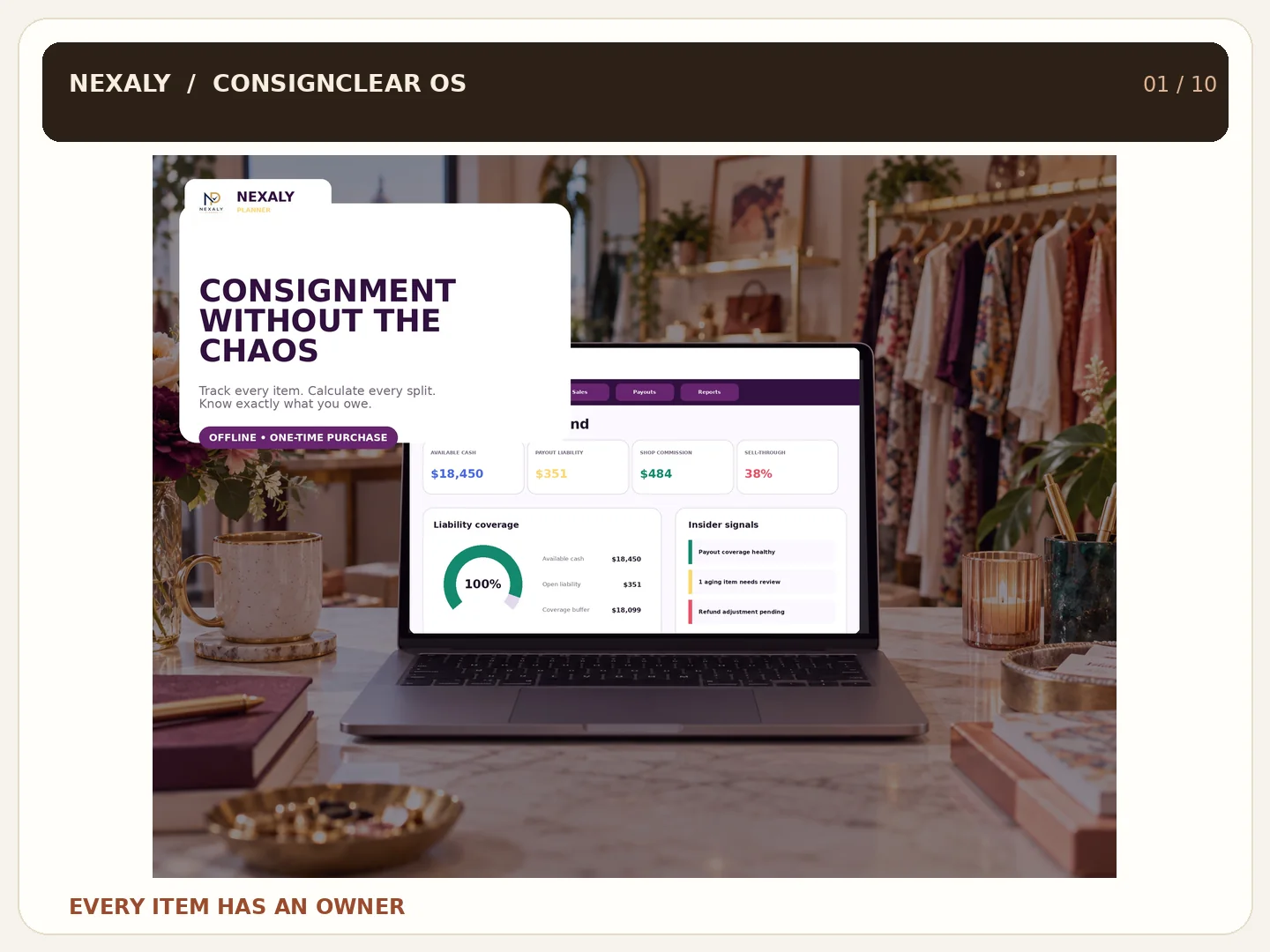
ConsignClear OS promotional overview of consignment inventory and settlement workflow
Consignment without chaos
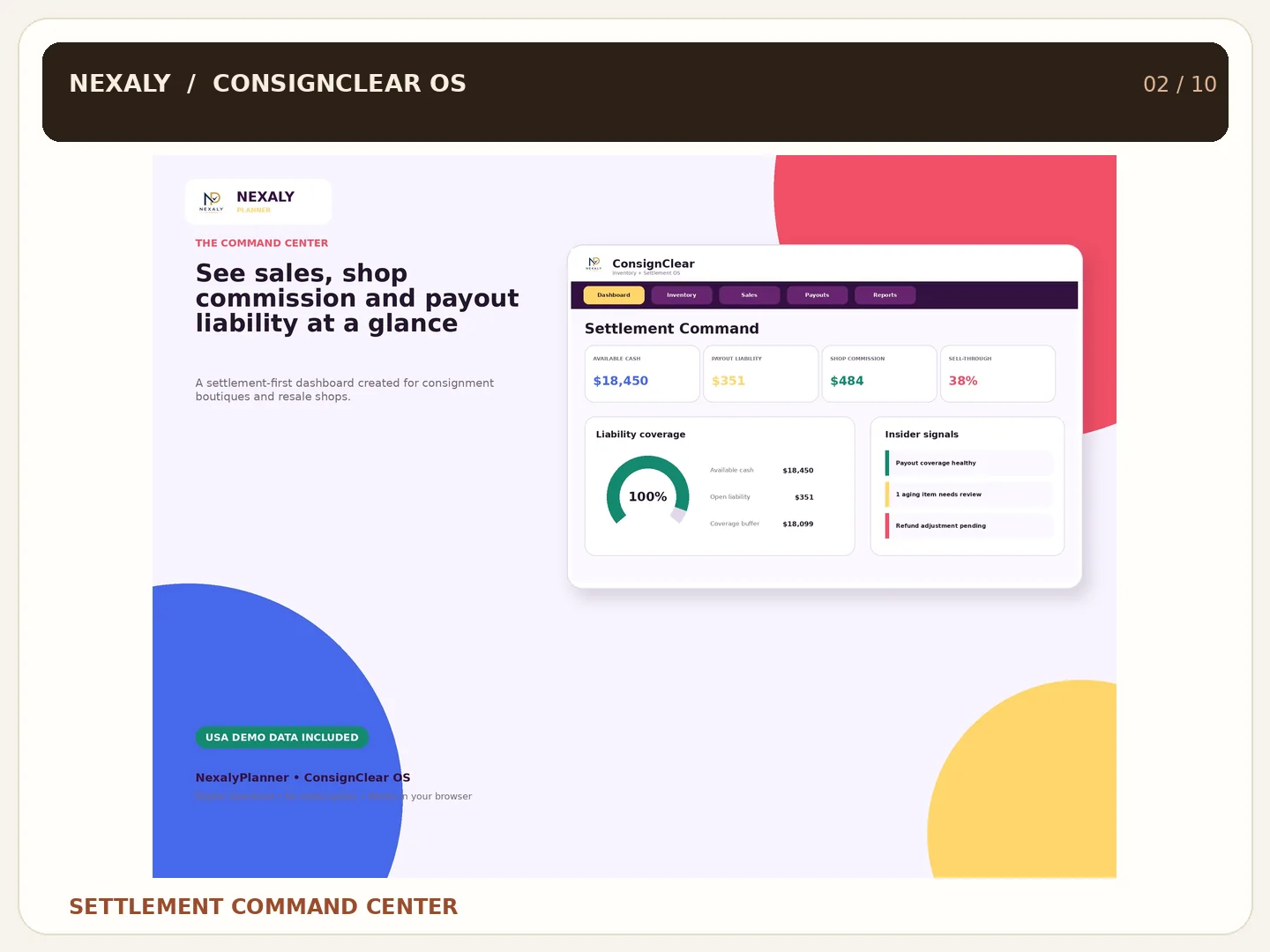
Illustrated settlement dashboard with sales, shop commission, payout liability and cash
Settlement command center
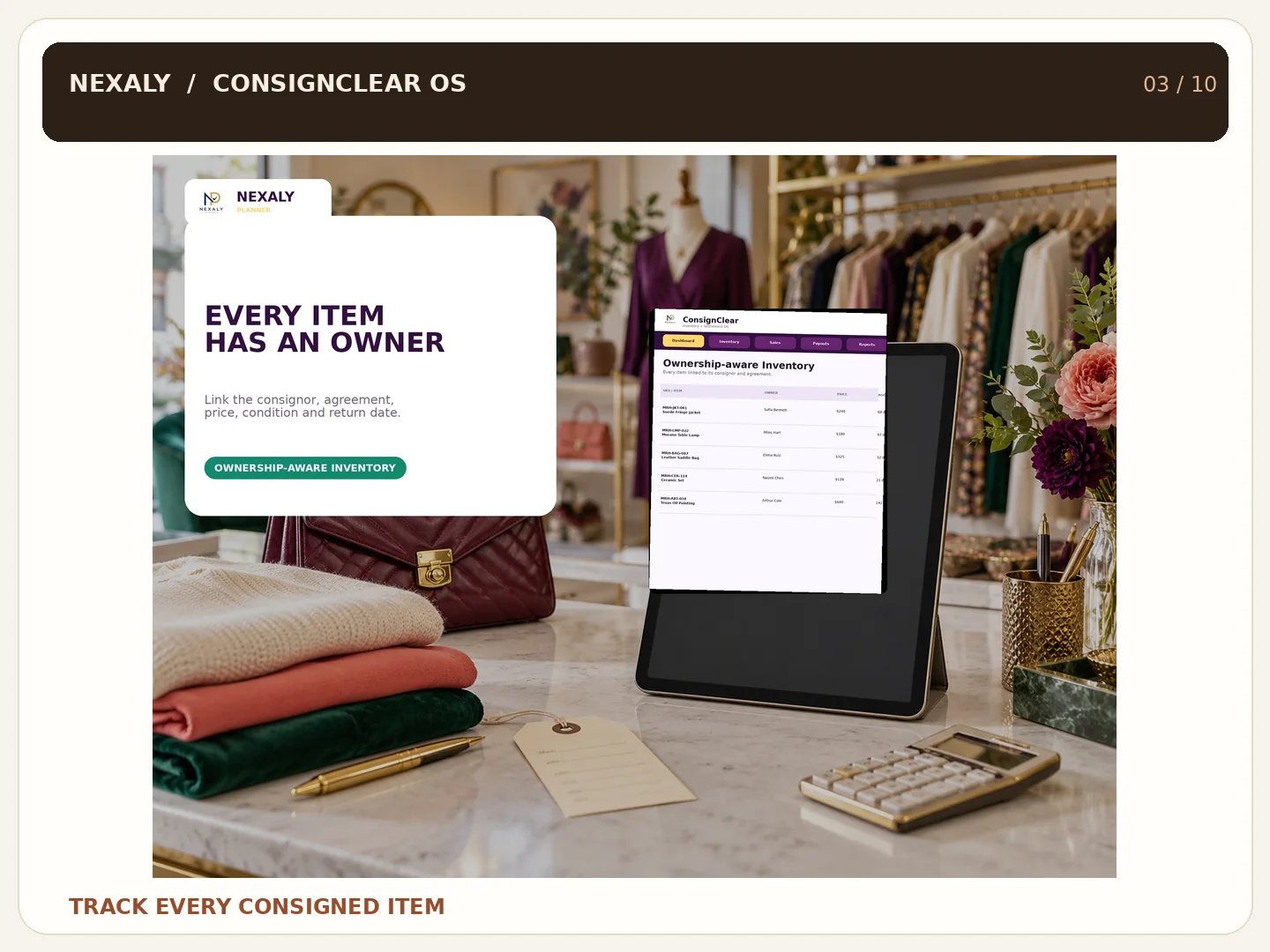
Illustration of consigned items linked to owner and agreement records
Every item has an owner
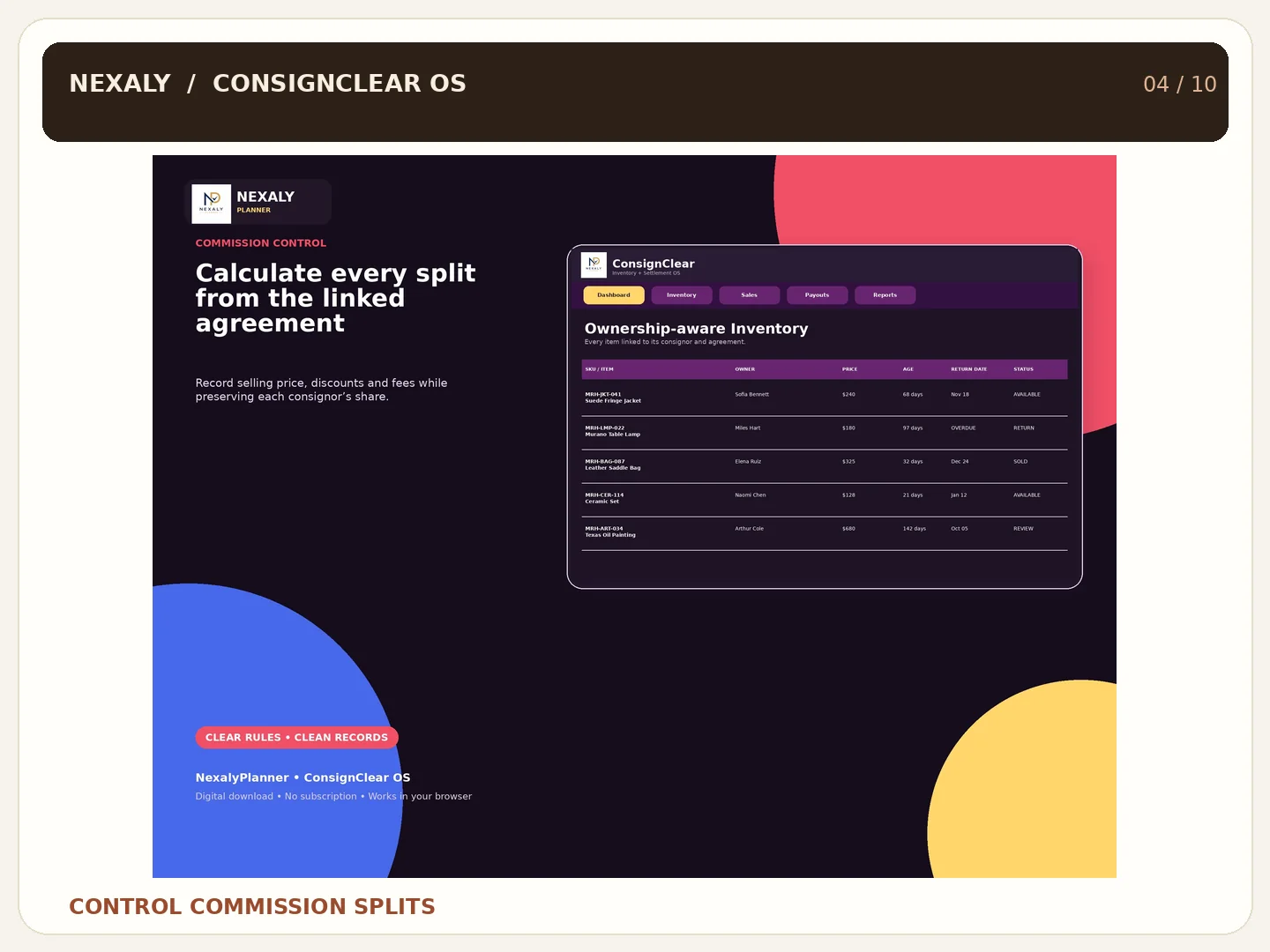
Promotional view of commission allocation between shop and consignor
Commission split control
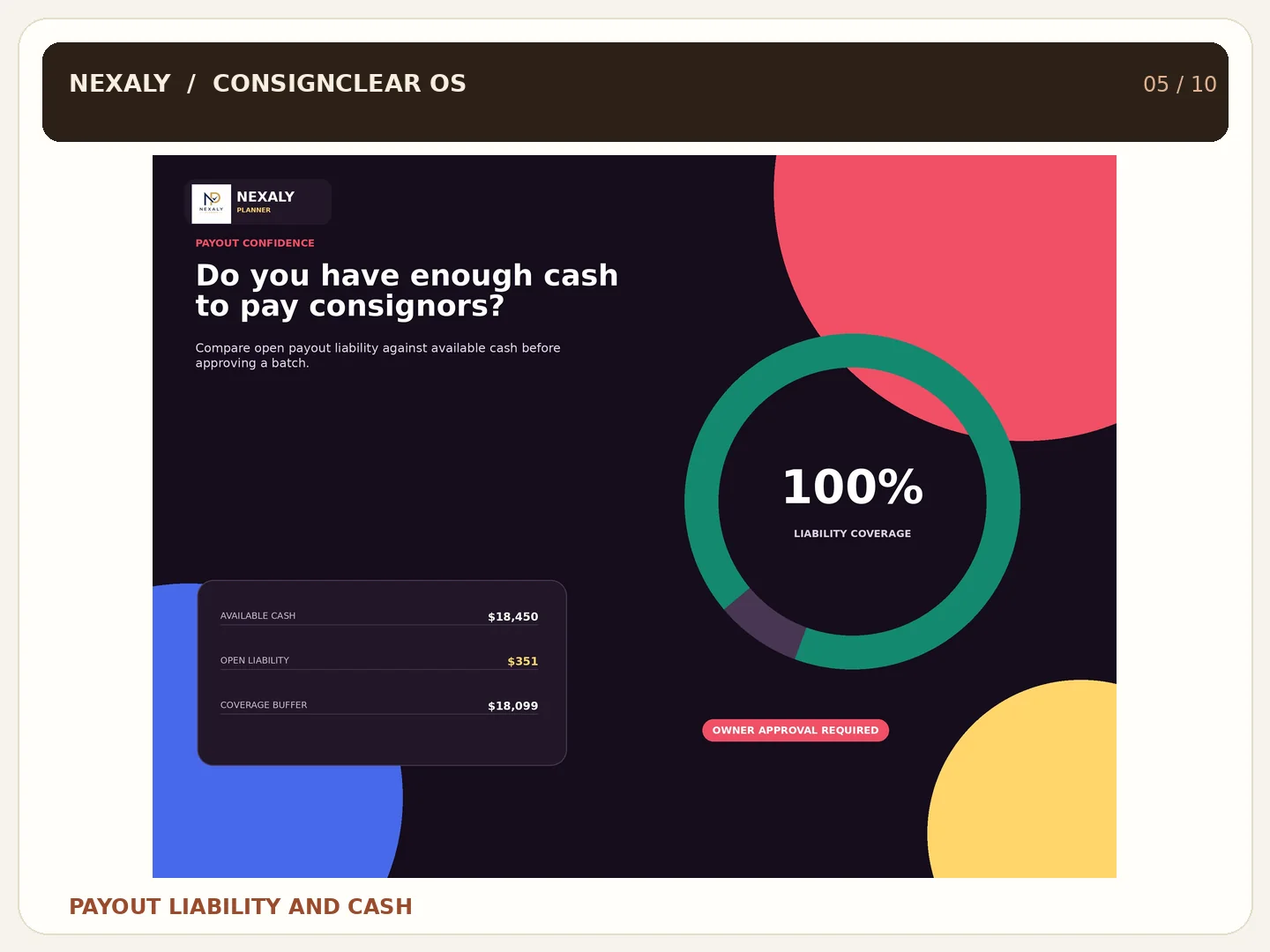
Illustrated comparison of pending consignor payouts and available cash
Payout liability versus cash
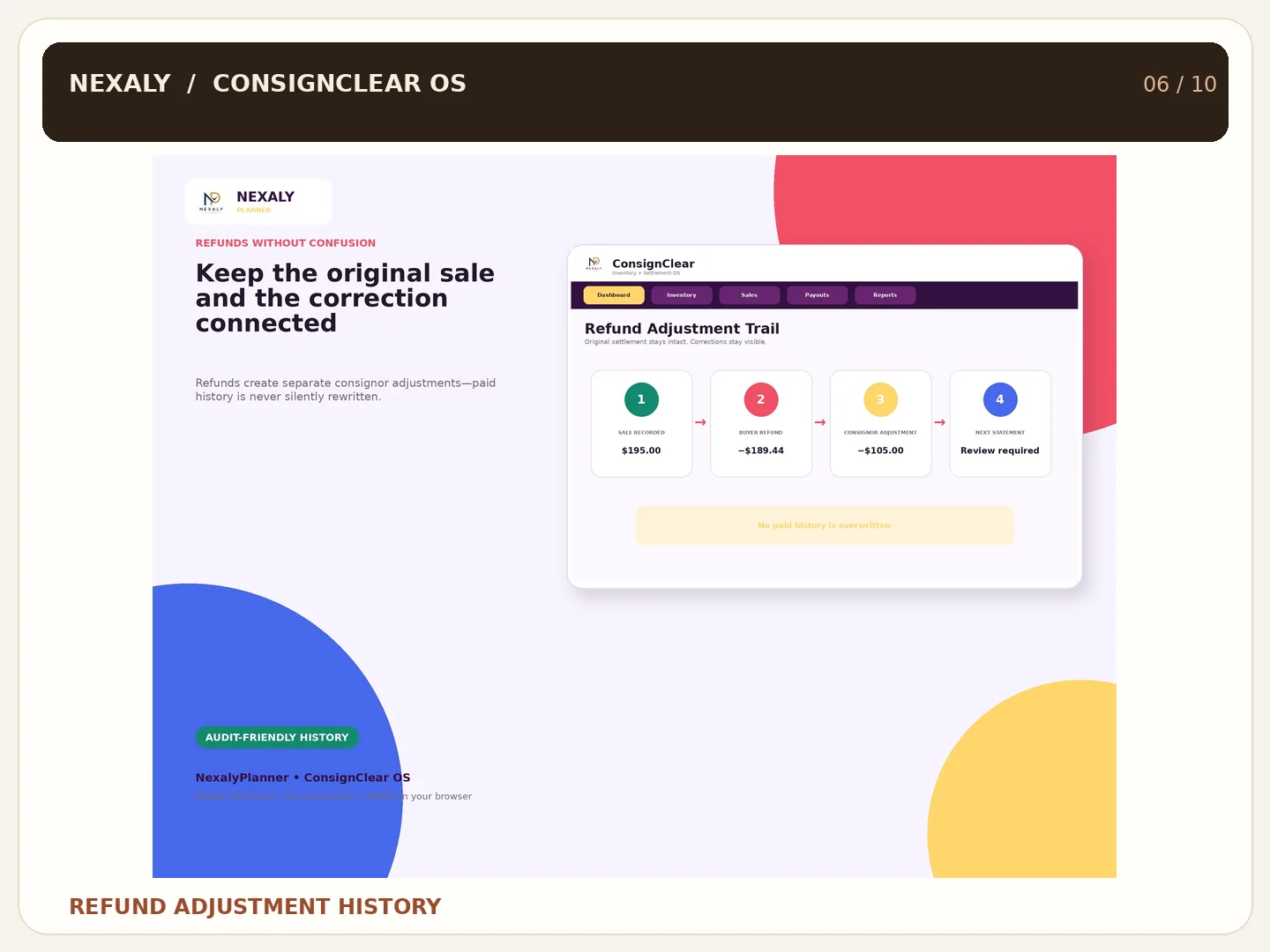
Illustrated customer return and settlement adjustment trail
Refund adjustment trail
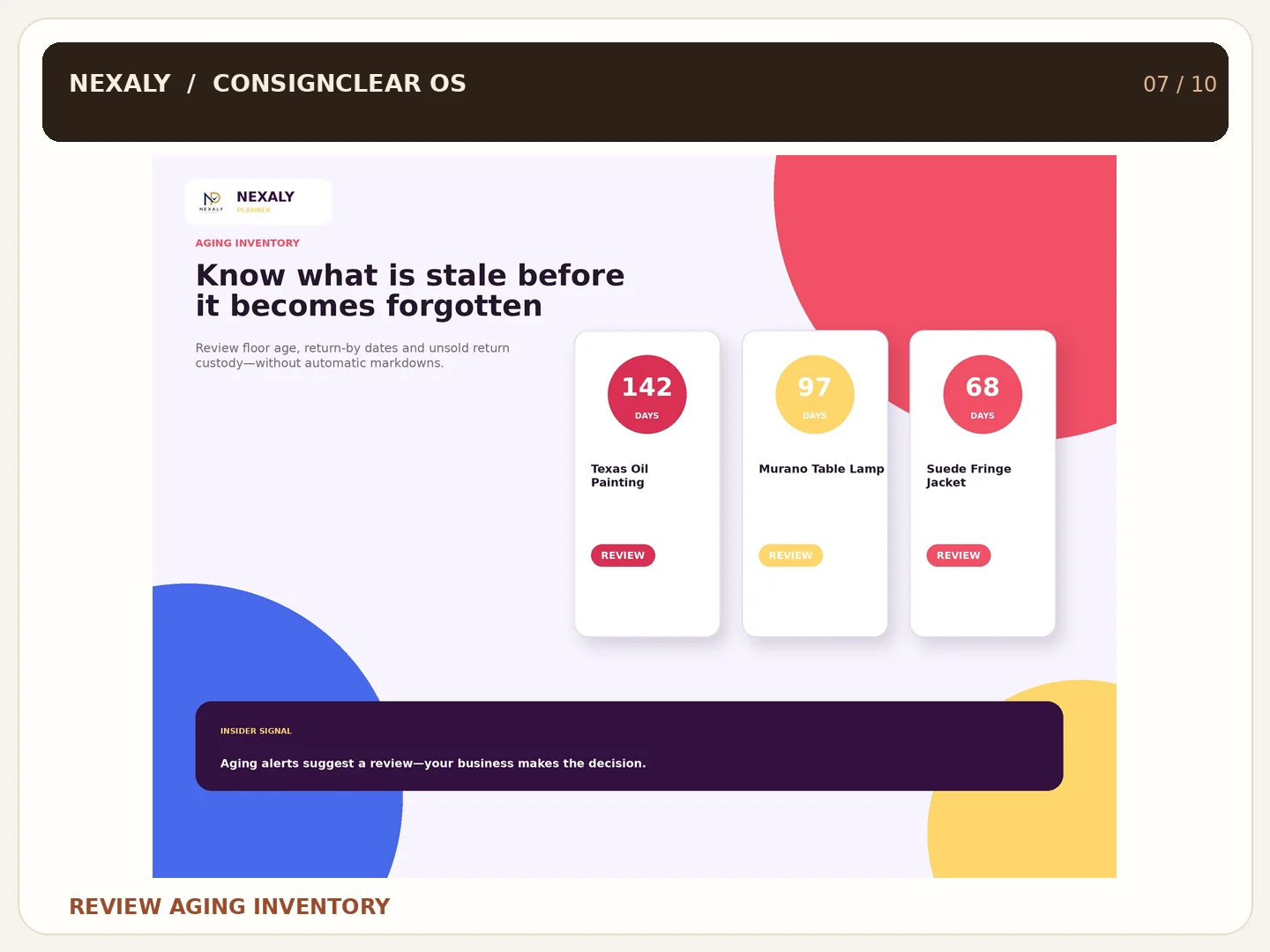
Illustrated aging inventory review and return-by date alerts
Aging inventory alerts
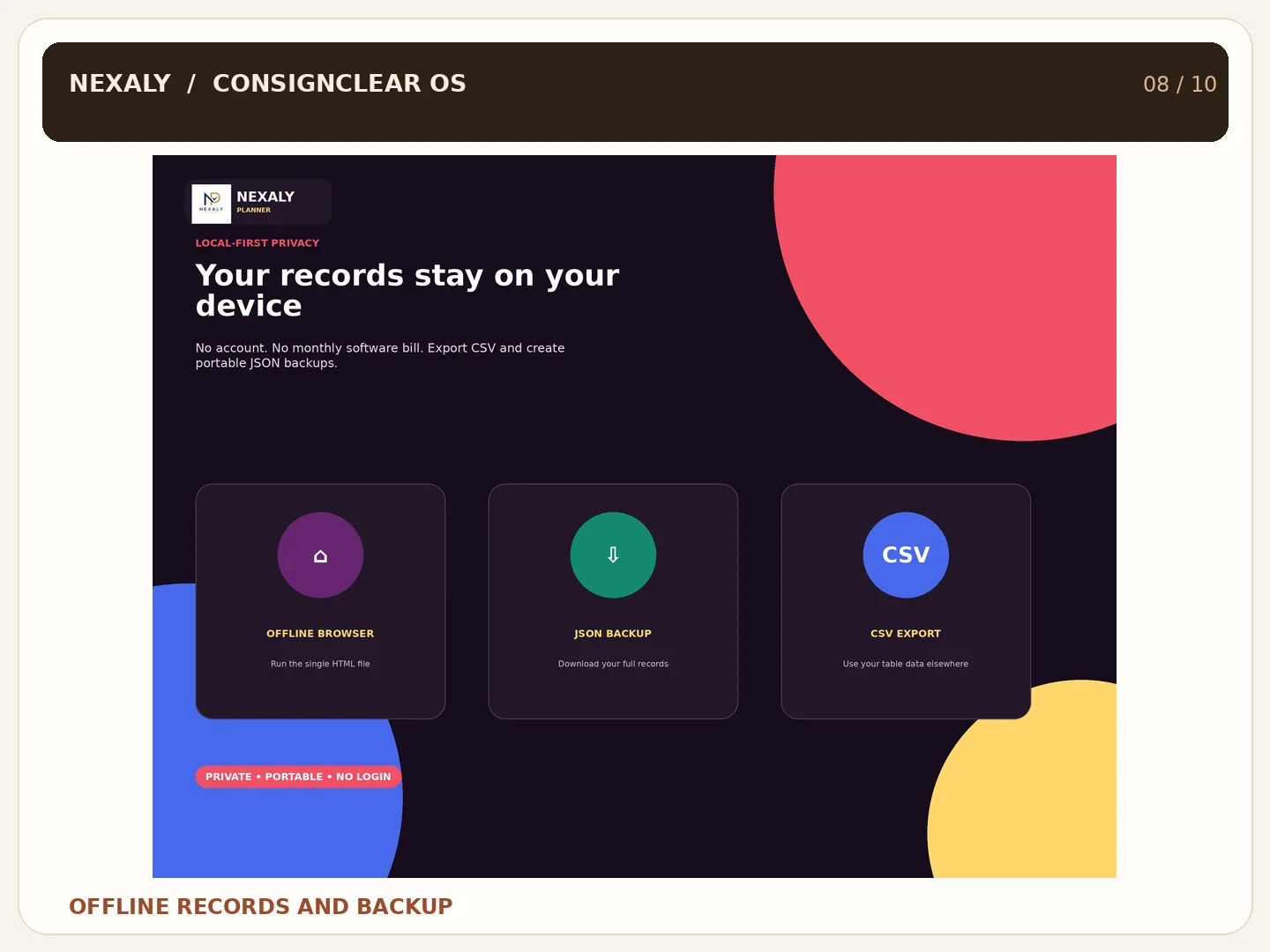
Illustrated local browser records and JSON backup options
Offline private backup
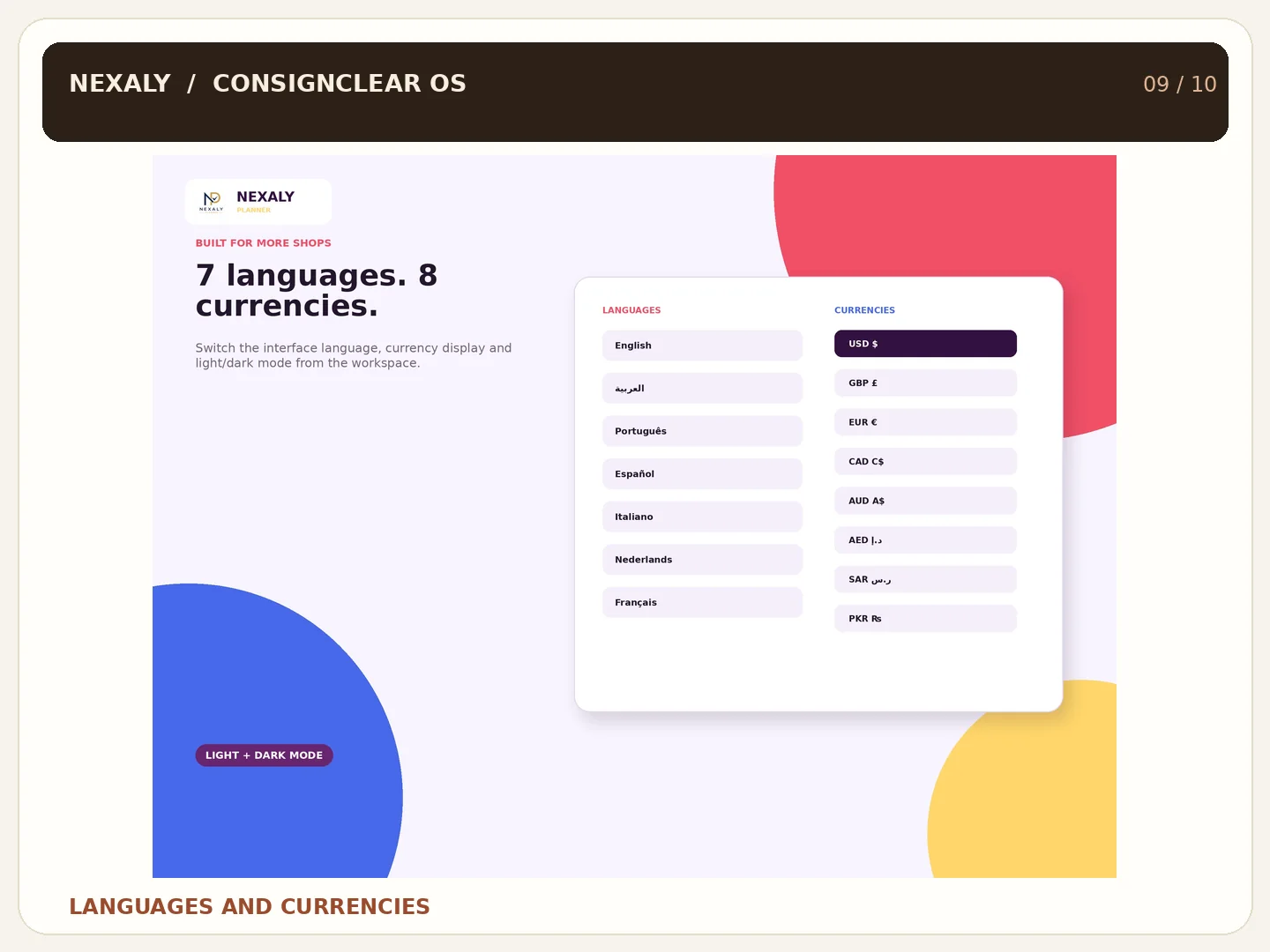
Promotional view of seven interface languages and eight currency display formats
Seven languages, eight currencies
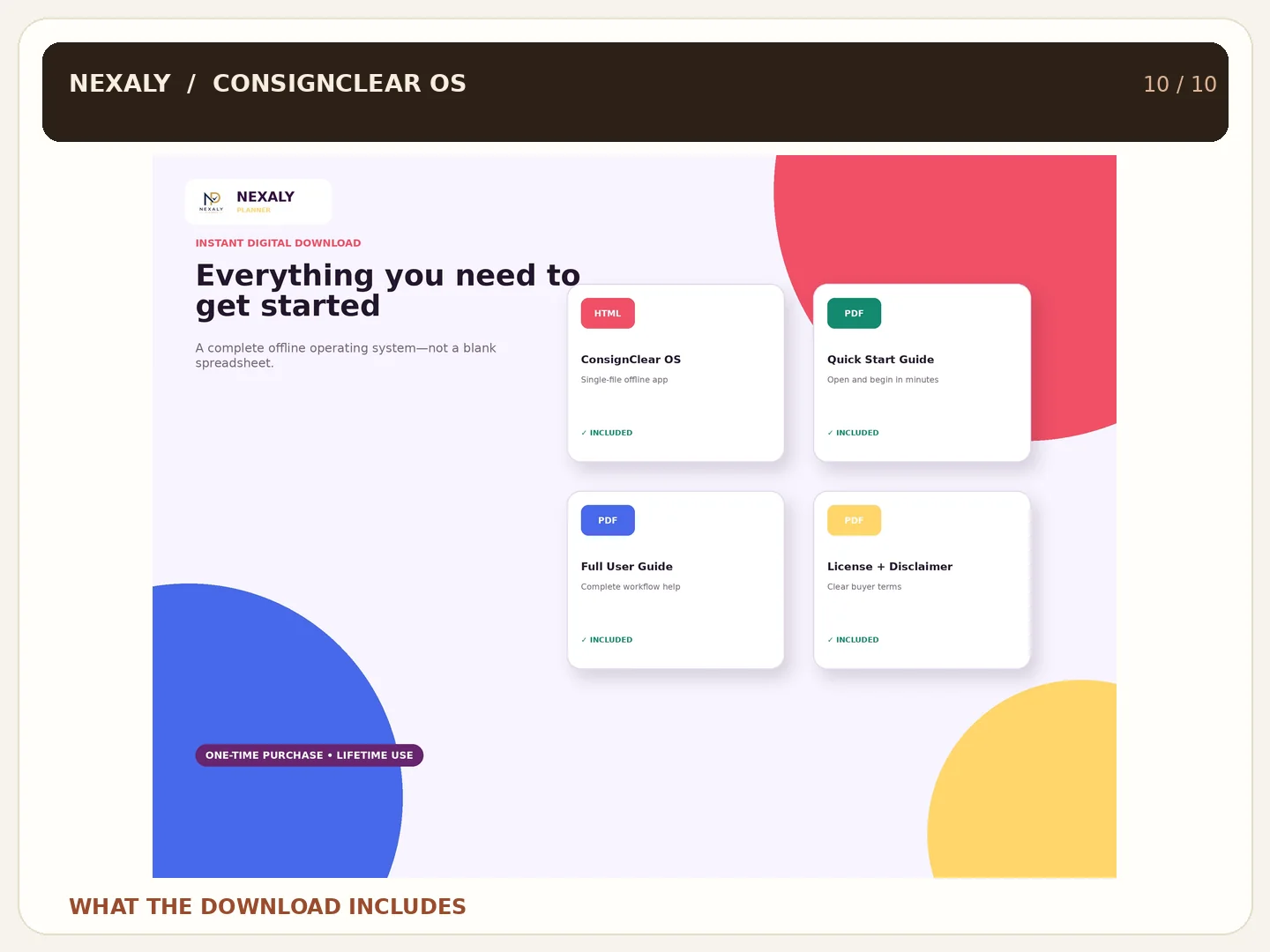
ConsignClear OS digital download contents illustration; offline app and buyer guides included
Digital download overview

Watch it work

Product overview
Workflow and benefits

Why resale shops use it

Every item has an owner

Connect intake and inventory records to a consignor and agreement.

Review the split

Keep shop and consignor shares visible alongside recorded fees.

Track payout obligations

Review pending liabilities against cash and document paid history.

Keep records locally

Use the browser workspace offline and export regular JSON backups.

Consignment software questions

Who is ConsignClear OS for?

Resale boutiques, vintage stores, antique shops, galleries and maker collectives managing items on consignment.

Does it process consignor payments?

No. It helps record and review payout obligations; owners remain responsible for payment decisions and processing.

Does currency selection convert amounts?

No. It changes displayed symbols and formatting only.

Related business software