Add a sample supplier and purchase order, compare vendor performance and explore landed-cost insights. Demo entries stay only for this browser session.
Use the real interface with sample information. Export, backup, upload and printing stay reserved for the purchased version.
Submit a review, suggestion, general comment or private problem report. Nothing is published without permission and approval.
Only customer-approved and manually moderated reviews appear here.
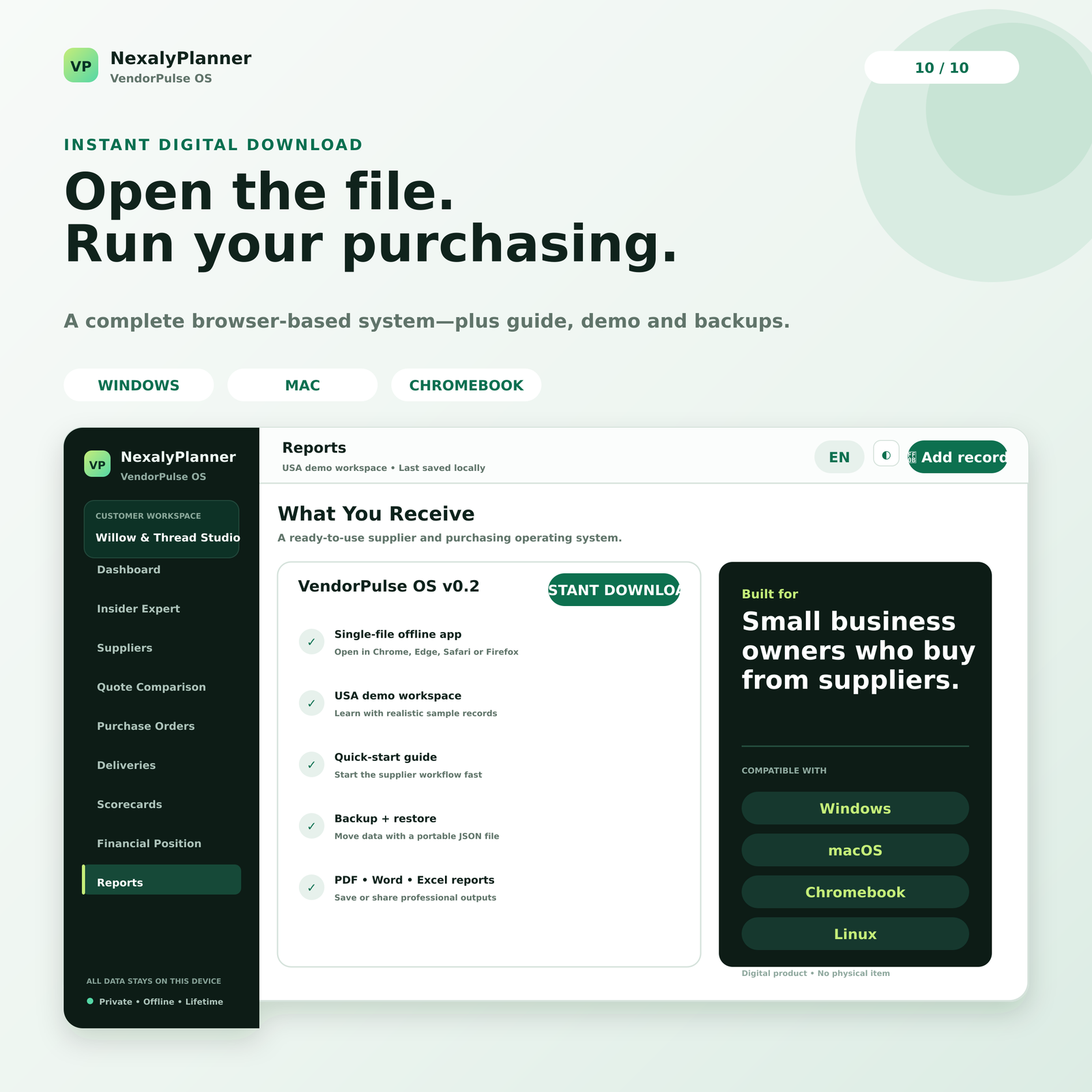
One offline system for supplier costs, purchase orders, performance and cash visibility — here's exactly what you get inside.
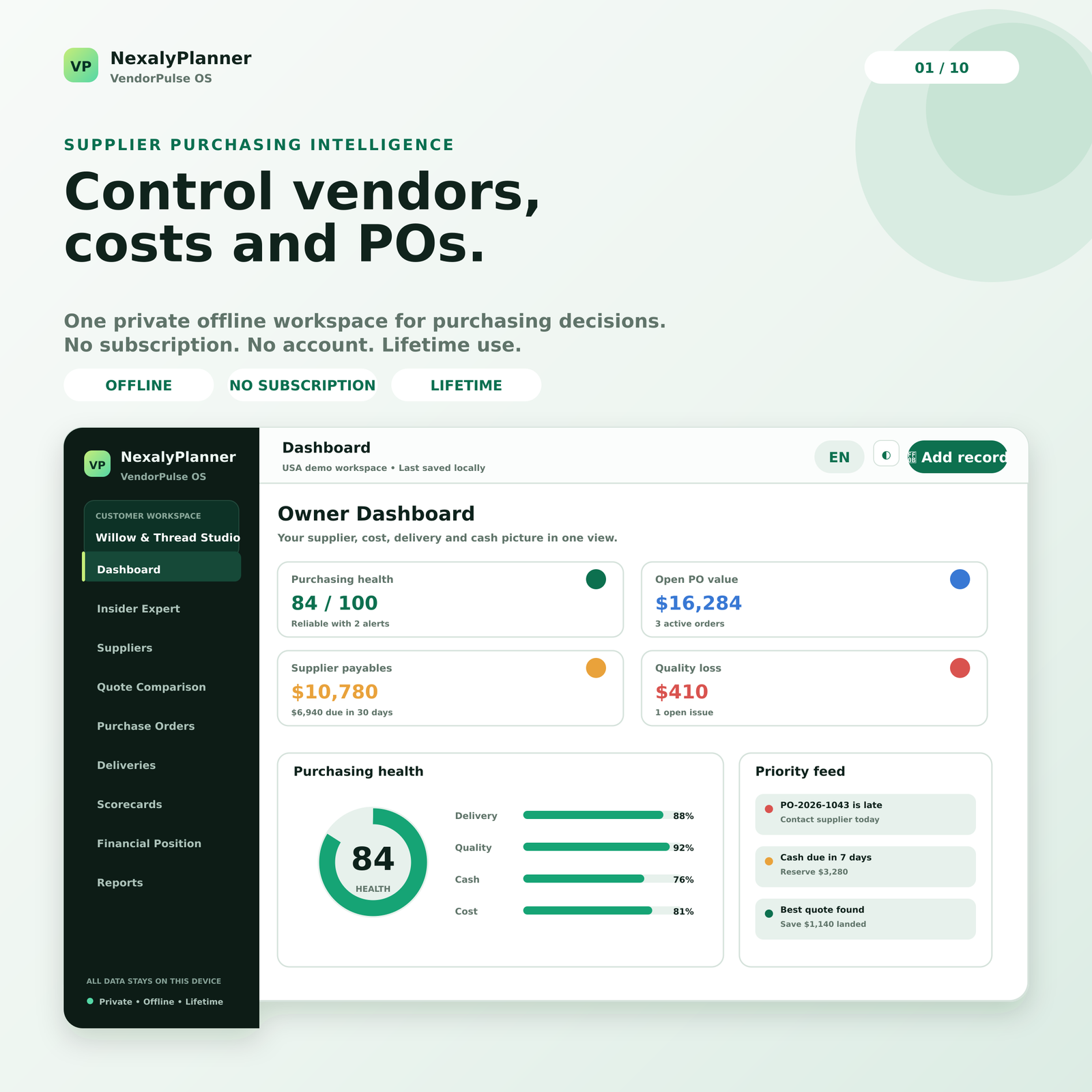
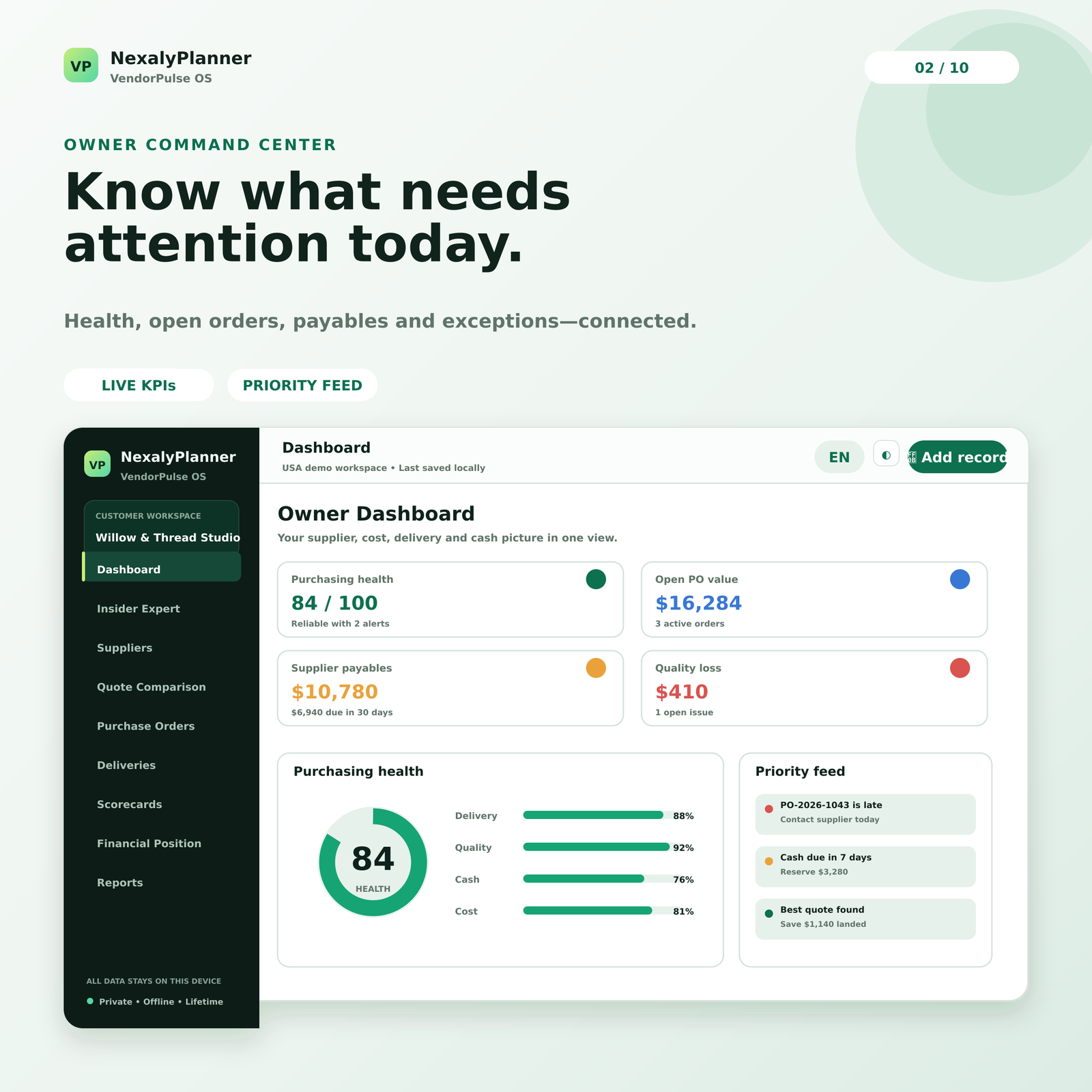
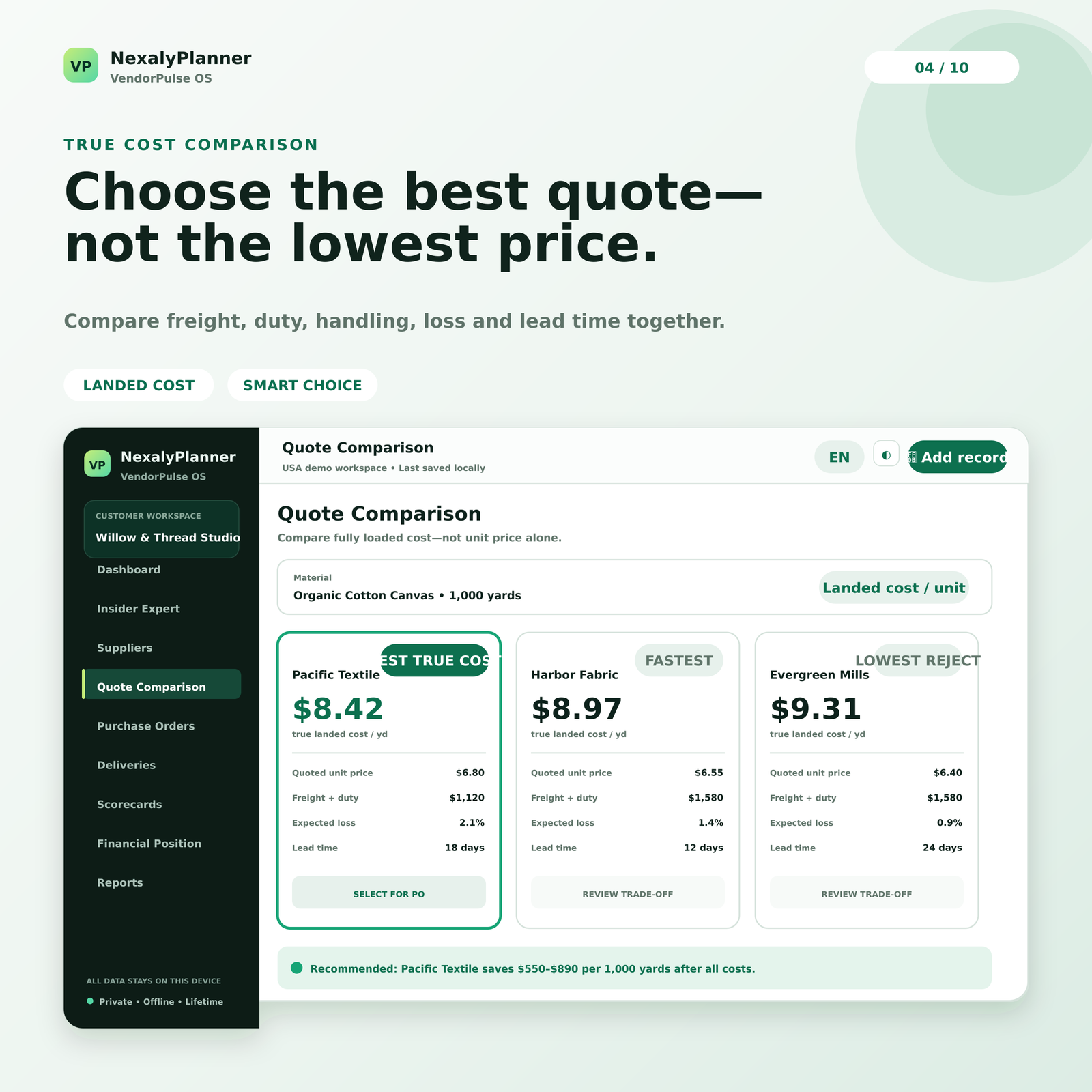
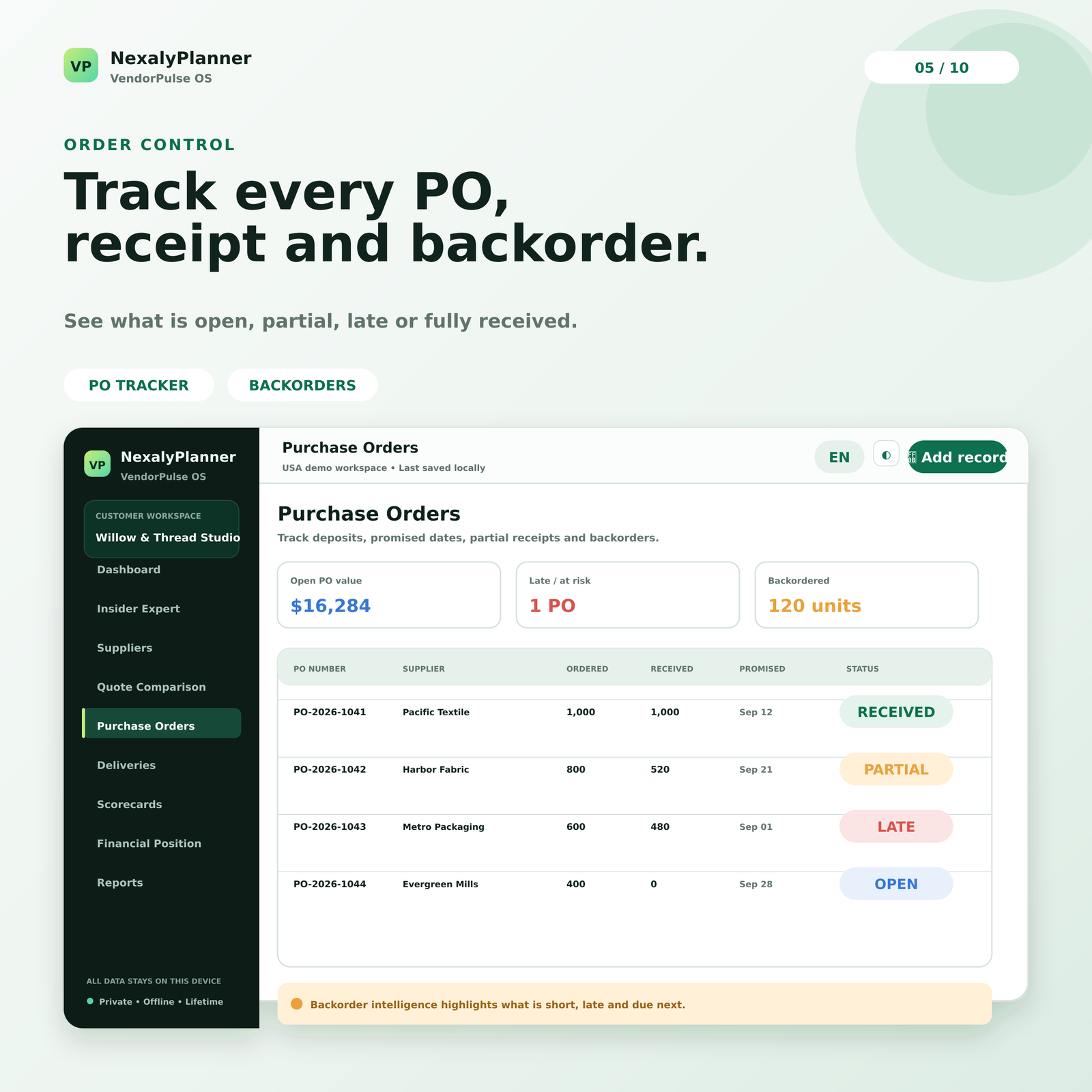
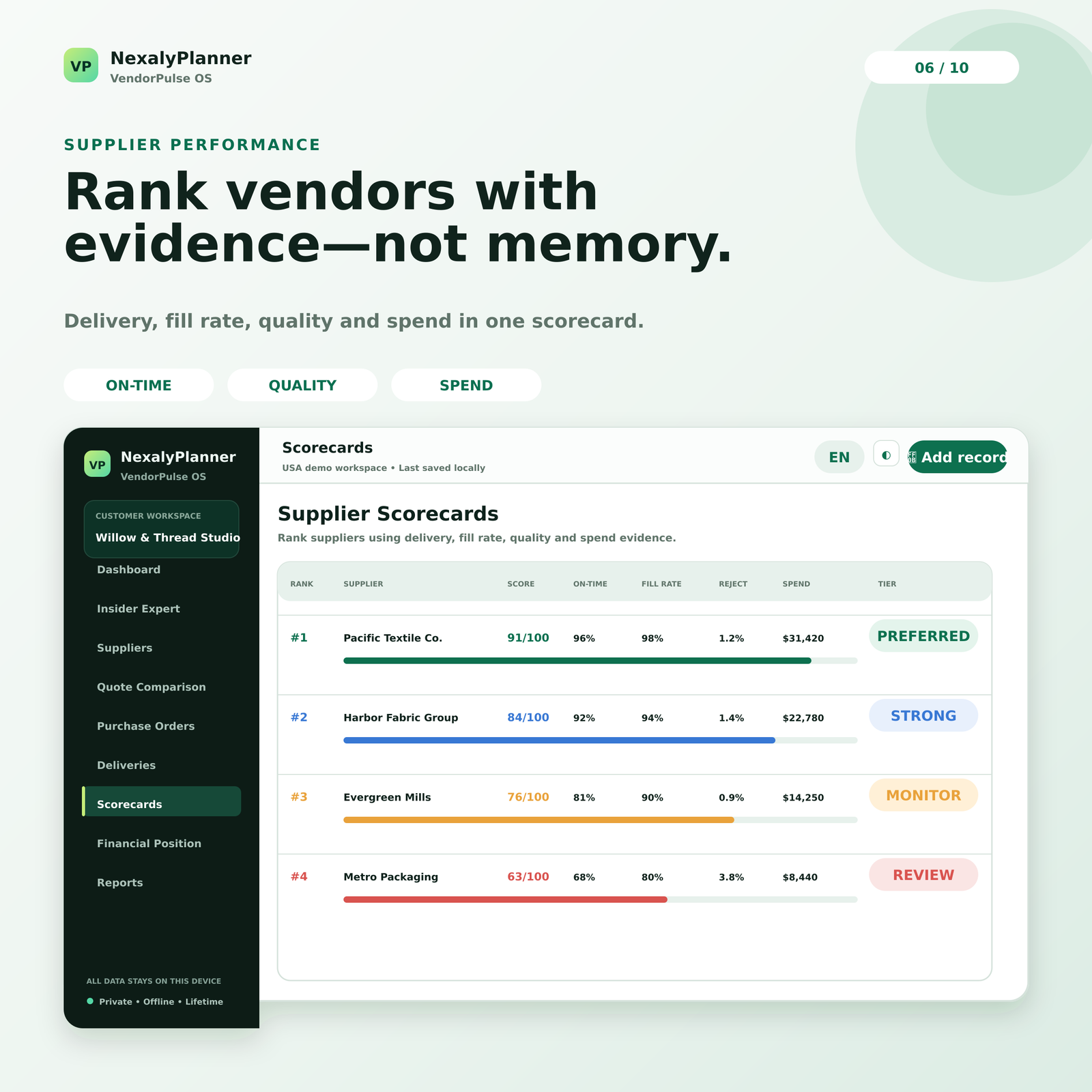
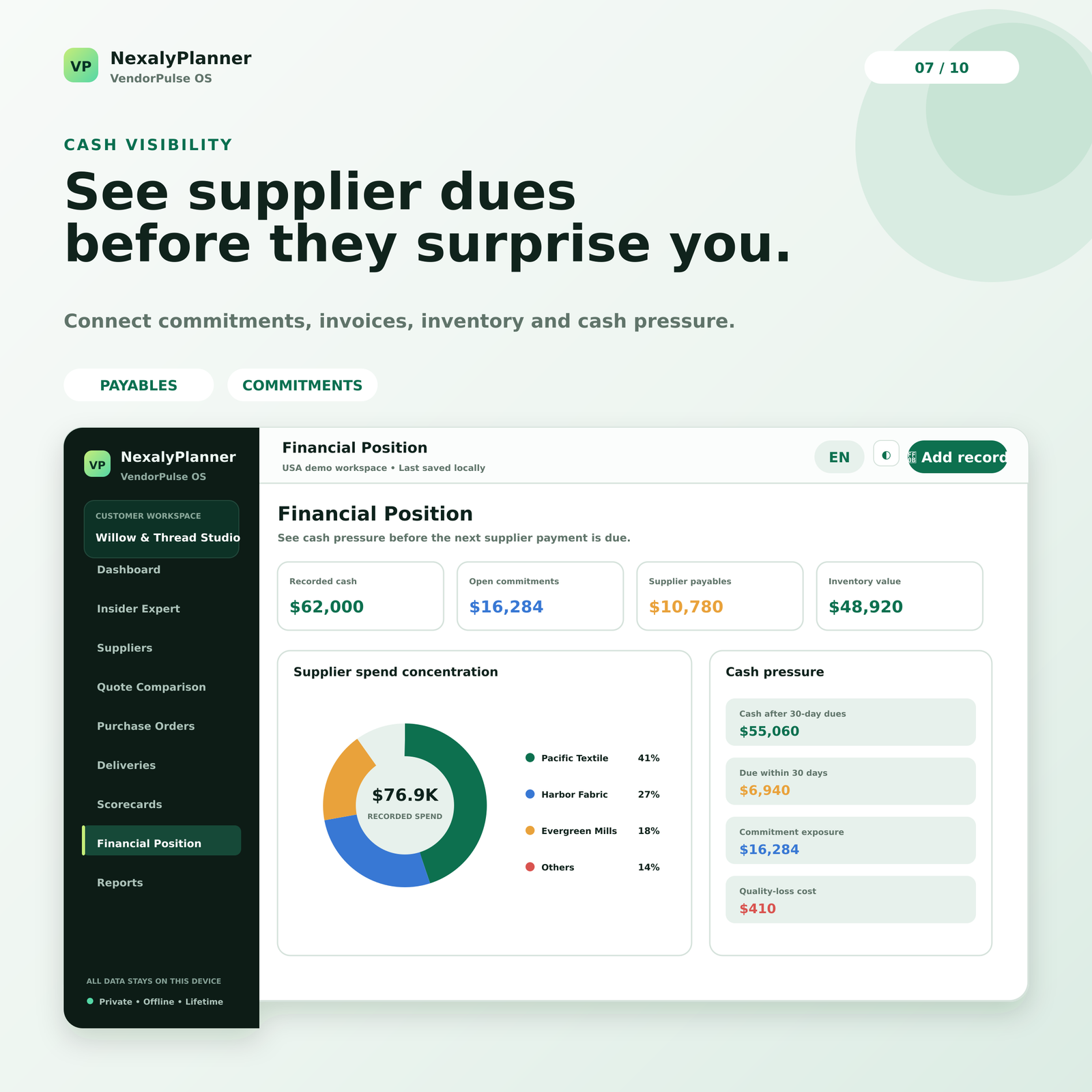
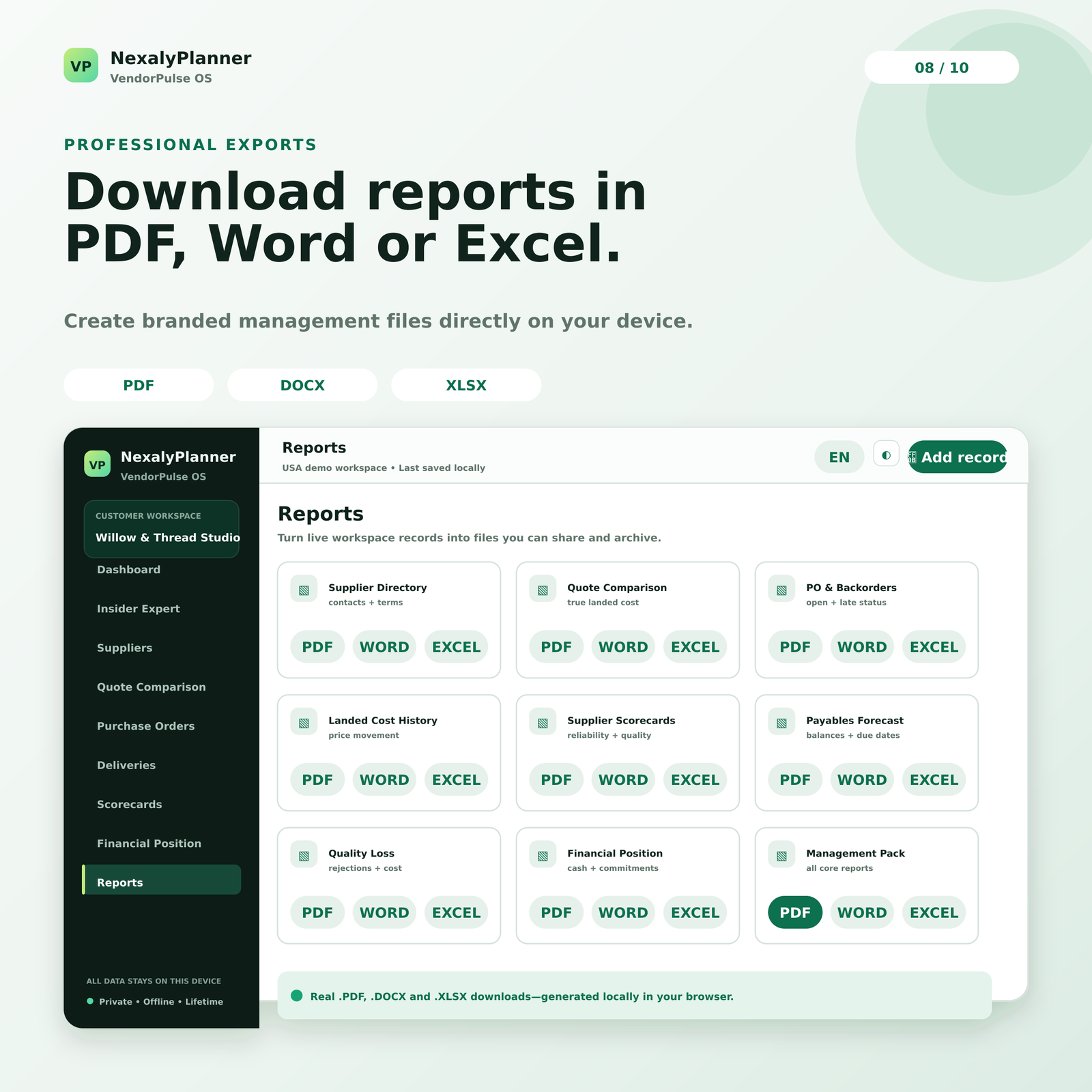
Compare price, freight, duty, handling and expected rejects before choosing a supplier or issuing a purchase order.
Follow deposits, promised dates, partial receipts, backorders, quality issues, invoices and payments in one workflow.
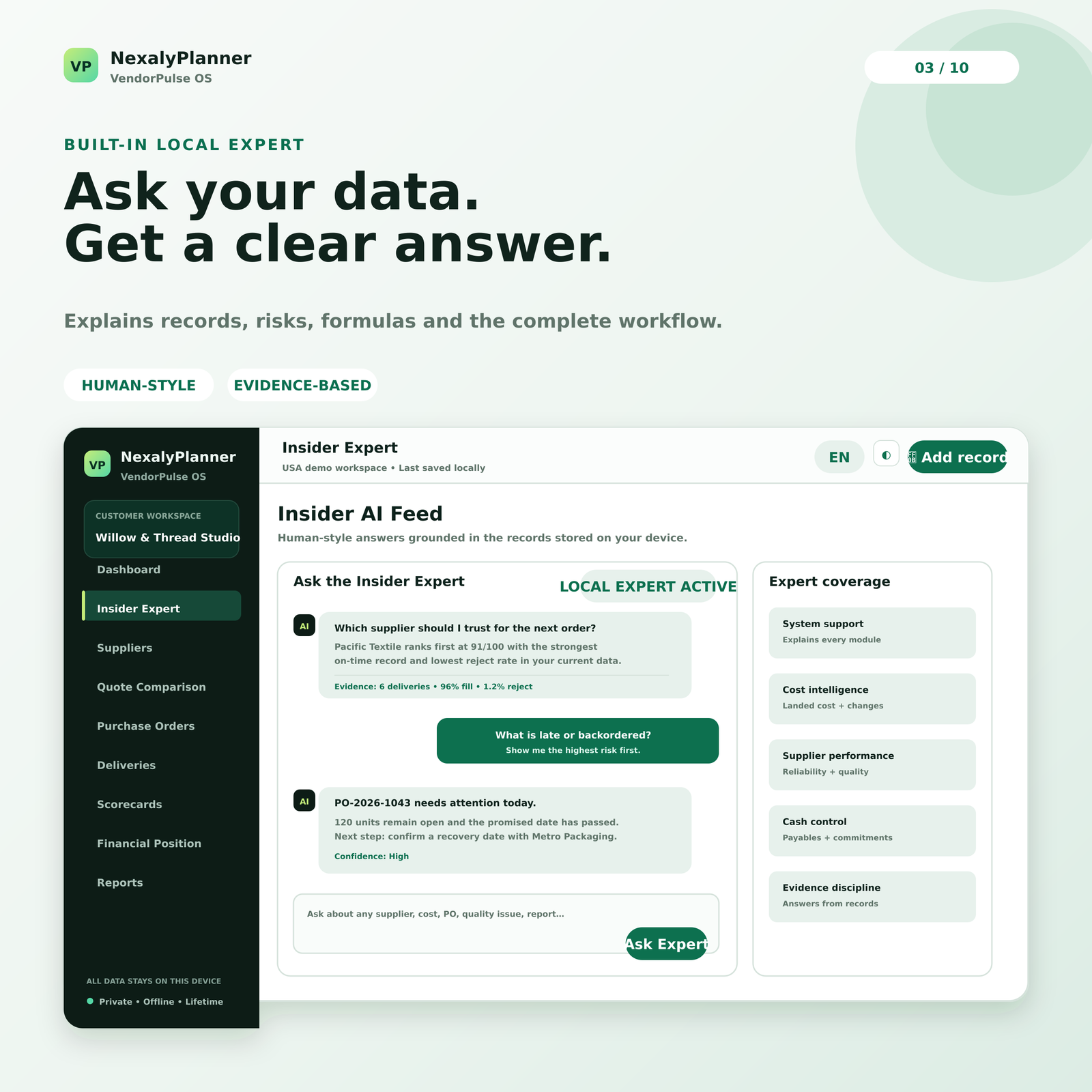
Supplier scorecards and the Insider Expert explain what changed, which records support it and what action to consider.
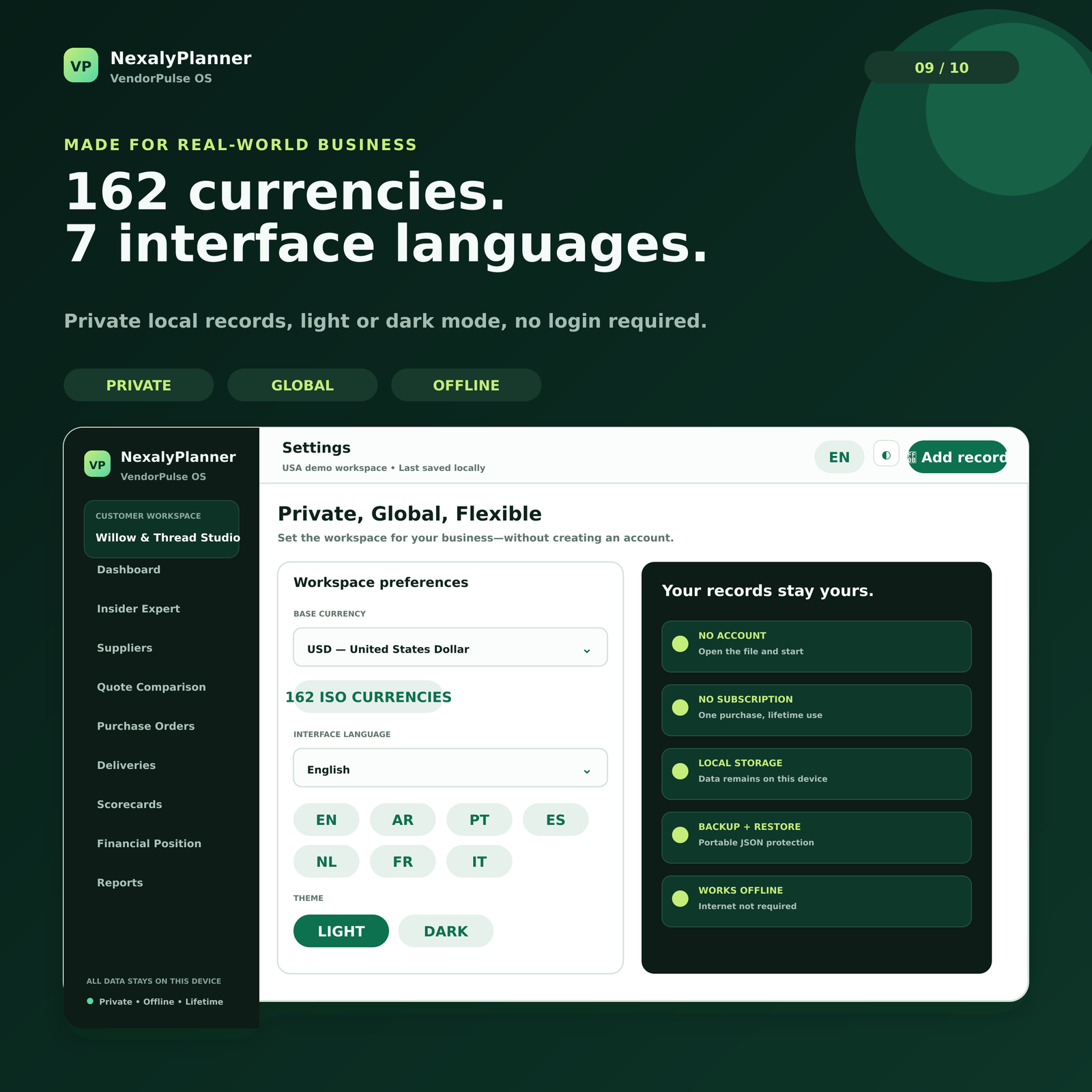
No account and no subscription. Use 162 currencies, 7 languages, branded reports and local JSON backups.
It suits a small product business that wants quote assumptions, purchase orders, receipts, quality issues, invoices and supplier reviews in one local workspace. You enter the records and remain responsible for checking source documents.
Freeze the selected quote reference, quantity, currency, landed-cost assumptions and required date before creating the order. A saved quote does not automatically award business, approve spend or send a purchase order.
If 970 of 1,000 inspected units were accepted, record 97% quality with the underlying receipts and issue notes. Scorecards summarize entered evidence; they are not supplier certification or an independent audit.
The purchased app keeps data in the current browser profile. Download dated JSON backups and store a protected copy elsewhere; no verified cloud sync, automatic supplier messaging or multi-user conflict handling is included.
Track supplier profiles, quotes, landed costs, purchase orders, deliveries, invoices, payables, quality and performance history.
Scorecards summarize the delivery, quality, price and service records you enter. Review each score with its linked orders, receipts and issues, especially when history is limited.
No. It creates local records and reports, but supplier communication, approval authority and any external ordering action remain with your business.
No. It is a downloadable offline browser app for a single business workflow and does not provide live supplier collaboration.
Set up VendorPulse OS from quotes through receipts and backup · build a supplier scorecard with delivery and quality measures · compare supplier quotes using total cost and delivery terms · carry the selected quote into a purchase-order tracker.
Secure checkout · 14-day guarantee
