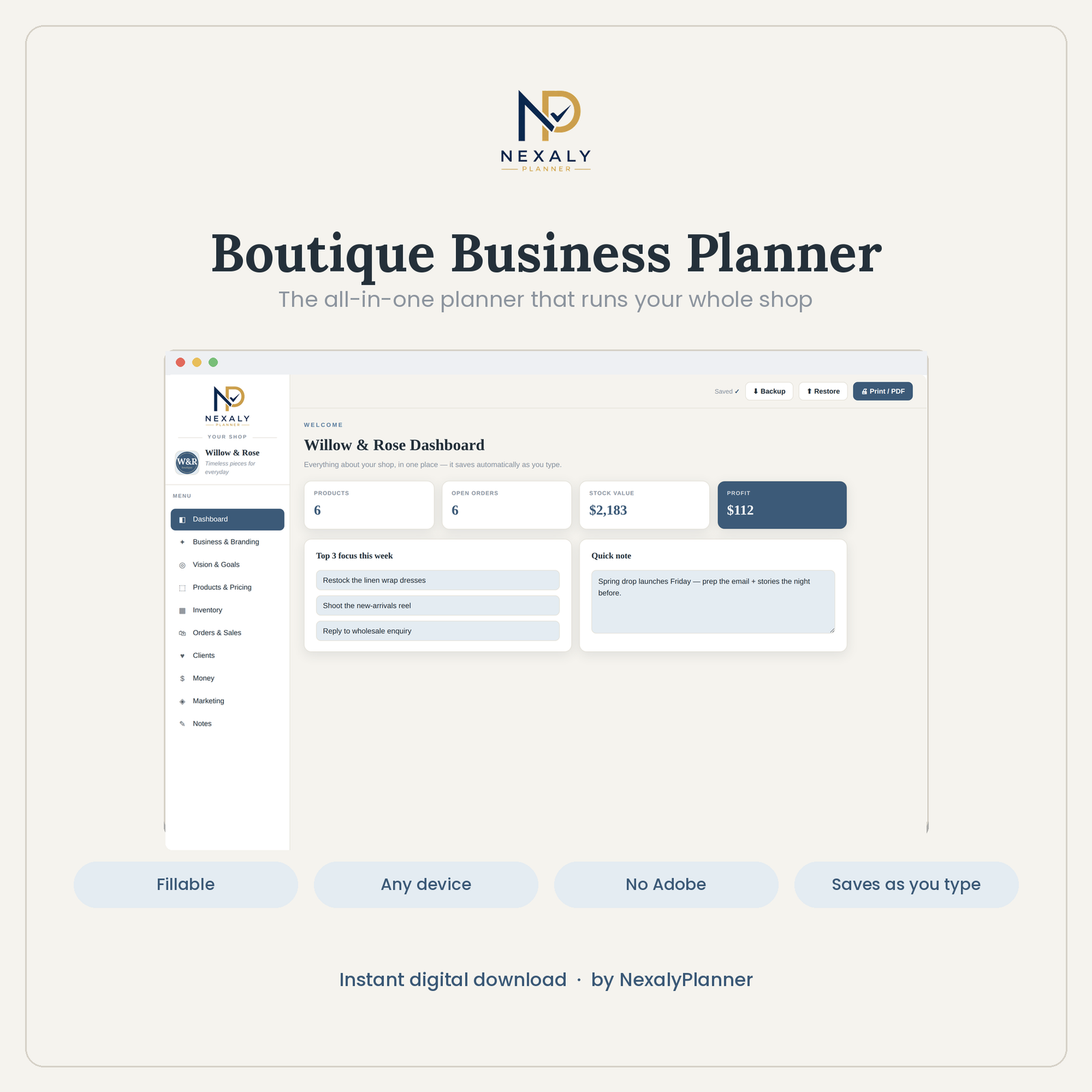
Run a realistic boutique workflow right here. Enter your own test product, inventory, order and expense data, then watch the dashboard and profit totals update.
Explore all ten sections and try the planner with safe sample data. Backup, restore, uploads and printing are reserved for the purchased version.
Write a product review, suggest a feature, leave a general comment or report a problem. Nothing is published without your permission and our approval.
Every published review is manually approved. Suggestions and problem reports stay private.
See the interactive tools that connect your boutique orders, stock, pricing, clients, marketing and profit.
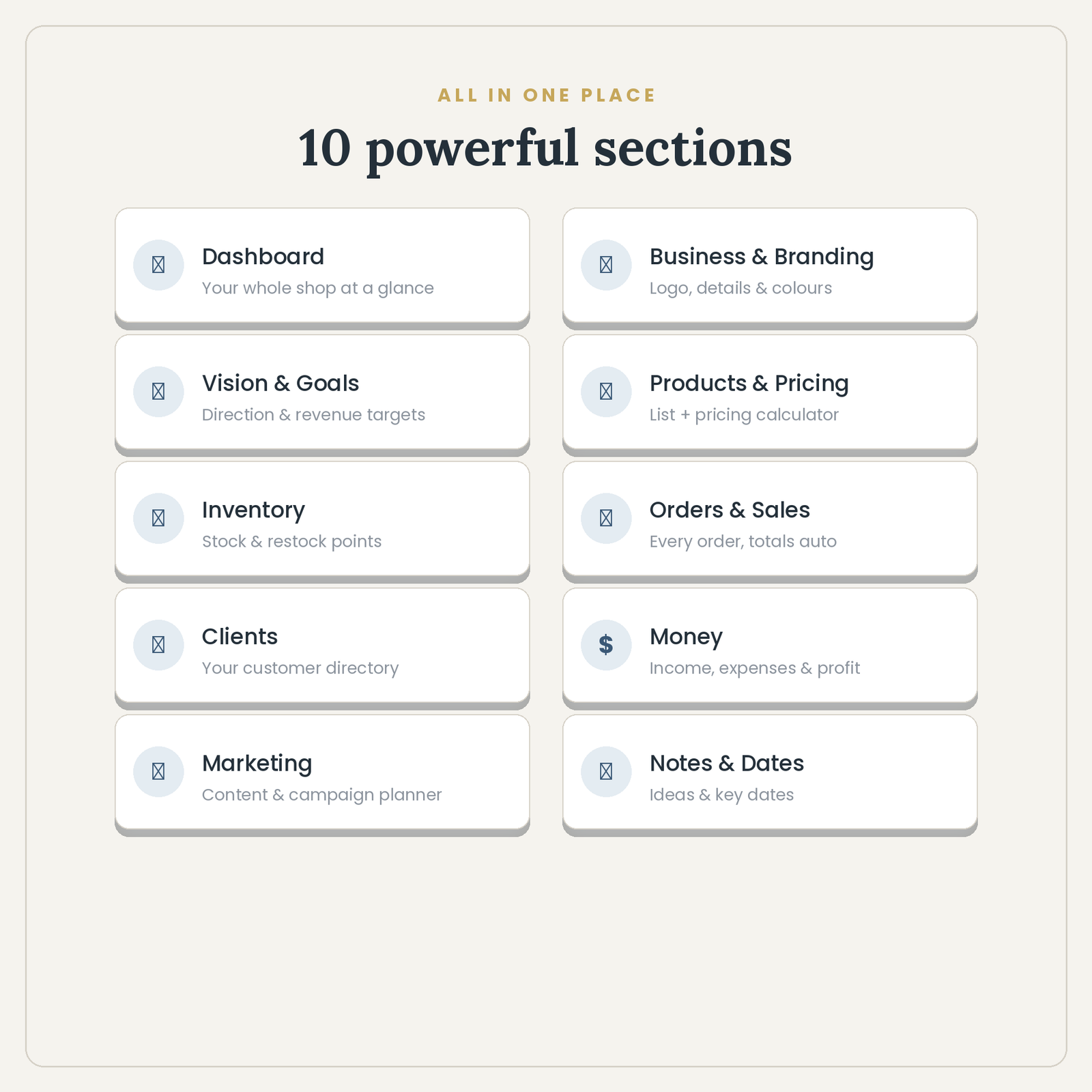
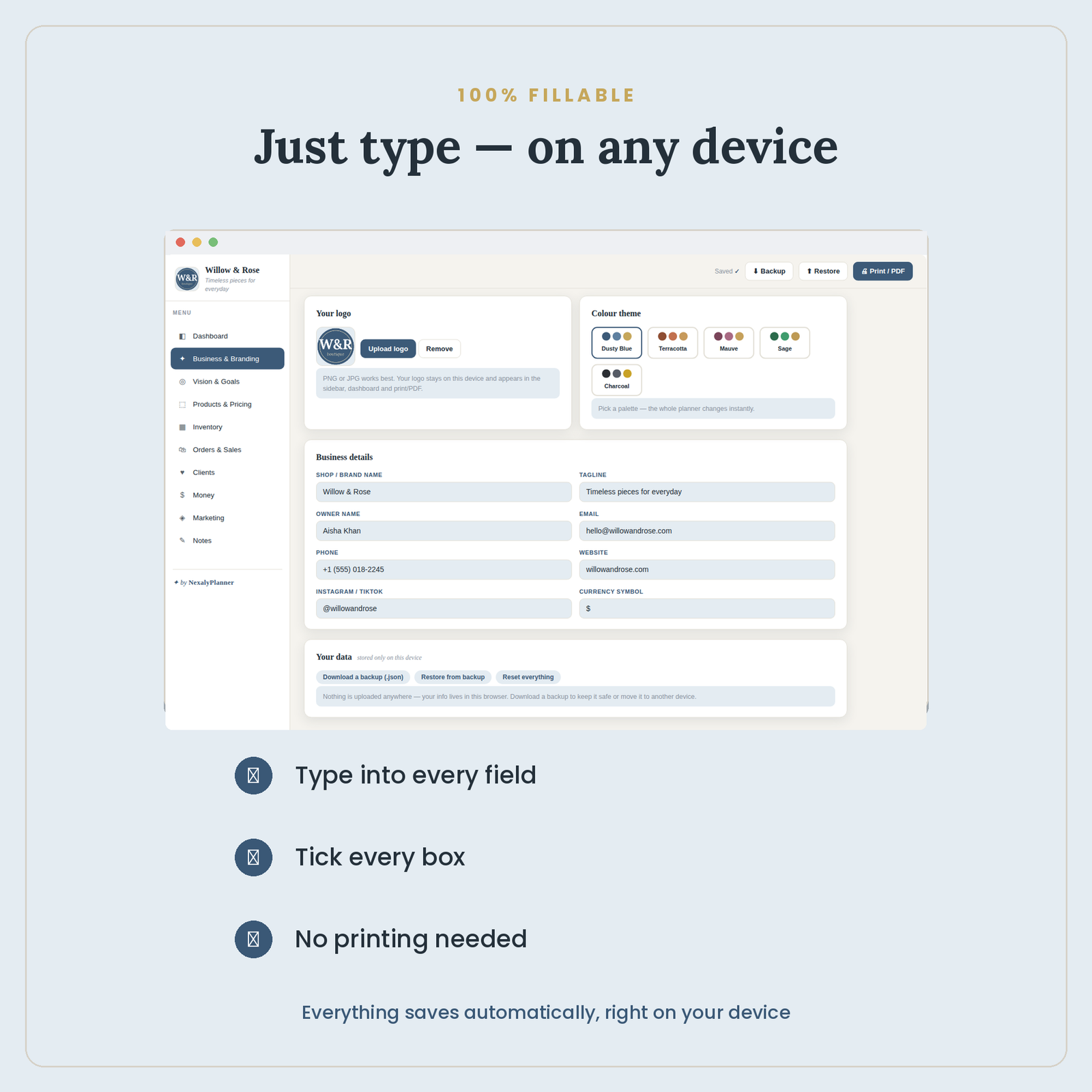
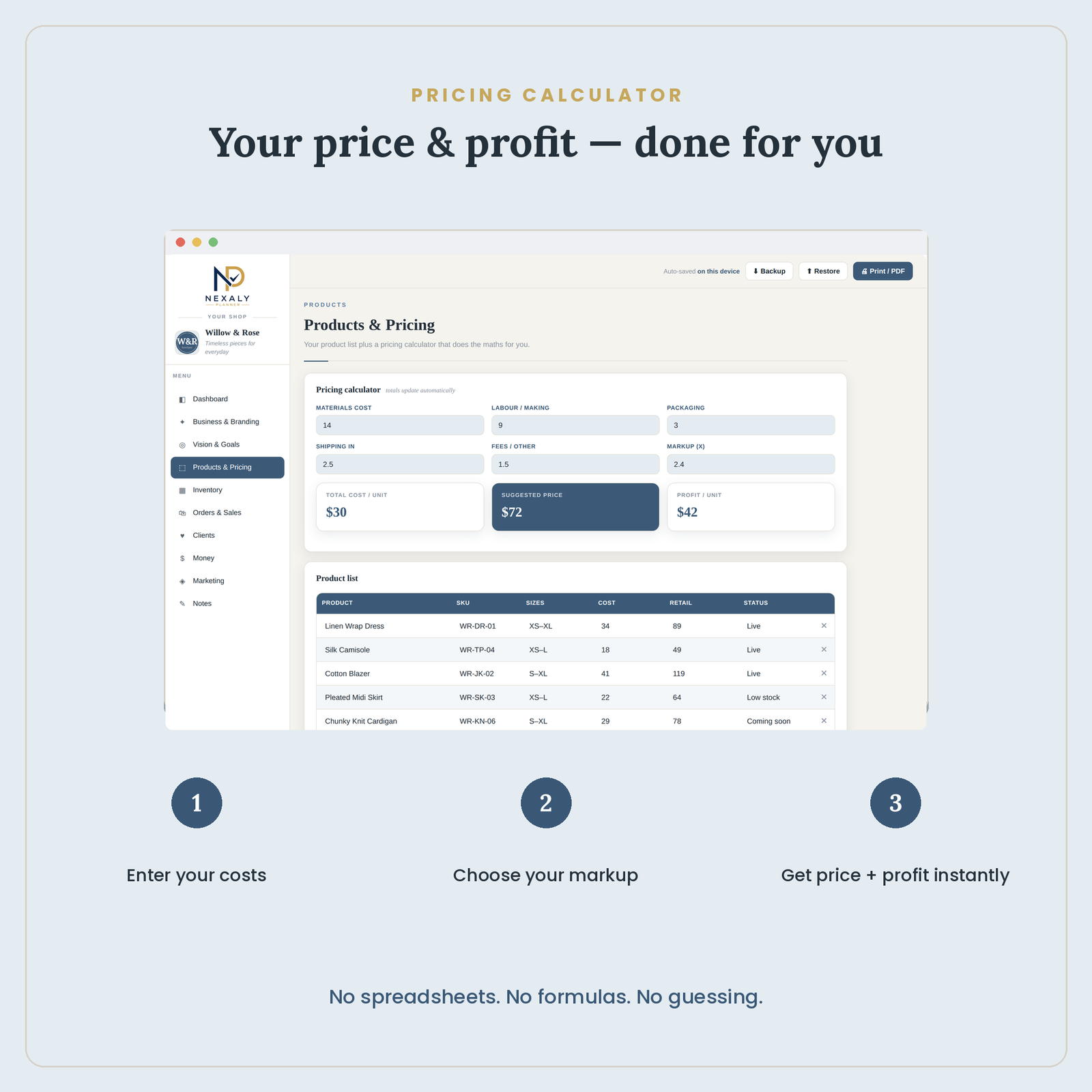
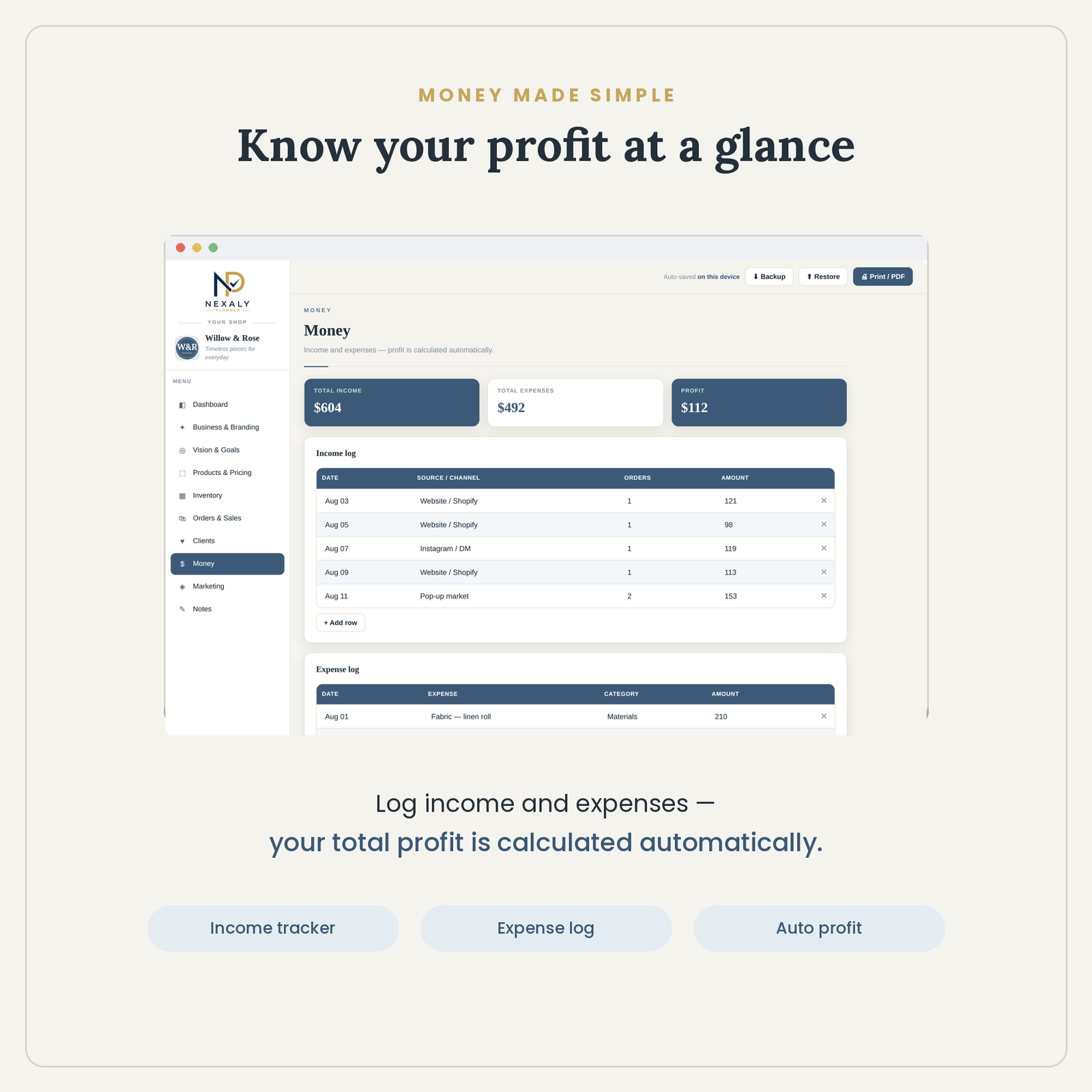
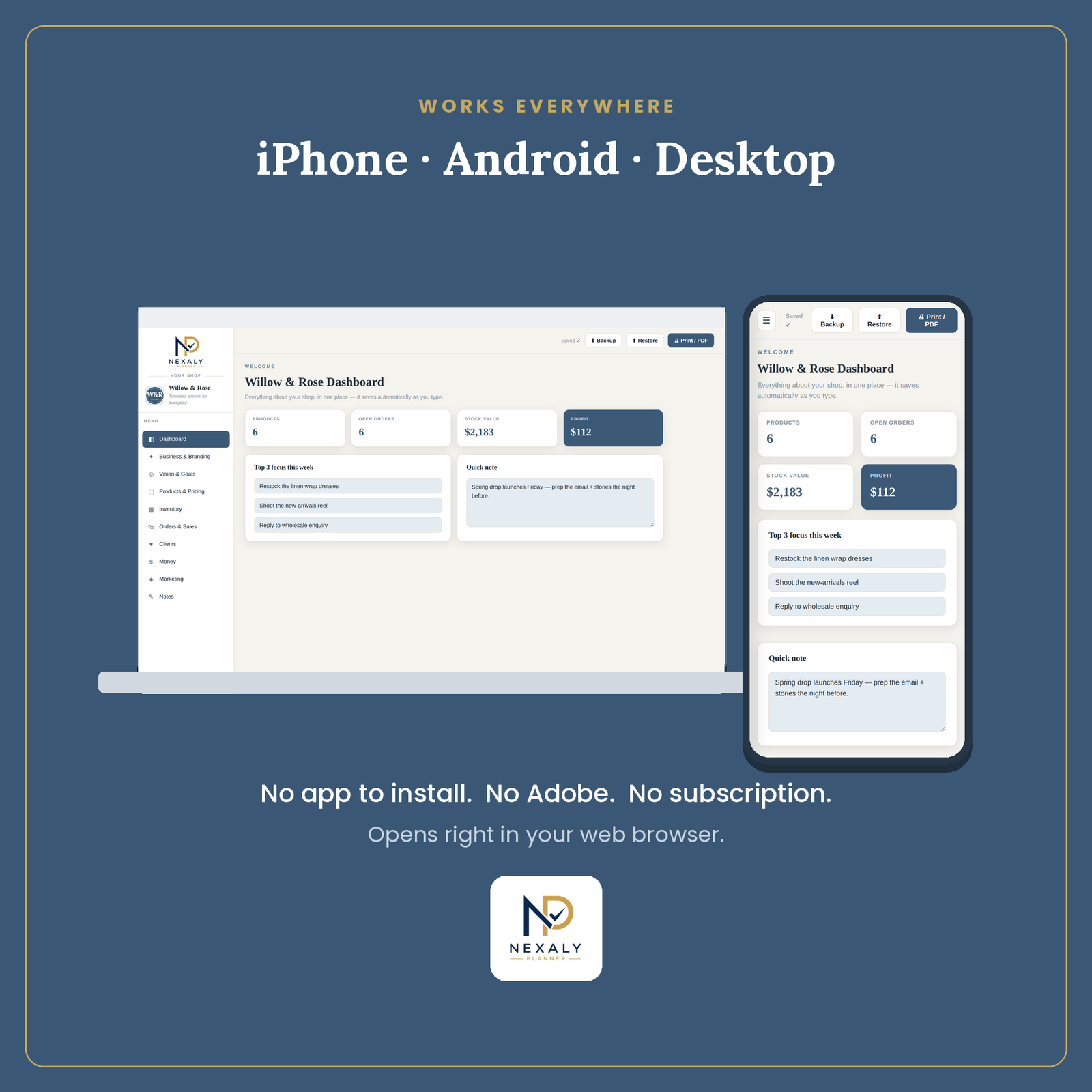
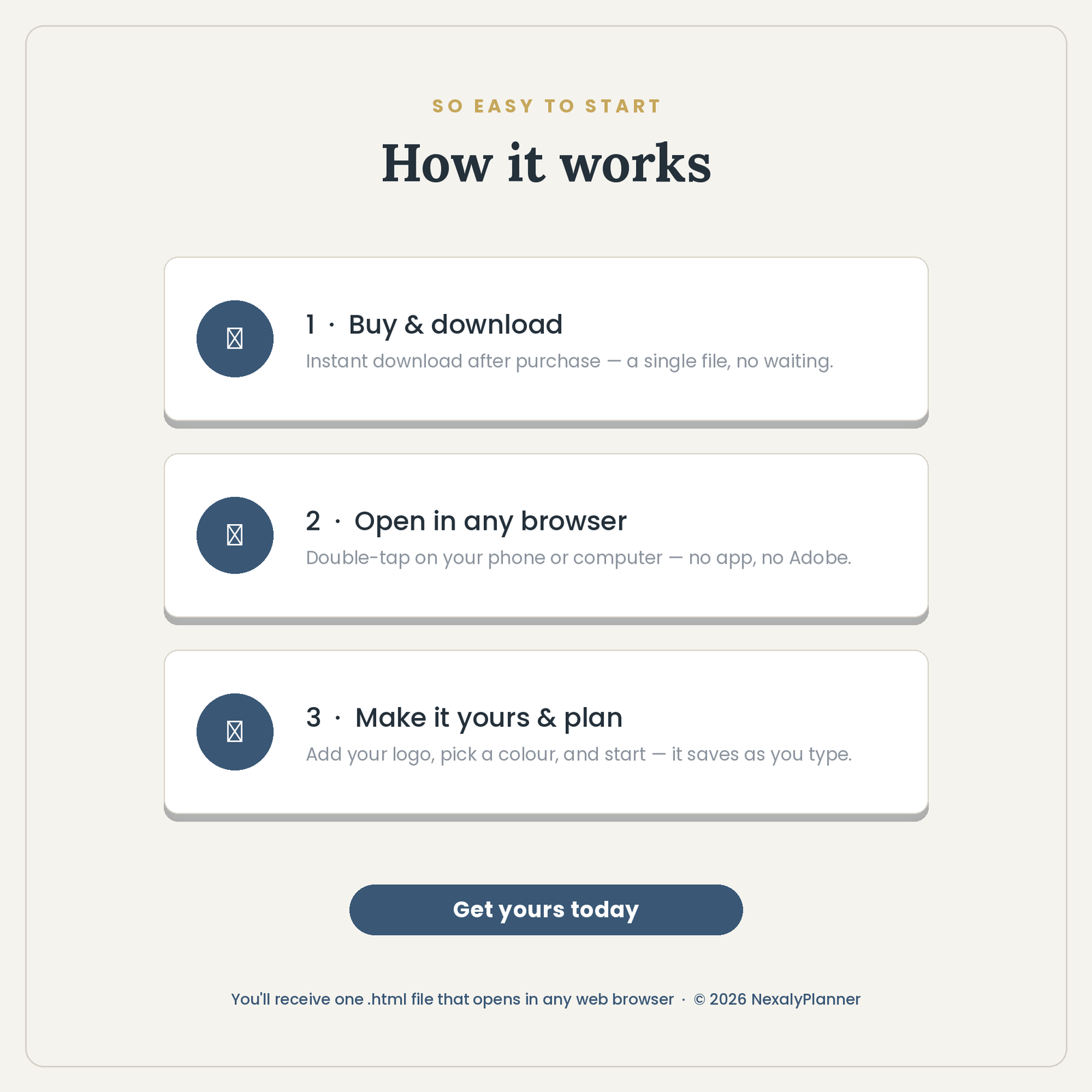
Bring products, stock, orders, customers, money, goals and marketing into one connected workspace.
Enter product costs and instantly see selling price and profit per unit with the built-in calculator.
Income and expenses feed an automatic profit view, helping you understand performance quickly.
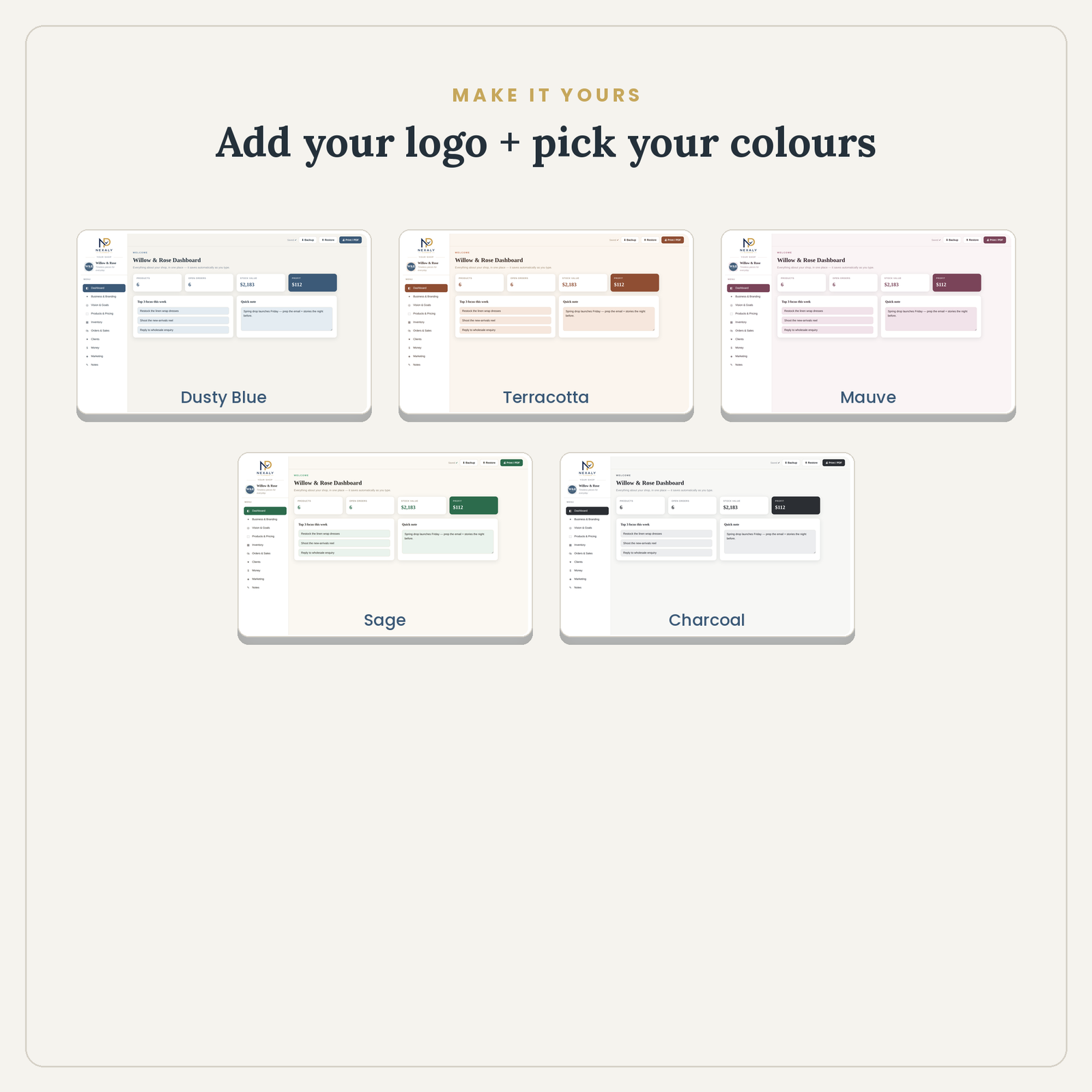
Add your logo, choose a color theme and keep information on your device with no monthly subscription.
It fits a boutique, maker or side business that wants pricing, variants, stock, orders, customers, income, expenses and content plans in one offline workspace without a recurring software fee.
The planner does not import Etsy or Shopify orders, deduct stock when an order is entered, reconcile a payment processor or send customer messages. Confirm each event, then update the relevant records yourself.
For a fictional Blue Linen Dress / M, record the variant and SKU, enter the order, reduce sellable stock only after the confirmed sale, and add income or a refund using the source receipt. A cancellation before stock was reduced should not add a unit back.
After a collection launch, market weekend or month-end reconciliation, download a dated JSON backup. Restoring replaces the current local workspace rather than merging two devices, so preserve the current copy before a restore.
Manage products, variants, pricing, stock, orders, customers, sales, expenses and profit from one planner.
No. It includes pricing, stock, orders, customer records, income, expenses and a profit dashboard in one app. Keep these records consistent manually; recording an order does not automatically deduct stock.
No. It is a one-time digital download that works in a current browser and stores records locally.
Yes, using a manual JSON backup and restore. Export the latest backup before changing devices or clearing browser data. A second browser or device does not sync automatically. Back up its current records before restoring, because restore replaces the current workspace.
Secure checkout · 14-day guarantee
