
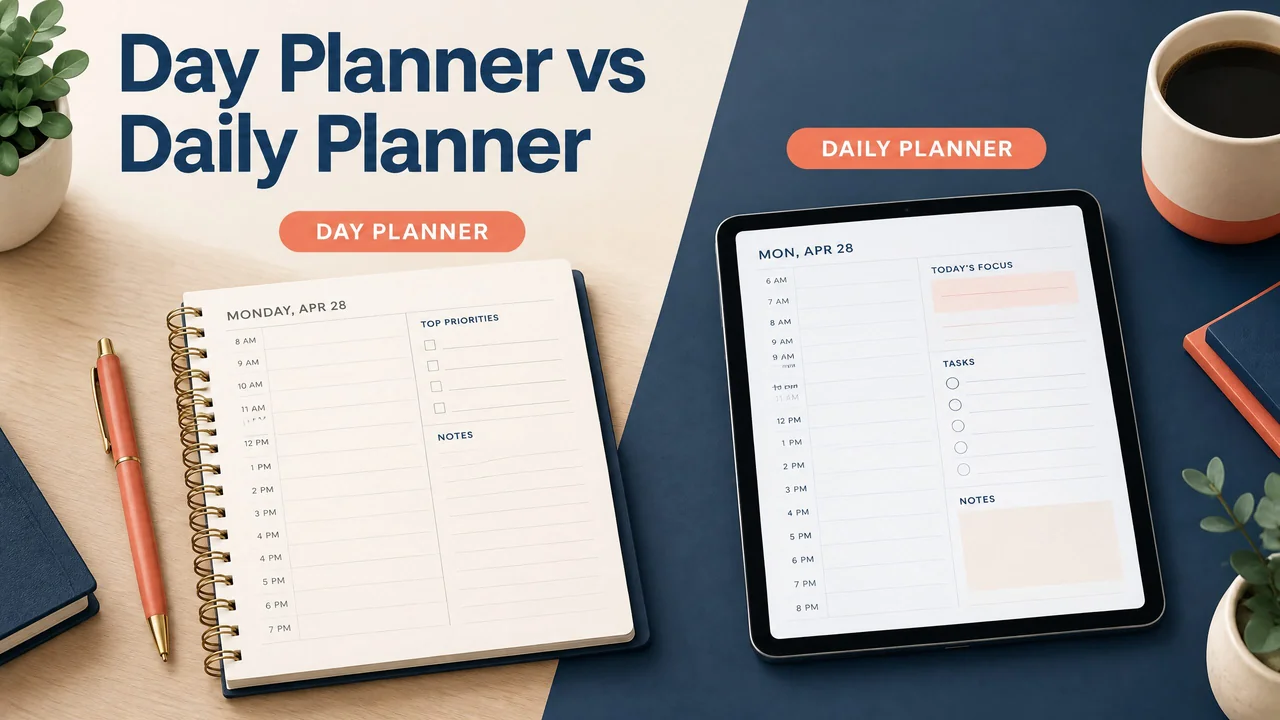
A day planner and a daily planner usually mean the same kind of planning tool: a place to organize one day’s tasks, appointments, notes, and priorities. The difference is mostly wording, while the real choice is the format and level of detail that fit your routine.
Day planner vs daily planner
In everyday use, day planner and daily planner are close synonyms. A retailer may call a dated notebook a day planner, while another may call a one-page-per-day worksheet a daily planner. Neither name guarantees a particular layout.
Both terms can describe paper, printable PDF, offline HTML, or cloud formats. Check the page for the features you need, such as an hourly schedule, task list, notes, or space for tomorrow’s priorities.
A calendar is related but not identical. It gives you a view of dates and scheduled events, often by month, week, or day. A planner adds space for action. It can help you turn “dentist at 3:00” into a realistic plan for travel, preparation, work, and follow-up.
A concrete example
Suppose your calendar shows a 10:00 meeting, a 1:00 lunch, and a 4:30 appointment. A day planner can add the work you need to complete before the meeting, a reminder to leave at 4:00, and a short list for tomorrow. The calendar records the fixed events. The planner helps arrange the flexible work around them.
Comparing the main planning formats
For examples you can put to work, compare the daily planner 2026 layouts and the weekly planner 2026 templates. Choose the page you will actually revisit during the day or week.
The best option depends on how you capture information, how often your schedule changes, and whether you need access without an internet connection.
| Format | What it does well | Limits to consider | Good fit for |
|---|---|---|---|
| Paper day planner | Quick handwriting, no battery, easy to see at a glance | Harder to move entries or search old notes | People who think clearly on paper |
| Printable PDF planner | Can be printed as needed and used with a PDF annotation app | Pages do not automatically update; printing takes time and supplies | A repeatable paper-style worksheet or tablet annotation |
| Browser-based offline HTML planner | Opens in a browser and can work without an internet connection after it is saved correctly | May not sync across devices; saving and backup depend on the file and browser | Local, lightweight planning without a cloud account |
| Cloud planning app | Syncs across supported devices and can make edits easy to move | Requires an account or connection for some functions; setup can add friction | People who switch between phone, tablet, and computer |
| Calendar app | Handles dates, appointments, reminders, and recurring events | Often gives less room for task details and daily reflection | Fixed commitments and time-based alerts |
| Hourly day layout | Shows where each part of the day can go | Can feel restrictive when the day is unpredictable | Appointments, shifts, classes, and time-sensitive work |
| Open daily layout | Leaves room for priorities, notes, and flexible tasks | Gives less visual guidance about exact times | Variable schedules and short planning sessions |
The table is a starting point, not a ranking. Combining tools can be practical when each tool has a clear job.
Three situations where the choice changes
When your day is appointment-heavy
An hourly layout can make a busy day easier to read. Write fixed events first, then add travel, preparation, meals, and work blocks around them. Leave some open space instead of assigning every minute. A schedule that has no room for delays is difficult to maintain.
A calendar remains useful for recurring events and alerts. If an appointment moves, update both records.
When your schedule changes often
A flexible daily page may work better than a full hourly grid. Start with three priorities, then add smaller tasks beneath them. Use a short “if there is time” list for work that can move to another day.
Paper is easy to edit. Digital tools may be easier when tasks need to be moved or searched. Choose the one you will update when plans change.
A student may need class times, study blocks, assignment steps, and due dates in one view. A practical student planner guide can help separate fixed classes from work that needs time.
How to get started with a day planner
Start with the smallest useful daily page. Put fixed appointments and deadlines first, then choose one to three priorities that fit around them. Add tasks in the order they need to happen.
If a task has several steps, write the next visible action. “Prepare presentation” is vague; “choose the three points for slide one” is easier to begin.
At day’s end, move unfinished work deliberately. Choose a new date, delete it, or break it into a smaller next action. Do not copy every item forward automatically.
For a ready-to-use format, browse the digital planners and choose a page that matches the way you prefer to plan. That is the only step you need to take here.
A short morning check sets priorities; an evening check clears changes while they are easy to remember.
Common mistakes to avoid
Choosing by name alone. “Day planner” and “daily planner” do not tell you whether a page has hourly blocks, a task list, or room for notes. Read the layout description and look at the page structure.
Filling every time slot. An hourly grid is a guide, not a promise that every minute will be productive. Keep space for travel, interruptions, and work that takes longer than expected.
Mixing calendars without a rule. If an appointment belongs in both a calendar and a daily page, decide which one is the source of truth when it changes. A clear rule prevents conflicting versions.
Making the system too detailed. Too many tags, colors, databases, or sections can slow down daily use. Add a feature only when it solves a problem you regularly have.
Treating a printable PDF like a synced app. A PDF can be annotated and printed, but it does not automatically behave like a cloud service. Know where your marked-up file is saved and how you will back it up.
Copying tasks forward without review. Repeatedly moving the same task hides the fact that it may be too large, unclear, or no longer important. Rewrite the next action or make a different decision.
Frequently asked questions
Is a day planner the same as a daily planner?
Usually, yes. Both terms commonly describe a tool organized around one day. The actual differences come from the page design, date range, and format. Always check whether the product is hourly, open-ended, dated, undated, paper, PDF, HTML, or app-based.
Is a calendar a type of day planner?
A calendar can include a daily view, but its main job is to show dates and events. A day planner usually gives more room for tasks, priorities, notes, or time blocks. Many people use a calendar for commitments and a planner for the work around them.
What is an hourly day planner?
It is a daily page divided into time periods, such as hours or half-hours. It helps you place appointments and planned work on a timeline. It is most useful when timing matters, but it may feel cramped or too rigid for an unpredictable day.
Is a printable PDF planner the same as a paper planner?
They can have a similar page design, but they are different formats. A PDF can be printed or annotated in a compatible app. Paper is already physical. A PDF does not automatically sync changes unless another service or workflow provides that function.
Can I use a day planner in GoodNotes?
You can often import and annotate a compatible PDF in GoodNotes on a supported device. The exact experience depends on the file and the app version. Check the planner’s file type and your device before purchasing or downloading it.
Can I build a daily planner in Notion?
Yes. Notion can be used for daily pages, task databases, checklists, and calendar views. It is customizable rather than a fixed paper page. Plan the structure before adding features so the daily process stays quick.
Is an offline HTML planner better than a cloud planner?
Neither is universally better. Offline HTML can suit someone who wants local browser access and fewer cloud dependencies. A cloud planner can suit someone who needs synchronization across devices. Check how each option saves, edits, and backs up your information.
How many tasks should go on a daily planner?
Use a number that fits your available time. Begin with one to three meaningful priorities, then add smaller tasks only if they can fit around fixed commitments. A shorter list that you review is more useful than a long list that you ignore.
What should I write in a day planner first?
Write fixed appointments, deadlines, and travel times first. Then add the next actions for your most important work. Finish with flexible tasks, notes, and a short item for tomorrow if it helps you close the day.
Key takeaways
- Day planner and daily planner usually describe the same one-day planning idea.
- A calendar records dates and commitments; a planner adds tasks, priorities, and working space.
- Choose paper, PDF, offline HTML, or a cloud app based on how you save, edit, and access information.
- Hourly pages suit time-sensitive days, while open pages suit schedules that change.
- The best planner is the one simple enough to update when the day does not go as planned.
Once the terminology is clear, use the step-by-step daily planning guide to build your actual routine. The broader planning archive is the NexalyPlanner journal.