
WORKSHEET GUIDE
Batch Expiry Review Planner: inputs, example and review steps
Sort lot dates for review while keeping released, held and disposed records distinct. See approaching dates without treating a date as permission to use stock.
Open the free worksheetChoose the scope first
Use one review date and a clear worksheet label. Each row needs a unique record reference. The report describes only the entries in this worksheet; it cannot detect records you have left out. Use up to 100 rows per saved worksheet.
Enter the records
- Set review date and look-ahead days.
- Record the exact item/lot and date from the authoritative record.
- Enter physically held units and their current status.
- Review earliest dates and hold records with the responsible owner.
| Field | What to enter |
|---|---|
| Worksheet label | Required. Up to 160 characters. Use a recognizable label without private account details. |
| Review date | Required. Calendar date, 1900–2200. Day differences include weekends. |
| Look-ahead days | Required. Whole numbers from 0 to 3650. |
| Unique record reference | Required. Up to 160 characters. Use a recognizable label without private account details. |
| Item / lot | Required. Up to 160 characters. Use a recognizable label without private account details. |
| Recorded expiry date | Required. Calendar date, 1900–2200. Day differences include weekends. |
| Units physically held | Required. Whole numbers from 0 to 1000000. |
| Stock status | Required. Choose Released, Hold, Disposed. |
| Review owner / next action | Required. Up to 160 characters. Use a recognizable label without private account details. |
Understand the calculation
Days to recorded expiry = expiry date − review date. Before review is past date; same date requires today review; positive days within the window are approaching. Disposed records require zero held units.
Worked example
A lot dated October 25 is four days away on October 21. Its 30 units stay in their entered stock status; the tool does not release them.
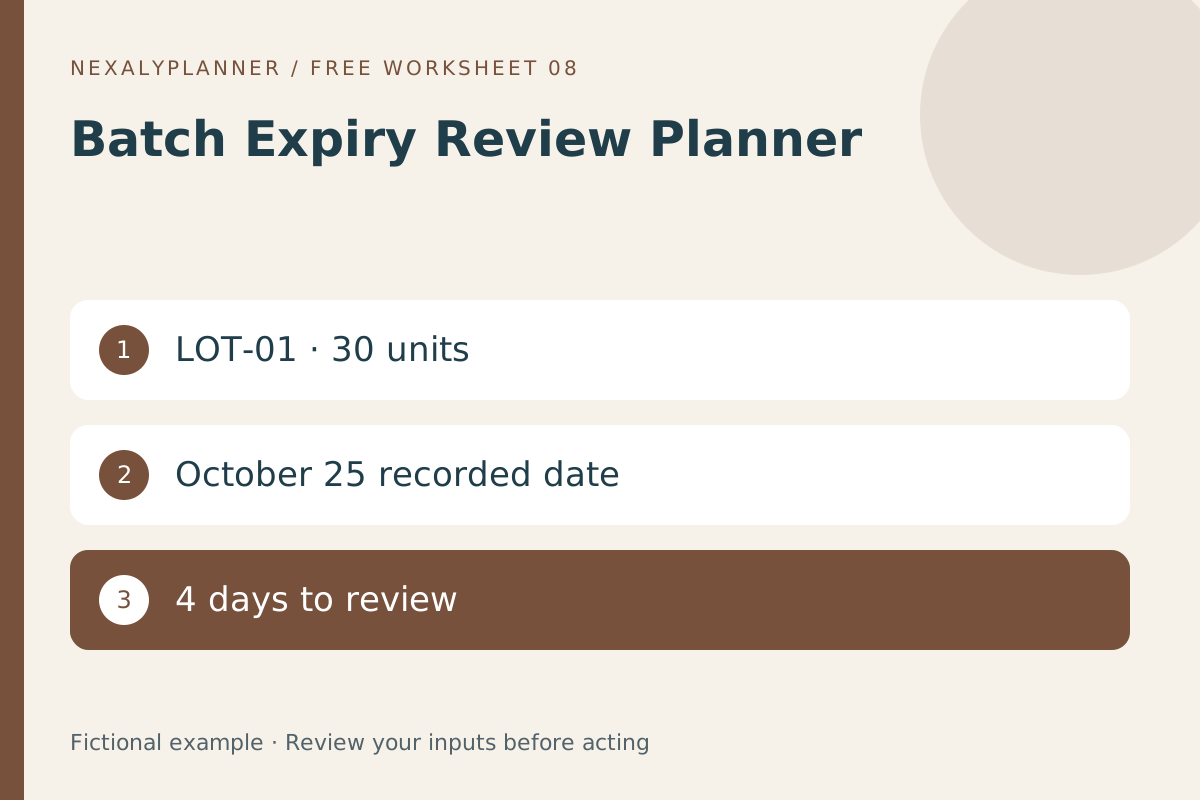
Open the worksheet and choose Load fictional example to reproduce the result. Change one input at a time and calculate again to see which assumption changes the output. Sample values are not recommended targets.
Review and hand off
Check the record reference and scope before acting. Keep the original evidence alongside this worksheet, assign a next action and review it again after the real event. A saved plan does not update any external system.
Before sharing a report, check its label, review date, record identifiers and every exception. If the underlying event changes, update the inputs and calculate again. Keep the supporting receipt, order, inspection record or source reference outside this worksheet where appropriate.
Save, recover and export
Save on this device stores the editable worksheet in this browser. Restore reads that device save. Download backup creates a JSON file for another supported browser; Import backup previews the incoming records and asks before replacement. Import does not update the device save until you save again.
CSV exports the calculated report with settings and limitations. Print / Save PDF opens browser printing; choose Save as PDF if your browser offers it. These reports cannot restore editable data. Mobile print and download menus vary by device. There is no cloud sync, automatic alert or account recovery.
Limits and common mistakes
Expiry interpretation depends on the product, source and applicable rules. No safety, shelf-life extension, recall decision or sale authorization is provided.
A blank required field or duplicate reference should be corrected before calculation. Do not create a second master copy and edit both without reconciling them. Avoid putting passwords or sensitive account credentials into notes. The worksheet is a manual record, not an integration with the related business system.