Home › ProductsDigital PlannersBusiness Operating Systems › RentFlow OS
Try before you buy

Try the RentFlow OS

Add a sample rental asset, customer and booking to test the complete rental workflow. Everything entered in the demo is temporary.

1Add a rental asset
2Create a customer
3Build a test booking
4Review payments and returns
NexalyPlanner Live Demo Temporary test data

A working preview, not a video

Use the real interface with sample information. Export, backup, upload and printing stay reserved for the purchased version.

Use sample information only—do not enter private customer, student, tenant or payment data.Share feedback
Ready for the complete planner?One-time purchase · instant download · no subscription
Get the full version — $11.99

Review or improve this product

Submit a review, suggestion, general comment or private problem report. Nothing is published without permission and approval.

Customer reviews

Only customer-approved and manually moderated reviews appear here.

Approved customer reviews will appear here.

Every screen, up close

A real interactive workspace for your rental business — here's exactly what you get inside.
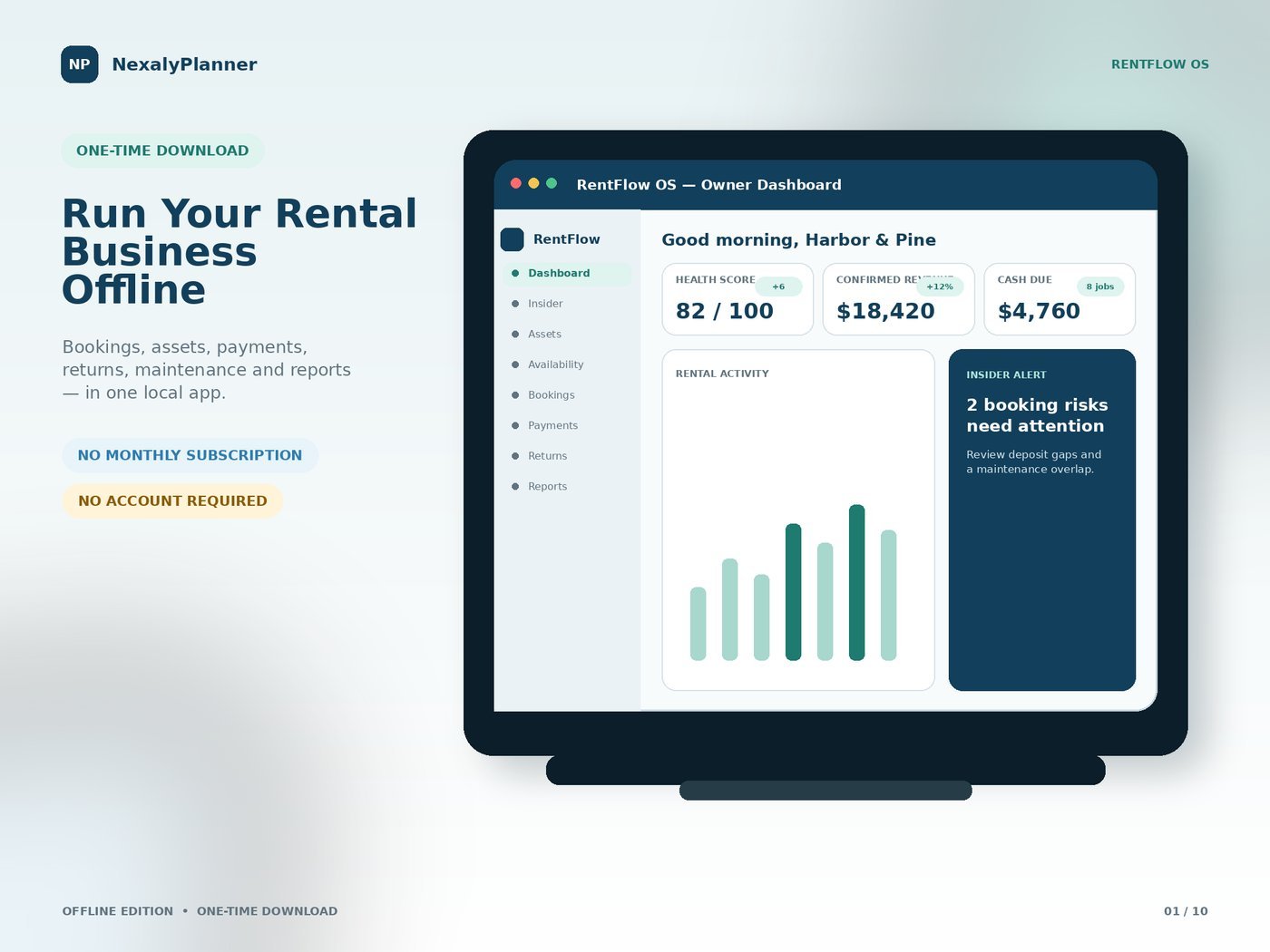
RentFlow OS owner dashboard showing health score, confirmed revenue, cash due and an insider alert
Owner dashboard — run your rental business offline
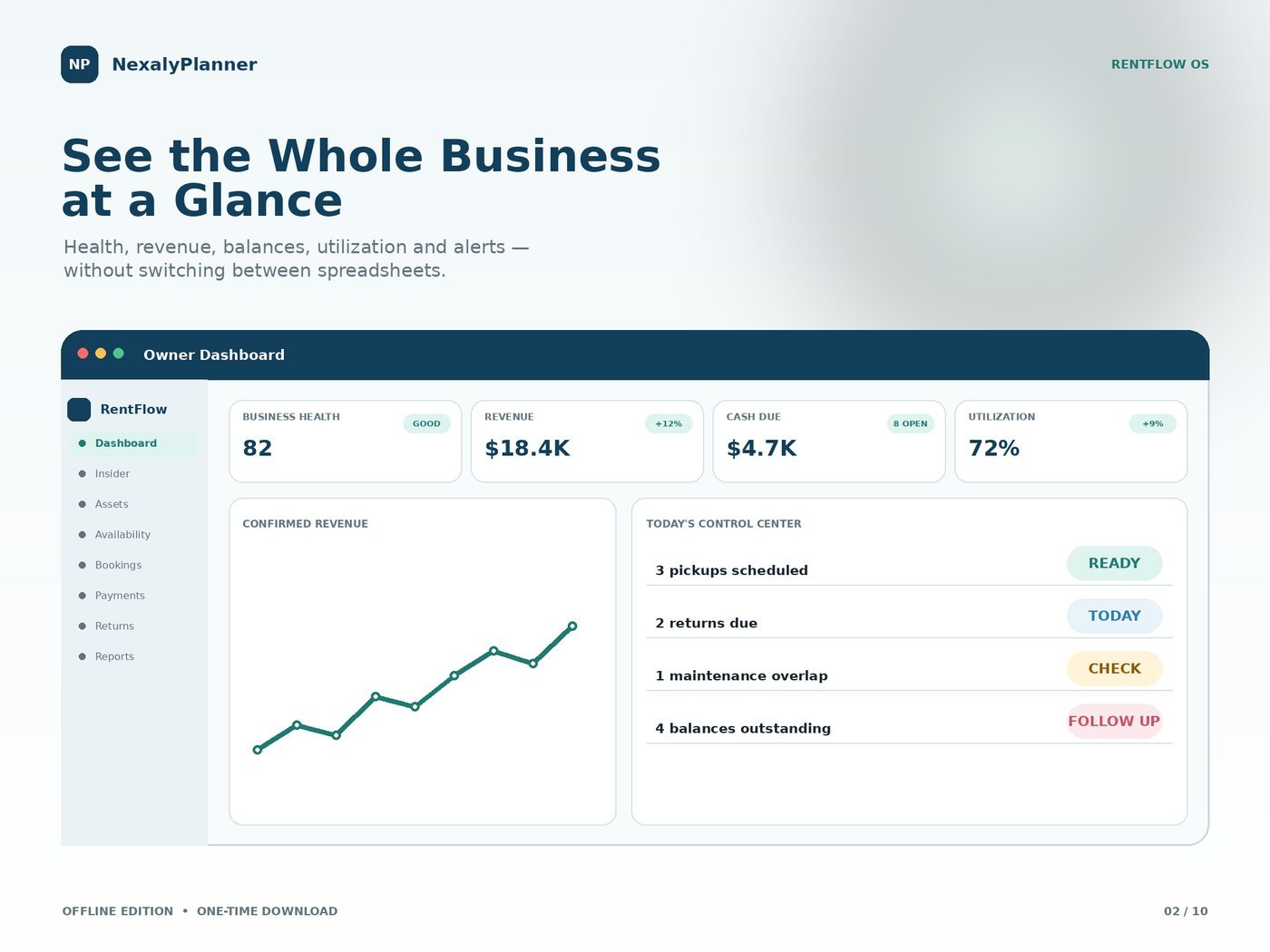
RentFlow OS dashboard showing business health, revenue, cash due, utilization and today's control center
See the whole business at a glance
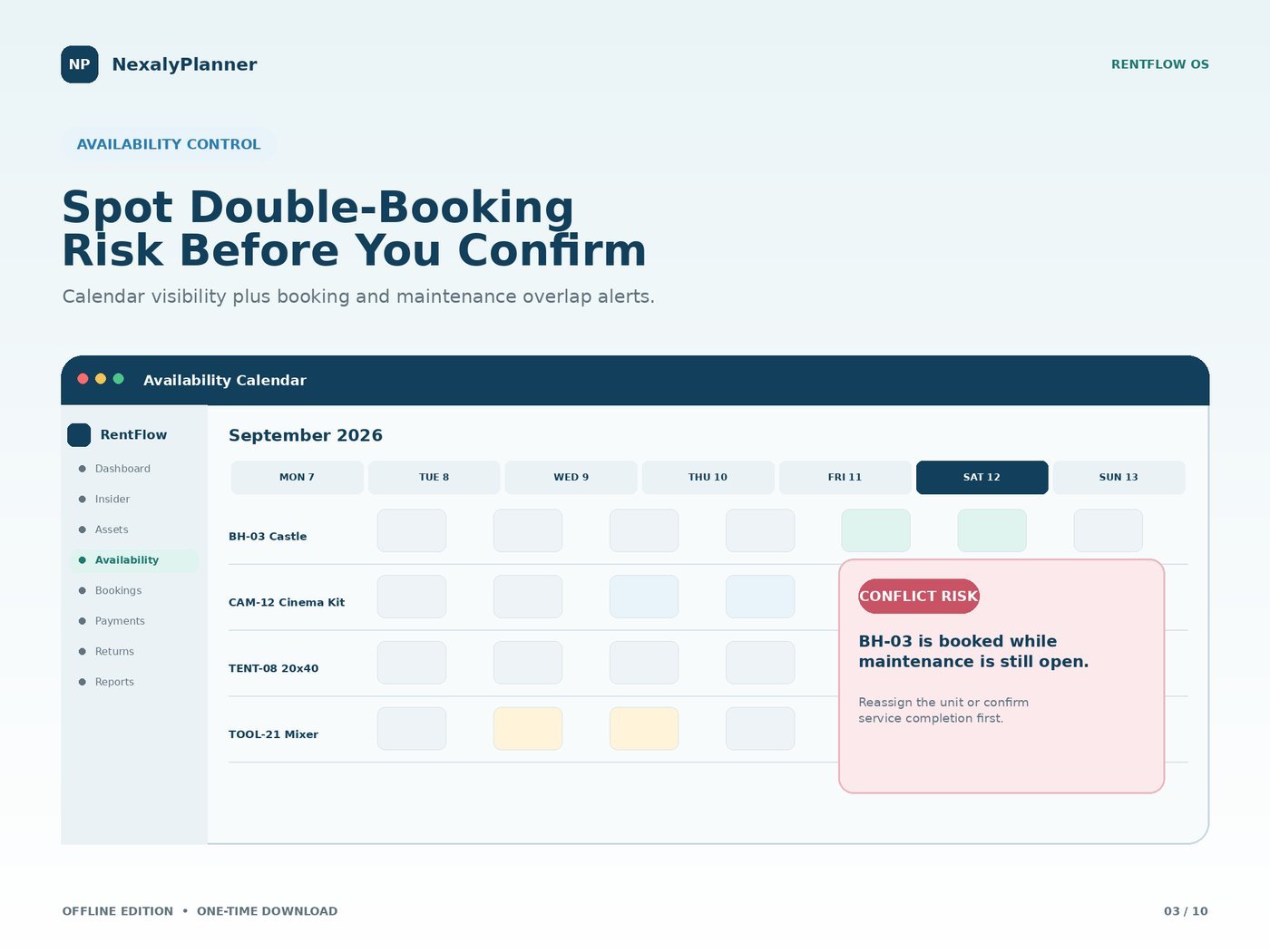
RentFlow OS availability calendar highlighting a double-booking conflict risk before confirming
Spot double-booking risk before you confirm
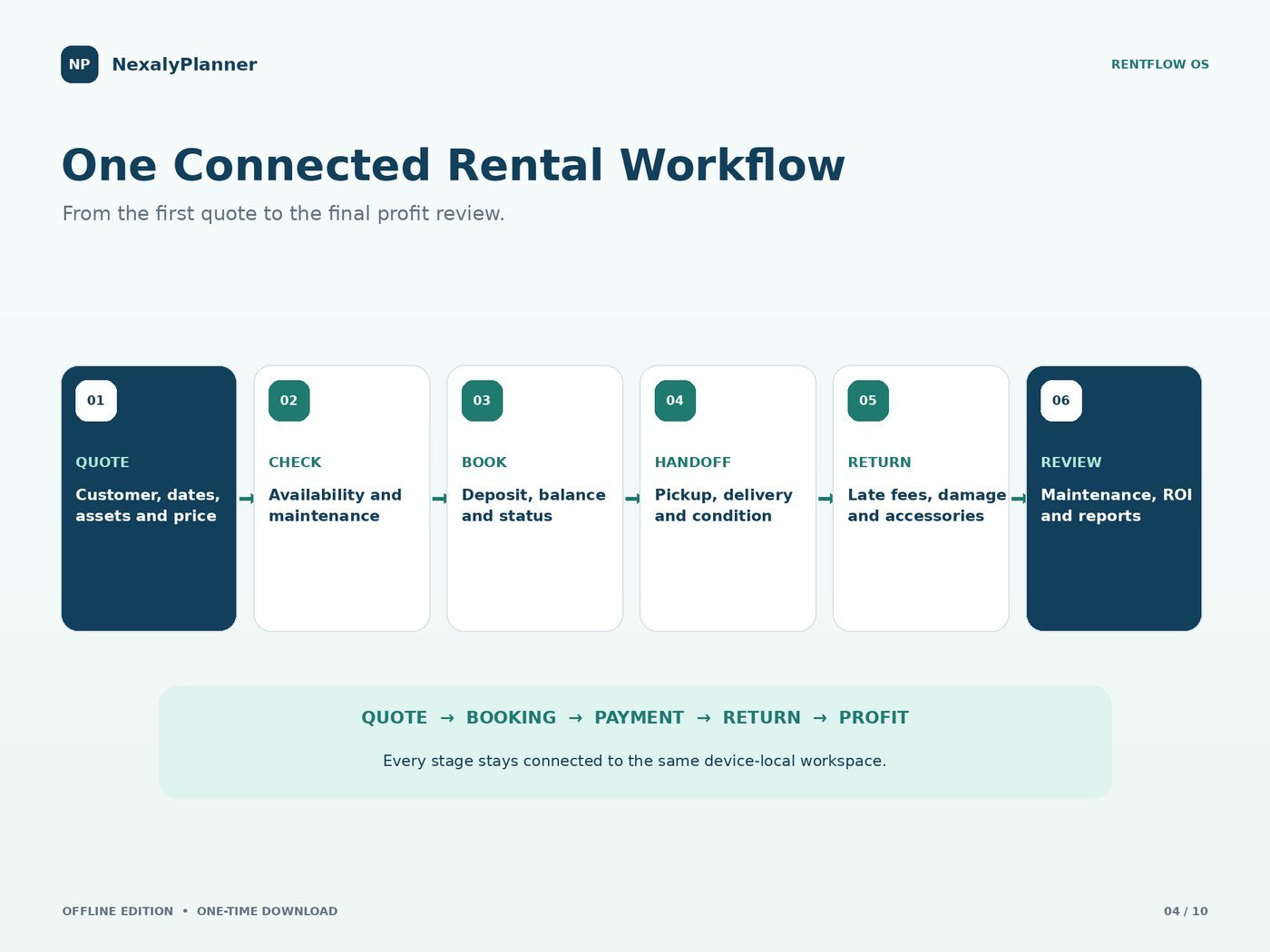
RentFlow OS connected rental workflow from quote to booking, payment, return and profit review
One connected quote-to-return workflow
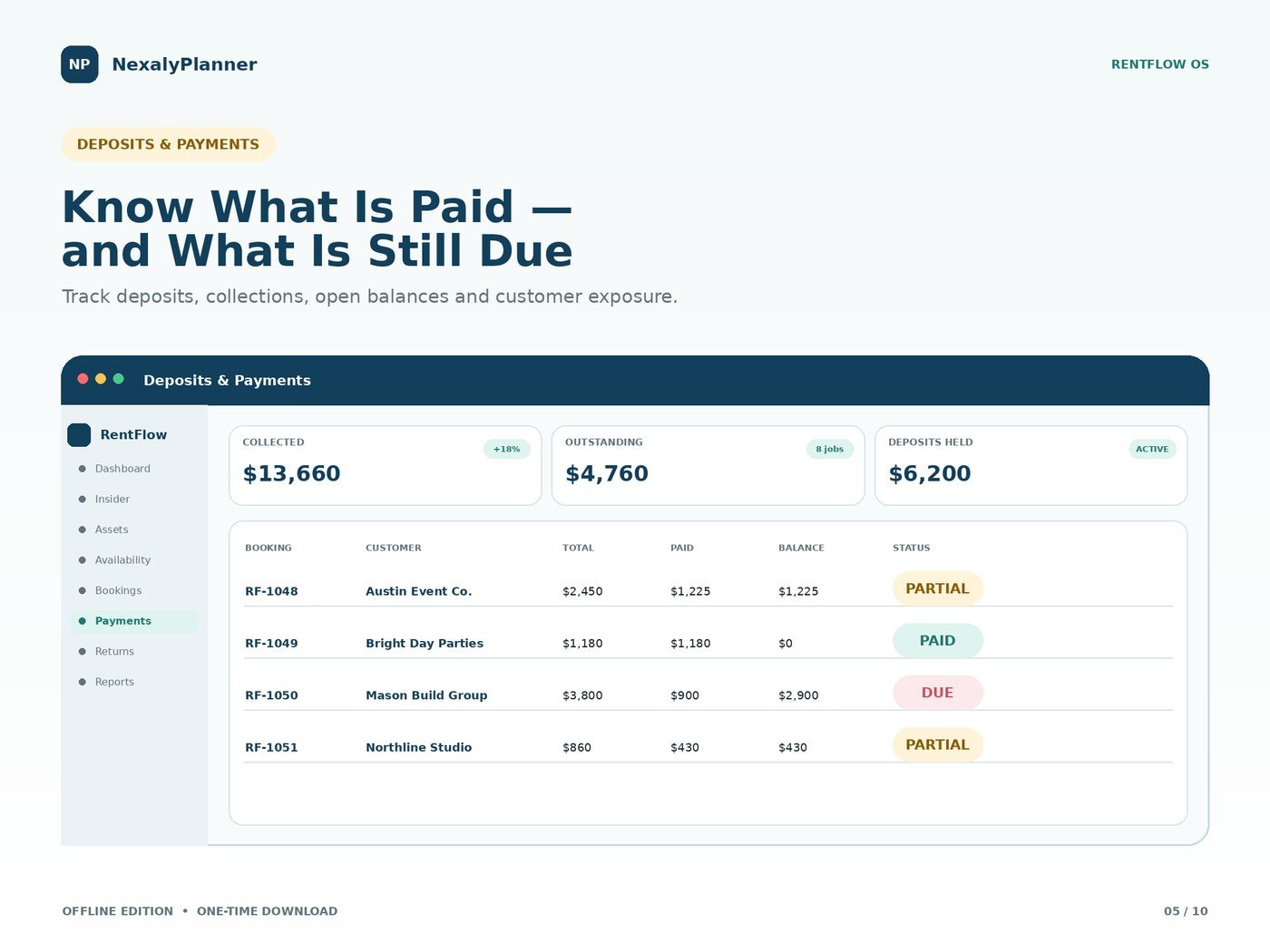
RentFlow OS deposits and payments screen tracking collected, outstanding and deposit balances by booking
Know what's paid and what's still due
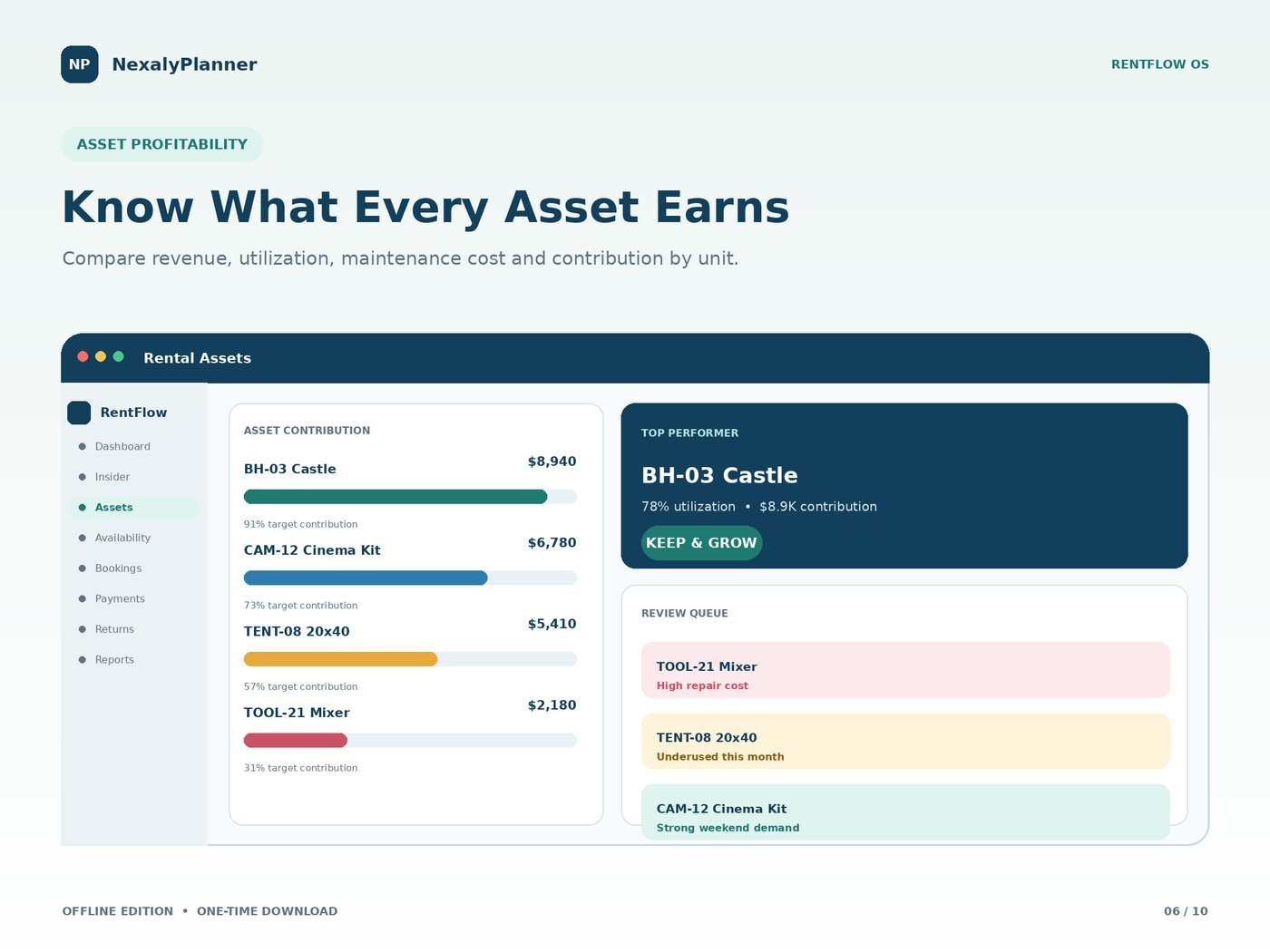
RentFlow OS asset profitability screen comparing revenue, utilization and contribution for each rental asset
Know what every asset earns
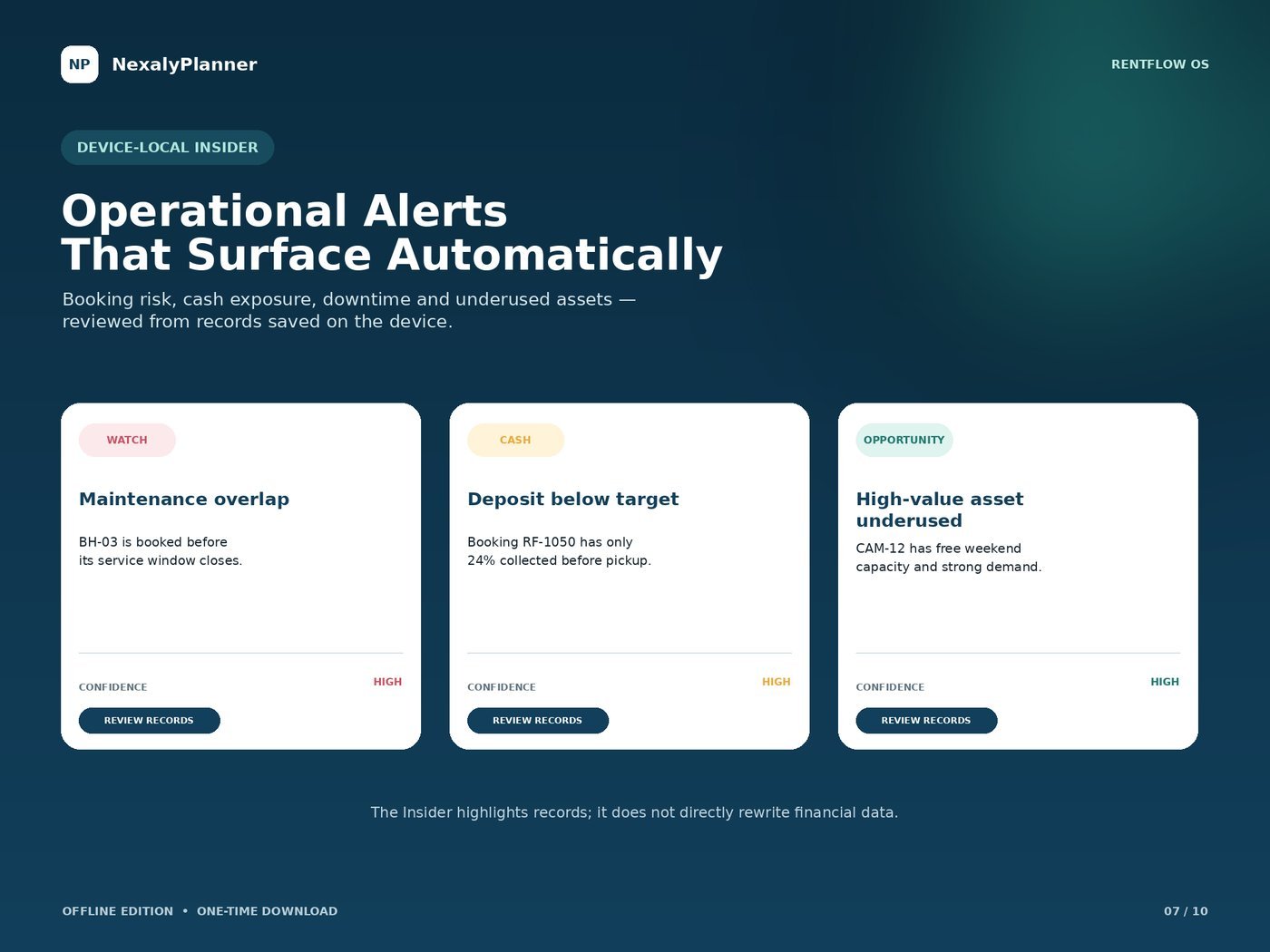
RentFlow OS offline Insider surfacing booking risk, cash exposure and underused-asset alerts
Operational alerts that surface automatically
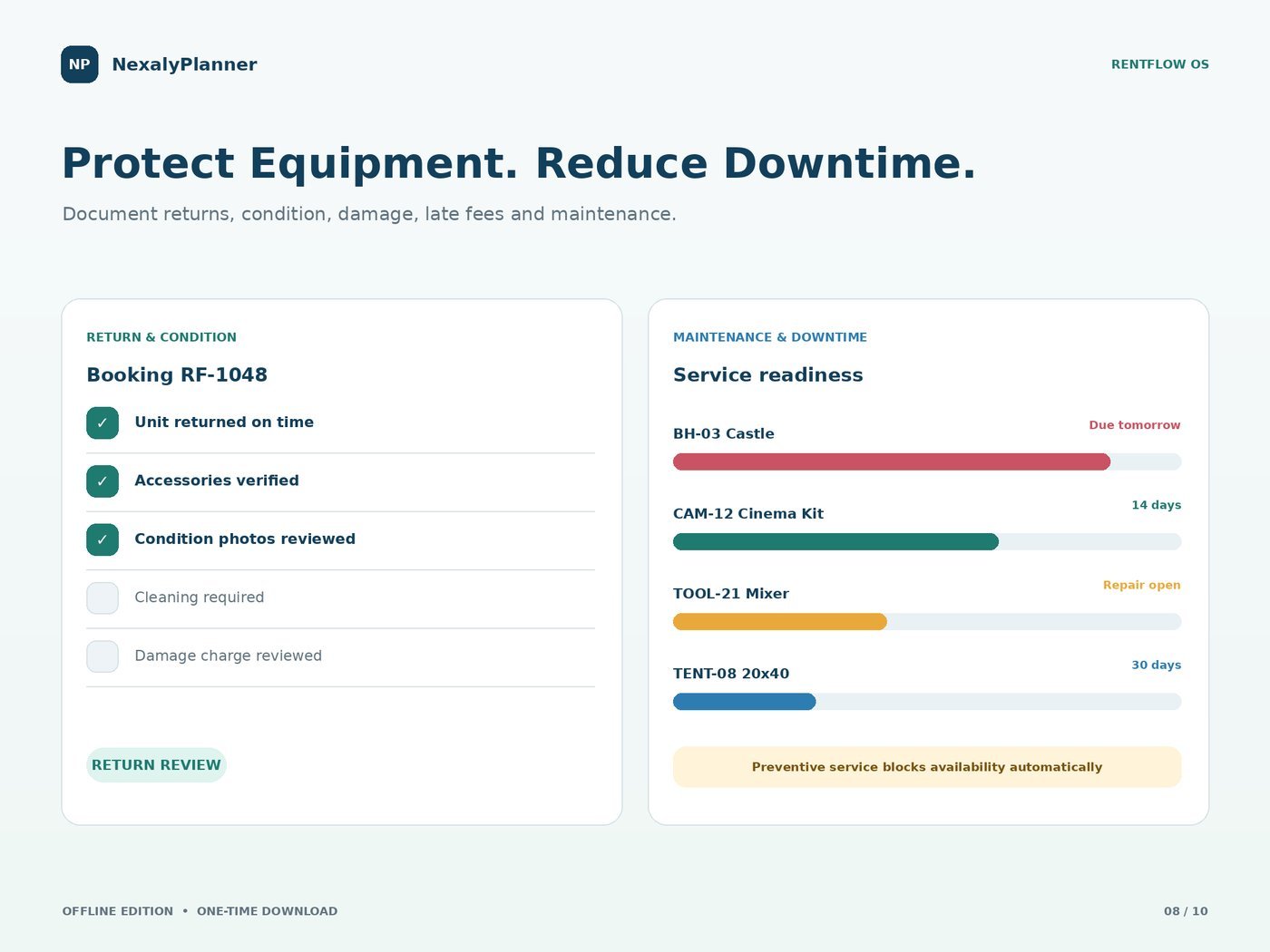
RentFlow OS returns and condition checklist alongside maintenance and downtime tracking
Protect equipment, reduce downtime
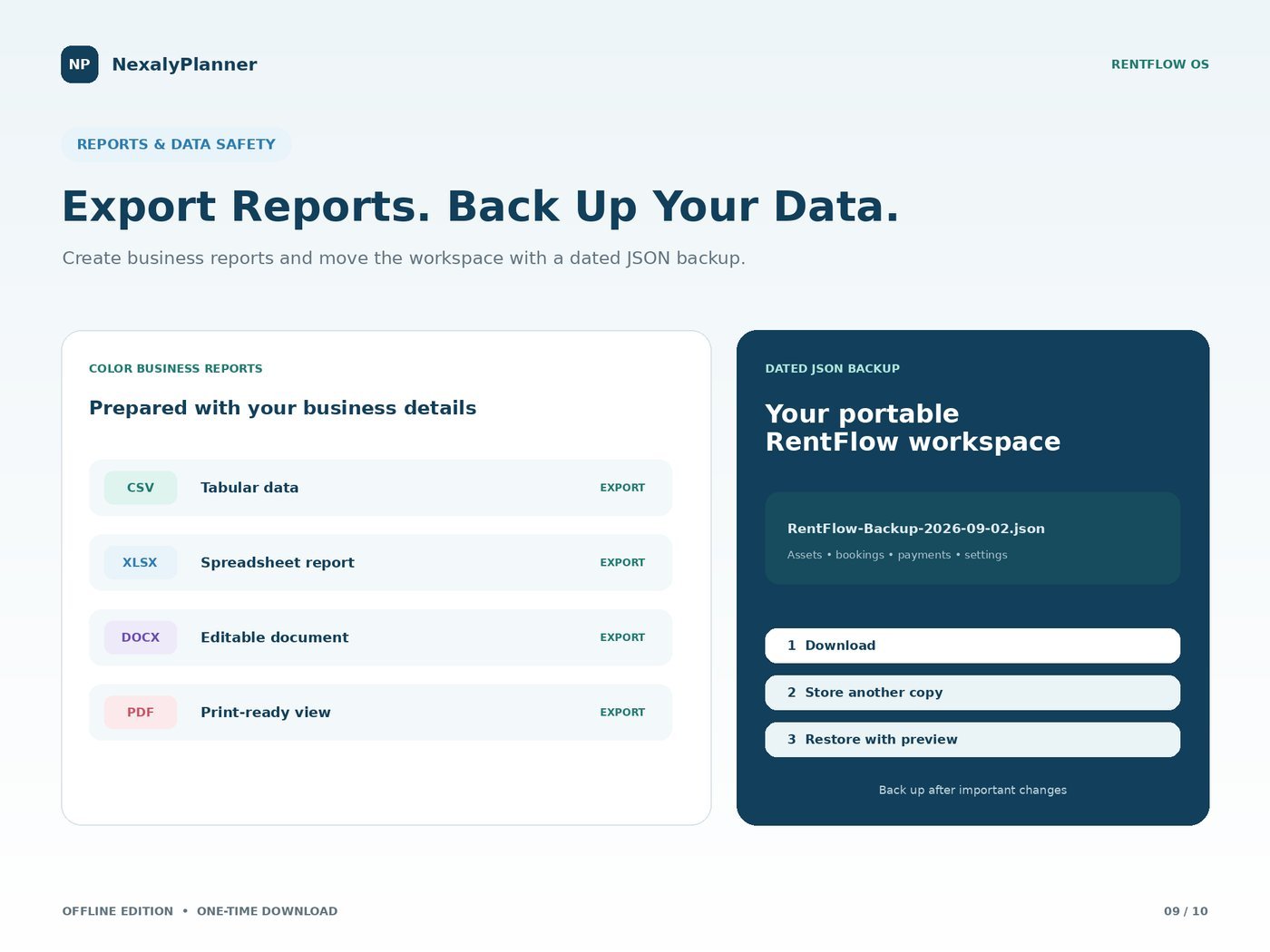
RentFlow OS reports and backup screen exporting CSV, XLSX, DOCX and PDF plus a dated JSON backup
Export reports and back up your data
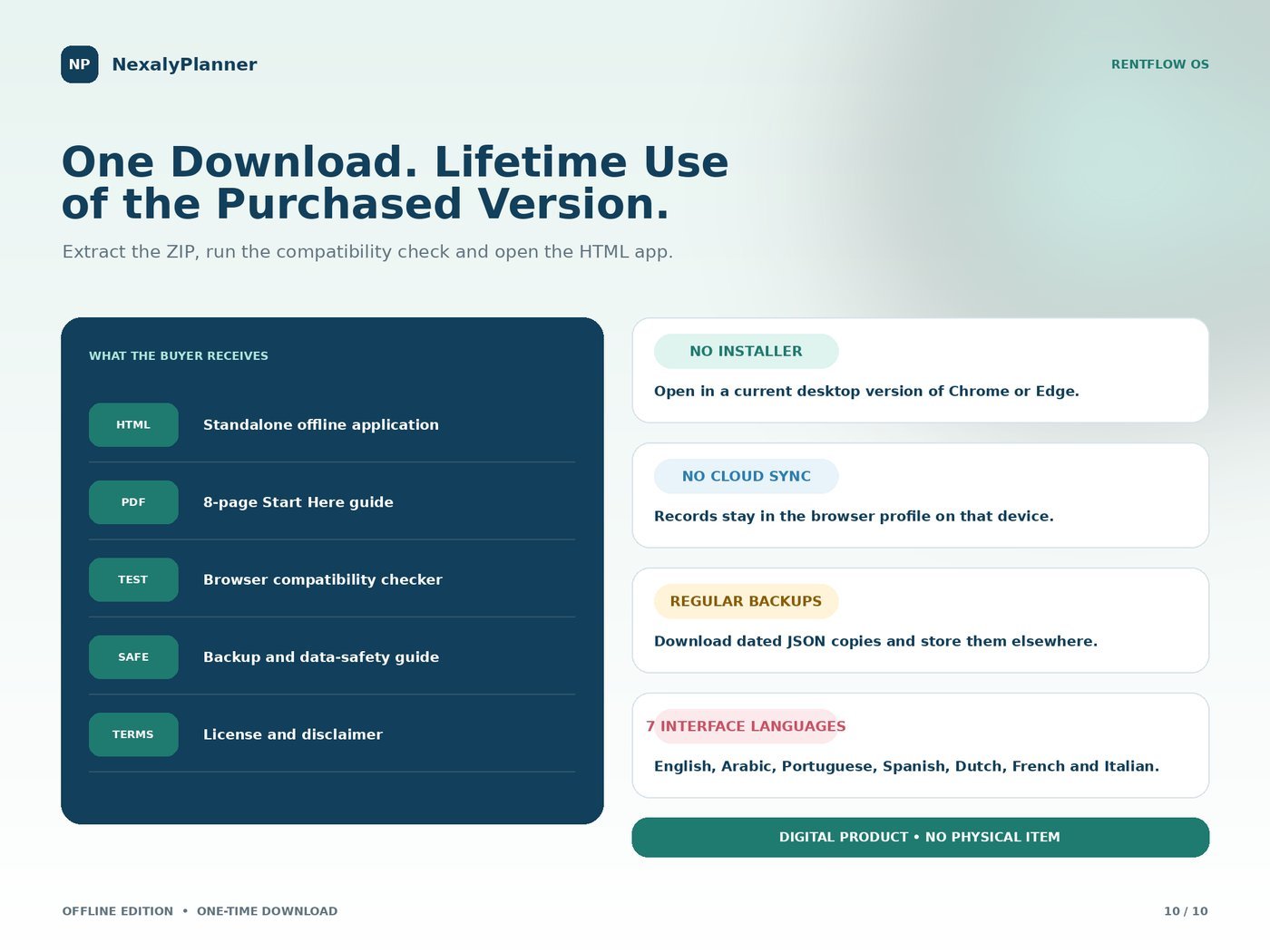
RentFlow OS download contents: standalone HTML app, start-here guide, compatibility checker, backup guide and license
One download, lifetime use of the purchased version

Watch it work

A quick overview of RentFlow OS.
A look at the key features.

Why rental owners love it

No double-bookings

Availability and maintenance overlaps are flagged before you confirm a job, so you never promise a unit twice.

Deposits under control

Track collected, outstanding and held deposits by booking, and see customer balances at a glance.

Know your best assets

Compare revenue, utilization and contribution per unit so you keep and grow what actually earns.

Yours, offline & private

Runs in your browser with no account and no subscription. Records stay on your device; back up to dated JSON anytime.

Equipment rental management questions

What rental businesses can use RentFlow OS?

It is designed for equipment, tool, event and party rental workflows rather than residential property or tenant management.

What can I manage?

Manage rental assets, bookings, availability, customers, deposits, returns, condition checks, maintenance and asset profitability.

Does RentFlow require a subscription?

No. It is a one-time download that runs offline in a current browser and stores records locally.

Offline rental software guide

Read the complete RentFlow OS user guide · Work through an equipment rental business plan. Understand one-time-purchase offline business apps.